Ergonomic Gaming Posture: 9 Ways to Fix Your Setup
Good ergonomic gaming posture is the difference between a four-hour session you walk away from feeling fine and one that leaves your neck, back, and wrists aching the next morning. Most gamers sit in a chair that is too high or too low, crane their neck toward a monitor at the wrong height, and rest their wrists at an angle that slowly inflames the tendons. The good news is that fixing this rarely costs much — it is mostly a matter of measured adjustments, not expensive equipment. This guide walks through the nine most effective changes you can make today.
The foundation of everything below is a single concept: your body should hold a neutral position, where your joints sit near the middle of their natural range with muscles relaxed. When you slouch, hunch, or crane, you put constant strain on muscles that then have to work just to hold you up. The result is the fatigue and stiffness that gamers know all too well. Start with these adjustments, and check credits on posture fundamentals from respected sources like the Mayo Clinic when you want the clinical background.
Build Ergonomic Gaming Posture From Your Chair Up
Your chair is the load-bearing piece of the whole equation, and getting it right fixes half your posture problems at once. Set the seat height so your feet rest flat on the floor and your knees bend at roughly 90 degrees, with your thighs parallel to the floor or angled very slightly down. If your feet dangle, you are putting pressure on the backs of your thighs; if your knees ride up above your hips, your lower back curves into a harmful slouch.
Next, adjust the backrest so it supports the natural inward curve of your lumbar spine, and use the armrests to support your forearms at a height where your shoulders stay relaxed rather than shrugged. Many players obsess over buying a “gaming chair,” but a plain adjustable office chair is often healthier — the racer-style bucket seats in many gaming chairs actually push your shoulders forward. If you are shopping, our best gaming chair 2026 roundup covers the ones that do ergonomics properly.
Get Your Monitor to Eye Level
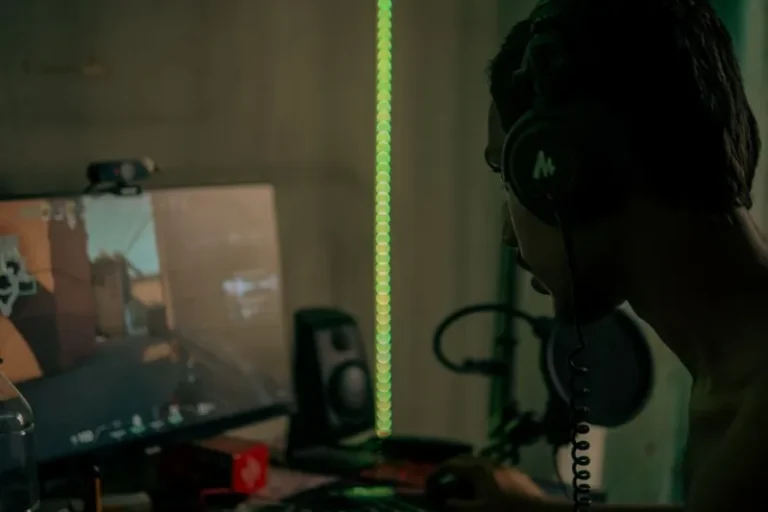
Neck pain is almost always a monitor-height problem. Your screen should be positioned so that the top third of the display sits at or slightly below eye level, which lets you look straight ahead or gently down without tilting your head. If you have to look up at a screen, or twist to see a secondary monitor, your neck muscles are working the entire session.
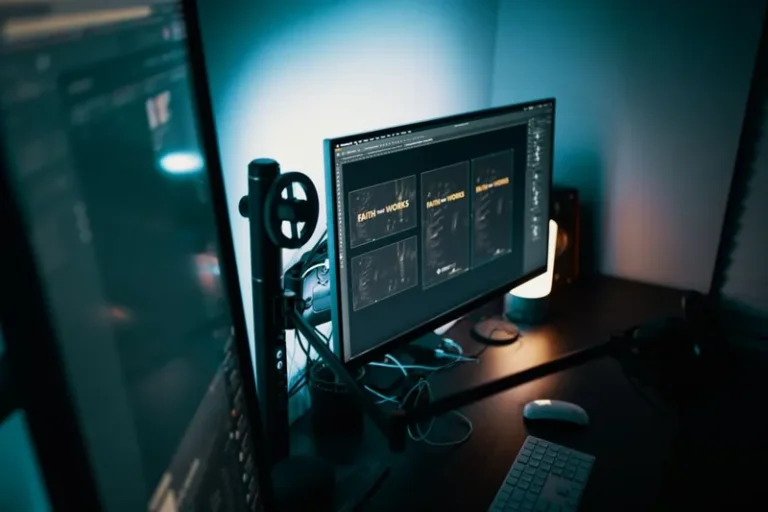
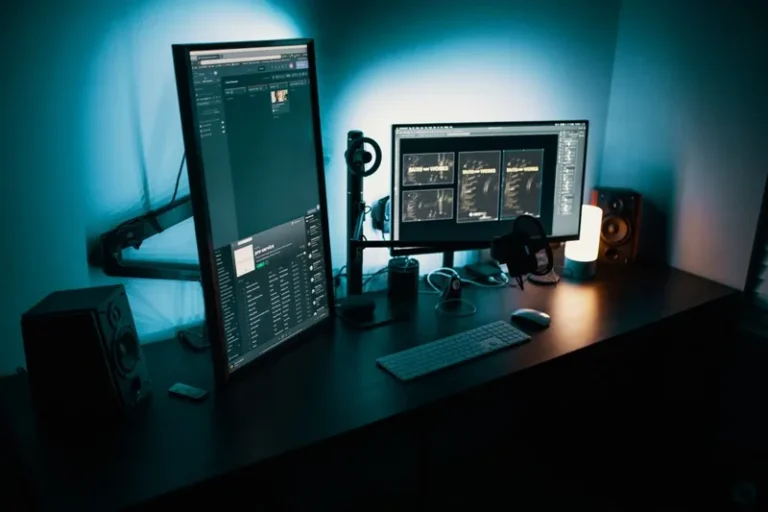
A good rule of thumb: the center of the screen should be 15 to 20 degrees below your horizontal line of sight, which is exactly where your eyes rest naturally. For most people this means raising a monitor on a stand or arm rather than leaving it on an included low-profile base. A monitor arm is the cleanest solution because it makes height, tilt, and depth adjustable in seconds, but a stack of books works well enough to start.
The 90-90-90 Rule and Neutral Wrists
The classic “90-90-90” guideline is a useful shorthand: elbows at 90 degrees, hips at 90 degrees, and knees at 90 degrees. It is not a rigid law — bodies vary — but it is a fast way to sanity-check your chair height and armrest position. The part most people miss is the wrist angle.
Your forearms should be roughly parallel to the floor with your wrists straight, not bent up (extension) or down (flexion), when your hands rest on the keyboard and mouse. A keyboard tray or simply lowering your armrests until your wrists flatten can remove years of cumulative strain. If you use a wrist rest, remember it is meant to support your palm during pauses, not to be perpetually leaned on while typing, which can compress the nerves at the base of your hand.
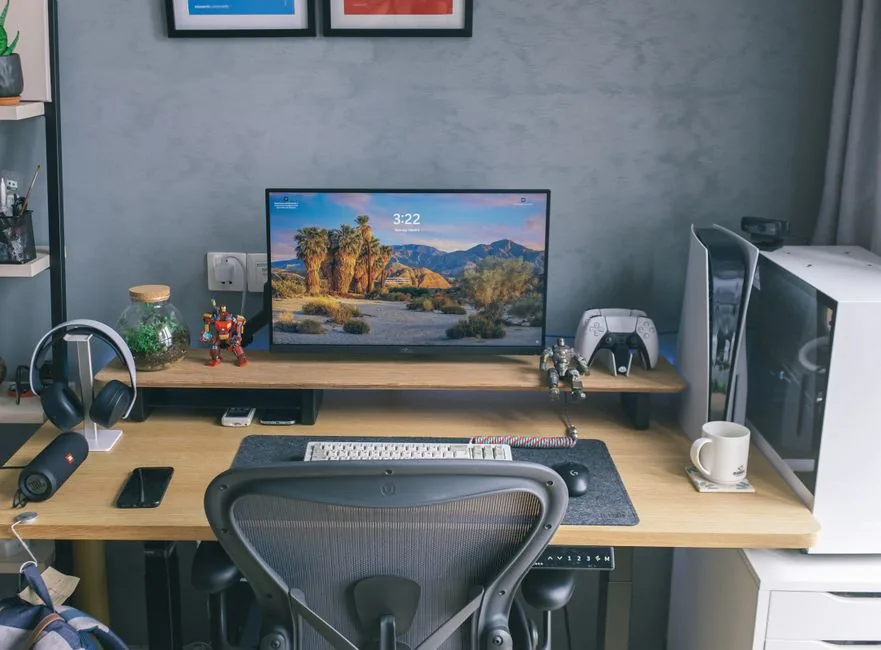
Keep Your Feet Planted and Knees Free
What happens below your desk is just as important as what happens above it. Your feet should sit flat on the floor or on a footrest, and your knees should have enough clearance under the desk that you can shift your weight freely. Crossing your legs or sitting on one foot rotates your pelvis and subtly torques your spine for hours at a time.
If your desk is too low to let you sit at the correct height without banging your knees, the desk — not your posture — is the problem. That is where an adjustable model earns its keep. For a breakdown of desks that let you dial in the exact height you need, including sit-stand options, see our best standing desk for gaming guide and the broader best gaming desk 2026 roundup.
Move Every 30 Minutes
No static posture, however “perfect,” is healthy to hold indefinitely. Your body is built to move, and the single best ergonomic habit is to stand, stretch, and walk for a minute or two every 30 to 40 minutes. This resets the muscular fatigue that builds up even in a neutral position and restores circulation to your legs.
Set a timer, use a game’s loading screens as a cue, or install a break reminder — whatever makes it automatic. When you return, take five seconds to reset your neutral position before diving back in. Over a long career of gaming, these micro-breaks do more for your back and neck than any single piece of gear you can buy.
Strength and Mobility Beyond the Desk
The healthiest gamers pair a good setup with a little off-desk conditioning, because posture is as much about endurance as it is about position. Your core and upper-back muscles are what actually hold you upright, and if they are weak, you will slump no matter how well your chair is adjusted.
A few minutes of resistance work targeting the mid-back — rows, face pulls, and core planks — makes neutral sitting effortless instead of exhausting. Stretching your chest and hip flexors counteracts the tightness that endless sitting creates. Many physical therapists and strength coaches publish free routines; for anatomical context on how sitting posture affects the spine, the Mayo Clinic is a solid starting point.
FAQ
What is the best posture for gaming?
The best ergonomic gaming posture keeps your feet flat, knees and hips near 90 degrees, back supported by the lumbar curve, shoulders relaxed, and eyes level with the top third of your screen. The key is maintaining a neutral position with frequent movement breaks rather than holding any single pose rigidly.
How high should my monitor be for gaming?
The top third of the monitor should sit at or slightly below eye level, so the center of the screen is 15 to 20 degrees below your horizontal line of sight. This prevents the neck-craning that causes most gaming-related neck pain.
Are gaming chairs bad for your posture?
Many racer-style gaming chairs push your shoulders forward and lack proper lumbar support, so they can be worse than a standard ergonomic office chair. Choose a chair with real adjustable lumbar support and a seat that lets your feet rest flat, regardless of how “gaming” it looks.
How do I stop neck pain while gaming?
Correct your monitor height so you are not looking up or twisting, relax your shoulders, and take a short break every 30 to 40 minutes. Raise your screen to eye level and add gentle neck stretches on your breaks.
Should I use a standing desk for gaming?
A standing desk helps because it lets you alternate between sitting and standing and dial in an exact height, but standing does not fix poor posture on its own. Use it for variety during casual play or work, and keep your monitor and keyboard properly positioned whether you sit or stand.
Conclusion
Fixing your ergonomic gaming posture is mostly free, and the order of operations is simple: chair height first, then monitor height, then a neutral wrist and foot position, and finally regular movement. Nail those and you will game for longer without the neck and back pain that ends so many sessions early. For the gear side of the equation, start with our best gaming chair 2026 and best gaming desk 2026 guides, and round out lighting comfort with a best monitor light bar to keep your eyes happy too.