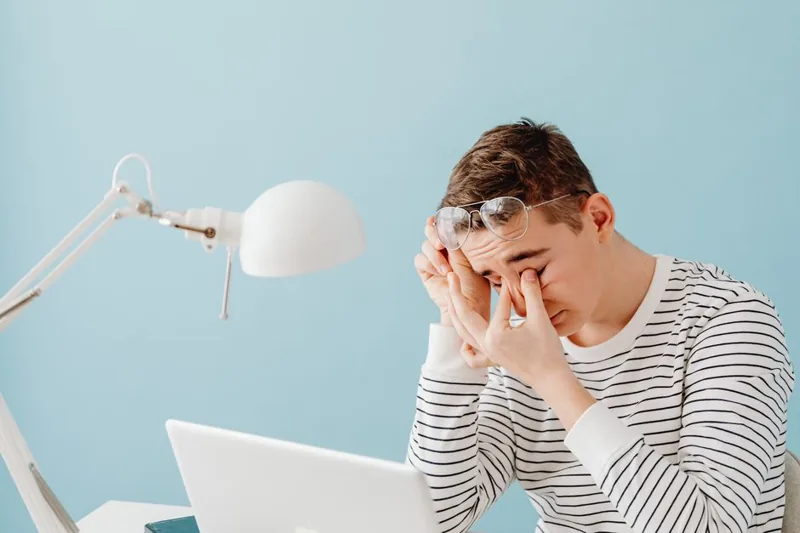
How to Reduce Eye Strain Gaming: 8 Proven Tips
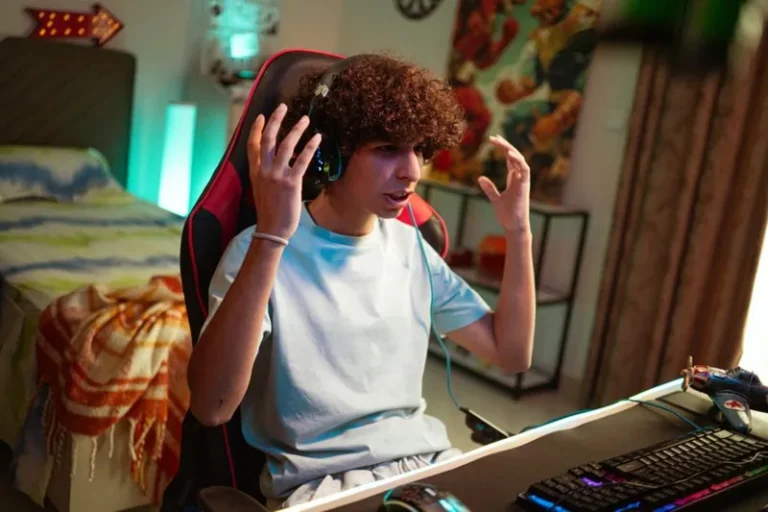
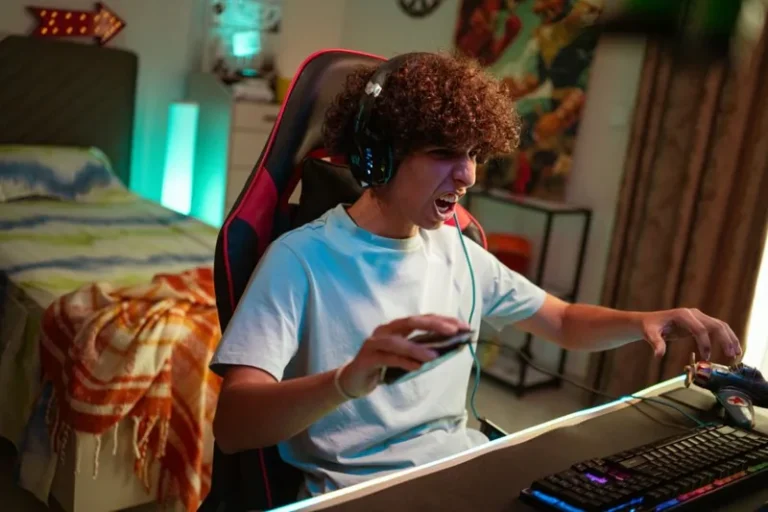
Learning how to reduce eye strain gaming matters because long sessions in a dark room staring at a bright screen are a recipe for dry, tired, aching eyes — often called digital eye strain or computer vision syndrome. The symptoms build up gradually: blurred vision, a gritty or burning feeling, headaches around the brow, and soreness that lingers after you log off. The good news is that the fixes are simple, cheap, and mostly about your environment and habits rather than your hardware. Here are eight proven ways to keep your eyes comfortable through marathon sessions.
Before the specific tips, it helps to understand the root cause. When you focus intensely on a screen, your blink rate drops dramatically — often to less than half its normal rate — which dries out the surface of your eye. Meanwhile, sustained close focus keeps the small muscles inside the eye contracted, causing fatigue. Every tip below targets one of those two mechanisms. For clinical background on digital eye strain, the American Academy of Ophthalmology is a reliable, non-commercial source.
Use the 20-20-20 Rule
The single most effective habit is the 20-20-20 rule: every 20 minutes, look at something at least 20 feet away for 20 seconds. That short break forces your focusing muscles to relax, interrupting the sustained near-focus that drives fatigue. It costs nothing and works regardless of your hardware.
The trick is remembering to do it. Use a timer on your phone, a browser extension, or narrative cues — loading screens, respawn timers, and round transitions are perfect moments. Many pros set an on-screen reminder that nudges them every 20 minutes, and after a week or two the habit becomes automatic.
Get Your Screen Brightness and Distance Right

Two settings — brightness and distance — cause more eye strain than any others. Your screen brightness should roughly match the ambient light in the room: not glowing like a flashlight in a dark room and not fighting a wall of sunlight. A common mistake is running the panel at full brightness in a dim room, which forces your pupils to work much harder.
Distance matters just as much. A monitor should sit at roughly arm’s length, about 20 to 28 inches from your eyes, and ideally with the top of the screen at or below eye level. For a large TV, sit far enough back that you are not scanning a screen that overfills your field of view. If your current display forces awkward distances or angles, a proper best gaming monitor 2026 with good adjustability makes this easy.
Fix Ambient Lighting to Reduce Eye Strain
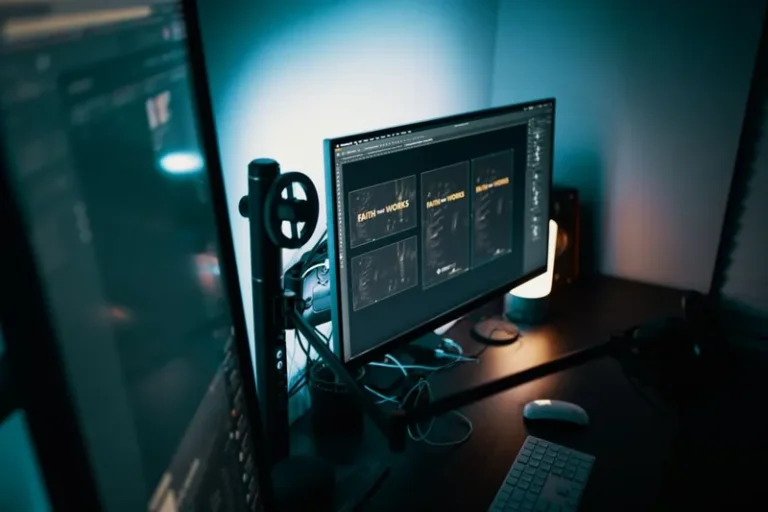
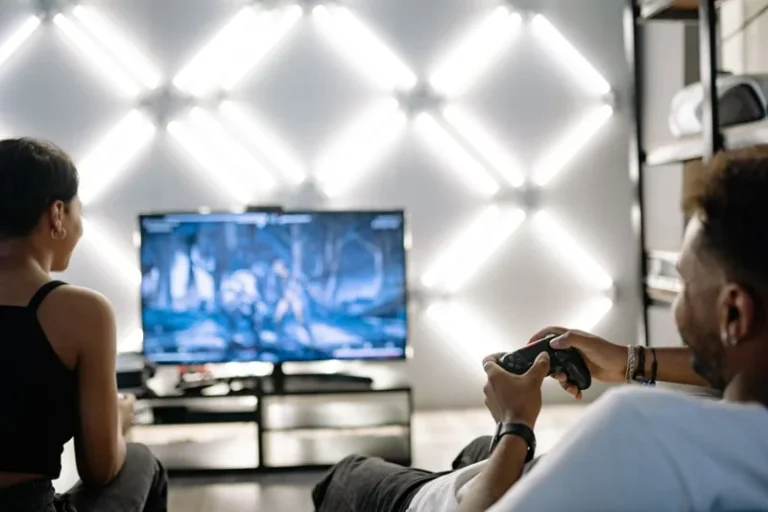
Harsh contrast between a bright screen and a pitch-black room is one of the biggest, most overlooked drivers of eye fatigue. Adding soft ambient light behind or beside your monitor — called bias lighting — evens out that contrast and makes a bright screen dramatically more comfortable to view over hours.
You do not need expensive gear: an LED strip behind the monitor or a small warm lamp beside the desk works. A monitor light bar is another clean option that lights your desk surface without adding glare to the panel. For the best effects of this category, our best monitor light bar guide walks through the top picks.
Blink More and Add Artificial Tears
Because blinking is what keeps your eyes lubricated, and gaming cuts your blink rate in half, simply making a conscious effort to blink fully every so often helps. During intense moments people also tend to hold a partial blink, which evaporates moisture without replenishing it.
If your eyes feel gritty or dry after sessions, lubricating eye drops (artificial tears) are a safe, cheap fix. Choose plain preservative-free drops if you use them frequently, and avoid “redness reduction” drops, which can actually worsen dryness with chronic use. For persistent dryness or vision changes, see an eye doctor rather than self-treating.
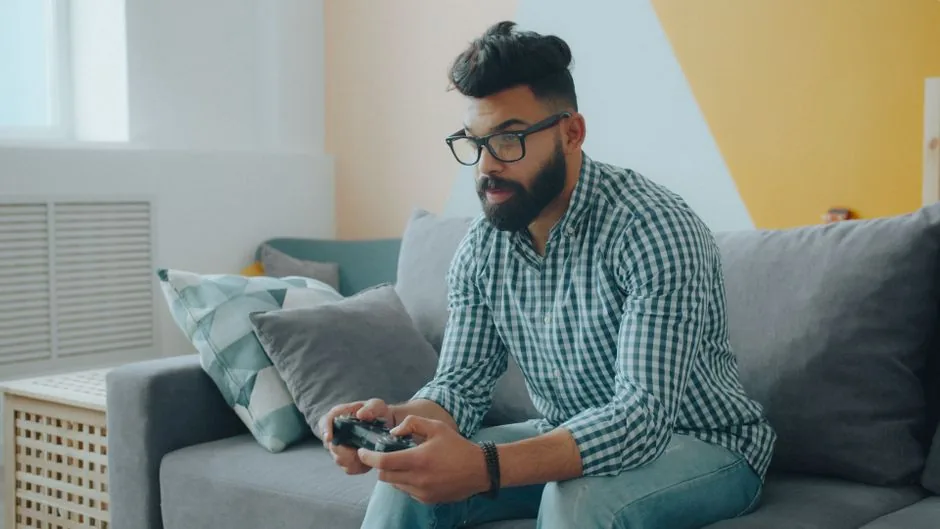
Enable Comfort Features Wisely
Most displays now ship with a “low blue light” or “eye care” mode, and modern operating systems include a night-light scheduler that shifts the screen warmer in the evening. Warm light before bed is genuinely worth using because it reduces sleep disruption, but the marketing claim that blue light itself causes eye strain is overstated — the dryness from reduced blinking matters more.
With that said, the warmer modes do make an evening screen physically more comfortable for many people, and they cost nothing to try. The real wins are the contrast-feel changes: the American Academy of Ophthalmology notes that simple habits like the 20-20-20 rule and blinking outweigh any filter. Use a mild warm shift in the evening and call it done.
Optimize Refresh Rate and Motion Clarity
Low refresh rates and motion blur force your eyes to track a flickering or smearing image, which adds a subtle but real fatigue over time. A 120Hz or 144Hz display with low ghosting is noticeably easier on the eyes than a jittery 60Hz panel, especially in fast 3D games.
If you are sensitive to motion, a higher-refresh monitor and disabling aggressive motion blur in game settings can help more than you would expect. This is one area where a hardware upgrade earns its keep for both comfort and performance — see our best gaming monitor 2026 guide for panel-specific notes on motion clarity.
Get Your Eyes Checked Regularly
Underlying vision problems — an outdated prescription or an undiagnosed focusing issue like astigmatism — make everything on a screen harder and can masquerade as simple eye strain. If you experience persistent blur, double vision, or headaches despite following every tip above, the answer is not another monitor setting; it is an eye exam.
Gamers who need corrective lenses but wear nothing are essentially running every session with an invisible handicap. An up-to-date prescription, and glasses with an anti-reflective coating if you game near windows, can eliminate strain that no amount of in-game tweaking will fix. Correlate screen time with symptoms during your next visit so they can check specifically for computer-vision issues.
Finally, do not overlook the room itself. Dry air from heating or air conditioning worsens dry-eye symptoms, so a small humidifier near your desk in winter, or simply stepping away to splash water on your face during a break, can make a session noticeably more comfortable. None of these fixes are glamorous, but together they attack eye strain from every angle instead of hoping a single filter does all the work.
FAQ
How do I reduce eye strain while gaming?
Follow the 20-20-20 rule every 20 minutes, match screen brightness to the room, sit at arm’s length, add soft bias lighting, and blink consciously or use artificial tears. These habits target the dryness and focusing fatigue that actually cause the strain.
Is gaming bad for your eyes?
Gaming does not cause permanent eye damage, but long sessions cause temporary digital eye strain — dryness, blur, and headaches — especially in dark rooms. The effects are reversible with breaks and better habits, though it can worsen underlying, uncorrected vision problems.
Does blue light from gaming hurt your eyes?
Blue light is not the main cause of eye strain despite common marketing claims; reduced blinking and sustained close focus are. A warm evening shift still helps with sleep, but for comfort, focus on blinking, brightness, and the 20-20-20 rule.
What is the best monitor brightness for gaming?
Match your screen brightness to the ambient room light, aiming for a level where the screen does not glow in a dark room or wash out in a bright one. Combined with a bias light behind the monitor, this contrast balance dramatically reduces fatigue.
Can a monitor light bar help with eye strain?
Yes, a monitor light bar helps by adding comfortable directional desk light and, on premium models, a rear bias light that softens screen-to-room contrast. It is one of the best hardware purchases specifically for long-session eye comfort.
Conclusion
Knowing how to reduce eye strain gaming really comes down to five habits: follow the 20-20-20 rule, match brightness to the room, sit at arm’s length, add bias lighting, and blink — with artificial tears and an eye exam as your backup plan. None of it is expensive, and together they turn a four-hour session from a headache machine into something your eyes barely notice. Pair this with good ergonomic gaming posture and a comfortable best monitor light bar to cover the rest of your setup’s comfort.