Best Monitor Light Bar: Top Picks for Gaming Desks in 2026
The best monitor light bar does one job exceptionally well: it lights up the space directly in front of your screen without casting glare onto the display or hogging valuable desk real estate. Unlike a traditional desk lamp, a monitor light bar mounts on top of your screen and directs a focused pool of light downward onto your keyboard and desk, leaving the panel itself untouched. For gamers who use the keyboard until late, it is one of the cheapest upgrades that genuinely reduces eye strain. This guide ranks the top screen bars of 2026 and explains how to pick the right one for your setup.
The core idea is asymmetric light distribution: the bar is engineered to send light forward and down at a steep angle while a physical lens or diffuser keeps it from bleeding onto the screen. The result is a bright desk surface with zero reflections, which is exactly what you want whether you are raiding at midnight or catching up on work. If eye comfort is your main motivation, pair a light bar with the routines in our how to reduce eye strain gaming guide.
What to Look For in a Monitor Light Bar
Three factors decide whether a light bar is worth your money. First is brightness and color temperature. The best bars reach 500 to 1,000 lux of usable desk illumination and offer a wide color-temperature range, usually 2700K warm to 6500K cool, so you can match the light to your room and time of day. Look for models with stepless dimming rather than a handful of fixed levels.
Second is glare control, which separates a good bar from a cheap one. A high-quality asymmetric lens throws essentially zero light back onto the screen, while budget bars leak light and create a visible haze on dark game scenes. Third is mounting compatibility, since curved, ultra-thin, and super-thick monitors can defeat a generic clamp. If you use a curved ultrawide, check the manufacturer’s stated supported thickness and curvature before buying. For measured brightness and uniformity data, testers like RTINGS and Tom’s Guide are reliable references.
The Best Monitor Light Bars of 2026
Here are the top screen bars we tested this year, covering premium, mid-range, and budget picks.
| Rank | Light Bar | Max Lux | Color Temp Range | 2026 Price (USD) |
|---|---|---|---|---|
| 1 | BenQ ScreenBar Halo | 800 | 2700K–6500K | $129 |
| 2 | BenQ ScreenBar Plus | 650 | 2700K–6500K | $119 |
| 3 | Yeelight Screen Light Bar Pro | 700 | 3000K–6500K | $79 |
| 4 | Quntis ScreenLinear Pro | 600 | 2800K–6500K | $45 |
| 5 | Baseus Monitor Light Bar | 500 | 3000K–6500K | $39 |
| 6 | Xiaomi Mi Computer Light Bar | 550 | 2700K–6500K | $49 |
The BenQ ScreenBar Halo remains the best monitor light bar overall in 2026. Its dual lighting design adds a soft backlight behind the monitor to reduce eye strain further, and its wireless dial controller sits on your desk for stepless dimming and color adjustment. The Quntis ScreenLinear Pro is our budget favorite, delivering roughly 80% of the Halo’s performance for a third of the price.
Premium vs Budget: Is the Extra Cost Worth It?
The gap between a $40 bar and a $130 bar shows up in three places: build quality, glare control, and convenience. Premium bars from BenQ use precision machined aluminum and superior asymmetric lenses, so the light pool has a crisp edge and no screen spill. They also include wireless remotes and backlighting that budget bars lack.
Budget bars, by contrast, still solve the core problem — lighting your desk without glare — but you may notice more light bleed on glossy screens, plastic construction, and fewer color-temperature steps. If you have a matte gaming monitor and just want the desk lit, a $40 bar is genuinely good enough. If you have a glossy ultrawide or a very color-critical screen, the tighter control of a premium bar is worth the premium. For help choosing a screen to pair it with, see our best gaming monitor 2026 roundup.
Curved and Ultrawide Considerations
Curved ultrawide monitors are where monitor light bars meet their match. Because the top edge on a 34-inch ultrawide curves toward you, a bar that sits flat can spill light on the far edges of the panel or fail to stay put. The best 2026 bars handle this with a longer clamp arm and adjustable counterweight that lets the bar sit parallel to the curve.
The BenQ ScreenBar Halo and Yeelight Screen Light Bar Pro both ship with a weighted mount tuned for curved displays, and they are the two we recommend for ultrawide users. Before buying, measure the thickness of your monitor’s top edge — most bars support 0.4 to 1.2 inches, but some thin OLED panels fall outside that range. If your desk also needs a rethink to fit a wide display, our best gaming desk 2026 guide covers space-saving options.
Where Else Lighting Helps on a Gaming Desk
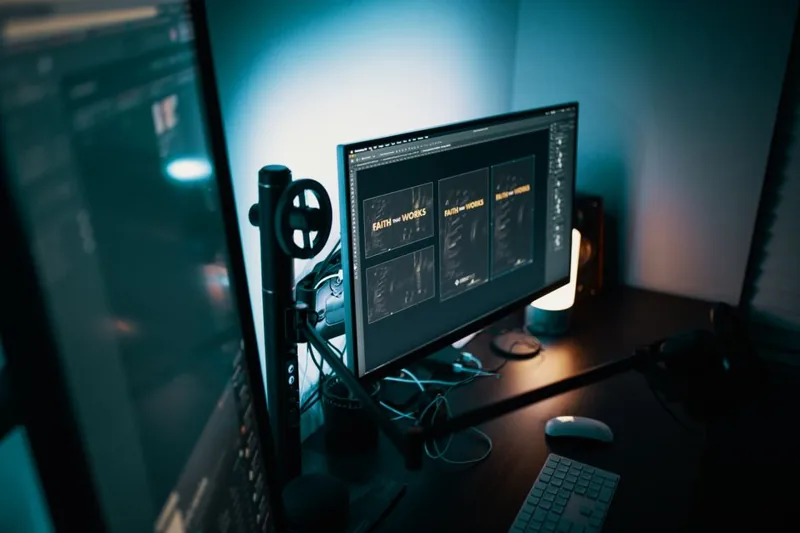
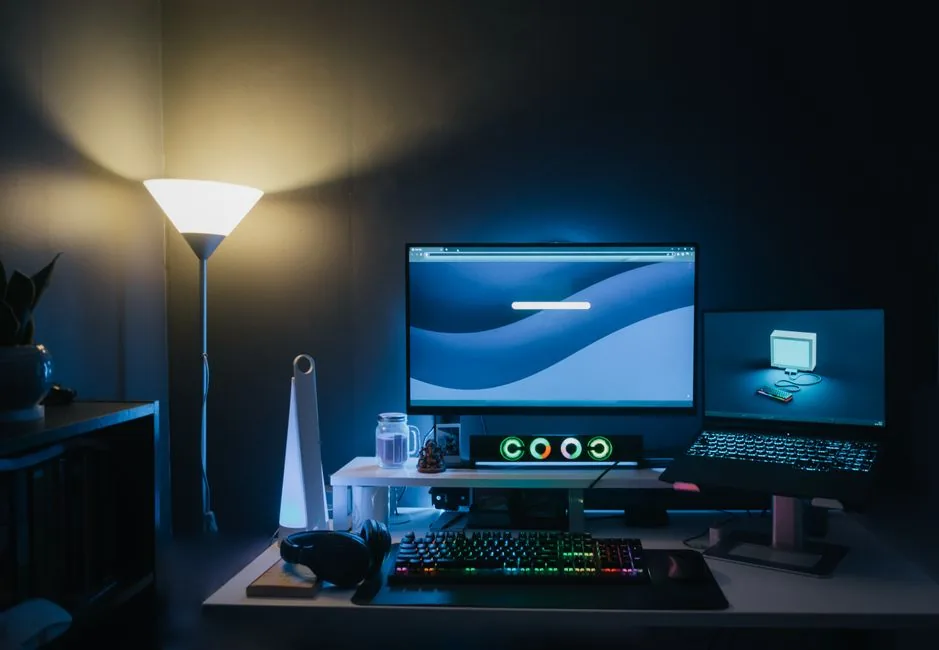
A monitor light bar is just one layer of good desk lighting. The other is ambient room light behind or beside the monitor, which reduces the harsh contrast between a bright screen and a dark room — the single biggest driver of eye fatigue during long sessions. Many of the premium bars above include a rear-facing bias light for exactly this reason.
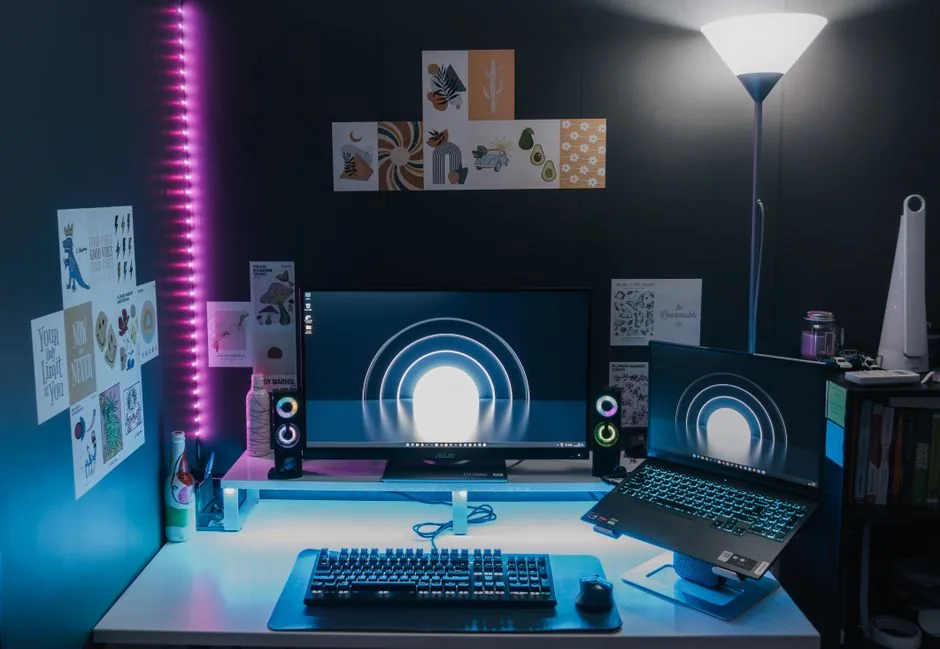
If you do not want a bar at all, an LED strip taped to the back of the monitor achieves the same bias-light effect for under $20. The point is the combination: bright, directional light on your work surface plus gentle ambient light behind the screen. Pair that with proper screen brightness and you will notice longer comfortable sessions. For more ideas on arranging the whole space, check our gaming desk setup ideas article.
One last spec worth checking is flicker-free dimming. Cheap LED bars dim by pulsing the light rapidly, a flicker that is invisible to some people but can cause noticeable eye strain and headaches in others. The BenQ, Yeelight, and Quntis bars above all use constant-current dimming that stays flicker-free across the entire brightness range, which is worth confirming in the spec sheet of any bar you consider — especially if you are already prone to screen-related headaches.
FAQ
What is the best monitor light bar?
The BenQ ScreenBar Halo is the best monitor light bar in 2026 thanks to its 800-lux output, wide color-temperature range, and built-in rear backlight for eye comfort. The Quntis ScreenLinear Pro is the best budget alternative at around $45.
Do monitor light bars reduce eye strain?
Yes. A monitor light bar reduces eye strain by reducing the contrast between a bright screen and a dark room, and by providing glare-free illumination so you are not squinting at the keyboard. Pairing one with good ambient lighting helps more than the bar alone.
Will a monitor light bar cause glare on my screen?
No, a quality monitor light bar uses an asymmetric lens to direct light down and away from the panel, so it produces little to no screen glare. Cheap bars can leak light onto glossy screens, which is why glare control is the number one feature to check.
Do monitor light bars work on curved monitors?
Many do, but you need to verify the model supports your display’s curvature and top-edge thickness. The BenQ ScreenBar Halo and Yeelight Screen Light Bar Pro are two of the best options for curved ultrawides.
Is a monitor light bar worth it for gaming?
For players who game in dim or dark rooms, yes — it is one of the cheapest upgrades that meaningfully improves comfort and visibility of your keyboard and mouse. If you always play in a brightly lit room, the benefit is smaller.
Conclusion
The best monitor light bar for most gamers is the BenQ ScreenBar Halo, which pairs flagship brightness with a rear bias light and excellent glare control. Budget-conscious buyers can save a bundle with the Quntis ScreenLinear Pro and still get most of the benefit. Whichever you pick, a monitor light bar is a small investment that makes long gaming and work sessions noticeably more comfortable. To round out the ergonomics of your desk, pair it with advice from our ergonomic gaming posture guide and a proper best gaming chair 2026.