Best Wired Gaming Mouse 2026: Top Picks for Speed & Accuracy
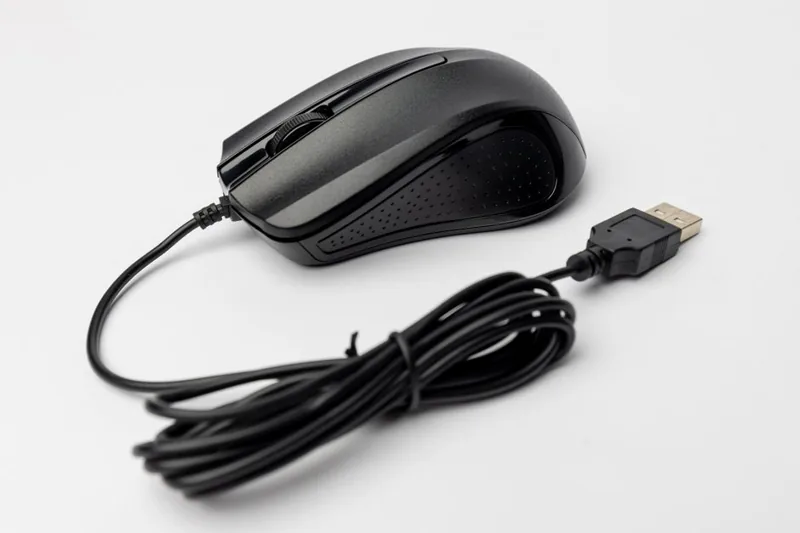
Choosing the best wired gaming mouse in 2026 comes down to three things: sensor, shape, and weight. Wired mice still hold a real advantage over their wireless siblings for competitive players — there’s no battery to die mid-clutch, no charging dock to fuss with, and no wireless interference to introduce even a millisecond of uncertainty. The best wired gaming mouse options today pair flagship optical sensors with lightweight shells and paracord-style cables that feel almost wireless. Here are my top picks across every budget and grip style.
Why Go Wired in 2026?
The gap between wired and wireless latency has narrowed to the point of being imperceptible in the latest 4K polling wireless mice, but wired still wins on three practical fronts. First, cost: a wired flagship often sells for $40-70 less than the equivalent wireless version. Second, reliability: no firmware pairing issues, no battery degradation, no weight penalty from a rechargeable cell. Third, consistency: the cable delivers a rock-solid connection that never drops a click during a tournament.
For a deeper look at the trade-offs, see our wired vs wireless gaming mouse breakdown. Independent testers at RTINGS keep lab-grade latency and sensor measurements on virtually every mouse on the market if you want hard numbers.
What Makes a Great Wired Gaming Mouse
Before the recommendations, the specs that actually matter. The sensor is the heart of any gaming mouse — look for a modern 26,000+ DPI optical sensor with a low lift-off distance and no acceleration. Weight matters more than most people realize: anything under 70 grams feels dramatically more nimble in flick shots. Shape and size should match your hand and grip style (palm, claw, or fingertip), and the cable should be a flexible paracord or “Speedflex” style that doesn’t drag.
Top Picks at a Glance
Razer Viper 8K Hz — Best Overall
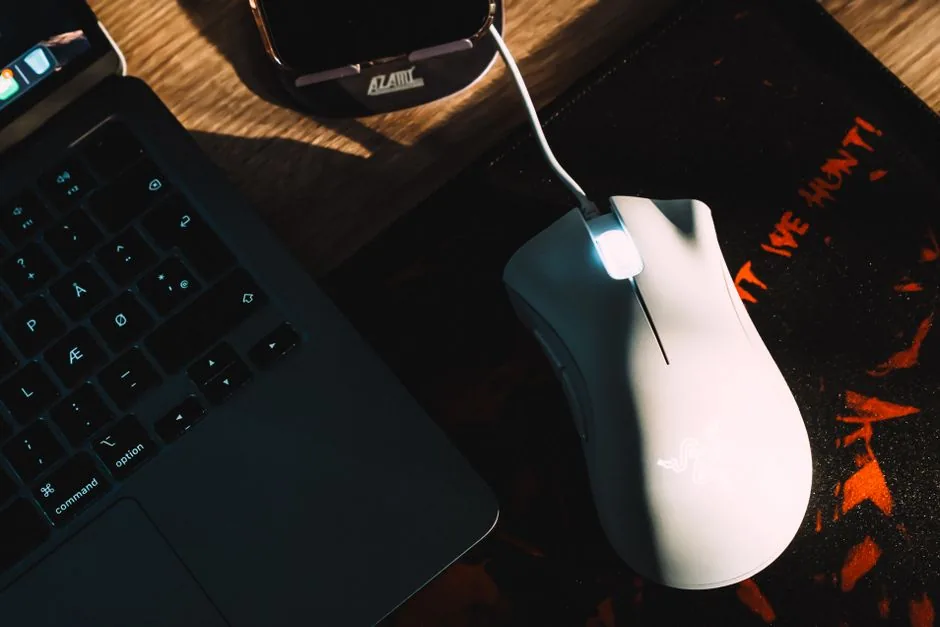
The Razer Viper 8K Hz remains the reference point for the best wired gaming mouse category. Its Focus+ 20K optical sensor, 8,000 Hz polling, and 71-gram ambidextrous body deliver tournament-grade performance. The optical switches eliminate double-click issues entirely, and the braided cable is light enough to forget. At around $79, it’s the default recommendation for serious FPS players.
Glorious Model O Wired — Best Lightweight
For pure speed, the Glorious Model O Wired at 58 grams is a fingertip or claw grip’s dream. Its honeycomb shell cuts weight aggressively while the PixArt 3360 sensor keeps tracking flawless. The stock cable is the biggest weak point — most buyers swap in a paracord — but at $49, it’s exceptional value for a featherweight mouse.
Logitech G403 HERO — Best Ergonomic Palm Grip
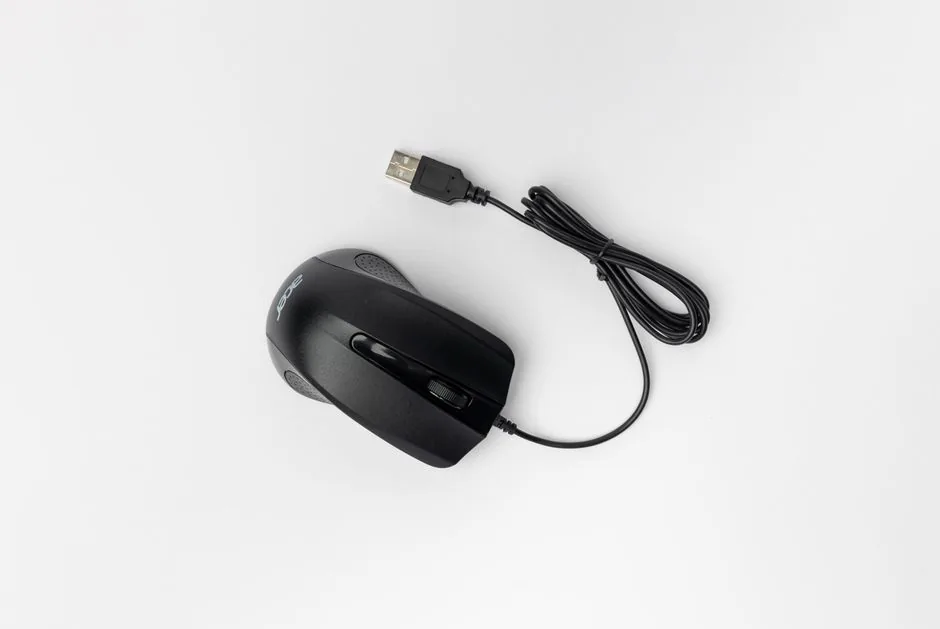
Not everyone wants an ultralight. The Logitech G403 HERO offers a full, palm-filling right-hand ergonomic shape with Logitech’s HERO 25K sensor and a smooth 87-gram body. It’s the most comfortable option here for larger hands and long sessions, and it frequently dips to $45 on sale.
SteelSeries Rival 3 — Best Budget
At just $29, the SteelSeries Rival 3 is the best wired gaming mouse for anyone on a tight budget. The TrueMove Core sensor tracks up to 8,500 DPI accurately, the 77-gram body is solid, and the RGB is a nice bonus. It’s a legitimately competitive mouse for the price.
Best Wired Gaming Mouse: Comparison Table
| Mouse | Weight | Sensor | DPI | Polling | Price |
|---|---|---|---|---|---|
| Razer Viper 8K Hz | 71g | Focus+ 20K optical | 20,000 | 8,000 Hz | $79 |
| Glorious Model O | 58g | PixArt 3360 | 12,000 | 1,000 Hz | $49 |
| Logitech G403 HERO | 87g | HERO 25K | 25,600 | 1,000 Hz | $45 |
| SteelSeries Rival 3 | 77g | TrueMove Core | 8,500 | 1,000 Hz | $29 |
Matching the Mouse to Your Grip
Your grip style should drive the decision. Fingertip players should prioritize low weight and a flat profile — the Model O excels here. Claw grip benefits from a slightly taller hump, which the Viper 8K Hz handles beautifully. Palm grip users need width and height, making the G403 HERO the natural fit. Getting this right matters more than DPI, because comfort translates directly to consistency over a long session.
DPI, Polling Rate, and Why They Matter
DPI is sensitivity, and modern sensors handle 8,000-26,000 DPI with ease — but most pros play between 400 and 1,600 DPI with a large mousepad. Polling rate is how often the mouse reports position per second: 1,000 Hz is the standard, while 8,000 Hz on the Viper 8K Hz reduces input latency to near-zero. For most players 1,000 Hz is plenty; the 8K advantage is only noticeable on 240Hz+ monitors and with a powerful CPU.
Cable Quality and Drag
The single biggest criticism of wired mice — cable drag — has largely been solved by modern paracord and braided “speed” cables that flex like a shoelace. When evaluating any wired mouse, look for a cable that stays limp rather than holding its coiled shape from the box. If the stock cable is stiff, a cheap third-party paracord swap is a five-minute job that transforms the feel, and it’s the most common upgrade wired-mouse enthusiasts make.
Build Quality and Switches
Durability separates good mice from great ones. Optical switches, like those in the Razer Viper 8K Hz, physically cannot develop the double-click failure that plagues traditional mechanical switches over time. If you buy a mouse with mechanical switches, check whether the manufacturer rates it for 50 million or more clicks and whether spare feet and switches are sold separately. A mouse that survives three years of daily play is a far better value than a $20 impulse buy that dies in six months.
Mouse Feet, Skates, and Mousepads
The glide quality of a mouse is set by its feet (also called skates) and the surface beneath. Stock PTFE feet are fine for most people, but aftermarket feet or glass skates can transform a mouse’s feel, especially on a quality cloth pad. If your mouse feels scratchy or slow, the fix is usually a $10 set of skates rather than a new mouse.
Pair any of these picks with a large, low-friction mousepad — a 400mm or larger surface gives you the room to aim with your arm, which is how most pros actually play. The mouse and pad work as a system, and the best wired gaming mouse in the world won’t feel right on a worn or sticky surface.
How Much Should You Spend?
You don’t need to spend a fortune. The $29 SteelSeries Rival 3 already has a sensor good enough for competitive play, and the jump to the $49-79 range buys you a lighter body, better switches, and higher polling. Above roughly $80, returns diminish quickly — that’s where wireless flagships live, and for wired mice you’re mostly paying for niche ultralight designs. Spend $40-80 on a wired mouse, put the rest toward a better monitor or keyboard, and you’ll have a setup that competes with anyone’s.
Sensor Accuracy and Tracking
Every pick on this list uses a flawless-sensor-class optical sensor, which is the modern baseline. “Flawless” means no acceleration, no angle snapping, and no jitter, even at high speed — a fast flick tracks exactly the same as a slow glide. That matters far more than raw DPI, because inconsistency between what your hand does and what the cursor does is the enemy of muscle memory.
One spec worth checking is lift-off distance, or LOD: how high you can lift the mouse before tracking stops. A low LOD (around 1-2mm) means you can reposition the mouse without the cursor drifting when you set it back down — essential for low-sensitivity players who constantly lift and reset.
FAQ
Is a wired gaming mouse better than wireless?
For competitive play, a wired mouse is more reliable and cheaper, with effectively identical latency to the best wireless options. Wireless wins on freedom of movement. See our wired vs wireless comparison for the full breakdown.
What DPI should I use for gaming?
Most competitive players use 400-1,600 DPI and rely on large mousepads for accuracy. Ultra-high DPI settings are a marketing spec, not a practical necessity.
Does a lighter mouse improve aim?
Yes, up to a point. Mice under 70 grams are easier to flick and track precisely, which is why ultralight designs dominate esports. Shape and comfort still matter more than a few grams.
How long do wired gaming mice last?
A quality wired mouse with optical switches can last five years or more. Optical switches (like Razer’s) are immune to the double-click failure that plagues traditional mechanical switches.
Final Verdict
The best wired gaming mouse for most people in 2026 is the Razer Viper 8K Hz — it combines an elite sensor, flawless optical switches, and a comfortable ambidextrous shape at a fair price. Budget buyers can’t go wrong with the Rival 3, and weight-obsessed flickers should grab the Model O. Whichever you choose, pair it with a proper mousepad — check our best gaming desk 2026 and best gaming mouse 2026 guides to complete your setup.