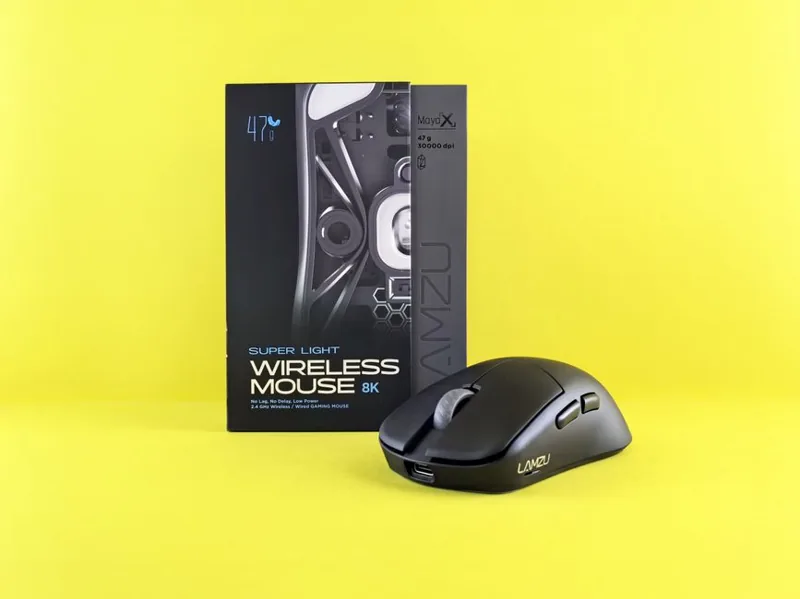
Wired vs Wireless Gaming Mouse: Which Is Actually Better in 2026?
Five years ago the wired vs wireless gaming mouse debate was already settled at the professional level, and the gap has only widened since. Modern wireless mice match wired mice on latency while removing the drag that cables cause during wide flicks. But wireless still costs more and needs charging, so the right answer depends on your budget, your games, and what you value most. Here is an honest breakdown of every factor that actually matters.
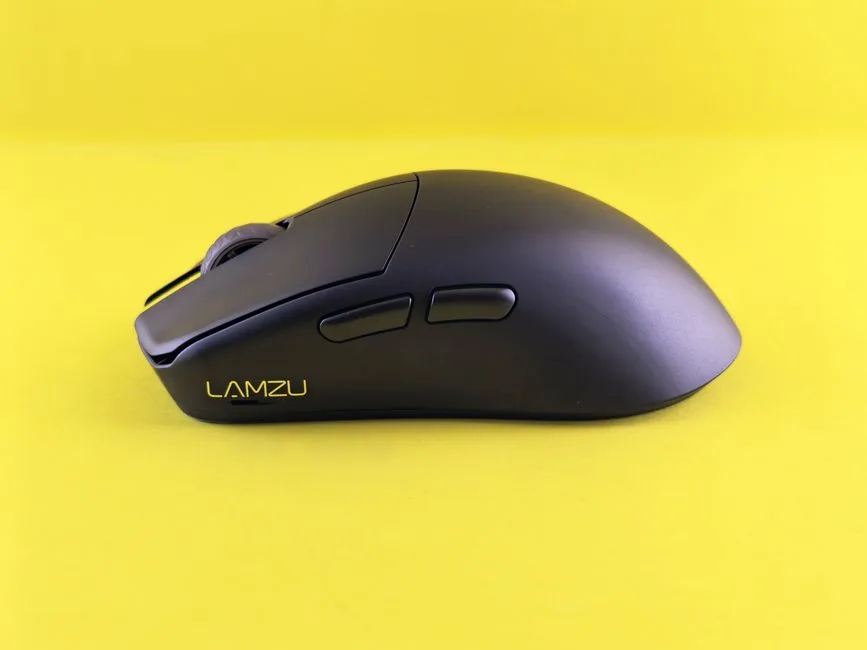
Wired vs Wireless Gaming Mouse: The Short Answer
For competitive players and most enthusiasts, a wireless mouse is now the better default. Input lag on reputable 1000Hz (and up to 4000Hz to 8000Hz) wireless mice is indistinguishable in blind testing from wired mice, and modern sensors no longer suffer from wireless compromises. Wired still wins on raw value, since you get flagship-tier performance without the battery premium.
Side-by-Side Comparison
Here is the wired vs wireless gaming mouse matchup across the specs that matter in real use.
| Factor | Wired Mouse | Wireless Mouse |
|---|---|---|
| Latency | ~8–12ms with a good sensor, zero radio delay | ~9–14ms at 1000Hz (virtually identical); 4000Hz cuts it further |
| Weight | Lighter for the price (often 55–65g) | Slightly heavier (commonly 59–67g) due to battery |
| Battery | None needed | 40–90 hours typical; charge every 1–3 weeks |
| Price | $30–$100 for top sensors | $50–$160 for equivalent sensors |
| Cable drag | Present; reduced with bungee | None |
| Connection | Always on, zero pairing | 2.4GHz dongle or Bluetooth; tiny setup step |
| Desk look | Cable visible | Clean, cable-free surface |
| Durability points | Cable is a wear point | Battery ages over years, but replaceable |
Latency: The Myth vs. Reality
The old fear that wireless adds lag is the biggest misconception left standing.
Modern Sensors Have Closed the Gap
High-end wireless mice from Razer, Logitech, and Pulsar advertise 1000Hz to 8000Hz polling, and independent testing by reviewers at RTINGS.com repeatedly shows click latency within a few milliseconds of the best wired mice. For all but the most extreme scenarios, the difference is functionally zero.
Where Latency Still Slightly Favors Wired
At the absolute top level of 240Hz-plus monitors and first-person shooters, a wired mouse technically removes one variable. But even most esports pros now run wireless, which tells you everything about how close the two have become.
Weight and Feel
Weight changes aim more than most people expect, especially in fast games.
Wired Runs Lighter Per Dollar
Because a wireless mouse carries a battery, wired mice are usually lighter at the same price point. A $60 wired mouse might weigh 55 grams, while a comparable wireless model sits around 60 to 65 grams. If you claw grip and flick constantly, a lightweight shape matters.
Wireless Feels Freer
That said, wireless removes cable drag entirely, which many players say feels better than dropping three grams. A mouse bungee ($10 to $20) mitigates most cable issues, but it cannot fully match the feel of an untethered mouse.
Battery Life and Charging
Battery anxiety is real, but modern wireless mice have made it almost a non-issue.
What to Expect
Most current flagships manage 40 to 90 hours per charge, and some (like the Logitech G Pro X Superlight 2) reach close to 100 hours. For the average player, that means charging once every one to three weeks for a couple of hours.
Charging Habits That Work
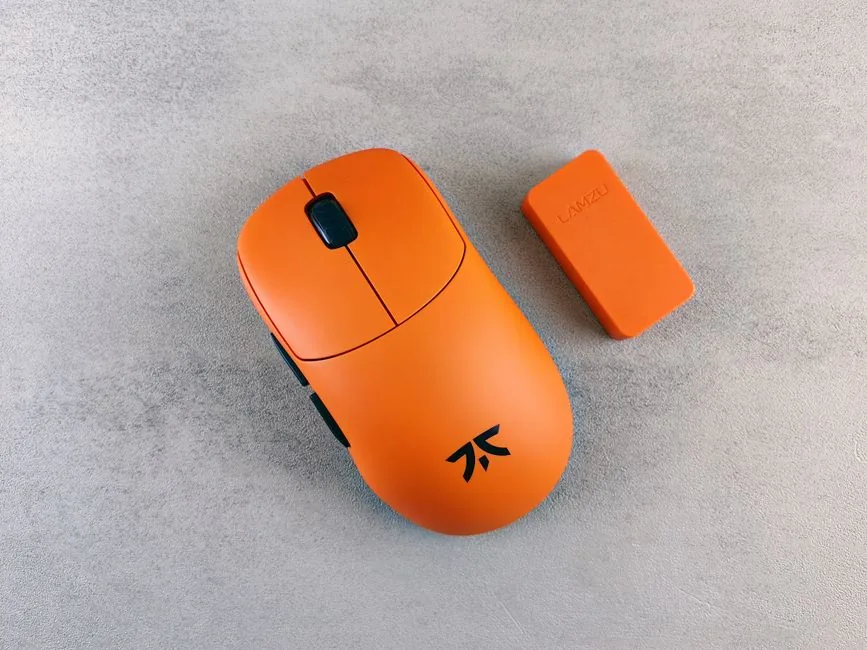
Place the magnetic charging dock on your desk to top up between sessions, and you will never think about battery again. If you flat-out refuse to charge a peripheral, wired is still the zero-maintenance choice.
Price and Value
This is where the wired vs wireless gaming mouse decision gets personal.
Wired Wins on Specs Per Dollar
You can buy a wired mouse with a flagship 26K to 35K DPI sensor, optical switches, and a 55-gram shell for $50 to $80. To match that sensor and build quality wirelessly, expect to pay $90 to $160.
Wireless Price Is Dropping
The premium is shrinking every year, and solid budget wireless mice like the Logitech G305 or Razer DeathAdder V2 X Hyperspeed regularly hit $35 to $50 on sale. For a complete look at other gear that fits a tighter budget, see our gaming setup under 500 breakdown.
Which Should You Buy?
The choice comes down to three questions: budget, game type, and desk preference.
Buy Wireless If
You play competitive shooters, hate cable drag, value a clean desk, or want a mouse you can also use with a laptop on the go. For most people in 2026, this is the right answer.
Buy Wired If
You are on a strict budget, never want to think about charging, or you are building a dedicated tournament setup where you remove any possible variable. Wired mice are also the smarter buy for a secondary or backup mouse.
The Hybrid Reality
Plenty of players own both: a lightweight wired mouse for aim training and a wireless daily driver. There is no rule against having one of each.
Sensor Quality and DPI
The marketing number is misleading, but the underlying sensor still matters.
DPI Is Mostly Hype
A 30,000 DPI sensor is not meaningfully better than a 16,000 DPI one, because almost nobody plays above 800 to 3200 DPI. What matters is tracking accuracy at the DPI you actually use, plus whether the sensor spins out on fast flicks.
Optical Switches and Build Quality
Modern optical switches on both wired and wireless mice eliminate double-click issues and register faster than traditional mechanical switches. If you click fast in games like Minecraft or MOBAs, a mouse with optical switches is a real advantage regardless of how it connects.
Real-World Recommendations
Concrete picks make the wired vs wireless gaming mouse decision easier than abstract specs.
Best Wired Picks
The Razer Viper 8K and the Logitech G502 X are both strong wired options that pair top sensors with reasonable weight for under $100. The Viper 8K’s 8000Hz polling makes it a favorite for pure-performance builds.
Best Wireless Picks
The Logitech G Pro X Superlight 2 and Razer Viper V3 Pro are the current wireless flagships, both under 60 grams with 4000Hz-plus support. For budget wireless, the Logitech G305 remains the default under $50. For a broader look at how the mouse fits into a full rig, check our essential accessories for a gaming PC list.
Connection Types: 2.4GHz vs Bluetooth
Not all wireless connections are equal, and the difference is worth understanding before you buy.
2.4GHz Dongle Is the Gaming Standard
The dedicated 2.4GHz dongle that ships with gaming mice runs at 1000Hz or higher and delivers the near-zero latency that makes wireless competitive. This is what you should use for gaming, full stop. The dongle connection also survives interference better than Bluetooth in crowded setups.
Bluetooth Is a Convenience Feature
Bluetooth is there for pairing with laptops and tablets when you travel, and it sips battery. But it runs at a lower polling rate (typically 125Hz), which introduces noticeable lag in fast games. Buy a mouse for its 2.4GHz performance and treat Bluetooth as a bonus, never as the primary connection for gaming.
Frequently Asked Questions
Is a wireless gaming mouse as fast as wired?
Yes, at the same polling rate. Reputable 1000Hz wireless mice post latency within a few milliseconds of wired mice, and 4000Hz to 8000Hz models erase the gap entirely. Most professionals now compete on wireless.
Does wireless add input lag?
On modern mice, no meaningful amount. Any difference is in the low single-digit milliseconds and is imperceptible in blind testing for the vast majority of players.
Do wireless gaming mice need charging often?
No. Most last 40 to 90 hours per charge, translating to charging every one to three weeks. A magnetic dock makes topping up effortless.
Are budget wireless mice worth it?
Yes. Models like the Logitech G305 deliver reliable 2.4GHz performance for $35 to $50 on sale, making wireless viable at almost any budget.
Which is better for FPS games?
Both are viable at a high level. Wireless offers freedom from cable drag, while wired offers a slightly lighter build per dollar. Either serves competitive FPS players well.
Conclusion
The wired vs wireless gaming mouse question is no longer about performance, because that gap is effectively gone. It is about money and convenience. If you can afford $60 to $160 and do not mind charging once a week or two, go wireless and enjoy the clean, free feel. If you want the best specs per dollar with zero maintenance, a wired mouse is still a brilliant choice.
Whichever way you lean, the rest of your setup matters as much. Learn how to improve your gaming setup and start with the essential accessories for a gaming PC so your new mouse has the right home.