Ethernet vs WiFi for Gaming: Which Connection Should You Use?
If your online games feel laggy, your first instinct might be to blame the game. But the ethernet vs wifi for gaming choice is behind a surprising amount of stutter, rubber-banding, and high ping. The short answer is that Ethernet wins for competitive play almost every time, while modern WiFi is far better than it used to be and is completely fine for casual gaming. The longer answer depends on your home, your hardware, and how seriously you take ranked queues.
This guide breaks down the numbers that actually matter — latency, jitter, and packet loss — and helps you decide which path is right for your setup, including a few middle-ground options you may not have considered.
The Metrics That Matter for Gaming
Gaming is not about raw download speed. Once you have roughly 25 Mbps down and 5 Mbps up, extra bandwidth does almost nothing for your in-game experience. What matters are three low-level numbers:
- Latency (ping): the round-trip time to the server, measured in milliseconds. Lower is always better.
- Jitter: how much your latency fluctuates. Stable 30 ms beats a jumpy 5–80 ms every time.
- Packet loss: data that never arrives. Even 1% causes visible rubber-banding and missed shots.
Ethernet wins on all three, but the size of the gap is what surprises most people.
Ethernet vs WiFi for Gaming: The Real Differences
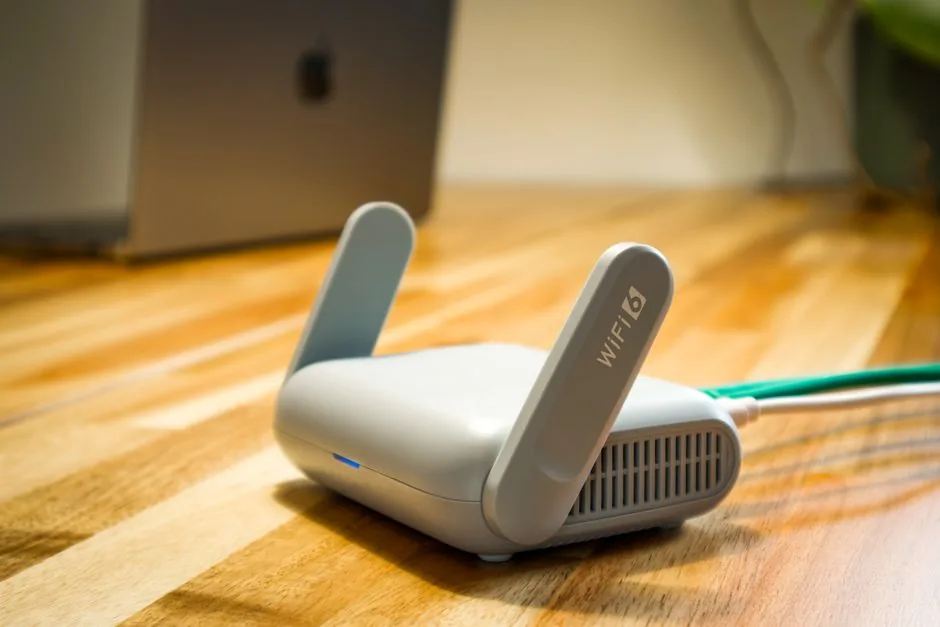
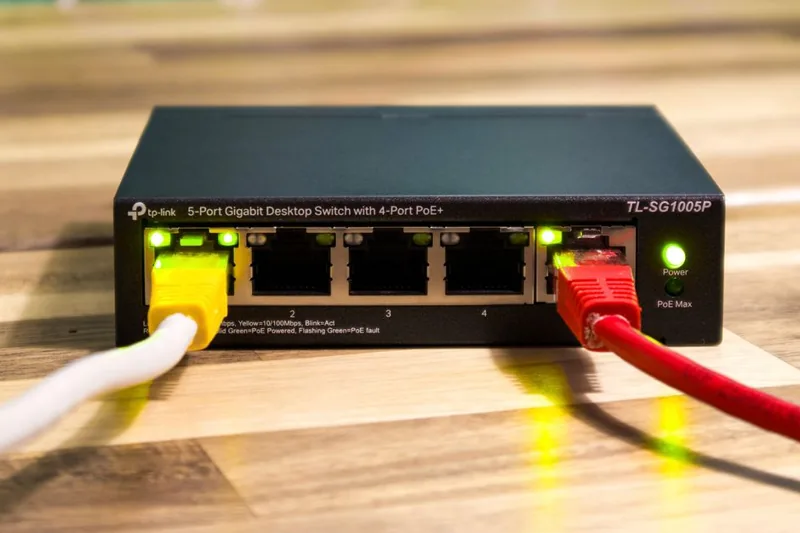
A wired connection sends data over a dedicated copper cable directly to your router. A wireless connection broadcasts it over radio waves, where it competes with walls, distance, and every other device and neighboring network in range. That difference shows up consistently in measurements.
| Metric | Ethernet (wired) | WiFi (wireless) |
|---|---|---|
| Typical ping to home router | < 1 ms | 1–5 ms |
| Jitter under load | Near zero | 5–30 ms spikes |
| Packet loss | ~0% | 0.5–3% when congested |
| Interference risk | None | Walls, neighbors, devices |
| Max real-world speed | 1–10 Gbps | 300 Mbps–2 Gbps |
| Setup / flexibility | Needs cable run | No cable, any room |
| Best for | Competitive & streamers | Casual & convenience |
For a typical home, Ethernet to the router adds well under 1 ms of latency, while WiFi usually adds 1–5 ms even in ideal conditions — and far more when the signal is weak or crowded. In a fast shooter, that difference is real but subtle. In a game with rollback netcode, it rarely matters at all.
When Ethernet Is Clearly Worth It
Choose a wired connection if you recognize yourself in any of these:
- You play competitive shooters, fighting games, or ranked modes where a single frame decides the outcome.
- You stream or record while gaming and need stable upload latency.
- You live in an apartment or dense area with dozens of overlapping WiFi networks.
- Your router is far away, behind thick walls, or on another floor.
- You have a desktop PC that never moves, so the cable is a one-time hassle.
A single Cat6 or Cat6a cable is cheap and fixes all of the above permanently. For a deeper look at routing hardware, see our best gaming router roundup.
When WiFi Is Completely Fine
Modern WiFi — especially WiFi 6E and WiFi 7 — is genuinely good. If you game casually, play mostly single-player or co-op titles, or simply cannot run a cable through your home, good WiFi delivers a perfectly enjoyable experience. Keep these tips in mind to get the most from wireless:
- Use the 5 GHz or 6 GHz band, not the crowded 2.4 GHz band.
- Place the router high and central, away from metal and concrete.
- Prefer a dedicated gaming router over a decade-old ISP combo unit.
- Check our best wifi for gaming guide for hardware picks.
If your ping is already in the 20–40 ms range with zero packet loss, upgrading to Ethernet will not transform your games. If you see spikes and stutter, it will.
The Middle-Ground Options
You are not stuck choosing between a raw cable and a weak wireless signal. Several in-between solutions give you most of Ethernet’s stability without ripping up your floors:
- Powerline adapters run the signal over your home’s existing electrical wiring. They are convenient but sensitive to circuit quality; expect 4–15 ms of added latency.
- MoCA adapters piggyback on coaxial TV cable and are excellent — nearly Ethernet-grade latency in most homes.
- A quality mesh system with a dedicated wireless backhaul beats a single weak router but still adds a hop of latency versus wired.
For pure stability, MoCA is the standout hidden gem. For absolute flexibility, a good mesh system is hard to beat.
How to Test Your Own Connection
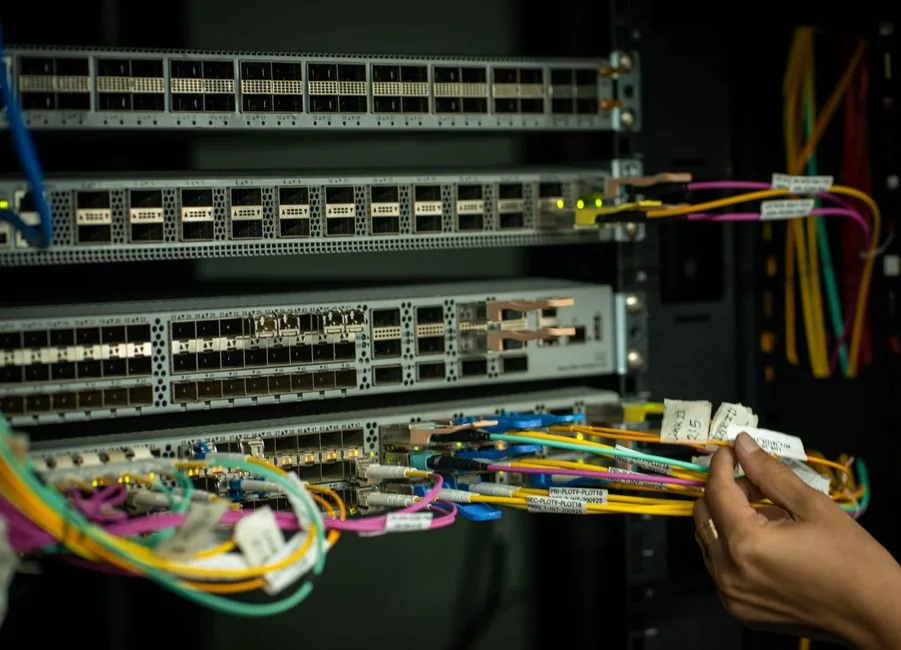
You can settle this argument for your own home in five minutes. On the same PC, run a ping test to your router over WiFi, then plug in an Ethernet cable and run it again. Watch the minimum, maximum, and average ping values.
If the wired test is dramatically more stable, you have your answer. Tools like Ookla’s Speedtest and free ping commands in your terminal give you enough data. For streaming setups specifically, stable upload latency matters most — see streaming setup for gaming for the full checklist.
WiFi 6, 6E, and 7: Which Standard Do You Actually Need?
The WiFi standard on your router matters almost as much as whether you go wired at all. Older WiFi 5 works, but it is more prone to congestion and adds more latency when several devices share the network. WiFi 6 introduced far better handling of many simultaneous devices, which helps in busy homes. WiFi 6E adds the 6 GHz band, and WiFi 7 goes further with wider channels and lower effective latency.
For gaming specifically, the upgrade that matters most is the uncrowded 6 GHz band on a WiFi 6E or 7 router, because it sidesteps the interference that plagues the 2.4 GHz and 5 GHz bands in apartments. If your PC, phone, and router all support it, 6 GHz delivers wireless latency close enough to Ethernet that most players will not notice the difference.
You also need a client that supports the standard. A brand-new WiFi 7 router paired with an old WiFi 5 laptop gives you nothing until you upgrade the adapter too. When in doubt, invest in the router first — it benefits every device in the house — and check Tom’s Guide’s best gaming routers for current hardware recommendations.
A final tip: even on WiFi, you can reduce lag simply by moving heavy downloads and video streaming off the gaming device’s band, or by reserving the 5 GHz or 6 GHz band for your PC. These small changes frequently cut more latency than a router upgrade.
FAQ
Is Ethernet really better than WiFi for gaming?
Yes, in terms of latency and stability. Ethernet has the lowest ping, near-zero jitter, and essentially no packet loss, which makes it the better choice for competitive play.
How much ping does WiFi add?
In good conditions, WiFi adds roughly 1–5 ms of latency on top of your internet connection. In poor conditions — weak signal, interference, many devices — it can add far more and cause spikes.
Does WiFi 7 close the gap with Ethernet?
It narrows it. WiFi 7 offers very high throughput and lower latency than older standards, but it still cannot match the sub-millisecond, interference-free stability of a physical cable.
Can I game competitively on WiFi?
You can, especially on WiFi 6E or 7 with a strong, uncongested signal. However, serious ranked players still choose Ethernet because it removes random latency spikes entirely.
What is the best wired alternative if I cannot run a cable?
MoCA over coaxial cable is closest to Ethernet performance, and powerline is the most convenient. Both beat a weak WiFi signal for stability.
Conclusion
For competitive players, the ethernet vs wifi for gaming debate has a clear winner: Ethernet provides the lowest latency and the most stable connection, full stop. For everyone else, modern WiFi 6E and 7 are more than good enough. The right choice depends on your games, your home layout, and how much a rare lag spike bothers you. Grab a Cat6 cable if you are serious, or invest in a solid router in our best wifi for gaming guide if wireless is your only realistic option. Whichever side of the ethernet vs wifi for gaming debate you land on, the goal is the same: a stable, low-latency connection that never interrupts you mid-match.