Best Budget Gaming Desk: 8 Affordable Desks Under $200 in 2026
The best budget gaming desk is the piece of furniture that quietly holds your entire setup together, and yet it is often the last thing people upgrade. A cramped or wobbly desk makes long sessions uncomfortable and can even limit how much gear you can fit, but you do not need to spend a fortune to fix that. In 2026, there are plenty of sturdy, well-designed desks under $200 that handle a monitor, keyboard, mouse, and a full-size PC tower without breaking the bank.
We rounded up eight affordable gaming desks that deliver solid build quality, usable surface area, and cable management without crossing the $200 mark. Whether you need an L-shaped corner desk, a compact option for a small room, or a height-adjustable standing desk, there is a pick here for you.
What Makes a Good Budget Gaming Desk
A cheap desk is only a bargain if it survives daily use. Here is what separates a genuinely good budget gaming desk from a flimsy one.
Surface Area and Weight Capacity
Measure your gear before you buy. A desk should fit your monitor, peripherals, and PC tower while leaving room to move your mouse. Look for a stated weight capacity of at least 100 pounds if you plan to rest a heavy tower on top.
Stability and Build Materials
Steel frames with particleboard or MDF tops are the norm at this price. Check reviews for wobble complaints, and prefer desks with crossbars or corner brackets, which resist shaking during intense gaming sessions.
Cable Management
Built-in grommets, cable trays, or a full-length mesh shelf keep wires off the floor. This is the single feature that makes a desk feel like a dedicated gaming station rather than a repurposed office table.
Ergonomics and Legroom
A desk around 28 to 30 inches tall suits most people, but check that the frame leaves enough clearance for your knees and chair arms. Rounded front edges are more comfortable during long sessions.
Best Overall: Eureka Ergonomic Z1-S
The Eureka Ergonomic Z1-S is the best budget gaming desk for most people because it looks and feels far more expensive than its price. It has a 47-inch carbon-fiber-textured surface, a Z-shaped steel frame with excellent stability, and thoughtful extras like a cup holder, headphone hook, and a full mouse-pad surface. At around $150, it is the complete package.
Best L-Shaped: Mr IRONSTONE Corner Desk
If you need room for a dual-monitor setup and still want floor space, the Mr IRONSTONE L-shaped desk is a fantastic value. It gives you roughly 59 inches of surface area split across two sides, a sturdy steel frame, and a removable monitor stand, all for well under $150. The corner design makes it ideal for fitting a full tower plus a second screen.
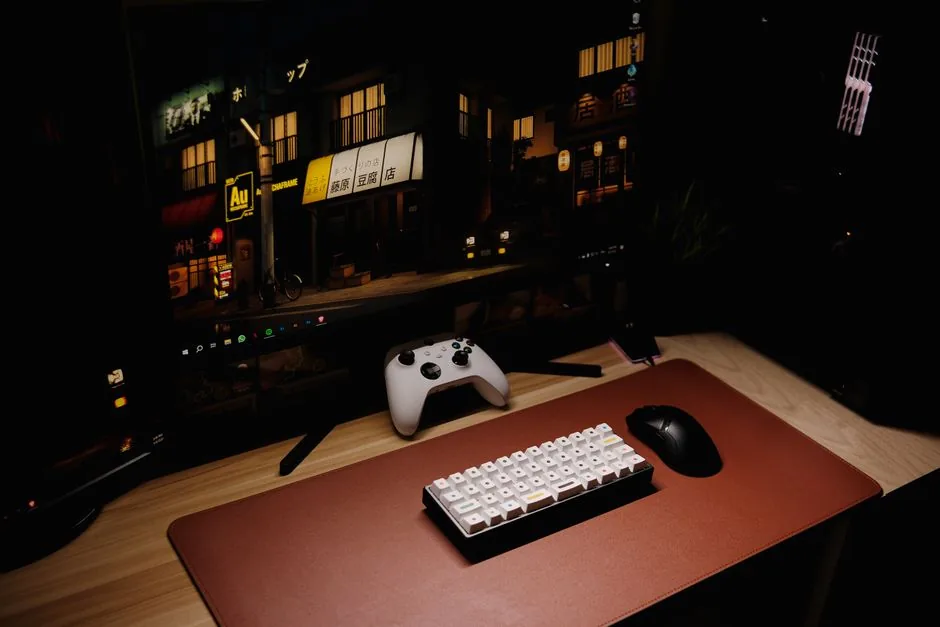
Best for Small Rooms: Tribesigns 47-Inch Desk
The Tribesigns 47-inch desk is the pick when space is tight. It is compact enough for a bedroom corner but still fits a 27-inch monitor, keyboard, and mouse with room to spare. The industrial steel frame holds up to 220 pounds, and the two-tier shelf adds storage without eating into your desk space.
Best Standing Desk: FlexiSpot EC1
A standing desk used to be a luxury, but the FlexiSpot EC1 brings height adjustability under $200. Its electric motor lifts up to 154 pounds, letting you switch between sitting and standing throughout a session. For gamers who spend hours at their setup, the ability to change posture is a genuine health upgrade.
Best with Shelf: CubiCubi Study Desk
The CubiCubi study desk earns a spot for its smart storage design. A full-length monitor shelf, side hooks, and a pull-out bag drawer keep everything off the main surface, maximizing usable space. It is one of the cheapest picks here yet remains surprisingly sturdy, making it a great entry point for a first gaming setup.
Comparison Table: Best Budget Gaming Desk
| Desk | Size | Style | Weight Capacity | Approx. Price (USD) |
|---|---|---|---|---|
| Eureka Ergonomic Z1-S | 47 in | Straight | 200 lbs | $150 |
| Mr IRONSTONE Corner | 59 in L-shape | Corner | 220 lbs | $139 |
| Tribesigns 47-Inch | 47 in | Straight | 220 lbs | $119 |
| FlexiSpot EC1 | 48 in | Standing | 154 lbs | $199 |
| CubiCubi Study Desk | 40 in | Straight | 130 lbs | $89 |
| Arozzi Arena | 63 in | Straight | 176 lbs | $199 |
| RESPAWN 2010 | 42 in | Straight | 160 lbs | $129 |
| Bestier L-Shaped | 59 in L-shape | Corner | 200 lbs | $149 |
How to Set Up Your Desk for Comfort
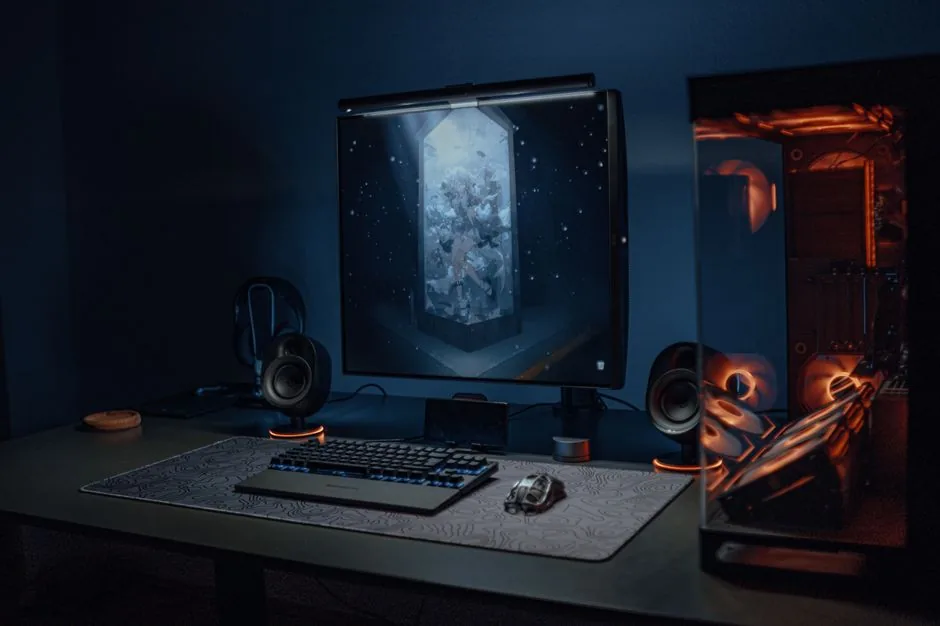
Once you have the desk, a few adjustments make a big difference in comfort and performance. Position the top of your monitor at or slightly below eye level, keep your forearms parallel to the floor, and leave at least 24 inches of clear depth for your arms. Route cables through the desk’s grommets or a stick-on tray so the surface stays clear. For more on proper desk ergonomics, Tom’s Hardware and PC Gamer both publish detailed setup guides worth a read.
How to Choose the Right Size Budget Desk
A great way to narrow down the best budget gaming desk is to focus on size first, because the right dimensions fix most comfort problems before they even start. Here is how to pick the correct footprint for your space.
Measure Your Gear First
Add up the width of your monitor, keyboard, mouse pad, and any tower you plan to keep on the desk, then add at least 12 inches of free space for mouse movement. If your gear totals 40 inches, a 47 to 55-inch desk gives you the breathing room you need for a comfortable, natural aim.
Consider Room Layout
A corner or L-shaped desk uses space more efficiently in a square room, while a straight desk against a wall is usually best for a long, narrow room. Leave enough clearance for your chair to slide out, and do not forget about door swings and nearby shelves.
Watch the Depth
Depth matters as much as width. A desk that is at least 24 inches deep keeps your monitor at a comfortable viewing distance, which reduces eye strain during long sessions. Many budget desks run 20 to 24 inches, so check this spec before ordering.
For most people, the best budget gaming desk is the largest one that still fits comfortably in your room, because extra surface area is almost always worth more than a fancier but smaller alternative.
FAQ
How much should I spend on a budget gaming desk?
Between $100 and $200 gets you a desk that is genuinely sturdy and well-equipped. Below $80, you start to trade away stability and surface area, so unless your room is very small, aim for the middle of that range.
Is an L-shaped desk worth it for gaming?
If you have the floor space, yes. An L-shaped desk gives you a dedicated zone for your PC and a second area for a monitor, laptop, or console, and it often improves stability. It is one of the best ways to maximize a corner.
Do I need a standing desk for gaming?
It is not required, but it is a meaningful comfort upgrade for long sessions. Alternating between sitting and standing reduces fatigue and keeps you more alert, and budget electric models like the FlexiSpot EC1 are now genuinely affordable.
What size desk do I need for dual monitors?
Plan for at least 55 inches of width to fit two 24 to 27-inch monitors comfortably. An L-shaped or 60-inch straight desk gives you the room to angle both screens without crowding your mouse pad.
Conclusion
The best budget gaming desk does not have to cost a fortune. The Eureka Ergonomic Z1-S is our top pick for its blend of looks, stability, and features, while the Mr IRONSTONE corner desk is the clear winner if you want more surface area. Whichever fits your space, pairing it with a proper chair makes all the difference, so be sure to check our guide to the best gaming desk of 2026, our gaming desk setup ideas, and our top picks for the best gaming chair of 2026.