Streaming Setup for Gaming: Complete Gear List and Cost Guide
You can build a legit streaming setup for gaming for far less than the $3,000 rigs you see online. The honest truth is that a clear microphone and a stable bitrate beat an expensive camera every time, and most of what makes a stream watchable costs under $500 if you already own a decent PC.
The order of priorities is simple: audio first, then a stable internet connection, then lighting, then video. Viewers forgive a mediocre picture far more easily than bad sound or constant buffering. Get those foundations right and you can add polish later as the channel grows.
This guide lays out what you actually need at three budget levels, with real 2026 prices in a cost table below. When you are done, check our best mechanical keyboard for gaming and RGB setup for gaming PC picks to finish the desk.
Core Gear for a Streaming Setup for Gaming
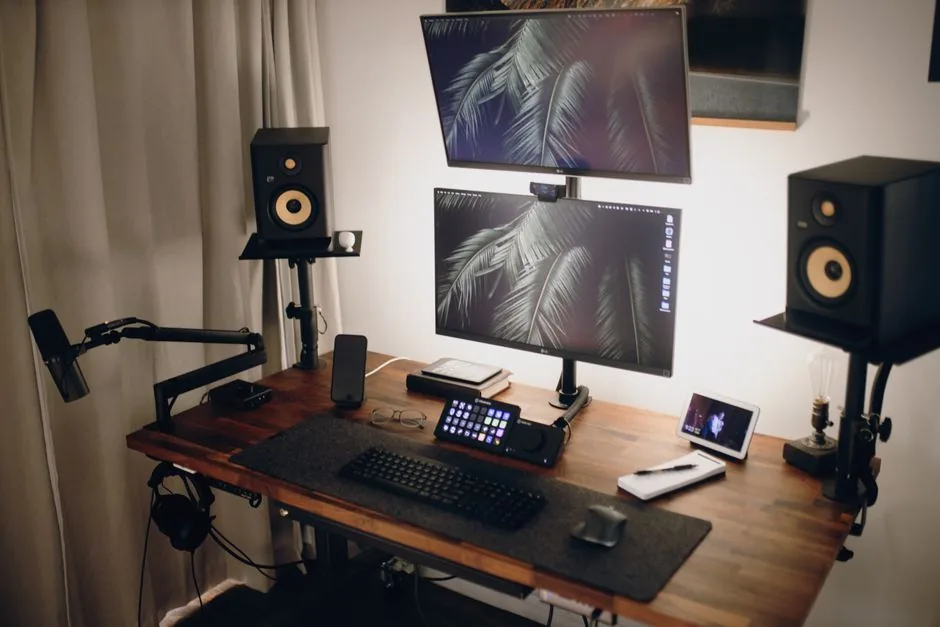
Below, we rank the pieces of a streaming setup for gaming in the order they improve your channel, so you can stop buying once the budget runs out.
1. A Clear Microphone
Audio is where new streamers lose or keep viewers, so spend here first. A USB condenser mic like the Samson Q2U at around $70, or the Elgato Wave 3 at around $150, sounds dramatically better than a headset mic. Add a boom arm for $20 to $40 and a pop filter for $10 and you are set.
A dynamic USB mic such as the Q2U also rejects room echo better than a condenser, which matters in untreated rooms. If you already own a solid headset mic, you can start there and upgrade the moment audio quality becomes the bottleneck.
2. A Stable Connection
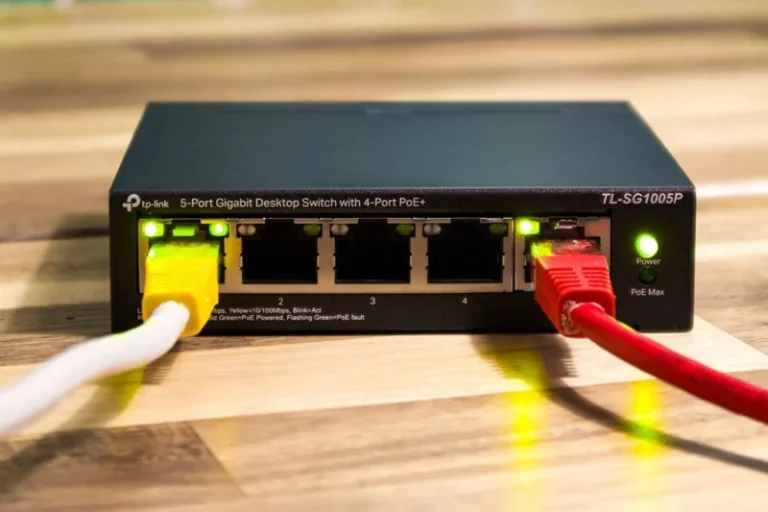
Your internet matters more than your GPU for streaming. Twitch recommends at least 3 to 6 Mbps upload for a 1080p60 stream. A wired Ethernet connection is strongly preferred over Wi-Fi, which drops packets and causes stutter precisely when the action heats up.
Run a upload speed test before buying anything else. If you have under about 5 Mbps usable upload, consider lowering to 720p60 or 30 fps rather than chasing higher quality that your connection cannot hold.
3. Lighting Before Camera
Good lighting makes a $100 camera look great and a $1,000 camera look worth it. A $40 to $60 key light positioned behind and to one side of the camera, aimed at your face, removes shadows and makes skin look natural. A cheaper ring light works but can leave visible reflections in glasses.
Add a small fill light for $20 if your face still has harsh shadows. Properly lit, you may be surprised how little you need a fancy camera for a webcam-style stream.
4. The Camera and Capture
For a face-cam, a modern $80 to $150 webcam like the Elgato Facecam or a Logitech C920-class model is plenty for a corner box. For full-cam or console capture, a capture card like the Elgato HD60 X at around $180 lets you capture gameplay from a console or a second PC without taxing your gaming rig.
Streamers often separate the gaming PC and the streaming PC for maximum quality, but a single modern PC with NVIDIA NVENC can handle 1080p60 streaming and gaming at once with almost no performance hit. Therefore, do not buy a second PC until you have the basics dialed in.
Full Gear Cost Table
Here is a realistic cost breakdown across three tiers, assuming you already own a gaming PC and a monitor.
| Gear | Starter | Mid-range | Pro |
|---|---|---|---|
| Microphone | Samson Q2U — $70 | Elgato Wave 3 — $150 | Shure MV7+ — $250 |
| Boom arm + pop filter | $40 | $60 | $100 |
| Webcam / camera | Logitech C920 — $70 | Elgato Facecam — $150 | Sony ZV-E10 + lens — $800 |
| Key light | $45 | $70 | $150 |
| Capture card | Skip (single PC) | Elgato HD60 X — $180 | 4K60 Pro — $250 |
| Headset | Budget pick — $50 | SteelSeries Arctis Nova 5 — $130 | Audeze Maxwell — $300 |
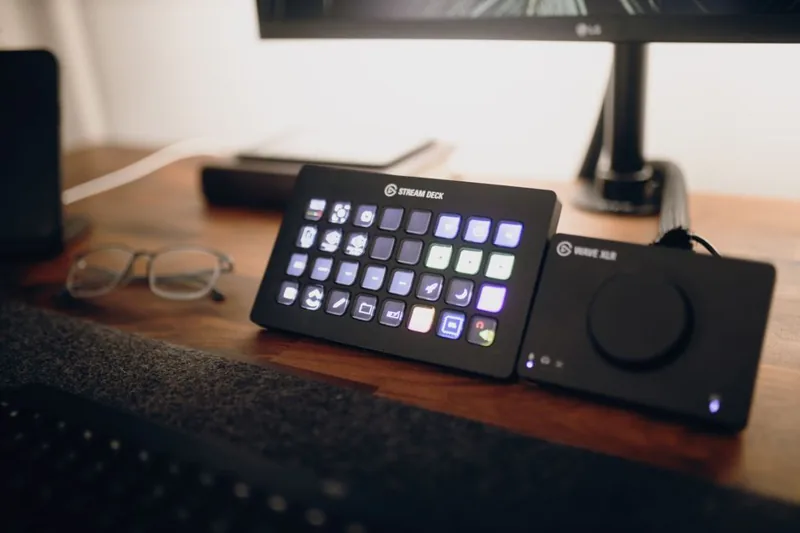
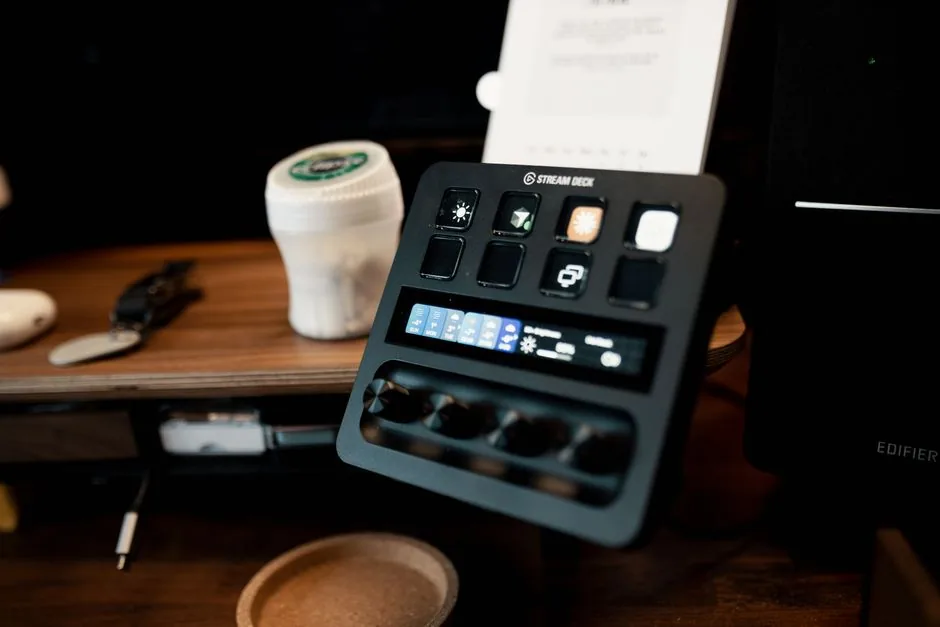
| Stream deck / controls | Stream Deck Mini — $60 | Stream Deck Mk.2 — $150 | Stream Deck XL — $250 |
| Green screen / backdrop | $25 | $60 | $150 |
| Estimated total | ~$360 | ~$950 | ~$2,250 |
The starter tier gets you on air, sounding clear and looking decent, for around $360. Most of the value sits in the microphone and light, so do not skip those. The pro tier is only worth it once streaming is already earning or clearly your main hobby.
Software and Settings That Are Free
You do not need to spend on software to stream well. OBS Studio is free and powerful, and Streamlabs offers a friendlier free tier with built-in themes and alerts. Twitch Studio is another free, beginner-focused option.
A few free setup details matter more than any paid feature. Set your encoder to NVENC if you have an NVIDIA card, match your output resolution to what your upload speed supports, and test your audio levels with a short private stream before going live. A quick recording beats a public stream full of peaking audio. Spend ten minutes balancing the game, mic, and music so your voice sits clearly above the action. A viewer who cannot hear you over gunfire will leave in seconds, no matter how good the gameplay looks.
For a step-by-step OBS setup, Tom’s Guide has a solid walkthrough, and you can cross-check recommended bitrates on the Twitch broadcast guidelines.
Console vs PC: What Changes
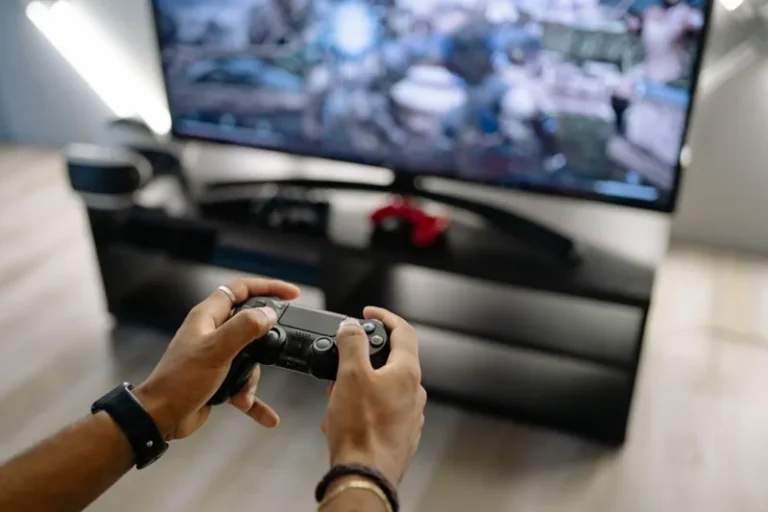
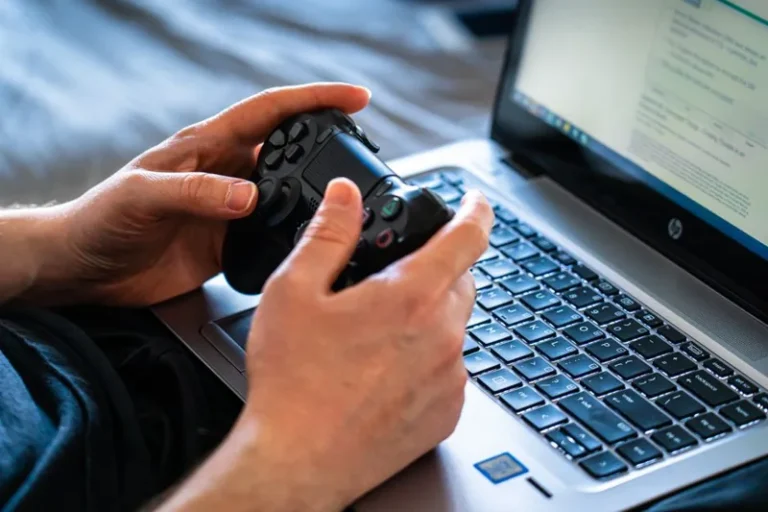
The basics of a streaming setup for gaming stay the same whether you play on PC or console. Streaming from a console is simpler but requires a capture card if you want overlays and alerts, unless you use the built-in streaming apps on PlayStation and Xbox. A console plus an Elgato HD60 X into a PC running OBS gives you the full custom experience for around $180 extra.
PC streaming is more flexible because everything runs on one machine with no capture card needed at the starter and mid tiers. If console streaming is your plan, budget for the capture card from day one. Whichever platform you use, test your full audio and video chain with a private broadcast before going live, because fixing a muted game mid-stream is not how you want to make a first impression.
Room and Audio Treatment on the Cheap
A noisy, echoey room sabotages an otherwise good mic. This is the part of a streaming setup for gaming most newcomers skip, and it shows in the audio. Thick curtains, a rug, and a bookshelf with books all absorb sound and cost nothing if you already own them. A $30 pack of acoustic foam panels on the wall behind the mic helps tame echo in a bare room.
Position the mic close to your mouth, about 6 to 12 inches away, and lower the gain until your loudest laugh does not clip. A little room treatment plus correct gain beats an expensive mic in a hard, empty room.
Grow the Setup as the Channel Does
Buy gear in the order viewers will notice it. Start with the mic and light, then the webcam, then a Stream Deck once you find yourself fumbling for scenes. Each purchase should solve a specific problem, not just look cool on stream.
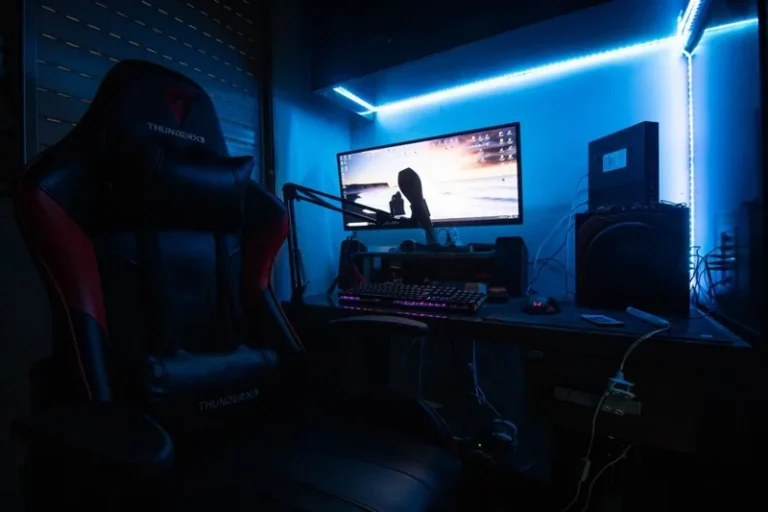
Keep the whole station tidy with the cable and lighting advice in our gaming desk setup ideas guide, and make the glow consistent with our RGB setup for gaming PC walkthrough.
FAQ
How much does a streaming setup for gaming cost?
A solid starter setup costs roughly $360 on top of the PC you already own, covering a USB mic, arm, webcam, and key light. A mid-range setup lands near $950, and a pro rig can exceed $2,000.
Do I need a capture card to stream?
Only if you stream from a console or a second PC. For streaming and gaming on a single PC, software capture in OBS handles everything with no capture card required.
What internet speed do I need for streaming?
Aim for at least 3 to 6 Mbps upload for 1080p60, with a wired Ethernet connection. Lower resolutions like 720p60 need less, so test your speed and match the output to it.
Is a gaming PC enough to stream?
Yes. Any modern gaming PC with an NVIDIA GPU can encode 1080p60 using NVENC with minimal performance loss. A dedicated streaming PC is a later luxury, not a starting requirement.
Start Streaming With Less Than You Think
A streaming setup for gaming comes down to clear audio, stable internet, and decent lighting, in that order. Spend under $400 on a good mic and light, test everything with a private recording, and go live before you feel ready.
The polish comes with reps, not gear. Once you are streaming regularly, upgrade the camera and controls, and build out the rest of the desk with our best mechanical keyboard for gaming and best budget gaming headset guides.