Essential Accessories for a Gaming PC: The 12 Add-Ons That Actually Matter
You have the tower, the GPU, and the monitor. Before you call the build done, there is a short list of essential accessories for a gaming pc that separates a machine that merely runs from one that is genuinely pleasant and reliable to use day after day. These are not RGB novelties; they protect your hardware, improve comfort, and save you from the frustrations every builder runs into eventually. Here are the ones worth your money, in rough priority order.
Protect Your Investment First
A few cheap additions make up the most essential accessories for a gaming pc you can buy, because they stop expensive problems before they start.
A Surge Protector or UPS
A $20 to $40 surge protector is the most overlooked essential. A single voltage spike can kill a motherboard or PSU, and a quality surge protector absorbs it. If you live somewhere with unstable power, step up to a battery-backup UPS ($80 to $150) so brief outages do not corrupt your storage mid-game.
Compressed Air and Microfiber Cloths
Dust is the silent killer of components. A $10 can of compressed air and a pack of microfiber cloths let you clean filters and fans in minutes. Do it every two to three months, and your parts will run cooler and last longer.
Keep Your Hardware Cool
Thermals directly affect performance and longevity, and the right add-ons are among the most essential accessories for a gaming pc you can buy.
Extra Case Fans
Most cases ship with one or two fans and benefit from one or two more. A pair of good 120mm fans costs $15 to $30 and meaningfully lowers GPU and CPU temperatures, which can mean higher sustained boost clocks. Check your case’s max fan positions before you buy.
A Laptop-Style Laptop Stand or Monitor Arm
Proper airflow starts with placement. If your tower sits on carpet, lift it with a $15 stand so the power supply can breathe. A monitor arm ($30 to $80) also clears desk space for airflow and gives you back usable area. For a deeper guide on getting the most from your space, see how to improve your gaming setup.
Ergonomics That Prevent Pain
Comfort is not a luxury in gaming; it is what lets you play for years without injury.
Wrist Rest and Mouse Pad
A gel or memory-foam wrist rest ($10 to $20) and a low-friction mouse pad ($10 to $30) keep your wrists neutral and your aim smooth. A desk-sized pad doubles as a clean, consistent surface for both keyboard and mouse.
A Chair Worth Sitting In
A proper chair with adjustable height and lumbar support is the single best ergonomic upgrade you can buy. It does not have to be a “gaming” chair; a quality ergonomic office chair often wins on adjustability. Budget $100 to $300 for something that will not punish your back.
Audio and Communication
Good sound and clear comms are essential accessories for a gaming pc in multi-player titles.
A Dedicated Mic or Headset
Built-in mic arrays pick up keyboard noise and echo. A $40 to $100 gaming headset or a separate USB microphone gives your teammates clean, intelligible voice chat. If you go the headset route, a stand keeps it off the floor and cable-free. For objective headset and mic measurements, RTINGS.com is the best reference.
A USB DAC or Amp
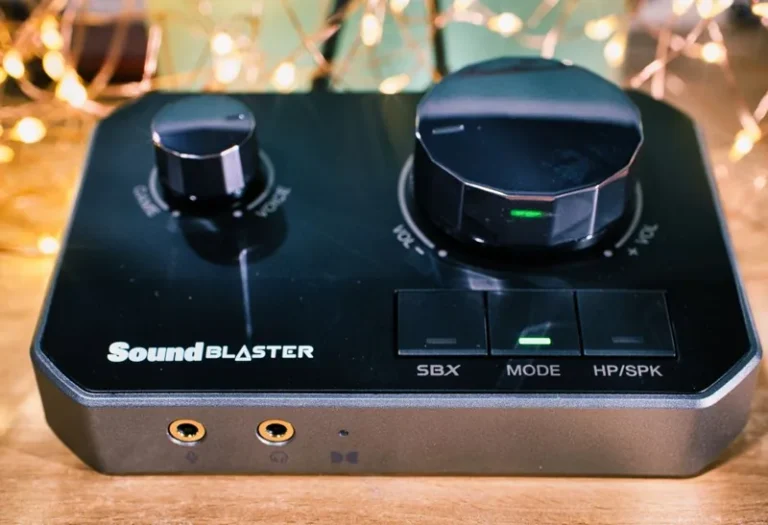
If you own good headphones, a $30 to $60 USB DAC will often improve clarity over your motherboard’s onboard audio. It is an easy, audible upgrade for both games and music.
Connectivity You Will Actually Use
Hubs and docks solve the cable sprawl that comes with a full setup.
A Powered USB Hub
Between mouse, keyboard, controller, mic, and charging cables, you will run out of ports fast. A powered USB 3.0 hub ($25 to $40) keeps everything connected and stable, and it makes a single cable run to your PC possible.
A Controller and Its Dock
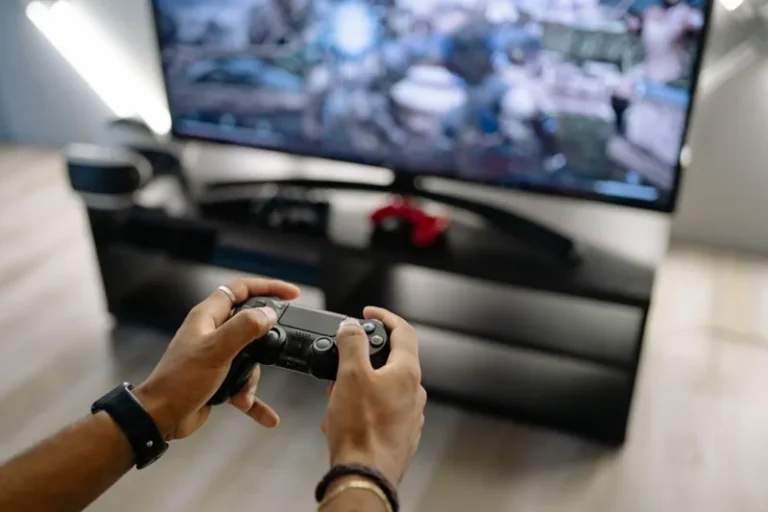
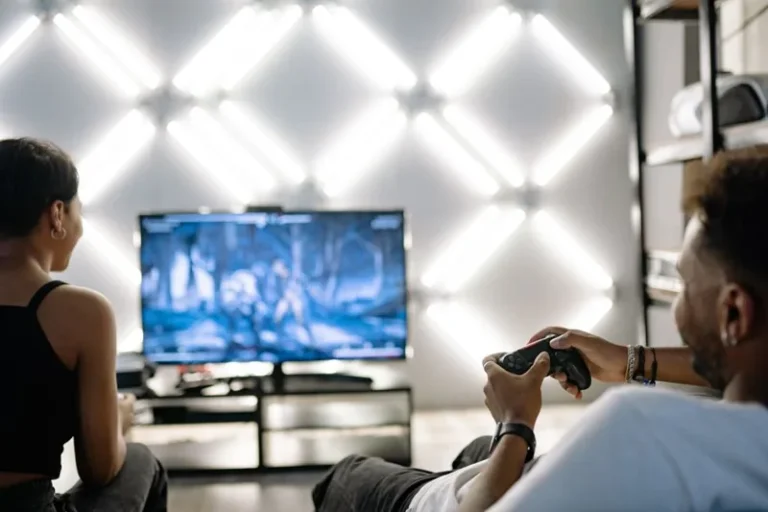
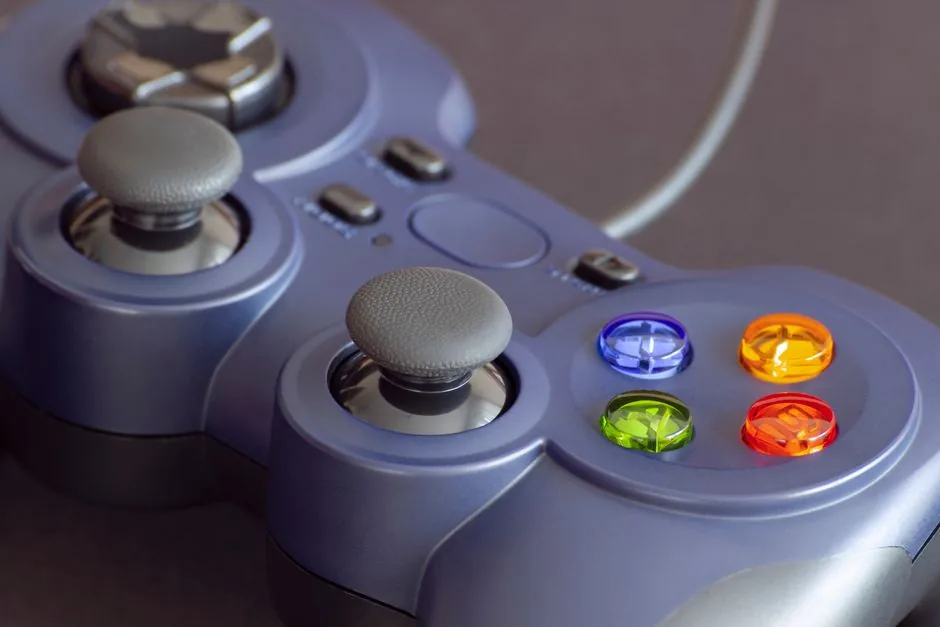
Many games simply play better on a gamepad. A quality controller ($50 to $70) plus a charging dock or a simple stand keeps it topped up and out of the way. This is a bigger quality-of-life upgrade than it sounds.
Input Upgrades That Feel Great
Your keyboard and mouse may already be sorted, but a few small add-ons make them feel noticeably better and last longer, and they round out the list of essential accessories for a gaming pc nicely.
A Quality Mouse Pad
A smooth, low-friction pad ($10 to $30) is one of the cheapest upgrades you can feel on the first flick. Desk-sized pads add a consistent surface for both keyboard and mouse and pull the whole look together. They also protect your desk from years of wear.
Keycap and Switch Tweaks
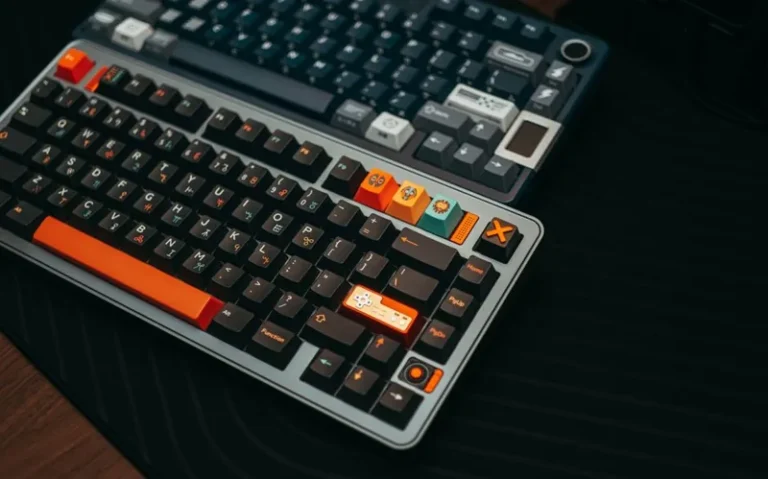
If you own a hot-swappable mechanical keyboard, a switch sample kit ($15 to $25) lets you dial in the exact feel you want without buying a new board. Fresh keycaps ($30 to $60) can refresh the look and typing feel of a keyboard you already love.
Essential Accessories for a Gaming PC in Priority Order
If you are buying everything at once, spend in this sequence rather than spreading the budget thin.
Tier 1: Buy Immediately
Surge protector, compressed air and cloths, extra case fans, and a wrist rest. These protect your hardware and body for under $80 combined, and there is no reason to skip them.
Tier 2: Buy Next
A good chair, a monitor arm, and a powered USB hub. Together they transform comfort and cable management for roughly $200 to $350.
Tier 3: Nice to Have
A USB DAC, a dedicated mic, a controller dock, and tasteful lighting. These polish the experience but should wait until the first two tiers are covered.
What You Can Safely Skip
Not everything marketed as essential earns the label. Skip these unless you have a specific need.
RGB Everything
Light strips, RGB GPU braces, and glowing cables add zero performance. A little accent lighting for mood is fine, but none of it qualifies as an essential accessory for a gaming pc.
Elaborate Headset Stands and Figures
Collectibles are fun, but they add clutter more than function. Spend that money on a second SSD or better chair first. For an honest look at where your budget should go, see our gaming setup under 500 guide. If you want the complete room-level view, our picks for the best gaming desk 2026 tie it all together.
Software and Setup Extras
Not every essential is physical. A few software and organizational habits protect your build and keep it running smoothly.
Temperature and Health Monitoring
A free tool like HWiNFO or MSI Afterburner shows you CPU and GPU temperatures, fan speeds, and clock behavior in real time. Watching those numbers once a month catches a clogged filter or failing fan long before it becomes a crash.
Cable Labels and Velcro Straps
A $5 pack of velcro ties and a few labels make future upgrades dramatically easier. When every cable is labeled at both ends, swapping a PSU or adding a drive takes minutes instead of an hour of tracing wires through the case.
Keep Drivers Current
GPU drivers are the single most impactful software update for gaming performance, so set a monthly reminder. Updating chipset and audio drivers alongside them prevents odd stutters and crackle that are easy to misdiagnose as hardware faults.
Frequently Asked Questions
What are the most important accessories for a gaming PC?
A surge protector, a good chair, adequate case cooling, and clean audio come first. These protect your hardware and your body, which matters more than any cosmetic add-on.
Do I need a UPS for my gaming PC?
Only if you live somewhere with frequent outages or unstable power. A surge protector is a must for everyone; a UPS adds battery backup so sudden power loss cannot corrupt your storage.
How much do essential gaming PC accessories cost?
The core essentials (surge protector, cleaning kit, extra fans, wrist rest, hub) total roughly $100 to $200. Adding a chair, headset, and DAC pushes the complete setup to $300 to $500.
Are RGB lights worth buying?
Only for aesthetics. RGB adds no performance and should come last, after you have covered protection, ergonomics, and audio.
What audio setup is best for a gaming PC?
A quality gaming headset or a separate USB microphone plus good headphones covers most players. A cheap USB DAC can further improve clarity if you already own solid headphones.
Conclusion
The best essential accessories for a gaming pc are not the flashiest ones. They are the surge protector that saves your rig, the chair that saves your back, the fans that keep temperatures down, and the mic that keeps your teammates sane on comms. Buy those first, and only then spend on aesthetics if the budget is left over.
Finish your setup the right way: start with the accessories above, then check out how to improve your gaming setup with free tweaks and decide between wired vs wireless gaming mouse to cap off your build.