Gaming PC Build for Flight Simulator: The 2026 Hardware Guide
A gaming pc build for flight simulator is not the same as a gaming pc for Call of Duty or Fortnite. Flight simulators such as Microsoft Flight Simulator 2024 (MSFS) push the CPU, system memory, and VRAM far harder than ordinary games, while a mid-range graphics card is often plenty. If you copy a typical shooter build, you will watch your frame rate collapse the moment you fly over a detailed city or a busy international airport.
This guide explains exactly where to spend your money for a gaming pc build for flight simulator, then gives you three complete parts lists at different budgets. Every list is built around current 2026 prices and hardware that is actually available.
Why a Gaming PC Build for Flight Simulator Leans on CPU and RAM
MSFS and other serious simulators stream huge amounts of terrain and air traffic in real time. That work is mostly done by the CPU, not the GPU. A strong eight-core processor with good single-thread performance is the single most important part of any gaming pc build for flight simulator, because it keeps the main simulation thread from becoming the bottleneck.
How Much RAM Does a Simulator Actually Want?
Modern flight simulators recommend 32 GB of RAM as the comfortable minimum, and 64 GB is worth having if you fly with lots of scenery add-ons and high-detail airports. RAM speed matters too, so aim for DDR5 at 6000 MT/s or faster. When memory fills up, the simulator starts streaming from storage, and that causes the stutters pilots hate most.
Storage Matters More Than It Does in Other Games
A fast NVMe drive is not optional here. Because the simulator loads scenery continually, a PCIe 4.0 or 5.0 SSD dramatically reduces terrain pop-in. Budget at least 1 TB, and consider 2 TB if you plan to install a large custom-scenery library.
The Best Parts for a Gaming PC Build for Flight Simulator
| Component | Recommended pick | Why it matters for a simulator |
|---|---|---|
| CPU | AMD Ryzen 7 9800X3D or Intel Core i7-14700K | Strong single-thread speed plus 8+ cores for the simulation thread |
| GPU | NVIDIA RTX 4070 Super or AMD RX 7800 XT | Enough for 1440p Ultra; VRAM matters more than raw speed |
| RAM | 32–64 GB DDR5-6000 | Simulators will happily use it all |
| Storage | 2 TB PCIe 4.0 NVMe | Fast streaming reduces terrain pop-in |
| PSU | 750 W 80+ Gold | Stable power for a 250 W+ GPU and a hot CPU |
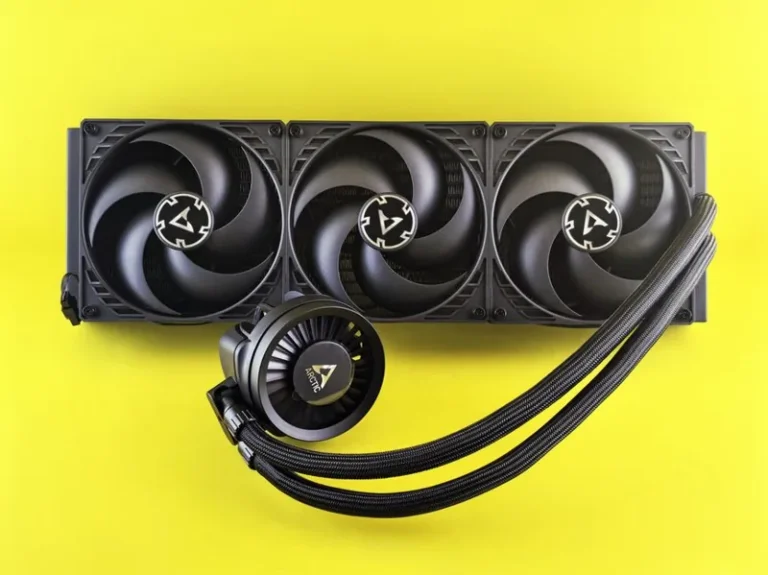
| Cooler | 240 mm AIO or big air cooler | Keeps boost clocks high during long flights |
Three Complete Parts Lists
Here are three realistic gaming pc build for flight simulator configurations with approximate 2026 prices. Swap between them freely depending on your budget and target resolution.
Entry-level (1080p, ~$1,100):
– CPU: AMD Ryzen 5 7600X
– GPU: NVIDIA RTX 4060 Ti (16 GB)
– RAM: 32 GB DDR5-6000
– Storage: 1 TB NVMe
– PSU: 650 W Gold
Mid-range (1440p, ~$1,700):
– CPU: AMD Ryzen 7 9800X3D
– GPU: NVIDIA RTX 4070 Super
– RAM: 32 GB DDR5-6000
– Storage: 2 TB NVMe
– PSU: 750 W Gold
High-end (1440p/4K, ~$2,600):
– CPU: Intel Core i9-14900K
– GPU: NVIDIA RTX 4080 Super
– RAM: 64 GB DDR5-6400
– Storage: 2 TB PCIe 5.0 NVMe
– PSU: 850 W Gold
For the graphics card side of the decision, our best graphics card for gaming 2026 roundup covers the alternatives if you want to compare more options.

How to Tune Your Gaming PC Build for Flight Simulator
Getting the hardware right is only half of it. A few software and BIOS settings can add frames without changing a single component.
Enable XMP or EXPO
Most memory runs below its rated speed until you enable the correct profile in BIOS. Turning on XMP (Intel) or EXPO (AMD) is the fastest zero-cost upgrade to a gaming pc build for flight simulator, since the simulation thread is sensitive to memory bandwidth.
Turn Off the Loading Stutters
If you see micro-stutter during flight, limit the frame rate slightly below your monitor average and enable a frame-rate cap in the driver or the simulator. A stable 60 FPS almost always feels better than a fluctuating 70 to 90 FPS.
Watch the Thermal Headroom
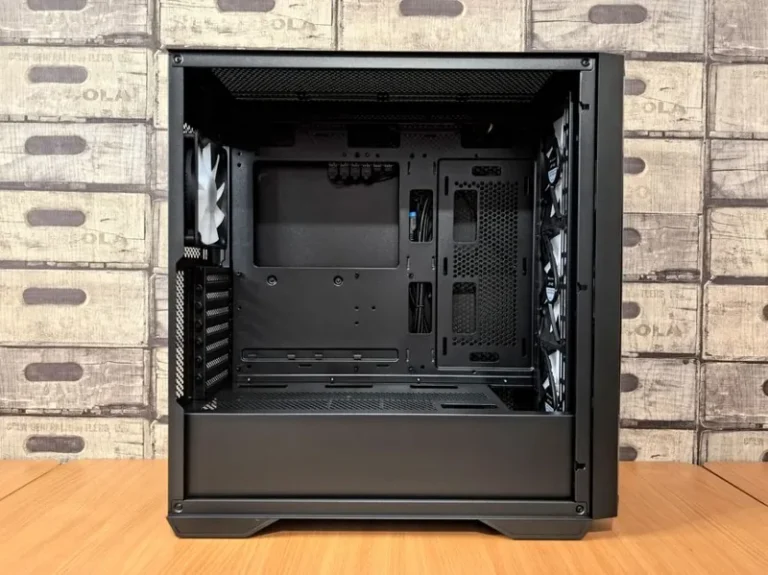
Simulators keep the CPU and GPU loaded for hours, which is longer than a typical gaming session. Make sure your case has positive airflow and that your CPU cooler is capable of sustained load. If temperatures climb, boost clocks drop, and the frame rate follows.
Internal Links to Finish Your Build
A flight simulator setup overlaps heavily with a general high-performance build. Check these guides to round out the full system:

For independent benchmark numbers and the latest hardware reviews, see Tom’s Hardware and PC Gamer.
Budgeting Your Flight Simulator PC Around the Right Parts
The total cost of a gaming pc build for flight simulator depends almost entirely on where you set the resolution target. At 1080p you can build a fully capable machine for around $1,100, while a 1440p or 4K machine climbs quickly toward $2,500 because the GPU, VRAM, and storage demands all rise together.
Rather than buying the biggest graphics card you can afford, put the money into the CPU and RAM first. A flight simulator rewards a strong processor and 32 GB of fast memory more than it rewards spending an extra $300 on a card you will not fully use at 1080p. Then add the best GPU that fits what is left of the budget.
Set aside part of the budget for a fast NVMe drive and a reliable power supply. These are easy places to cut corners, but a flight simulator streams so much data at once that a slow drive causes visible stutter, and a weak power supply risks shutdowns during the long, sustained loads that simulators create.
One more tip: keep a little cash for controls. A basic HOTAS or yoke makes far more difference to the experience than a slightly faster GPU, and you can add it later without opening the case.
FAQ
Can you build a flight simulator PC for under $1,000?
Yes. A Ryzen 5 7600X with an RTX 4060 Ti and 32 GB of RAM will run MSFS at 1080p High with solid frame rates. You will have to compromise on add-ons and high detail settings at busy airports, but it is genuinely playable.
Is a flight simulator more CPU or GPU intensive?
It leans CPU and memory intensive, especially at low altitude over dense scenery. The GPU matters, but a mid-range card with 12 GB or more of VRAM is usually enough while the CPU and RAM determine smoothness.
Does MSFS 2024 need 64 GB of RAM?
No, 32 GB is fine for most pilots. 64 GB only becomes useful if you run heavy third-party scenery, traffic add-ons, and background apps at the same time.
What frame rate should I target for a flight simulator?
A locked 60 FPS is the sweet spot. Flight sims do not need 120 FPS the way a competitive shooter does, and a stable 60 FPS feels dramatically better than a stuttery higher number.
Do I need a special controller for a flight simulator PC?
The PC itself needs no special hardware, but a joystick or yoke makes the experience far better. Start with the PC, then add a budget HOTAS when you can.
Conclusion
A gaming pc build for flight simulator looks different from a normal gaming rig because the workload is different. Spend the money on a strong CPU, 32 GB of fast RAM, and a fast NVMe drive first, then pair them with a mid-range GPU that has at least 12 GB of VRAM. The three parts lists above give you a solid starting point at every budget, and the tuning tips will squeeze out the last few frames for free.
When you are ready to pick the rest of the parts, start with our best CPU for gaming 2026 and best graphics card for gaming 2026 guides, then match your power supply with our best power supply for gaming PC guide.