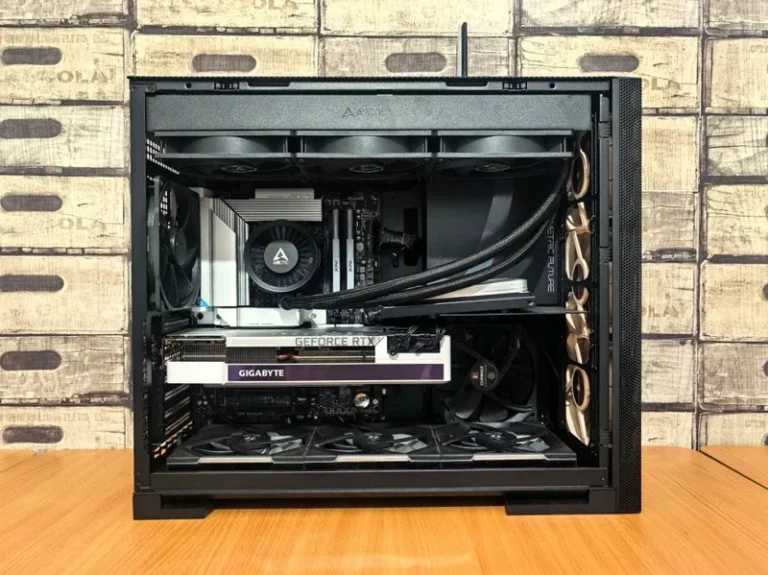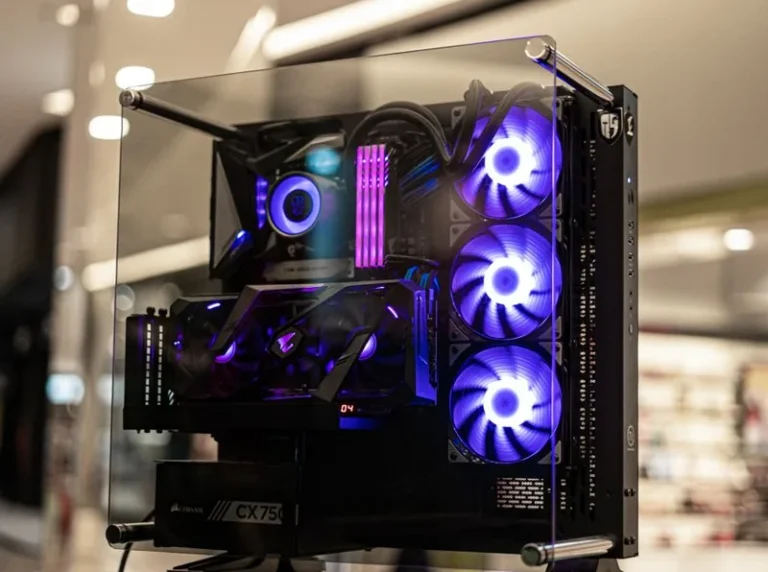
RTX 5080 Gaming PC Build: The High-End 4K Parts List (2026)
An RTX 5080 gaming pc build is the most sensible way to reach high-refresh 4K in 2026 without paying the RTX 5090’s $1,999 premium. This guide lays out a complete high-end parts list with real street prices, explains why each component earns its spot, and totals the whole thing so you know exactly what you are spending before you buy a single part.
The RTX 5080 sits in a sweet spot that did not exist a generation ago. It delivers most of the RTX 5090’s 4K performance for half the money, which makes it the default choice for anyone building a serious 4K machine on a realistic budget. The catch is that a card this fast only shines when the rest of the system keeps up, so the parts below are chosen to match it rather than just fill out a list.
The RTX 5080 Gaming PC Build: Full Parts List and Cost
Here is the complete configuration with realistic street prices for 2026. Treat the total as a band rather than a fixed number, since GPU and storage pricing shifts week to week.
| Component | Pick | Approx. price |
|---|---|---|
| Graphics card | NVIDIA GeForce RTX 5080 16GB GDDR7 | $999 (MSRP) |
| CPU | AMD Ryzen 7 9800X3D (8-core, 3D V-Cache) | $479 |
| Motherboard | X870 or B850 ATX, PCIe 5.0 | $220 |
| Memory | 32GB (2x16GB) DDR5-6000 CL30 | $100 |
| Storage | 2TB PCIe 4.0 NVMe SSD | $130 |
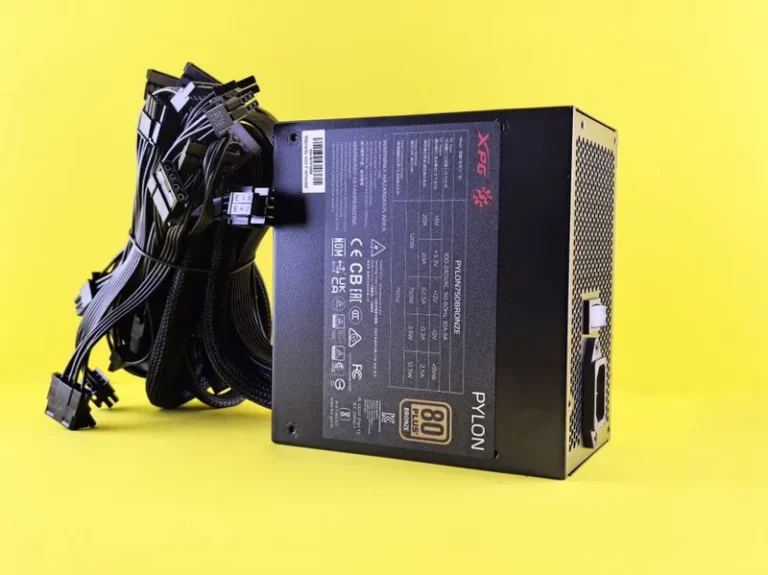
| Power supply | 850W 80 Plus Gold, ATX 3.1 / 12V-2×6 | $140 |
| CPU cooler | 360mm AIO liquid cooler | $150 |
| Case | High-airflow ATX mid-tower | $120 |
Estimated total: about $2,340. If you already own a case, storage, or power supply from a previous build, you can realistically land closer to $2,100. This is the target configuration for native 4K at high settings and 100-plus fps in most current titles.
Why the RTX 5080 Is the Right GPU for 4K in 2026
The RTX 5080 is built on NVIDIA’s Blackwell architecture and carries 16GB of GDDR7 memory on a 256-bit bus, good for roughly 960 GB/s of bandwidth. That memory is the quiet headline of the card: 16GB is now the floor for comfortable 4K gaming, and GDDR7 keeps it from becoming a bottleneck as textures and ray-traced scenes grow heavier.
At 4K, the 5080 lands about 25 to 35 percent ahead of the RTX 5070 Ti and only 15 to 20 percent behind the RTX 5090 in most games, at half the 5090’s price. DLSS 4 with Multi Frame Generation is what tips the balance. In titles that support it, frame generation can more than double output at 4K, which turns a card that manages 60 to 70 fps natively in Cyberpunk 2077 at ultra into one that pushes past 150 fps with DLSS on.
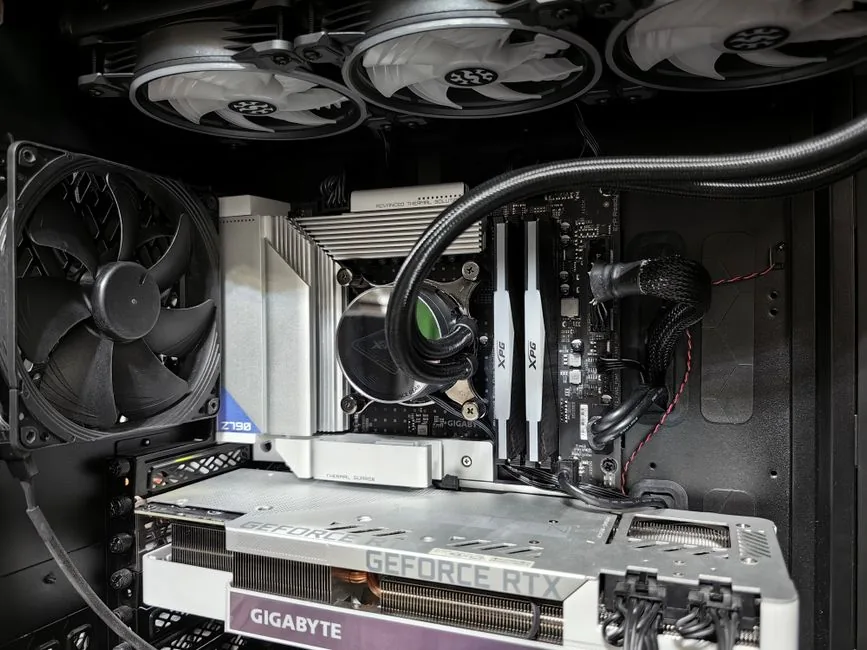
That is the practical argument for the 5080: it is the cheapest card that makes high-refresh 4K feel effortless rather than managed. If you are weighing it against other options, our best graphics card for gaming 2026 roundup breaks down where the 5080, 5070 Ti, and AMD’s RX 9070 XT each make sense.
Matching Components: CPU, Memory, and Power
A 5080 does not need the most expensive CPU in the world, but it does need one that will not hold it back at 4K. The Ryzen 7 9800X3D is the pick. Its 3D V-Cache produces 15 to 30 percent higher frame rates than standard eight-core chips in CPU-heavy games, and it runs cool enough that a 360mm AIO is more than adequate.
You could step up to a Ryzen 9 9950X3D, but for pure gaming at 4K it is money better spent elsewhere, since the GPU does the heavy lifting at that resolution. Intel’s Core Ultra 7 265K is a fine alternative if you also do video editing or streaming work on the side.
Memory and power are where people most often cut the wrong corners. 32GB of DDR5-6000 CL30 is the 2026 standard and costs around $100; going slower saves a few dollars and gives up real frame consistency. The power supply deserves more attention than it gets, because the RTX 5080 has a 360W total graphics power rating and spikes higher under load. NVIDIA recommends a minimum 850W unit. An 850W 80 Plus Gold ATX 3.1 supply with the native 12V-2×6 connector is the safe floor, and a 1000W Gold or Platinum unit is worth the extra $40 if you plan to overclock or carry the PSU into a future flagship upgrade.
Real 4K Performance: What This Build Actually Does
This is a 4K-first machine, so it helps to set expectations with real numbers. In heavy ray-traced titles like Cyberpunk 2077, Alan Wake 2, and Black Myth: Wukong, expect 60 to 80 fps at native 4K ultra, and 120 fps or more with DLSS 4 and frame generation enabled. In lighter or better-optimized games, native 4K high settings commonly clear 100 fps on their own.
Esports is almost an afterthought for a system this powerful. Valorant, CS2, Apex Legends, and Fortnite will run at frame rates that exceed what any 4K monitor can currently display. The real value of this build is longevity: it should hold high settings at 4K for several years of new releases without forcing you to think about an upgrade.

If you want a full picture of what 4K costs across every tier, our how much does it cost to build a 4k gaming pc guide compares entry, balanced, and flagship builds side by side. This 5080 configuration is the balanced tier in that breakdown, and it is where most 4K buyers should land.
Where You Can Save Money (and Where You Should Not)
There are a few honest places to trim this list, and a few where trimming is a mistake.
- GPU: The RTX 5080 at $999 MSRP is the target, but many partner cards list at $1,099 to $1,199 for factory overclocks and bigger coolers. A reference-style or base-model 5080 is the value pick; the extra clocks rarely justify the markup.
- CPU: A Ryzen 7 9700X at roughly $330 saves about $150 and gives up only a few percent at 4K. If the budget is tight, it is a reasonable swap.
- Cooler: A large air cooler like a Noctua NH-D15 handles the 9800X3D fine and saves $50 to $70 versus a 360mm AIO.
- Do not skimp on the power supply or memory. These are the two components that cause the most frustrating, hardest-to-diagnose problems down the line.
If the $2,340 total is more than you want to spend, dropping to a 5070 Ti class card moves this build closer to $2,000 while still handling 4K, just with more reliance on upscaling. For the full 5070 Ti and 9800X3D parts list, see our best gaming pc build 2026 guide.
Frequently Asked Questions
Is the RTX 5080 overkill for 1440p?
Mostly, yes. At 1440p the RTX 5080 will be limited by your monitor’s refresh rate in most games rather than by the card. It earns its price at 4K high refresh. If you play at 1440p, a 5070 Ti delivers most of the experience for less money.
What power supply does an RTX 5080 need?
NVIDIA recommends a minimum 850W unit. An 850W 80 Plus Gold ATX 3.1 supply with the native 12V-2×6 connector is the standard choice, and a 1000W unit adds headroom if you overclock or plan to reuse it later.
Is 16GB of VRAM enough for 4K in 2026?
Yes, for the current generation. Sixteen gigabytes is the practical floor for 4K gaming, and the 5080’s GDDR7 keeps bandwidth high. Games are trending upward, but 16GB should hold at 4K for the life of this card.
Do I need a Ryzen 7 9800X3D, or can I save on the CPU?
You can save. A Ryzen 7 9700X or Intel Core Ultra 7 265K performs within a few percent at 4K, where the GPU is the bottleneck. The 9800X3D is the best choice for maximum frame consistency and for CPU-heavy simulation games, but it is not mandatory.
Is the RTX 5080 worth it over the RTX 5090?
For most people, yes. The 5090 is roughly 15 to 20 percent faster at 4K for double the money. The 5080 is the point where dollars-per-frame is still reasonable for high-refresh 4K.
The Bottom Line: Build It Once, Build It Right
The RTX 5080 gaming pc build above is the balanced high-end 4K machine of 2026: a $999 RTX 5080 paired with a Ryzen 7 9800X3D, 32GB of DDR5-6000, and an 850W Gold power supply for about $2,340 all in. It runs native 4K at high settings today and leaves enough headroom that you will not be upgrading next year.
Start with the parts list, price the graphics card first since it moves the most, and leave room in the power supply. Before you commit, cross-check current 4K benchmarks at Tom’s Hardware and confirm the latest RTX 5080 specs and DLSS 4 details on NVIDIA’s 50-series page. When you are ready to assemble it, our best gaming pc build 2026 guide walks the same principles at a lower tier, and our how much does it cost to build a 4k gaming pc breakdown will help you budget the monitor and peripherals you still need on top of the tower.