How Much RAM for Gaming PC in 2026? 16GB vs 32GB vs 64GB
The answer to how much RAM for gaming pc you need in 2026 is simple: 32 GB is the sweet spot, and 16 GB is the minimum I would accept. Most games still run on 16 GB, but the margin is disappearing as titles push past that ceiling in the background while Windows, Discord, and a browser eat their share. This guide explains the 16 GB, 32 GB, and 64 GB decision with real numbers and prices, so you can buy the right amount without overspending.
If you are building a new machine today, buy a 32 GB kit of DDR5 at 6000 MT/s and stop worrying about memory for years. If you are on a strict budget, 16 GB is workable, and if you stream or do heavy multitasking, 32 GB is the floor. Details below.
How Much RAM for Gaming PC: Capacity Compared
Here is the practical breakdown of each capacity tier, what it handles, and what it costs in 2026.
| Capacity | Cost (DDR5) | What It Handles | Verdict |
|---|---|---|---|
| 8 GB | $25–$35 | Older games only | Not enough for 2026 |
| 16 GB | $40–$60 | Most games, light multitasking | Bare minimum |
| 32 GB | $70–$110 | Every game, streaming, multitasking | Sweet spot |
| 64 GB | $140–$220 | Heavy creation, VMs, extreme setups | Overkill for gaming |
| 128 GB | $300+ | Workstations, servers | Not for gaming |
Why 32 GB Is the Sweet Spot in 2026
Three years ago, 16 GB was the standard answer. In 2026 it has become the minimum. The reason is simple: games are not the only thing using your memory. Windows 11, a web browser with a dozen tabs, Discord, and game launchers can easily consume 8 to 10 GB on their own before your game loads.
On a 16 GB system, that leaves a thin margin. Modern titles like Starfield, Hogwarts Legacy, and recent multiplayer games happily use 12 to 14 GB, which pushes a 16 GB machine to the edge and forces Windows to page data to disk. The result is stutter and frame drops that look like a GPU problem but are actually memory exhaustion.
A 32 GB kit removes that ceiling entirely. You get enough headroom for the game, the background apps, and future titles, without the penalty of paying for 64 GB you will never use. It is the correct default for a new gaming PC.
When 16 GB Is Still Fine
Sixteen gigabytes remains acceptable if your budget is genuinely tight and you play lighter or older titles. Esports games like Valorant, League of Legends, and CS2 run comfortably in 16 GB, and so do most games from a few years ago. If you close your browser and Discord while gaming, you can stretch 16 GB further than you would think.
But treat it as a stopgap, not a long-term plan. On a system with four DIMM slots, buying 16 GB now and adding another identical 16 GB later is a reasonable path, though mixing kits can occasionally cause stability issues, so buying a matched 32 GB kit up front is safer.
Is 64 GB Ever Worth It for Gaming?
For pure gaming, 64 GB is overkill. No current game comes close to using it, and the extra capacity sits idle. The only people who genuinely benefit are those who game while running heavy workloads: video editing timelines, virtual machines, large 3D renders, or local AI models. If that describes you, 64 GB makes sense. For everyone else, it is money better spent on a faster GPU.
DDR4 vs DDR5: Does It Matter?
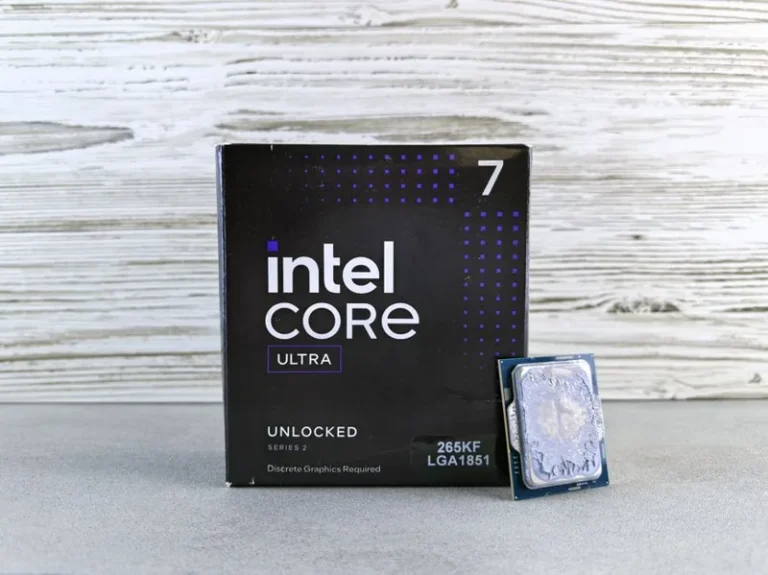
If you are building new in 2026, buy DDR5. It is now the mainstream standard on both AMD AM5 and Intel LGA 1851 platforms, and prices have fallen enough that DDR5 costs only slightly more than DDR4. DDR5 offers higher bandwidth and, more importantly, keeps you on a platform that will receive future CPUs.
DDR4 is not dead, but it only makes sense if you are upgrading an older system and want to avoid replacing the motherboard. For a budget DDR4 upgrade, 16 GB of 3200 MT/s remains the value option. If you are starting fresh, DDR5 is the only sensible choice.
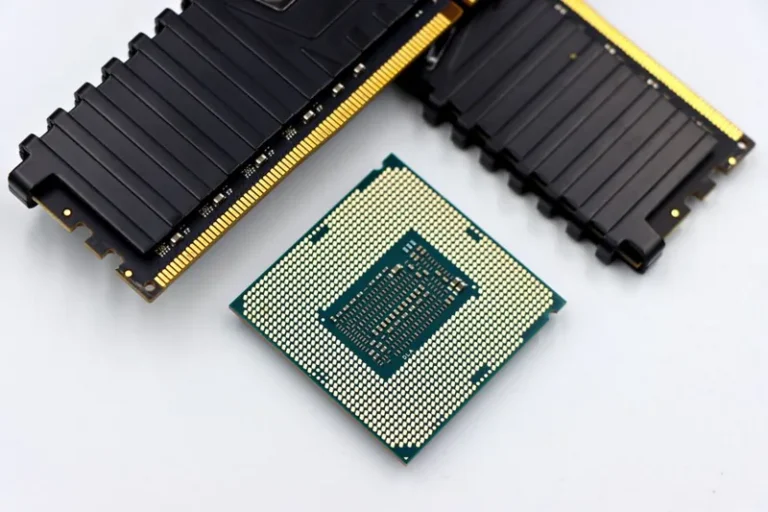
A matched two-stick kit is worth more than raw speed. Buying two identical sticks keeps memory in dual-channel mode, which roughly doubles bandwidth, while mixing brands or sizes can drop the system to the slowest common speed or, in rare cases, cause crashes. For the same reason, never run a single stick: one 16 GB stick is slower than two 8 GB sticks because it forfeits dual-channel bandwidth entirely.
What RAM Speed Should You Buy?
Speed matters, but only up to a point. For AMD AM5 systems, DDR5-6000 with CL30 latency is the widely accepted sweet spot, because it lines up with the infinity fabric clock for the best performance per dollar. For Intel systems, DDR5-6000 to DDR5-6400 is a fine target.
Faster kits with 7000 MT/s or higher exist, but they cost far more and deliver only single-digit percentage gains in games. Your money is better spent on capacity or a better CPU. The same logic applies to storage: a fast NVMe SSD will improve load times more noticeably than exotic memory speeds.
How Much RAM Do Specific Use Cases Need?
Different setups have different needs, so here is a quick reference:
- 1080p esports gaming — 16 GB is enough, 32 GB is comfortable.
- 1440p and 4K gaming — 32 GB recommended for the background app overhead.
- Streaming while gaming — 32 GB minimum; the encoder and overlays add real memory load.
- Simulation and strategy games — 32 GB or more; titles like Microsoft Flight Simulator and heavily modded Cities: Skylines love RAM.
- Content creation plus gaming — 32 GB minimum, 64 GB if you edit 4K video regularly.
How Much RAM for Gaming PC: Buying Advice by Budget
Your budget sets the answer to how much RAM for gaming pc you should buy. Here is the honest guidance at each price point.
Under $50, buy a 16 GB kit of DDR5-6000 if you are on AM5, or DDR4-3200 if you are upgrading an older board. You will game fine as long as you close background apps while you play. Between $70 and $110, the 32 GB DDR5-6000 CL30 kit is the clear buy and the one I recommend to almost everyone, because it removes memory as a bottleneck for years. Above $140, 64 GB only makes sense for streaming plus video editing, virtual machines, or heavy modding.
One trap to avoid is buying a single stick now to “upgrade later.” A single stick runs in single-channel mode and costs you meaningful performance. Always buy a matched two-stick kit, and if you must save money, get 16 GB as two 8 GB sticks rather than one 16 GB stick. That single decision matters more than any speed rating when you are deciding how much RAM for gaming pc you need.
FAQ
Is 16GB RAM enough for gaming in 2026?
It is the minimum. Sixteen gigabytes handles most current games, but background apps leave little headroom and can cause stutter in memory-hungry titles. For a new build, 32 GB is the safer recommendation.
How much RAM for gaming pc do I need for 4K?
32 GB is recommended for 4K gaming. Resolution itself does not consume much extra RAM, but 4K builds tend to run more background software, and 32 GB removes any chance of memory-related stutter.
Does more RAM increase FPS?
It can, but only when you do not have enough. Going from 8 GB to 16 GB or 32 GB raises fps and reduces stutter. Going from 32 GB to 64 GB does nothing for gaming, because the extra memory is never used.
Is DDR5 better than DDR4 for gaming?
Yes, DDR5 is the current standard and offers higher bandwidth for a small price premium. Buy DDR5 for any new build; DDR4 only makes sense when upgrading an older system without replacing the motherboard.
Should I get one stick or two sticks of RAM?
Two sticks, always. Running two sticks in dual-channel mode roughly doubles memory bandwidth, which has a real impact on gaming performance. Never run a single stick in a gaming PC.
Conclusion
How much RAM for gaming pc you should buy comes down to a clean rule: 32 GB for a new build, 16 GB as a budget minimum, and 64 GB only for heavy multitasking or creation work. Pair that memory with DDR5-6000 on a modern platform, install it as a matched two-stick kit, and the memory side of your build is solved for years. Spend the leftover budget where it counts most: a stronger graphics card and a fast NVMe SSD.
For memory benchmarks and compatibility lists, check Tom’s Hardware’s RAM guide and PCMag’s memory picks.