Aesthetic Gaming PC Build 2026: A Clean, Showpiece Parts List
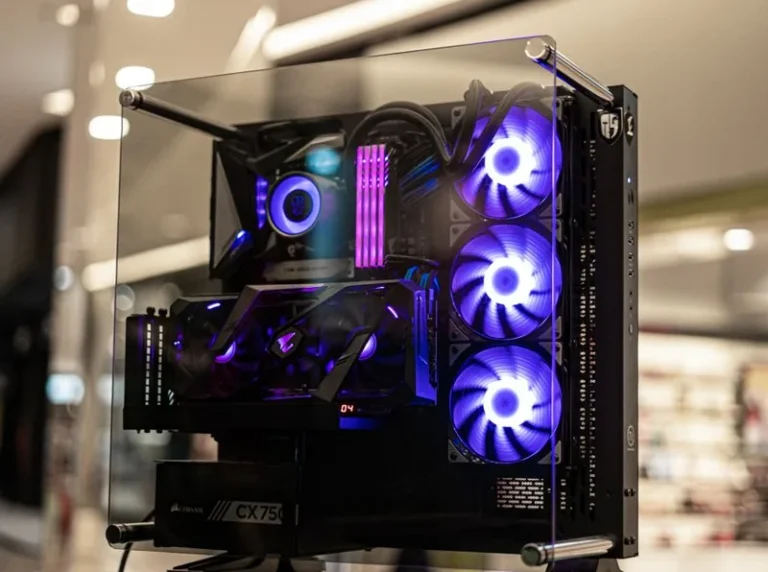
An aesthetic gaming pc build is about more than raw frame rates — it is a centerpiece for your desk, something you want to look at every day. In 2026, building a beautiful PC is easier than ever, because manufacturers now offer white, cleanly styled components across every category, from motherboards to graphics cards to power supplies. The trick is achieving that look without blowing the budget on cosmetics or sacrificing actual performance.
This guide lays out a complete aesthetic gaming PC build with a parts list, a color and lighting strategy, and the cable management habits that separate a showpiece from a mess. If performance-per-dollar matters more to you, see best gaming pc build 2026, and for a white-focused spin, white gaming pc build goes deeper on that specific theme.
The Aesthetic Gaming PC Build Parts List
Here is a balanced 1440p aesthetic gaming PC build for 2026, chosen for a clean white-and-black look with tasteful RGB.
| Component | Part | Approx. Price (USD) |
|---|---|---|
| CPU | AMD Ryzen 5 7600 (65 W) | $185 |
| GPU | NVIDIA GeForce RTX 4070 Super (white) | $599 |
| Motherboard | ASRock B650M Pro RS Wi-Fi (white/silver) | $150 |
| Memory | 32 GB (2×16) DDR5-6000 CL30, white RGB | $105 |
| Storage | WD Black SN770 2 TB NVMe | $115 |
| CPU Cooler | Thermalright Peerless Assassin 120 SE ARGB | $42 |
| Power Supply | Corsair RM750x White (750W) | $130 |
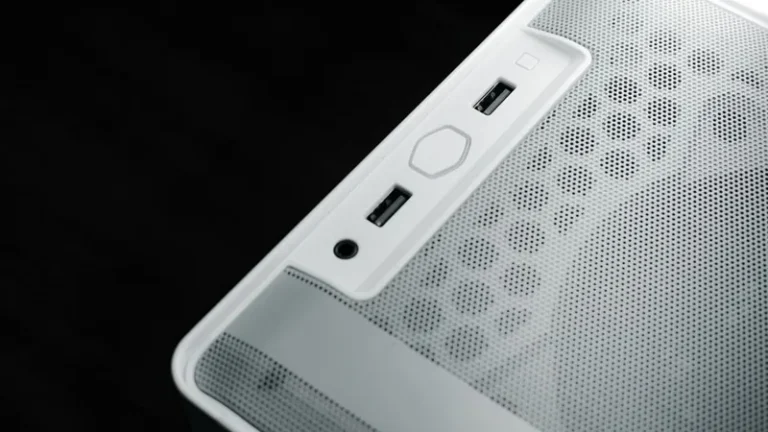
| Case | NZXT H5 Flow (white) | $95 |
| Fans | 3x ARGB 120 mm fans | $45 |
| Total | ~$1,466 |
The total lands just under $1,500 and delivers smooth 1440p gaming with a look that belongs on a shelf, not hidden under a desk. For the GPU decision specifically, best gpu for gaming price to performance compares the RTX 4070 Super against its rivals.
The Design Philosophy: Restraint Beats Rainbows
The most common mistake in an aesthetic gaming pc build is going overboard on RGB. A dozen components cycling through every color at once reads as noise, not style. The cleanest builds pick one accent color — or a simple white-light theme — and stick to it across every component. Less is more.
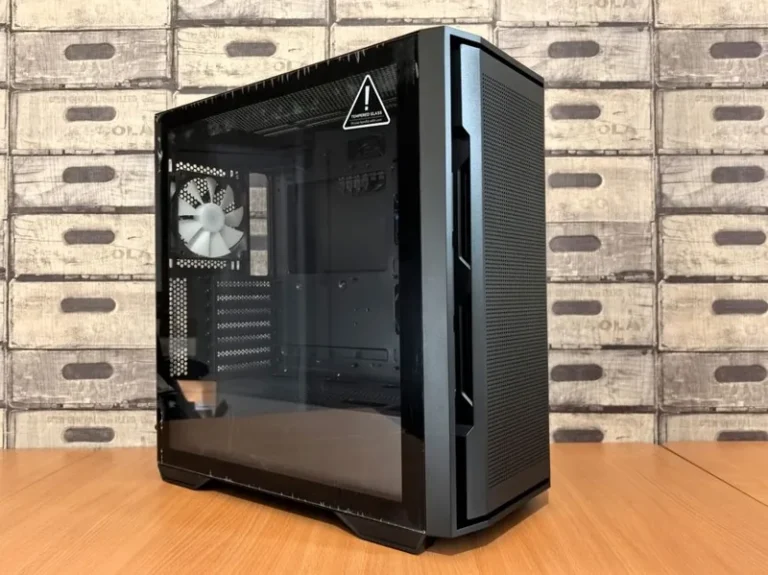
A strong starting point is a white case with black internal components and white lighting. White cases like the NZXT H5 Flow make black hardware pop, and a single white LED theme looks far more premium than a rainbow. If you want color, commit to one hue and sync everything through your motherboard’s software.
Choosing a Cohesive Color Scheme
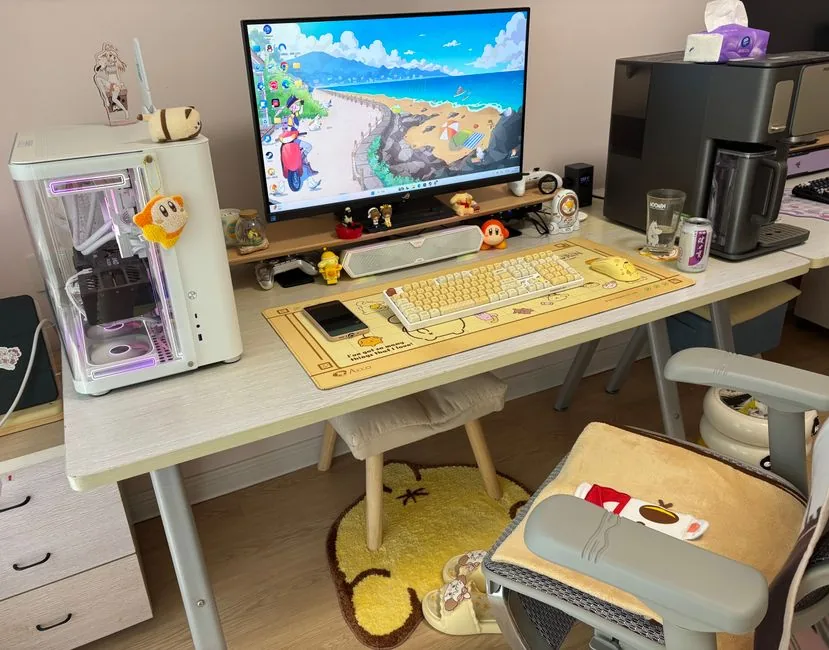
Consistency is what makes an aesthetic gaming pc build look intentional. Decide early between an all-white, all-black, or white-and-black two-tone theme, then buy every component to match. The parts that matter most for the look are the case, motherboard, cooler, and GPU, because those are what you actually see through the glass side panel.
White components usually cost a small premium over their black equivalents, so if the budget is tight, focus on the case and cooler in white and let the rest stay black. The contrast still reads as deliberate. For a full list of components to choose from, see components needed to build a gaming pc.
RGB: How to Make It Look Premium
Tasteful RGB transforms a build, but it has to be controlled. Here is how to make lighting an asset rather than a distraction:
- Sync everything through one ecosystem — ASUS Aura, MSI Mystic Light, or a third-party tool like SignalRGB — so colors match across the board.
- Pick one palette and lower the brightness; soft pastel or white light looks cleaner than saturated neon.
- Diffuse the LEDs — fans and strips with diffusers produce a smooth glow instead of harsh individual dots.
- Hide the strips behind edges and panels so you see light, never the strip itself.
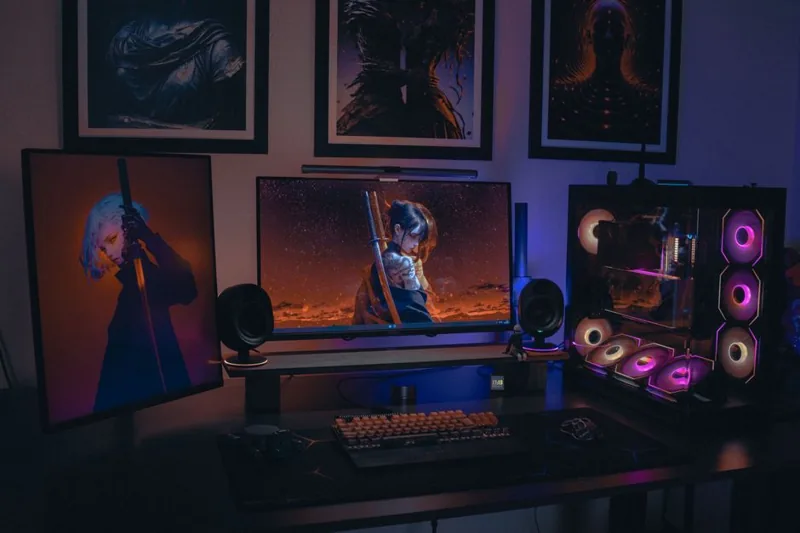
A well-lit build pairs naturally with a matching desk setup; rgb setup for gaming pc goes into the surrounding lighting and ambience in detail.
Cable Management Is Half the Look
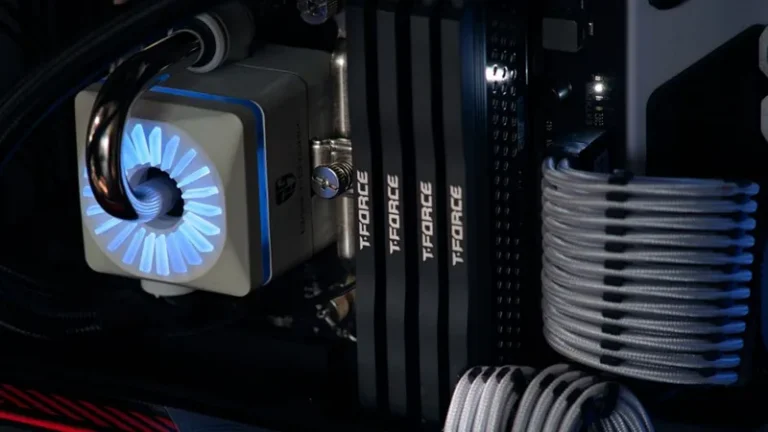
No aesthetic gaming pc build survives bad cable management. Even the most expensive white hardware looks cheap with a tangle of black cables across the front. Route every cable through the case’s cutouts, bundle the excess behind the motherboard tray with Velcro straps, and use sleeved cable extensions if your power supply’s stock cables are ugly.
The single highest-impact change is a set of white sleeved cable extensions for the 24-pin, CPU, and GPU power connectors — roughly $40 that makes the visible cables match the theme. Behind the panel, use the case’s built-in channels and velcro ties, and take your time: this is the step that separates a showpiece from an ordinary build.
Fans and Airflow for a Clean Look
An aesthetic gaming pc build should also run cool and quiet, because a hot, loud PC undercuts the whole premium feel. The NZXT H5 Flow is a strong airflow case with a clean front panel, and three ARGB intake fans plus one exhaust fan keep everything cool while lighting the interior evenly. Our best case fans guide lists the quietest, best-looking options.
Aim for slight positive pressure — more intake than exhaust — which reduces dust buildup inside the glass panel over time. A clean PC stays clean longer, and nothing ruins an aesthetic build faster than a layer of dust.
What Performance to Expect
This aesthetic gaming pc build is not just for show. A Ryzen 5 7600 with an RTX 4070 Super delivers excellent 1440p performance — 100+ FPS in most modern AAA titles at high settings and far more in competitive shooters — while the 2 TB NVMe and 32 GB of DDR5 keep load times and multitasking snappy. You get a machine that looks like a centerpiece and performs like a serious gaming rig.
Maintaining a Clean Aesthetic Over Time
An aesthetic gaming pc build looks its best on day one, but keeping it that way takes a little upkeep. Dust shows quickly on white cases and against a glass side panel, so set a positive-pressure fan curve and wipe the interior every few months with compressed air and a microfiber cloth. Keep the tempered glass clean with a proper glass cleaner, and avoid touching the inside with bare hands, since fingerprints on glass and white surfaces are instantly visible and hard to ignore.
Software plays a role too. Keep your lighting profile consistent after driver or firmware updates, and re-sync your RGB if a BIOS update resets your fan controller or motherboard lighting. A handful of small habits keeps the build looking as sharp six months in as it did the day you finished it. For more finishing-touch ideas, browse best gaming desk 2026 and how to improve your gaming setup, and watch the latest case and cooling releases covered at PC Gamer.
FAQ
How much more does an aesthetic gaming PC cost?
The cosmetic premium is usually modest — a white case, white cooler, and RGB fans add roughly $80–$150 over an equivalent all-black build. White GPUs carry the largest single premium.
Is white hardware harder to keep clean?
White components show dust more readily than black ones, but a positive-pressure fan setup and occasional cleaning keep it looking sharp. Avoid white surfaces where dust collects most, like the bottom intakes.
Can I make my current PC look aesthetic?
Yes. Cable extensions, a case swap, and matching RGB fans are the highest-impact upgrades, and they cost far less than a full rebuild. Lighting and cable management do more for the look than any single component.
Does RGB affect performance?
No, RGB lighting has no measurable effect on frame rates. It adds a little power draw and heat, but nothing that impacts gaming performance.
Conclusion
An aesthetic gaming pc build in 2026 proves you do not have to choose between looks and performance. Start with a clean white case, match a few visible components to the theme, add one tasteful lighting color, and spend real time on cable management — the result is a 1440p-capable machine that doubles as the centerpiece of your desk. For more build inspiration, explore best gaming pc build 2026 and white gaming pc build.