Silent Gaming PC Build: Whisper-Quiet Parts List for 2026
A silent gaming pc build is entirely possible in 2026 without sacrificing frame rates. The trick is not to buy a fanless machine, but to choose components that are quiet by design, then tune your fan curves so the system stays inaudible during normal use and only breathes audibly under a full gaming load. This guide gives you a complete noise-optimized parts list with real prices and the settings that make it whisper quiet.
Most noise in a gaming PC comes from three places: the CPU cooler, the GPU cooler, and the case fans. If you over-provision cooling and let every fan spin slowly, you can move the same heat with a fraction of the sound. The philosophy behind a silent build is headroom — buy more cooling than you strictly need, then run it gently. Start by deciding your performance target with our best gaming pc build 2026 guide, then apply the silence-first swaps below.
How Noise Is Actually Measured
Before picking parts, it helps to understand the numbers. Fan noise is measured in decibels, and the scale is logarithmic: a 3 dB drop is roughly a halving of perceived loudness. A typical gaming PC under load sits around 38–45 dBA, while a well-tuned silent build can stay under 30 dBA, which is quieter than a whisper in a quiet room.
The key variables are fan speed (RPM), bearing type, and fan diameter. Larger fans move more air at lower RPM, which is why 140mm and 200mm fans are quieter than 120mm at the same airflow. Fluid-dynamic and magnetic-levitation bearings are also quieter and last longer than cheap sleeve bearings.
Silent Gaming PC Build Parts List (2026)
This list targets a quiet 1440p gaming machine. Every part is chosen for low noise first, performance second, with US street prices as of September 2026.
| Component | Model | 2026 Price (USD) | Why It Is Quiet |
|---|---|---|---|
| CPU | AMD Ryzen 7 7800X3D | $399 | Very efficient at 120W, easy to cool quietly |
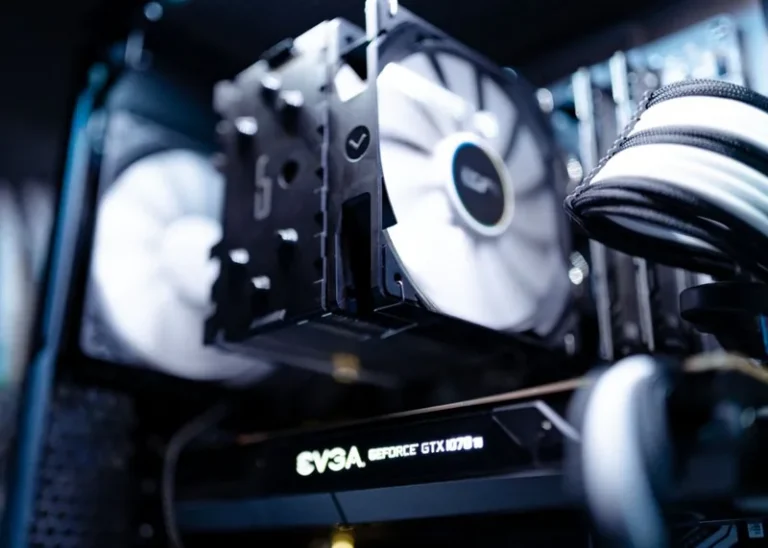
| CPU Cooler | Noctua NH-D15 G2 | $149 | Dual 140mm fans, near-silent at low RPM |
| GPU | RTX 5070 Ti (triple-fan model) | $799 | Large cooler = fans spin slowly |
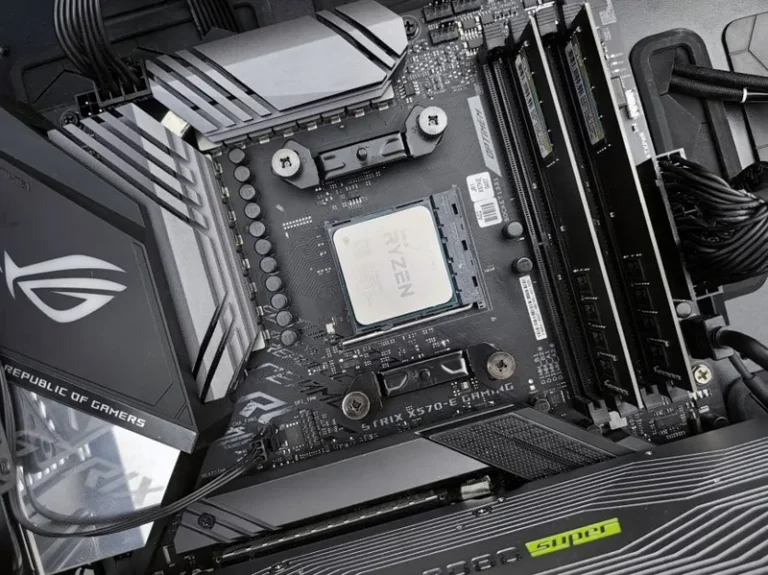
| Motherboard | ASUS ROG Strix B650E-F | $269 | Good fan control, efficient VRMs |
| RAM | 32GB DDR5-6000 CL30 | $105 | No moving parts |
| Storage | 2TB Samsung 990 Pro | $169 | Passive, silent by design |
| PSU | Seasonic Prime TX-850 Fanless | $319 | Fully fanless below 40% load |
| Case | Fractal Design Define 7 | $199 | Sound-dampened panels |
| Case Fans | 3x Noctua NF-A14 | $89 | Industry gold standard for silence |
| Total | $2,497 |
You can trim this to around $1,700 by swapping to a Ryzen 5 7600, a midrange air cooler, a 750W semi-passive PSU, and a Fractal Define C or be quiet! Pure Base 500 case. The noise difference will be small; the biggest wins come from the GPU, PSU, and case, in that order. For GPU models with the quietest coolers, see our best graphics card for gaming roundup.
Choosing a Quiet GPU and Power Supply
The GPU is the single loudest component in any gaming PC, so it deserves the most budget attention. Look for triple-fan cards with a “0 RPM” or semi-passive mode that stops the fans entirely when the card is idle. Under load, a big cooler on a 250W-class card can stay under 30 dBA, while a blower-style or small dual-fan card will spin fast and loud.
The power supply matters more than most people realize. Semi-passive units keep their fan off until a load threshold, and fanless units stay silent at all times. A fanless 700–850W unit is the single best upgrade for a silent gaming pc build because it removes one constant noise source and lets you run the rest of the system cooler. For decibel-accurate measurements of quiet graphics cards and coolers, Tom’s Hardware and PCMag publish standardized noise testing that removes the guesswork from spec sheets.
One note on fan bearings: sleeve-bearing fans are the loudest and wear out fastest, while fluid-dynamic and magnetic-levitation bearings stay quiet for their entire lifespan. This is why premium fans from Noctua and be quiet! carry a premium — you are paying for a bearing that will not develop a rattle after a year of daily use. Spending $30 more on a quality fan now is cheaper than living with a buzzing build or replacing a cheap fan twice.
Case Choice and Sound Dampening
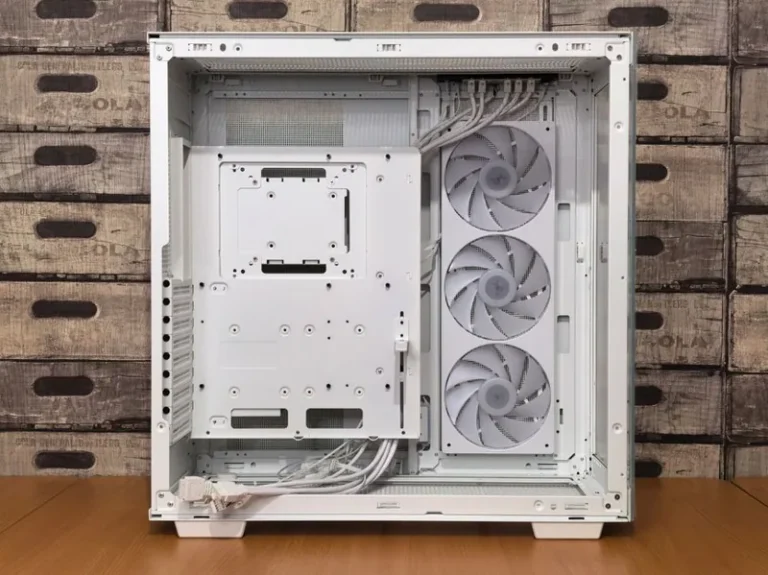
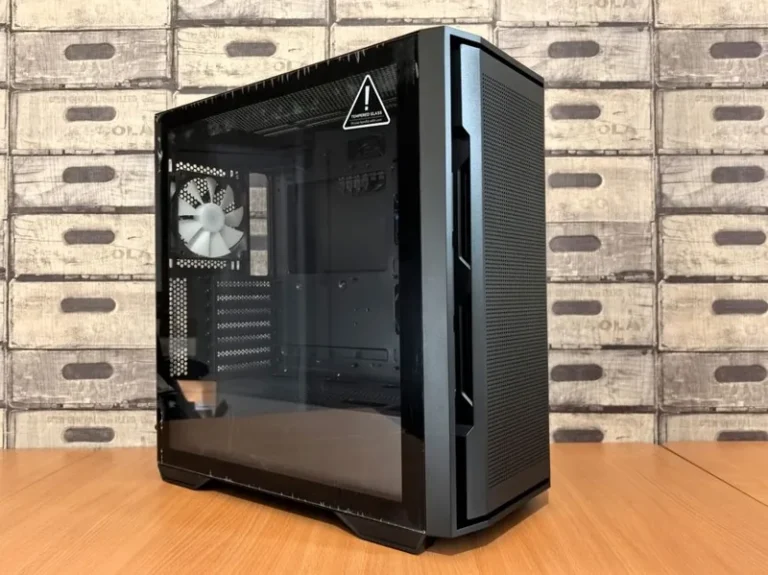
The case is your second-biggest lever. Cases built for silence use solid front panels lined with bitumen or foam damping, which blocks coil whine and fan whine from escaping. The Fractal Define series, be quiet! Pure Base, and Lian Li’s quieter enclosures all prioritize this. The trade-off is airflow, so pair a dampened case with slightly more fans running slowly rather than fewer fans running fast.
Inside the case, soft anti-vibration mounts for the PSU and hard drives, plus rubber grommets on fan screws, remove mechanical vibration that would otherwise transfer into the chassis and hum. A solid side panel is quieter than tempered glass, though a good tempered-glass panel with a damping layer is a fine compromise if you want to see your build.
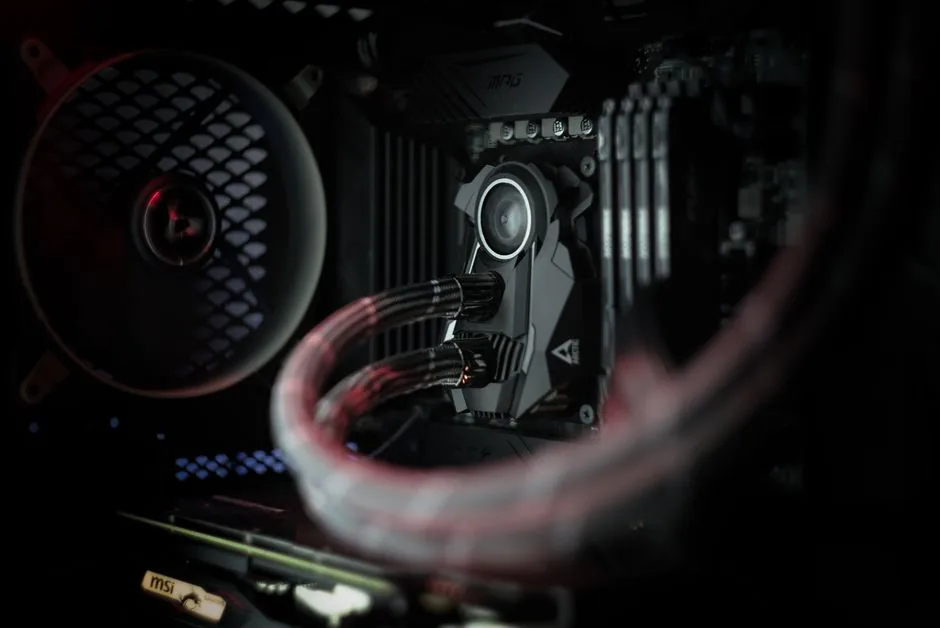
Fan Curves and BIOS Tuning
Buying quiet parts is only half the job; tuning is what makes them silent. In the BIOS, set every fan to a custom curve that stays at 20–30% speed until about 60°C, then ramps gently. With over-provisioned cooling, your CPU and GPU will rarely need to push past that point during everyday gaming.
Set a small temperature hysteresis so fans do not constantly speed up and slow down, which is more distracting than a steady low hum. If your motherboard supports it, tie case fans to a motherboard temperature sensor rather than the CPU sensor, so they respond to overall system heat instead of spiking with every CPU burst.
Practical Noise Reduction Tips
Beyond parts and tuning, a few habits keep a build quiet. Place the PC on the floor or on a soft pad rather than a hard desk, which amplifies vibration. Keep dust filters clean, since blocked airflow forces fans to spin faster for the same cooling. And when you game, cap your frame rate slightly below your monitor’s max, which reduces GPU load and lets its fans settle.
If you still hear coil whine from a GPU or motherboard, it usually appears only at very high frame rates in menus. Capping the frame rate in-game nearly always resolves it, and it costs nothing to try.
FAQ
Can a gaming PC be completely silent?
A truly silent gaming pc build with no moving parts exists but is expensive and power-limited, using passive CPU and GPU coolers and a fanless PSU. In practice, a “silent” build runs its fans at inaudible low speeds rather than turning them off entirely, which is the realistic sweet spot for gaming.
Is a fanless power supply worth it?
Yes, if silence is a priority. A fanless or semi-passive PSU removes one of the two constant noise sources in a PC, and quality units from Seasonic and be quiet! are as reliable as fanned models. It is one of the best value-per-decibel upgrades you can make.
How loud is too loud for a gaming PC?
Under 30 dBA at load is excellent, 30–38 dBA is typical, and above 45 dBA is loud enough to notice over game audio. A well-tuned silent build should land under 30 dBA during most gaming.
Do silent cases overheat?
Not if you add enough slow fans. Dampened cases restrict airflow slightly, so compensate with two or three 140mm intakes and a rear exhaust running slowly. With that setup, thermals stay within a few degrees of an open-mesh case.
Conclusion
A silent gaming pc build comes down to buying oversized, low-noise cooling, a semi-passive power supply, a dampened case, and then tuning fan curves so nothing ever has to spin fast. The result is a machine you can leave running beside you without noticing it. For a baseline build to adapt, see our best gaming pc build 2026 guide, and for the monitor that keeps the experience quiet visually, our best gaming monitor 2026 roundup has low-flicker options.