Best Microphone for Gaming: USB and XLR Picks for Streamers in 2026
Your teammates can forgive a slightly grainy webcam, but nobody wants to listen to an hour of muffled, keyboard-clacking audio. Whether you’re on Discord, streaming on Twitch, or recording a YouTube commentary track, clean voice capture does more for perceived production quality than almost any other upgrade. The best microphone for gaming in 2026 isn’t a single product — it’s the right type of mic for your budget and setup. In this guide I break down the differences between USB and XLR, compare the top picks at every price point, and explain what actually matters so you don’t overspend on features you’ll never touch.
USB vs XLR: What’s the Difference?
The first decision is whether to buy a USB microphone or an XLR microphone, and the honest answer is that most gamers should buy USB. A USB mic plugs straight into your PC with one cable, needs no extra hardware, and includes the analog-to-digital converter and preamp inside the mic body. Modern USB mics like the Elgato Wave:3 and Shure MV7+ sound genuinely excellent, and you can go from unboxing to recording in under five minutes.
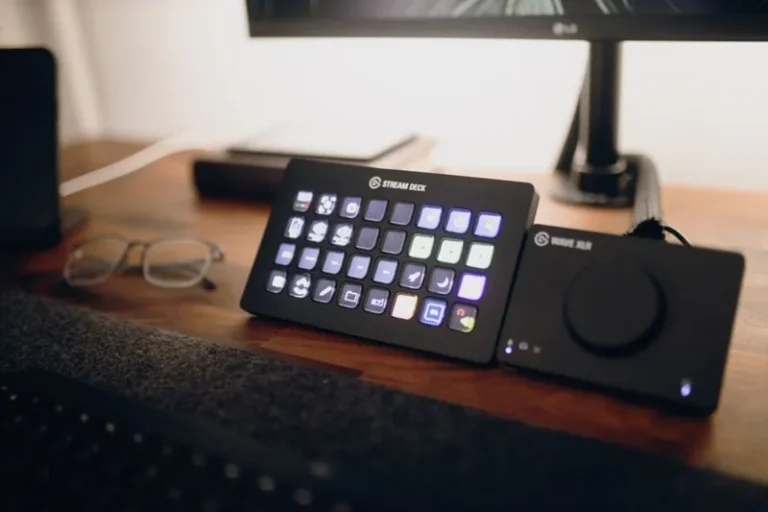
XLR is the enthusiast and professional route. An XLR mic requires an audio interface (like the Focusrite Scarlett 2i2 or Elgato Wave XLR) that converts the analog signal and supplies the preamp, plus an XLR cable. It costs more and has a learning curve, but it gives you more headroom, easier future upgrades, and the flexibility to mix and match mics and interfaces. If you already have — or plan to buy — an audio interface for other reasons, XLR is worth it; otherwise USB gets you 95% of the way for far less money.
The condenser-versus-dynamic divide matters too. Condenser mics are more detailed and capture more room tone, which is great in a treated space but picks up keyboard and fan noise in an echoey room. Dynamic mics are more forgiving, reject background noise better, and you have to speak close to them — which is actually ideal for a loud gaming setup. Most streamers are happiest with a dynamic mic.
Best USB Microphones
These are the top plug-and-play options, ordered roughly by budget:
- Fifine K688 ($48): The best budget pickup in 2026. A dynamic USB/XLR hybrid with solid sound, headphone monitoring, and a mute button — astonishing for the price, and a huge step up from a headset mic.
- Razer Seiren Mini ($49): Ultra-compact condenser that just works. It sounds good for the size and disappears from frame, but it’s condenser, so expect more background pickup.
- Elgato Wave:3 ($140): A streamer-favorite condenser with Elgato’s excellent Wave Link software, which adds routing, a limiter, and a clipguard that prevents clipping. The software alone is a reason to buy it.
- HyperX QuadCast S ($130): A large-diaphragm condenser with RGB, tap-to-mute, and a built-in shock mount — the most popular “big upgrade” mic for streamers.
- Shure MV7+ ($249): A hybrid USB/XLR dynamic mic that sounds close to the legendary SM7B. It’s the best all-round USB mic if you want broadcast-quality voice with zero extra hardware.
Here’s a side-by-side of the best options:
| Microphone | Type | Connection | Price | Best For |
|---|---|---|---|---|
| Fifine K688 | Dynamic | USB/XLR | $48 | Budget, noisy rooms |
| Razer Seiren Mini | Condenser | USB | $49 | Compact desk setups |
| HyperX QuadCast S | Condenser | USB | $130 | Streamers wanting RGB+mute |
| Elgato Wave:3 | Condenser | USB | $140 | Software routing power |
| Shure MV7+ | Dynamic | USB/XLR | $249 | Broadcast-quality voice |
Best XLR Microphones
If you’re ready to step up to an audio interface, these XLR mics round out the search for the best microphone for gaming:
- Rode PodMic ($99): The value king of XLR dynamics. Punchy, broadcast-tuned sound with a tight pickup pattern that shrugs off keyboard clicks. Needs a good interface with decent gain, though.
- Shure SM7B ($399): The industry-standard dynamic mic you’ve seen on every podcast and stream for twenty years. Incredibly forgiving room rejection, but fairly gain-hungry — budget for an interface or a Cloudlifter-style booster.
- Rode Procaster ($169): A rugged dynamic broadcast mic that sits between the PodMic and SM7B in both price and character.
- Shure MV6 ($349): Shure’s newer hybrid that automates gain and processing, making XLR nearly as simple as USB.
Getting the Most from the Best Microphone for Gaming
Buying the mic is half the battle — the other half is how you use it. The single biggest upgrade after the mic itself is physical placement: get the capsule four to six inches from your mouth, slightly off-axis, and pointed away from your keyboard. A cheap boom arm and a $20 pop filter will do more for your sound than jumping from a $100 mic to a $200 mic. Turn on a noise gate or noise suppression in your software (or Discord’s built-in Krisp) to kill keyboard and fan noise, and set your gain so your voice peaks around -12 dB to -6 dB without clipping. In the end, the best microphone for gaming only shines once you position the capsule four to six inches from your mouth, point it away from the keyboard, and dial in a modest noise gate — those tweaks do more than any $200 upgrade ever will.
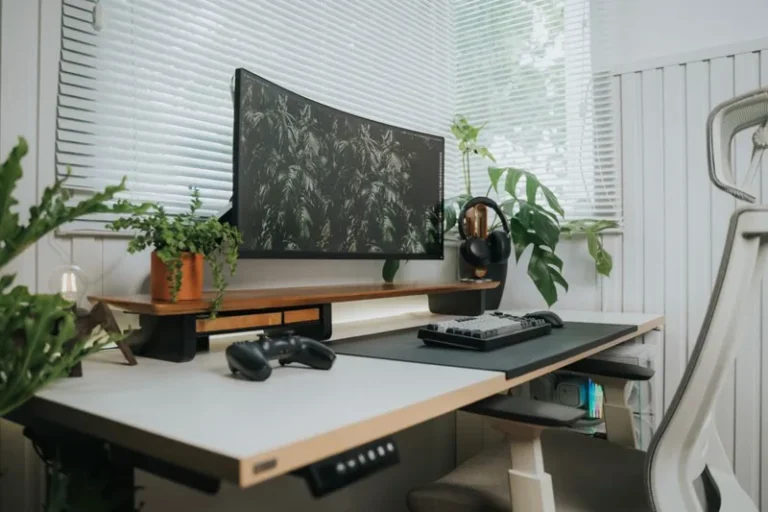
If your setup is still coming together, our streaming setup for gaming guide covers the full desk and camera side, and once your audio is sorted you may want to pair it with a proper pair of cans from our best gaming headset 2026 roundup.
Condenser vs Dynamic for a Gaming Room
In a typical untreated gaming room — hard floors, a mechanical keyboard, a tower with fans four feet away — a dynamic mic is almost always the better choice. It simply captures less of what you don’t want. Condensers reward a quieter, acoustically treated room with more detail and openness. As a rule of thumb: if you can hear your keyboard in your recordings, switch to a dynamic mic rather than buying a more expensive condenser. The $48 Fifine K688 in a noisy room will often sound cleaner than a $200 condenser in that same room.
FAQ
Is USB or XLR better for gaming?
For 90% of gamers, USB is better because it’s cheaper, simpler, and sounds almost as good. XLR is worth it only if you want the upgrade path, need multiple mics, or already own an audio interface.
How much should I spend to get the best microphone for gaming?
A strong first upgrade costs $40 to $60. The $130-to-$250 range is the sweet spot where you get broadcast-quality voice and better software. Past $250, the returns diminish fast unless you’re going XLR with a proper interface.
Do I need a boom arm?
A boom arm isn’t strictly required, but it’s the best value accessory you can buy. It gets the mic off your desk, reduces desk-thump and keyboard noise, and lets you position the capsule perfectly in front of your mouth.
Can I use a headset mic instead of a standalone microphone?
You can, and a good headset mic is fine for Discord. But no headset mic in 2026 sounds as good as even a $50 standalone dynamic mic, so if you stream or record, a dedicated mic is worth the upgrade.
What is a dynamic vs condenser microphone?
A dynamic mic uses a moving coil and is more durable, better at rejecting background noise, and needs you to speak close. A condenser mic uses a powered capsule, captures more detail and room ambience, and is more sensitive — ideal for treated rooms and vocals.
Conclusion
The best microphone for gaming for most people is a USB dynamic mic in the $50-to-$250 range: grab a Fifine K688 if you’re on a budget, an Elgato Wave:3 or Shure MV7+ if you want broadcast-quality voice and useful software, and step up to an XLR rig with a Rode PodMic or Shure SM7B only when you outgrow plug-and-play. Whatever you pick, spend a little on a boom arm and adjust your gain and noise suppression — those tweaks matter as much as the mic itself. For the full desk, camera, and lighting picture, see our streaming setup for gaming guide, and Rtings runs objective microphone frequency-response measurements if you want data before you buy.