Liquid Cooled Gaming PC Build: The Complete 2026 Guide
A liquid cooled gaming pc build is the go-to move for anyone who wants a flagship CPU and GPU running flat-out without the fan noise of a wind tunnel or the temperature drops that come with sustained load. Water simply carries heat away from components far more efficiently than air, which means higher sustained boost clocks and a dramatically quieter machine. The trade-off is cost and, in the case of a custom loop, a much longer build process.
This guide breaks down the two ways to go liquid — a closed-loop AIO cooler or a full custom loop — and provides a complete parts list with real 2026 prices so you can decide which fits your budget and skill level. New to the assembly side? Start with our how to build a gaming pc step by step walkthrough, then layer the cooling on top.
Liquid Cooled Gaming PC Build Parts List
Below is a balanced high-end 2026 build using a 360mm AIO on the CPU and a factory liquid-cooled graphics card. Prices are current USD street prices.
| Component | Recommended Part | Cooling Notes | Price (USD) |
|---|---|---|---|
| CPU | AMD Ryzen 7 9800X3D | 8 cores, stays cool under a 360mm AIO | $479 |
| GPU | RTX 5080 (with factory liquid cooling) | Cooler and quieter than air variants | $1,199 |
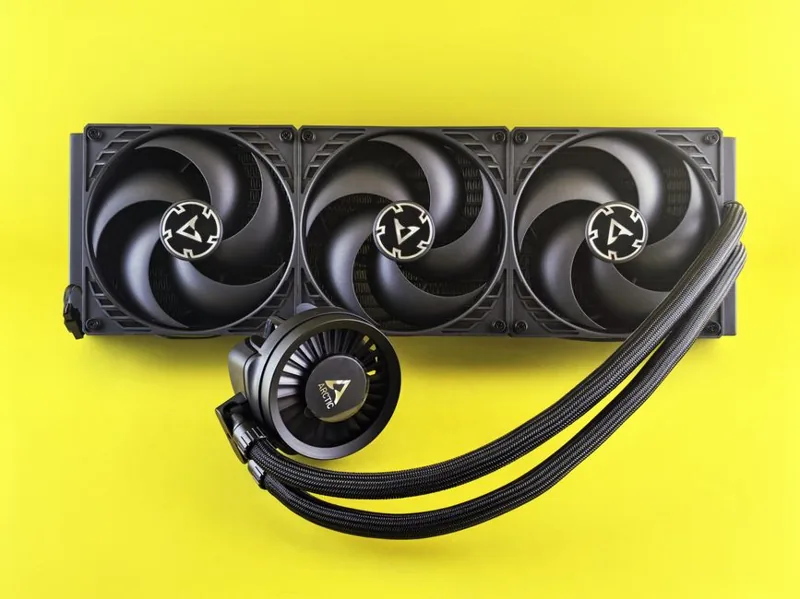
| CPU Cooler | 360mm AIO (Arctic Liquid Freezer III) | Top-tier cooling for less money | $129 |
| Motherboard | X870E ATX (ASUS ROG Strix) | Solid VRMs, clean water-cooling layout | $329 |
| RAM | 32GB DDR5-6000 CL30 | Low-profile to clear the loop | $119 |
| Storage | 2TB PCIe 4.0 NVMe | Fast, one less heat source | $139 |
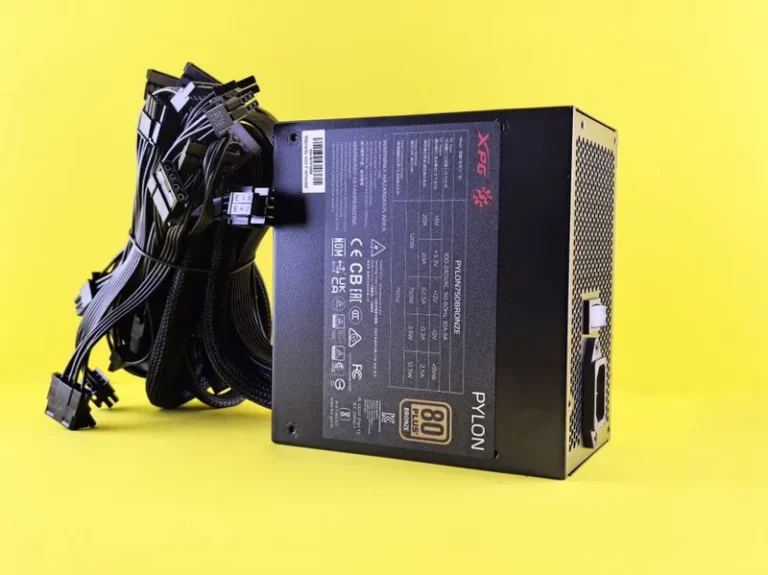
| PSU | 1000W 80+ Gold | Headroom for OC and pumps | $169 |
| Case | Lian Li O11 Dynamic EVO | Designed around radiator support | $169 |
| Fans | 6x 120mm static-pressure fans | Push/pull through radiators | $90 |
| Total | $2,822 |
AIO vs Custom Loop: Which Liquid Cooling Is Right for You
The first decision in any liquid cooled gaming pc build is between an all-in-one (AIO) cooler and a full custom loop. An AIO is a sealed, pre-filled unit that mounts in minutes, needs no maintenance, and delivers most of the thermal benefit on the CPU for well under $200. It is the sensible default for the vast majority of builders and the only realistic option for anyone building their first liquid-cooled machine.
A custom loop is a different animal. You assemble the pump, reservoir, tubing, fittings, and radiator yourself, and you can cool the GPU and CPU on a single circuit. It costs two to four times as much, takes a full weekend or more, and adds long-term maintenance in the form of fluid changes and leak checks. The payoff is the lowest possible temperatures, the quietest possible operation, and a showpiece machine. Custom loops are for enthusiasts who value the result and the process over pure practicality.
Choosing the Right AIO Cooler
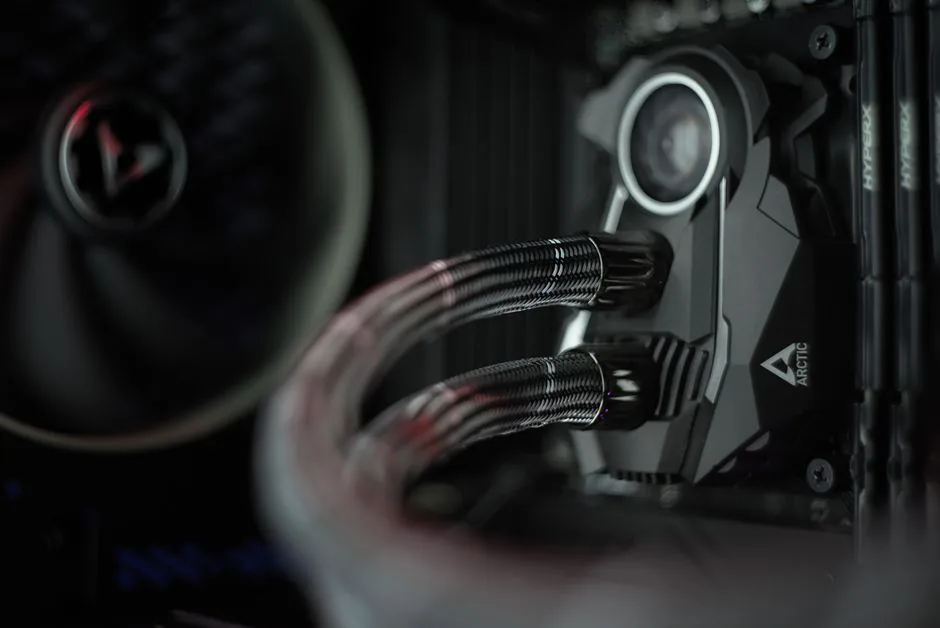
For a CPU-focused liquid cooled gaming pc build, a 360mm AIO is the sweet spot for any modern high-end chip. The Arctic Liquid Freezer III repeatedly tops thermals charts while undercutting premium brands on price, making it the best value in 2026. If you are cooling a 12- or 16-core part under heavy rendering, the extra thermal mass of a 360mm or even 420mm radiator pays off in sustained clocks. Independent cooler testing published by Tom’s Hardware consistently places that unit at the top of the category for temperature versus noise.
Mount the radiator so the pump is not the highest point in the loop, which prevents air from collecting in the pump and causing noise or premature wear. A front-mounted radiator with the tubes at the bottom, or a top-mounted exhaust radiator, both satisfy this rule. This is one of the most common mistakes newcomers make, so it is worth getting right the first time.
Going Further: A Full Custom Loop
If you want to cool the GPU too, a custom loop extends the liquid circuit to the graphics card through a water block. This is where the temperatures really diverge from air — a water-blocked RTX 5080 will run up to 20 degrees cooler than its air-cooled sibling, which on modern cards translates directly into higher sustained boost clocks. It also removes the loudest fan in the system, since the GPU’s blower or axial fans come off entirely.
Plan your loop before you buy a single fitting. Map the loop order, count the fittings, and buy soft tubing for a first build unless you are confident in hard-line bending. Use only distilled water with a growth inhibitor and anti-corrosion additive, and never mix metals — a copper block and an aluminum radiator in the same circuit is a recipe for corrosion. Our best gaming pc build 2026 guide covers the same class of hardware for air-cooled alternatives if the complexity ever feels like too much.
Power, Fans, and Case for a Liquid Loop
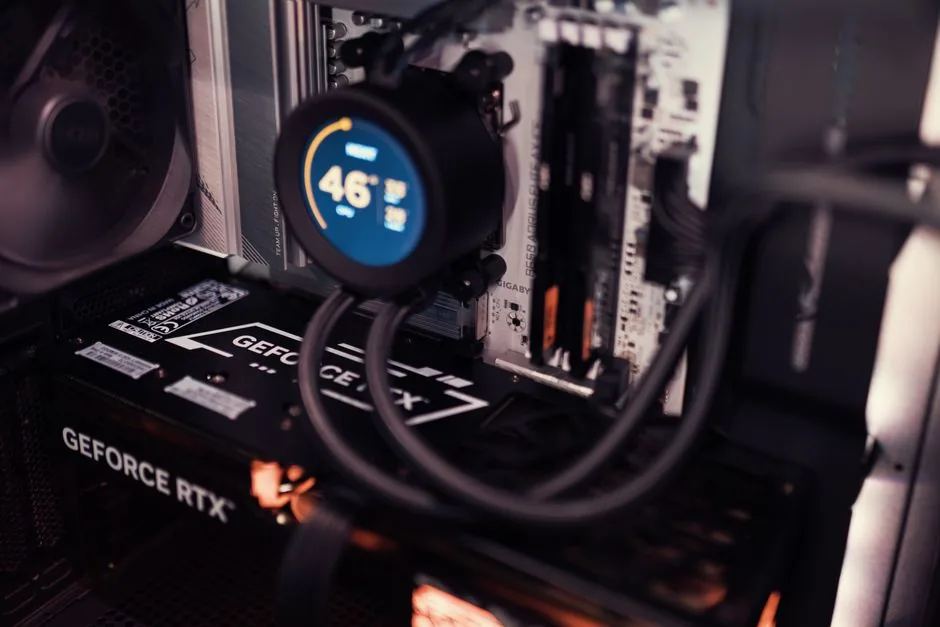
A liquid cooled gaming pc build still needs airflow — liquid moves heat to the radiator, but fans have to pull that heat out of the case. Plan your radiator layout first: a 360mm radiator up top as exhaust plus three intake fans up front keeps a positive-pressure case that resists dust. Use static-pressure fans on radiators, since they push air through dense fins better than airflow fans.
The power supply gains headroom too, because pumps, RGB, and extra fans all draw load, and overclocking a water-cooled chip adds more. A 1000W Gold unit gives you room to grow without ever working near its ceiling. For the specifics on choosing a reliable unit, our best power supply for gaming pc guide has the shortlist we trust.
The Maintenance Reality Check
Every liquid cooling approach needs some care, but the difference is stark. An AIO is effectively maintenance-free for its five-to-seven-year life — you install it and forget it. A custom loop needs a fluid flush roughly once a year, regular checks for air in the loop or slow seepage at fittings, and a keen eye for cloudy tubing that signals algae growth. None of it is hard, but it is real ongoing work, and it is the reason we steer first-timers toward a quality AIO.
FAQ
Is liquid cooling worth it for a gaming PC?
For most builders, a 360mm AIO gives you the thermal and noise benefits of liquid with none of the complexity, and it is worth it for high-end CPUs. A full custom loop is worth it mainly if you want to cool your GPU too or want the quietest, coolest showpiece possible.
Does a liquid cooled PC need maintenance?
An AIO cooler needs essentially none for its lifespan. A custom loop needs a fluid flush about once a year and regular checks for air bubbles and leaks.
Is a custom loop dangerous for my components?
Not if you build it carefully. Leak-test the loop with the components unpowered for 24 hours before first boot, and you catch the vast majority of problems before anything is at risk. Use compatible metals and quality fittings to minimize risk.
How much does a liquid cooled gaming PC cost?
A high-end build with a 360mm AIO and a factory liquid-cooled GPU lands around $2,800, as detailed in our parts list. Adding a full custom loop typically pushes the total past $3,500.
What liquids can I use in a custom loop?
Use distilled water with a biocide and anti-corrosion additive — never tap water, and avoid the standard automotive coolants, since they are designed for a different material set. Pastel or colored coolants work but require more frequent flushing.
Conclusion
A liquid cooled gaming pc build in 2026 is best approached in two tiers: a 360mm AIO for most builders who want quiet, cool, low-maintenance performance, and a full custom loop for enthusiasts who want the GPU and CPU on water and are willing to take on the assembly and upkeep. Spend on a quality AIO, a loop-friendly case with real radiator support, and a power supply with headroom, and you will own a machine that runs fast and nearly silent. To balance the rest of the component picks, see our best gaming pc build 2026 and best cpu for gaming 2026 guides.