Are Gaming PCs Noisy? What Causes the Noise and How to Fix It
It is a common worry for anyone building or buying their first system: are gaming PCs noisy, and will one ruin the quiet of a bedroom or shared office? The short answer is no, not by default. A well-built gaming PC is barely audible at idle and only produces a soft rush of air under load. But a poorly chosen or aging machine can absolutely be loud, and the difference almost always comes down to a handful of avoidable mistakes rather than anything inherent to gaming hardware.
The noise you hear from a PC has exactly three sources: fans spinning, a mechanical hard drive, or coil whine from components. Understanding each one tells you what to fix, and in most cases the fix is cheap or even free.
Are Gaming PCs Noisy? The Real Source Is the Fans
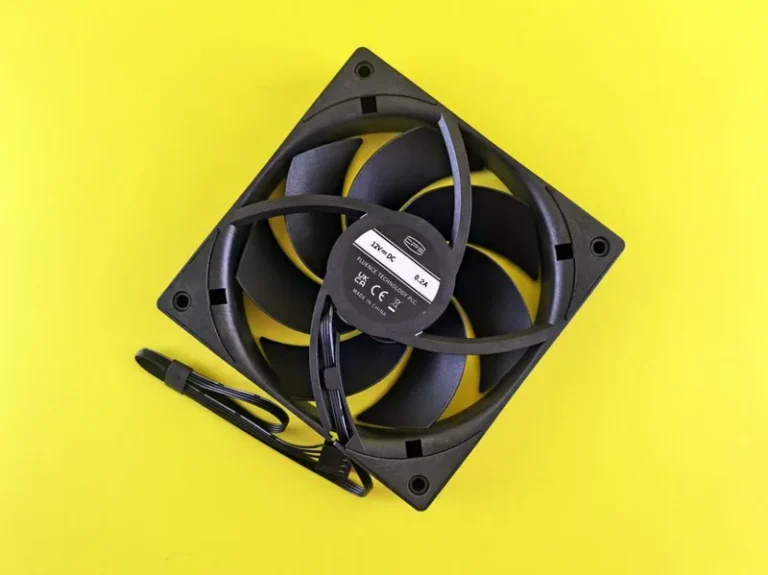
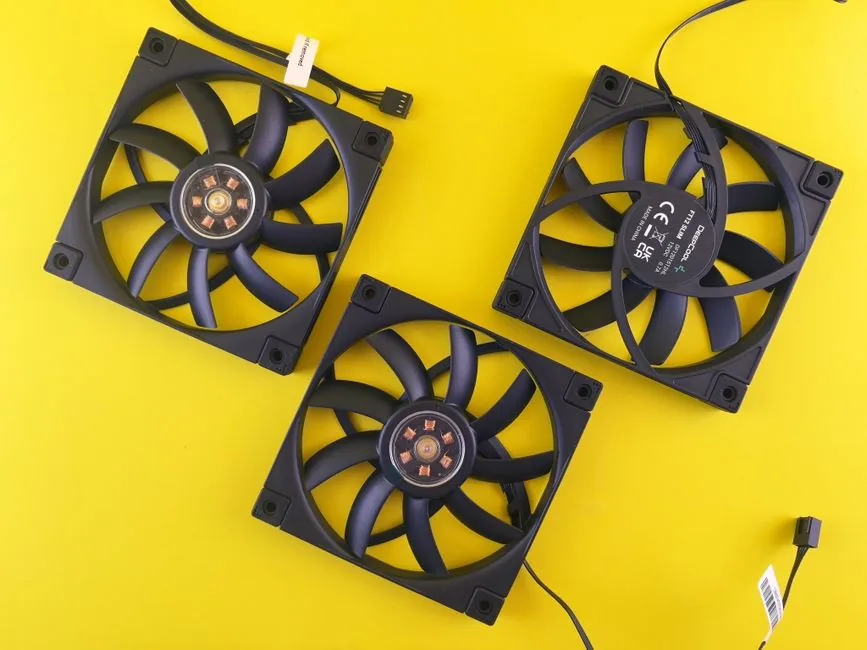
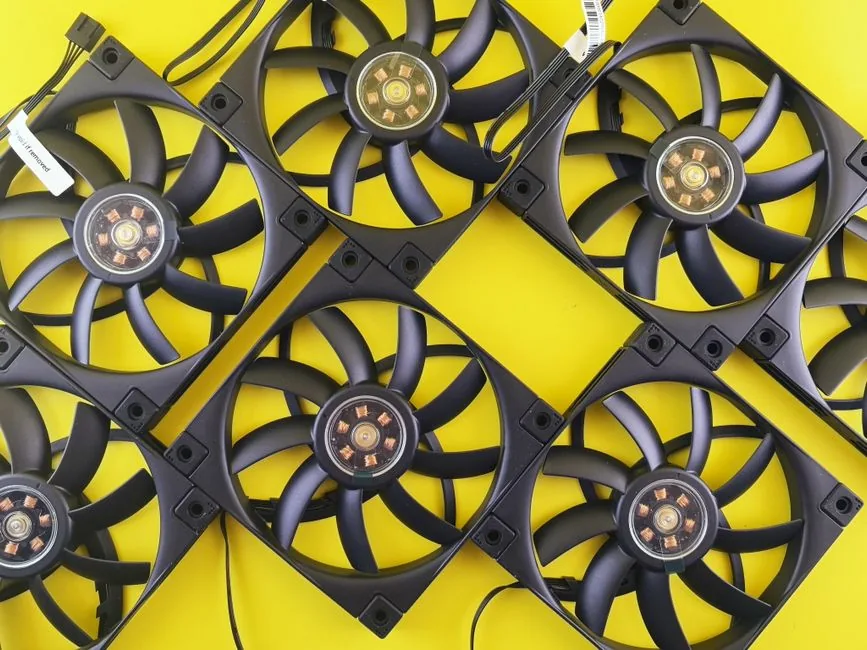
Fans are responsible for nearly all of the noise a gaming PC makes. A system has them on the CPU cooler, on the graphics card, inside the power supply, and mounted to the case, and the sound is simply air being pushed. The rule of thumb is that the faster a fan spins, the louder it gets, and many small fans are louder than fewer larger fans moving the same amount of air.
A cheap or aging fan also adds a mechanical whine, and a fan running at a poorly tuned curve will spin up far more than it needs to. The biggest free fix is a custom fan curve that holds everything slow until temperatures actually climb, which removes most of the noise without harming performance at all.
How Many Decibels Is Actually Normal?
Gaming PCs are not silent, but a good one is quiet enough to ignore. As a rough guide, here is how the numbers shake out:
| System State | Typical Noise Level |
|---|---|
| Idle, fanless GPU | 20–25 dB (barely audible) |
| Light load / web browsing | 25–30 dB |
| Gaming, midrange build | 35–45 dB |
| Gaming, badly tuned build | 50+ dB (clearly noticeable) |
Anything under 40 dB under load is a quiet gaming PC by any reasonable standard, and 45 dB is still perfectly acceptable for most people. If your machine is noticeably loud during light tasks, something is wrong rather than normal.
Coil Whine: The Buzzing You Cannot Fix by Cooling
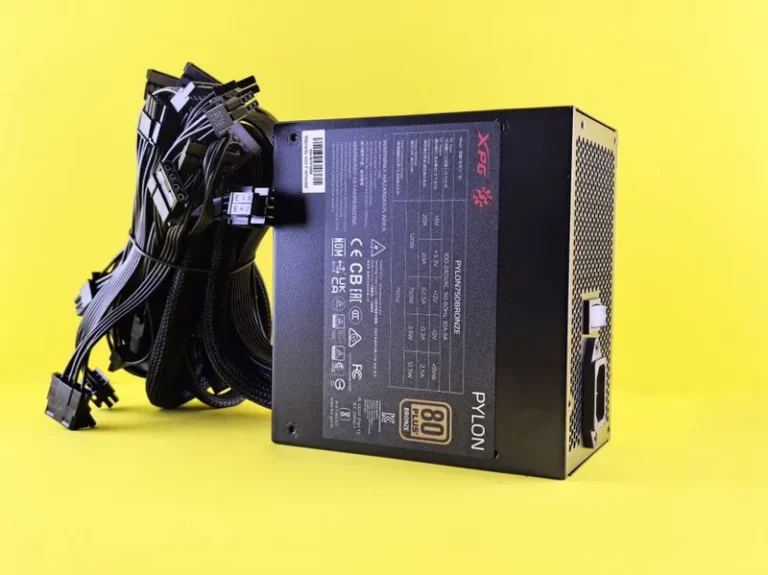
The second most common complaint is a high-pitched buzz or whine that changes pitch as the on-screen action changes. This is coil whine, and it comes from electrical components on the graphics card or power supply vibrating under load. It is not a defect in the sense of being dangerous, and it does not affect performance, but it is one of the most annoying noises a PC can make.
Coil whine often lessens on its own as components age, and it is far more common at extremely high frame rates, so capping your frame rate in the driver can dramatically reduce it. If it is severe and constant, and the part is under warranty, replacing the graphics card or the power supply is the real fix. Picking a quality unit from our best power supply for gaming PC list lowers the odds of getting a loud one in the first place.
Mechanical Hard Drives: The Hidden Whir
If your machine makes a constant whirring and occasional clicking even when idle, the culprit is almost certainly a mechanical hard drive. Spinning disks are the loudest moving part in any PC, and they are completely unnecessary in a modern gaming build where fast NVMe SSDs are affordable and vastly quicker.
Swapping to an all-SSD setup removes the whir entirely, speeds up load times, and deletes a common source of irritating background sound. If you still need mass storage for media, a large quiet hard drive is fine, but keep it out of a build you sit next to all day. Keep the operating system, games, and applications on the SSD, and reserve any spinning drive for archived media you only reach for occasionally, so the silence and the speed both stay where they matter.
Why Some Gaming PCs Are Loud and Others Are Not
Whether a gaming PC is noisy comes down to build quality and configuration, not the fact that it is a gaming PC. Budget prebuilts are the worst offenders, because they cut costs on the exact parts that matter for noise: a single cheap case fan, a loud CPU cooler, a low-quality power supply, and a two-fan graphics card with a small heatsink that has to spin hard to keep cool.
A self-built machine with a midrange motherboard, a big air cooler, two or three 140 mm case fans, and a semi-fanless power supply is dramatically quieter for only a little more money. If silence is what you are after, a dedicated silent gaming PC build walks through the exact parts that get you there, and the best gaming PC build 2026 guide shows how to choose quiet components from the start.
Quick Fixes That Cost Nothing
Most loud PCs can be tamed without spending a dime. Open your fan utility or BIOS and set a custom curve that keeps the CPU and case fans at a low, constant speed until the chip hits around 70 degrees. Make sure the case has basic cable management and clear airflow paths, because a choked system runs its fans harder. Move the PC off a hard surface that vibrates, and set it on a small pad or rubber feet to stop the case from amplifying fan hum. If you have ever wondered are gaming PCs noisy because your own tower hums, the answer is usually lurking in one of these simple, free adjustments rather than in the hardware itself.
If the PC lives on carpet or in an enclosed cabinet, it is almost certainly starving for air and running its fans far faster than it should. Give it a few inches of clearance and the noise will drop on its own.
FAQ
Are gaming PCs noisy at idle?
A well-built gaming PC should be nearly silent at idle, since a semi-fanless graphics card and power supply stop their fans entirely and the CPU fan spins slowly. If yours is loud at idle, check the fan curve and any mechanical hard drive.
How many decibels is a quiet gaming PC?
A quiet gaming PC sits around 25 to 35 dB under most conditions and stays under roughly 40 dB while gaming. Anything much louder under load usually points to aggressive fan curves or cheap components. The honest take on are gaming PCs noisy is that a well-tuned machine holds below 40 dB under load, a level most people tune out without noticing.
Does a more powerful PC make more noise?
Not necessarily. A more powerful component produces more heat and may need more cooling, but a big heatsink and larger slow-spinning fans can keep a high-end build quieter than a midrange one with a small, fast fan.
What is coil whine and is it dangerous?
Coil whine is a high-pitched buzz from electrical components vibrating under load, usually on the GPU or power supply. It is harmless and does not affect performance, but it can be annoying and is often reduced by capping frame rates.
Should I buy a sound-dampened case?
If silence is a priority, yes. Sound-dampened cases with solid padded panels and damping foam noticeably reduce fan and drive noise, although they run slightly warmer than open mesh designs.
Conclusion
So are gaming PCs noisy? Only if they are built or configured poorly. The sound comes from fans, hard drives, and coil whine, and all three have straightforward fixes ranging from a custom fan curve to choosing quiet parts in the first place. A good gaming PC is a machine you can comfortably game on in a shared room without disturbing anyone.
Set a proper fan curve, give the case room to breathe, and trade any spinning drive for an SSD, and you will be surprised how quiet a powerful gaming rig can be. For deeper guidance and component reviews, Tom’s Hardware and PC Gamer are the reference points I trust.