Ryzen 7 9800X3D Build: $1,500 Value Guide + Assembly Steps
The Ryzen 7 9800X3D is the fastest gaming CPU you can buy, but you don’t need a $2,500 parts list to put it to work. This Ryzen 7 9800X3D build is deliberately tuned around value: it pairs the flagship chip with a smart $1,500 component list that skips overpriced parts without sacrificing frame rates, thermals, or room to upgrade later. I’ll walk through every component choice, explain the reasoning, lay out a complete cost sheet, and finish with the assembly steps and expected performance so you can build with confidence on your first try.
Why the 9800X3D Belongs in a Value Build
The core logic of this Ryzen 7 9800X3D build is counterintuitive: spend on the CPU, save everywhere it doesn’t hurt. The 9800X3D’s 8 Zen 5 cores with stacked 3D V-Cache deliver the best 1% lows and average frame rates of any consumer processor, and that advantage holds at both 1080p esports and 1440p ultra. Because the chip is remarkably power-efficient at around 120W, you can cool it with a $40 air cooler and run it on a mid-range B650 board, which is exactly where the big savings come from without giving up the gaming edge that makes this CPU worth the premium.
Ryzen 7 9800X3D Build: Component Breakdown and Reasoning
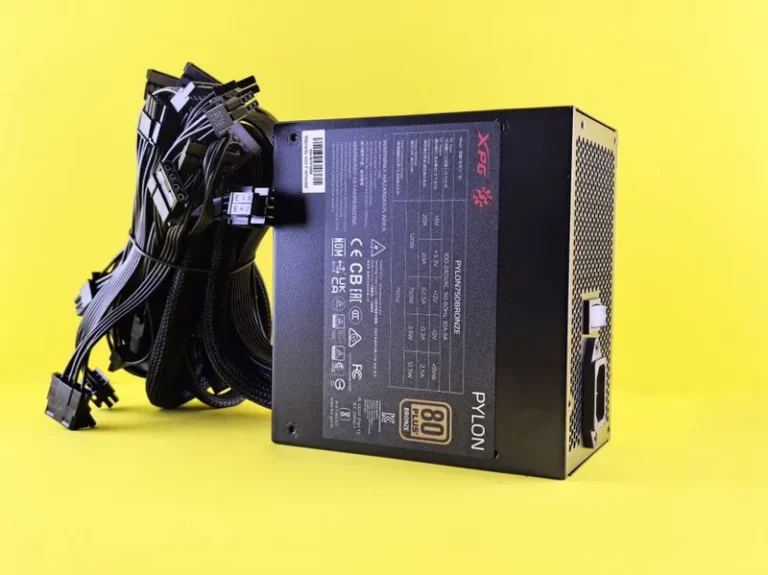
Every part here was chosen for measurable value, not brand loyalty. The 9800X3D is so fast that even a mid-tier air cooler keeps it boost-clocked under load, and 32GB of DDR5-6000 CL30 keeps the Infinity Fabric in perfect sync. A 1TB Gen4 NVMe SSD is the value sweet spot for storage, and a quality 750W Gold power supply leaves enough headroom for a future GPU swap. Here is the complete Ryzen 7 9800X3D build parts list:
| Component | Recommended Part | Est. Price (USD) |
|---|---|---|
| CPU | AMD Ryzen 7 9800X3D | $479 |
| GPU | AMD Radeon RX 9070 (16GB) | $549 |
| Motherboard | B650 ATX (AM5, DDR5) | $159 |
| Memory | 32GB (2x16GB) DDR5-6000 CL30 | $99 |
| Storage | 1TB PCIe Gen4 NVMe SSD | $69 |
| Power Supply | 750W 80+ Gold, ATX 3.0 | $89 |
| CPU Cooler | Dual-tower air cooler | $39 |
| Case | Mid-tower, mesh front, 3 fans | $79 |
| Total | ~$1,562 |
The GPU is the one place you can flex this build. Swap the RX 9070 for an RX 9070 XT ($599) and you’re at roughly $1,610 with a solid 1440p-to-4K step up, or drop to a value card to land under $1,400. For guidance on the graphics side, see our best GPU for gaming by price-to-performance guide.
GPU and Resolution Pairing
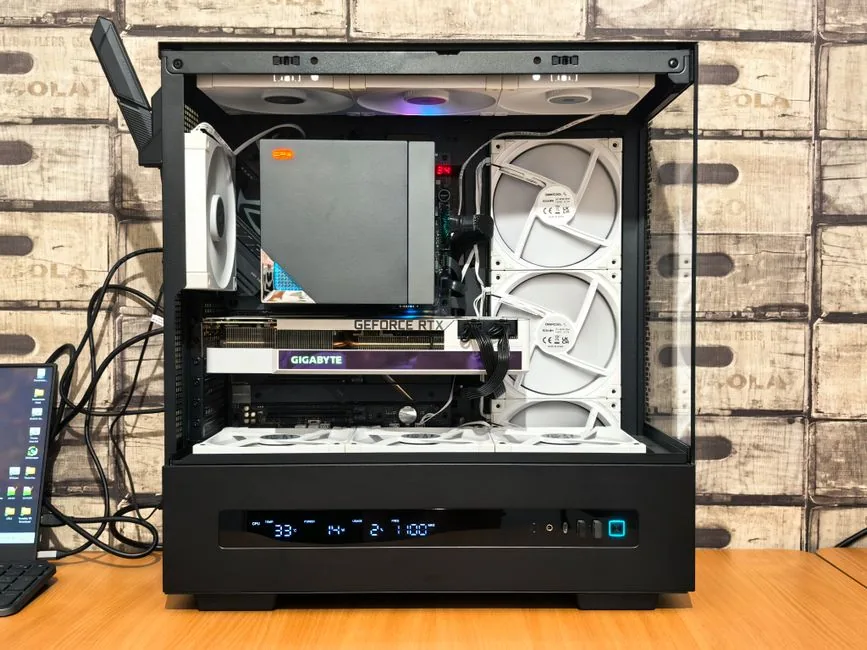
The RX 9070 is the ideal partner for a Ryzen 7 9800X3D build aimed at 1440p. At that resolution the GPU does the heavy lifting while the 9800X3D keeps 1% lows high, so you get the smooth, responsive feel esports players chase. At 4K, the 9800X3D still feeds the card easily, but you’d want to step up to the 9070 XT or an RTX 5080 for comfort. The chip’s real superpower is that it won’t bottleneck any current GPU, which gives you total freedom to swap cards down the road without touching the rest of the platform.
Memory and Motherboard Selection
On this Ryzen 7 9800X3D build, memory choice matters more than CPU cooler choice. DDR5-6000 CL30 is the sweet spot because it keeps the memory controller’s Infinity Fabric at a 1:1 ratio, and departing from that spec — slower kits, or faster kits that force a divider — quietly costs you frame rate. Two 16GB sticks in dual channel are mandatory; a single stick halves bandwidth. The B650 board provides PCIe 5.0 and enough power delivery for the 9800X3D at a fraction of an X670’s cost, which is precisely the kind of value call this build is built around.
Step-by-Step Assembly Guide
Building is straightforward if you follow a logical order. First, install the CPU into the AM5 socket and lock the retention arm, then mount the cooler’s bracket and set the cooler aside. Next, install the memory and NVMe SSD onto the motherboard before it goes into the case. Drop the motherboard into the case, route the front-panel and fan cables, install the power supply, and connect the 24-pin and 8-pin EPS power. Mount the GPU last, plug in its power cables, then boot, enable EXPO for the memory in BIOS, and install your operating system. Our how to build a gaming PC step by step guide expands each of these into a full walkthrough if you want extra detail.
Expected Performance
With this exact Ryzen 7 9800X3D build, expect 200+ fps in competitive titles like Valorant, CS2, and Fortnite at 1080p and 1440p, and 80-120 fps in demanding single-player games at 1440p ultra. At 4K with FSR upscaling, most titles clear 80 fps comfortably. The 9800X3D’s contribution is consistency: high 1% lows mean no jarring stutters, which is the difference between a frame rate that’s merely “high” and gameplay that feels genuinely buttery. Independent reviewer data at Tom’s Hardware breaks down game-by-game results if you want to verify the numbers.
Upgrade Path and Longevity
Because the AM5 platform is alive and well, this Ryzen 7 9800X3D build is a five-year machine that only needs a GPU refresh to stay current. The 750W power supply has headroom for a more power-hungry card later, the B650 board supports future AM5 X3D chips, and the PCIe 5.0 slot is ready for next-generation graphics. In short, you’re not just building a great PC today — you’re building a foundation that upgrades cheaply for years. For more on balancing the rest of the system, see our how much RAM for a gaming PC and best power supply for gaming PC guides.
Common Build Mistakes to Avoid
A few errors routinely trip up first-time 9800X3D builders. Forgetting to update the motherboard BIOS before dropping in the chip can leave you with a no-POST board, so confirm the board supports 9000-series X3D chips or use BIOS flashback first. Skipping EXPO leaves your DDR5 running at slow JEDEC speeds, silently costing 5-10% performance. And cramming cables in front of the GPU or forgetting the standoffs can cause shorts or bent pins. A related habit worth adopting is installing the CPU, memory, and M.2 drive before the board enters the case, since it saves you from awkward angles later. Our best gaming PC build 2026 guide covers these pitfalls in more depth, but a methodical, patient assembly avoids almost all of them.
FAQ
How much does a Ryzen 7 9800X3D build cost?
A balanced value-oriented build like the one above costs around $1,500, ranging from $1,300 with a budget GPU to $2,200+ with a flagship card and high-end extras.
Does the 9800X3D need liquid cooling?
No. A $40 dual-tower air cooler is sufficient because the 9800X3D draws only about 120W and runs far cooler than first-generation X3D chips. A 240mm AIO is optional, not required.
What GPU pairs best with the 9800X3D?
For 1440p, the RX 9070 or RTX 5070 Ti are ideal. The 9800X3D is fast enough to feed any current graphics card without bottlenecking, so the choice comes down to resolution and budget.
What RAM should I use in a Ryzen 7 9800X3D build?
Use 32GB (2x16GB) of DDR5-6000 CL30. This keeps the Infinity Fabric at a 1:1 ratio and delivers the best real-world frame rates for the platform.
Final Verdict
In my assessment, this Ryzen 7 9800X3D build delivers more gaming performance per dollar than almost anything else you can assemble in 2026. By concentrating the budget on the best gaming CPU on the market and saving hard on cooling, motherboard, and storage, you end up with a system that crushes esports, handles 1440p ultra, and upgrades cheaply for years. If you want flagship smoothness without flagship waste, this is the build to copy.