Gaming Desk Setup Ideas: 12 Ways to Upgrade Your Battlestation
The best gaming desk setup ideas all chase the same three goals: a clean desk, a comfortable posture, and an environment that makes you want to sit down and play. You do not need a $5,000 room makeover to get there. In fact, most of the impact comes from cable management, lighting, monitor placement, and a handful of small, cheap upgrades.
A messy setup quietly ruins the experience. Wires drag your mouse, a monitor at the wrong height strains your neck, and harsh overhead light kills the room’s vibe. Fix those basics first and the expensive cosmetic stuff becomes almost optional.
Below are twelve concrete gaming desk setup ideas, from free changes you can make this afternoon to full-desk swaps, each with realistic prices. When you are done, pair the desk with a proper board from our best mechanical keyboard for gaming guide.
The Foundations: Posture, Cables, and Desk Space
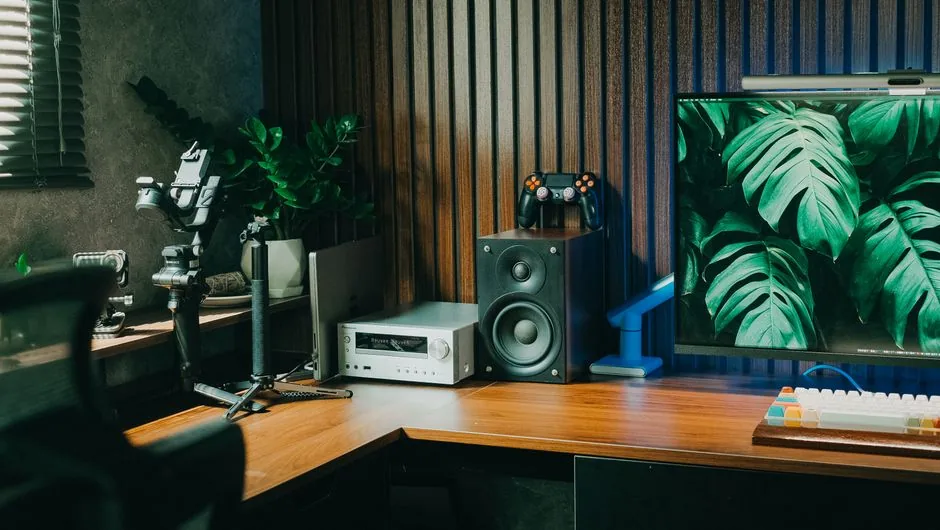
These first changes cost almost nothing and deliver the most comfort and cleanliness. Start here before you spend a dollar on cosmetics.
Fix Your Posture and Monitor Height First
Before buying anything, make the setup you already own work better. Your monitor’s top edge should sit at or just below eye level, and the screen should be an arm’s length away. If your neck hurts after a session, the monitor is almost certainly too low.
A cheap monitor riser at $20 to $40, or a stack of books, instantly fixes height. Your elbows should rest at roughly 90 degrees when your hands are on the keyboard and mouse, which usually means a chair slightly higher than you think and feet flat on the floor. These adjustments are free and beat any RGB strip for comfort.
Tame Your Cables
Cable management is the difference between a setup that photographs well and one that looks like a rat’s nest. Start with a $15 cable tray screwed under the desk, then route mouse, keyboard, and monitor wires through a $10 spiral wrap or sleeve.
Use adhesive clips on the desk edge to guide charging cables, and label power bricks so you know what to unplug. The result is a desk that stays clean and a floor you can actually vacuum. This is the highest-impact upgrade per dollar in the entire list.
Go With a Monitor Arm
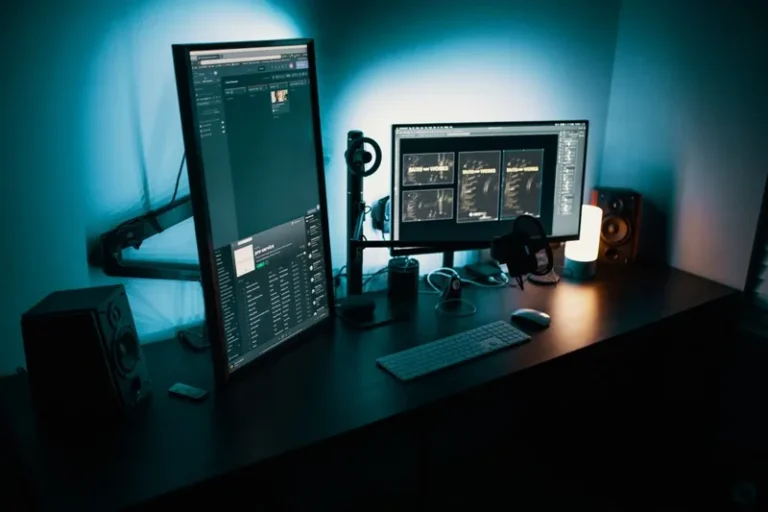
A VESA monitor arm frees the entire footprint under your screen and unlocks effortless height, tilt, and swivel adjustments. Basic gas-spring arms start around $35, while dual arms run $60 to $120.
The desk space you reclaim is exactly where your mouse hand wants to be. If you run a dual monitor setup for gaming, an arm is close to mandatory for aligning the two panels cleanly.
Pick the Right Desk Surface
You want a surface at least 48 inches wide and 24 inches deep for a single monitor, and 55 to 60 inches if you add a second screen or large mousepad. A standing desk adds $250 to $400 over a fixed one but lets you alternate posture through long sessions.
Avoid flimsy hollow-core tops that sag under a monitor arm. Look for a solid wood or sturdy laminate top, and check the weight rating if you plan to clamp an arm to it. A good desk is a decade-long purchase, so spend here once.
Lighting and Atmosphere
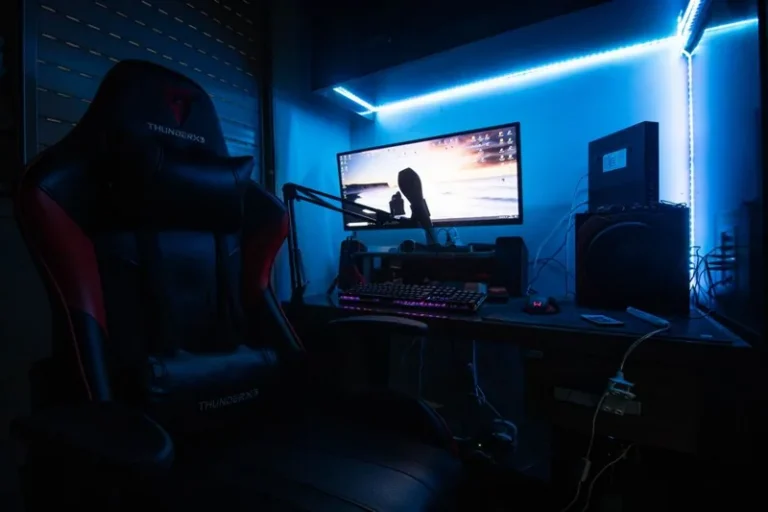
Lighting sets the whole mood, and it does not have to be RGB behind the desk. Among the gaming desk setup ideas here, lighting is the one most people feel first, since it changes the room’s mood instantly. The goal is soft, indirect light that flatters the room and your eyes.
Layer Your Lighting
Start with a bias light behind the monitor, a $20 LED strip or bar that reduces eye strain and makes the screen pop. Add warm task lighting on the desk so your face and hands are lit without glare.
From there, tasteful RGB is optional. Our RGB setup for gaming PC guide walks through syncing the monitor, desk, and tower into one color scheme if you want to go all in.
Theme It With a Color Palette
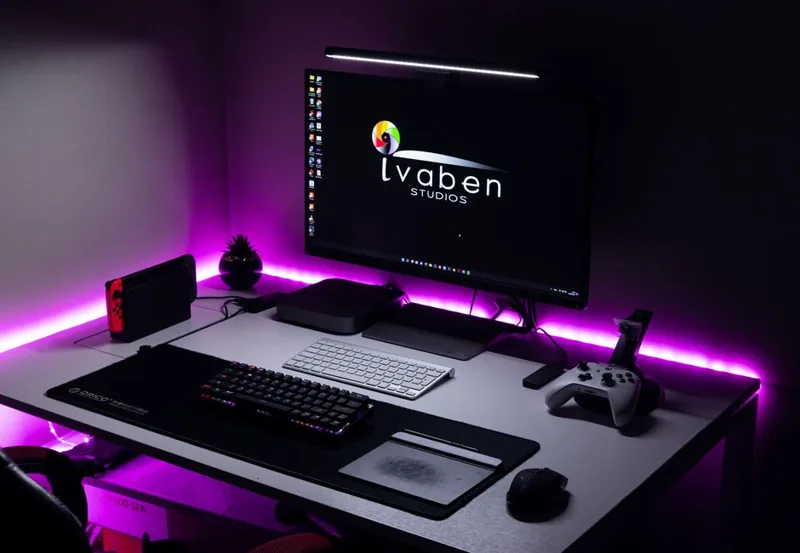
Pick two or three colors and commit to them across the desk mat, keycaps, wallpaper, and lighting. A restrained palette looks intentional, while a rainbow of mismatched accessories looks chaotic no matter how much you spend.
Neutral bases like black, white, or wood with one accent color are the easiest to execute and photo-friendly. For hardware and lighting color sync, our RGB setup for gaming PC article covers the software side.
Surfaces, Storage, and Sound

Once the foundations and lighting are sorted, these upgrades make the space feel complete and functional day to day. They are the gaming desk setup ideas that turn a workstation into a place you actually want to sit.
Invest in a Real Mousepad
A large desk mat, roughly 36 by 16 inches, gives you a consistent glide surface for both keyboard and mouse and cleans up the desk visually. Expect $20 to $40 for a quality cloth mat.
Dedicated speed and control pads exist, but for most players a single large mat beats a tiny gaming pad that slides around. It also doubles as an instant desk makeover when you swap in a new color or pattern.
Get the Sound Right for the Room
Open-back headphones sound amazing but leak sound, while a good pair of closed-back cans or a compact soundbar keeps things tidy. Wall-mounted acoustic foam panels at $20 to $40 a pack cut echo in small or hard-floored rooms.
If you stream or play with friends, route everything through a headset you are confident in; our best budget gaming headset roundup covers solid options under $60.
Add Storage Without Ruining the Look
A pegboard above or beside the desk holds controllers, headsets, and cables within reach while keeping the surface clear. IKEA-style pegboards run $25 to $50 with hooks and shelves. Under-desk drawers for $30 handle the stuff you do not want on display.
The goal is a home for everything, so the desk itself is empty except for what you are actively using. An empty desk is a calm desk.
More Gaming Desk Setup Ideas: Personal Touches
These finishing touches are what make a setup feel like yours instead of a stock render.
Hide the PC (or Show It Off)
Small form-factor cases and under-desk mounts keep the tower off the surface entirely, which is the cleanest look. If your build is a showpiece, put it on the desk and let case lighting join the palette instead of competing with it.
Either way, plan the choice into the desk layout before you buy, because the tower’s placement dictates cable lengths and airflow.
Add Greenery and Personal Touches
A small desk plant, a framed print, or a couple of figures makes the space feel lived-in rather than showroom-empty. Real plants also improve air and mood; pick low-light varieties like pothos or snake plants if the room is dim.
Personal touches matter because you will spend hundreds of hours here. The setup should feel like yours, not a stock photo.
Upgrade in This Order
If you are budget-limited, follow this sequence: posture and cable management first, then a monitor arm and desk mat, then lighting, then the desk itself. Each step builds on the last, so you never waste money.
There is no single right answer, and the best gaming desk setup ideas are the ones that fit how you actually play.
What Each Upgrade Actually Costs
| Idea | Typical cost | Effort | Impact |
|---|---|---|---|
| Posture and monitor height fix | $0–$40 | 10 min | High (comfort) |
| Cable management | $25–$35 | 1 hour | High (looks + function) |
| Monitor arm | $35–$120 | 30 min | High (desk space) |
| Bias lighting | $20–$40 | 10 min | Medium (mood + eyes) |
| Quality desk or frame | $200–$600 | 2 hours | High (foundation) |
| Large desk mat | $20–$40 | 2 min | Medium |
| Acoustic panels | $20–$40/pack | 30 min | Medium (sound) |
| Pegboard + drawers | $50–$80 | 1 hour | Medium (clutter) |
For more inspiration, PCMag has a solid visual walkthrough, and you can grab ergonomics guidance from Tom’s Guide.
FAQ
How do I make my gaming desk look better for cheap?
Prioritize cable management, a clean monitor height, a large desk mat, and bias lighting. Together these cost under $100 and transform the look more than any single expensive item.
What is the ideal desk size for a gaming setup?
At least 48 by 24 inches for a single monitor, and 55 to 60 inches wide for two monitors or a large mousepad. Depth matters most if you clamp a monitor arm.
Should I get a standing desk for gaming?
A standing desk is nice but optional. It shines during long work or streaming sessions where you alternate posture. If money is tight, spend it on a sturdy fixed desk and good ergonomics instead.
Is RGB worth adding to a desk setup?
A little goes a long way. A single bias light or accent strip looks clean, while full RGB everywhere can look cluttered. Sync a few zones to one palette for the best result.
Start Small and Build a Desk You Love
Good gaming desk setup ideas compound. Fix your posture and cables today, add a monitor arm and desk mat this weekend, and let lighting and personal touches come as your taste evolves. You do not need to finish it in one weekend.
Pick one idea from the list above and try it this week, then keep the momentum going with our best mechanical keyboard for gaming and best budget gaming headset guides to round out the station.