How Much Does It Cost to Build a 4K Gaming PC in 2026?
How much does it cost to build a 4k gaming pc in 2026? A realistic answer spans from roughly $1,600 at the entry level to well over $4,000 for a flagship rig. The range is wide because “4K gaming” means different things: 60 fps at high settings on esports titles costs far less than 120+ fps at ultra settings on the newest AAA games with ray tracing on.
The honest midpoint for a solid, no-compromise 4K machine is around $2,200 to $2,600. That budget buys a high-end GPU, a modern eight-core CPU, 32GB of fast DDR5, and a power supply with headroom to spare. This guide breaks the cost down tier by tier with real 2026 hardware and street prices.
The Three 4K Build Tiers, Side by Side
Rather than one vague number, it helps to see three concrete builds. Each targets a different level of 4K performance.
| Component | Entry 4K (~$1,650) | Balanced 4K (~$2,350) | Flagship 4K (~$4,200) |
|---|---|---|---|
| CPU | Ryzen 5 9600X ($279) | Ryzen 7 9800X3D ($479) | Ryzen 9 9950X3D ($699) |
| GPU | RTX 5070 / RX 9070 XT ($549–$599) | RTX 5080 ($999) | RTX 5090 ($1,999) |
| Memory | 32GB DDR5-6000 ($95) | 32GB DDR5-6000 ($95) | 64GB DDR5-6000 ($180) |
| Storage | 1TB Gen4 NVMe ($85) | 2TB Gen4 NVMe ($150) | 2TB Gen5 NVMe ($230) |
| Motherboard | B650 ($150) | B850 ($180) | X870E ($350) |
| PSU | 750W Gold ($100) | 850W Gold ($130) | 1000W Platinum ($200) |
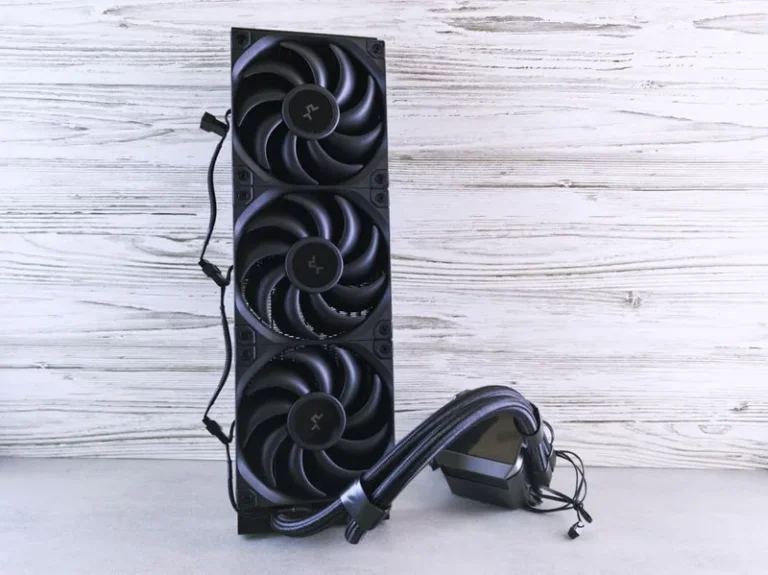
| Cooler | Air ($45) | 240mm AIO ($90) | 360mm AIO ($180) |
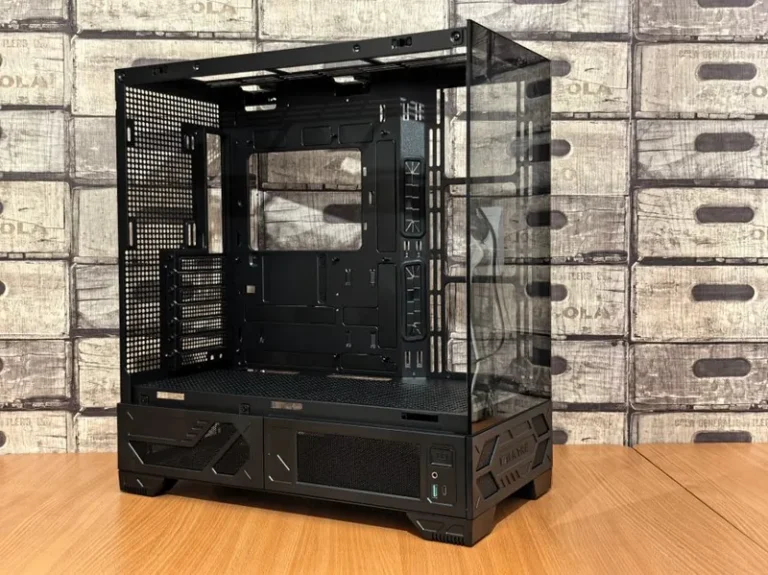
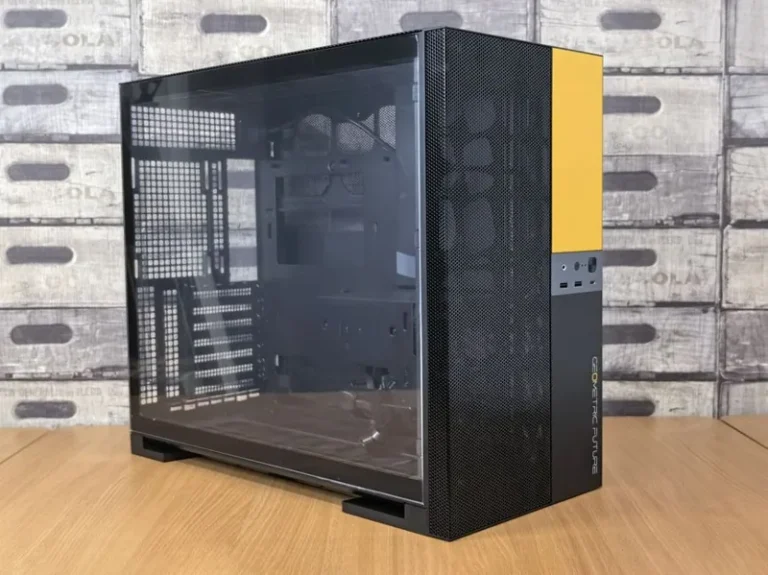
| Case | $70 | $100 | $160 |
| Total | ~$1,670 | ~$2,400 | ~$4,000+ |
These totals include a rough allowance for the case and cooler, so treat them as a budget target rather than an exact receipt. Real street prices drift a few percent month to month, especially on graphics cards.
What Actually Drives the Price Up
The GPU is the engine of a 4K build, and it is where most of your money goes. At 3840×2160, the graphics card pushes four times the pixels of 1080p, so it dominates both the cost and the performance picture. Expect the GPU to be 40 to 50 percent of a 4K build budget.
The CPU matters less than most people assume. At 4K, the load shifts toward the GPU, so a mid-range eight-core chip like the Ryzen 7 9700X or even a 9600X keeps up fine. You do not need a flagship CPU unless you also stream, render, or chase maximum frame rates in CPU-heavy simulation games.
Memory and storage are the easy parts. 32GB of DDR5 is the sweet spot, and a fast 2TB NVMe drive handles modern 100GB-plus installs without forcing you to delete games weekly.
Entry 4K: 60 fps Without Breaking the Bank
An entry 4K build aims for 60 fps at high settings. The Ryzen 5 9600X paired with an RTX 5070 or Radeon RX 9070 XT clears that bar on most titles, including many with ray tracing set to medium or high.
This tier is ideal if you play mostly esports games, older titles, or single-player games where 60 fps feels smooth on a 4K TV or a 60Hz monitor. You will dial settings down on the most demanding 2026 releases, but you will never be locked out of 4K.
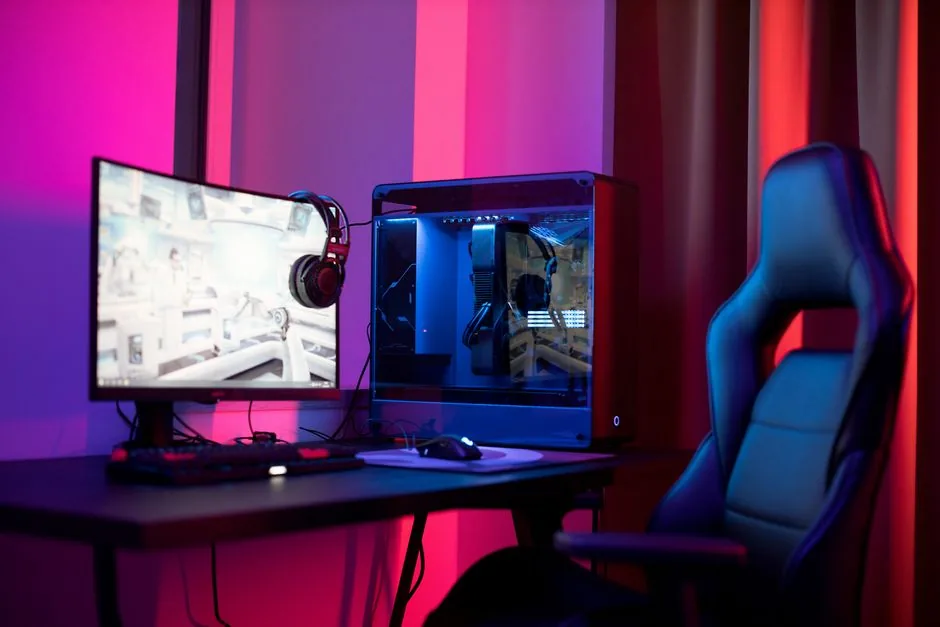
Balanced 4K: The Sweet Spot for Most People
The balanced build is where most buyers should land. An RTX 5080 paired with a Ryzen 7 9800X3D pushes 4K at high-to-ultra settings and 100+ fps in many titles, with ray tracing and DLSS upscaling available when you want more.
This is the “no regrets” tier. It runs anything you throw at it today and has the headroom to handle the next few years of releases at high settings. For most people, this is the answer to how much does it cost to build a 4k gaming pc that they will actually be happy with: roughly $2,300 to $2,600.
Flagship 4K: Maximum Frames, Maximum Cost
At the top, an RTX 5090 and a Ryzen 9 9950X3D deliver the highest possible 4K frame rates, and the price climbs fast. This tier is for high-refresh 4K monitors, 4K streaming, and people who want every setting maxed without compromise.
Be realistic about whether you need it. The jump from the RTX 5080 to the RTX 5090 roughly doubles the GPU cost for a 30 to 40 percent performance gain in most games. That is real, but it is diminishing returns in dollars-per-frame terms.
The 4K Monitor and Peripherals Cost
Your PC is only half the picture. A good 4K gaming monitor adds $400 to $1,300 on top of the tower. Entry 4K 144Hz panels start around $400, while premium OLED and mini-LED models with high refresh rates run $700 to $1,300.
Include this in your budget from the start. A $2,400 PC on a $200 budget 1080p monitor wastes the hardware, so plan for the display as part of the build. For a broader look at which parts matter at every resolution, see our gaming pc build for 1440p guide.
How to Save Without Sacrificing 4K
A few choices trim the price meaningfully without hurting 4K performance.
- Pick the right GPU, not the biggest. The RX 9070 XT or RTX 5070 Ti handles 4K well and costs hundreds less than the 5080.
- Skip the flagship CPU. A 9600X or 9700X is plenty at 4K, where the GPU does the heavy lifting.
- Buy a 2TB drive once. Small drives fill up fast with 4K-era installs, so one good drive beats upgrading later.
- Reuse parts. A case, power supply, and storage can carry over from a previous build and save $200 or more.
You can also stretch the budget by prioritizing the GPU today and upgrading the monitor later. A strong GPU ages better than any other component in a 4K system.
How Much Does It Cost to Build a 4K Gaming PC: The Real Breakdown
If you want a single number to anchor your budget, plan on $2,400 for a balanced 4K build, $1,650 for entry-level 4K, and $4,000 or more for flagship. The gap between those numbers is almost entirely GPU spending.
The GPU, as covered above, is the engine. A $549 RX 9070 XT gets you in the door at 4K, a $999 RTX 5080 makes 4K genuinely comfortable, and a $1,999 RTX 5090 removes every limit. Most of the remaining budget stays roughly constant across tiers: about $450 to $550 for the CPU, $95 for memory, $150 for storage, and $150 to $250 for the platform, power, and cooling.
That stability is useful when you are planning. Decide your 4K target frame rate and visual settings first, pick the GPU that hits it, then build the rest around it. Everything else in the system is more flexible than it first appears.
Frequently Asked Questions
How much does it cost to build a 4k gaming pc for 60 fps?
Around $1,600 to $1,800 with an RTX 5070 or RX 9070 XT and a Ryzen 5 or Ryzen 7 CPU. That setup holds 60 fps at high settings on most titles, though the newest AAA games may need a setting or two lowered.
Do I need a flagship CPU for 4K gaming?
No. At 4K the GPU is the bottleneck, so a mid-range eight-core chip like the Ryzen 7 9700X or Intel Core Ultra 7 265K performs nearly as well as a flagship in most games. Spend the savings on a better GPU or monitor instead.
Is 32GB of RAM enough for a 4K build?
Yes. 32GB of DDR5-6000 is the sweet spot for 4K gaming and leaves room for background apps and a browser. 64GB only matters if you also edit video, run virtual machines, or stream with heavy production software.
Can I build a 4K gaming PC for under $1,500?
It is possible if you compromise. A used or previous-generation GPU plus a Ryzen 5 9600X and careful deal hunting can land under $1,500, but you will dial settings back on demanding games. For a comfortable experience, budget $1,600 to $1,800.
Should I buy a 4K monitor or a 1440p high-refresh monitor?
It depends on what you play. Fast esports favors 1440p at 240Hz or higher, while cinematic single-player games look best on 4K. Many 4K panels now offer 144Hz or 165Hz, which closes the gap. If you are unsure, compare our gaming pc build for 1440p against the numbers here.
The Bottom Line
So how much does it cost to build a 4k gaming pc? Budget around $1,650 for a capable entry build, $2,300 to $2,600 for a balanced rig that most people should choose, and $4,000 or more for a flagship. Add $400 to $1,300 for the monitor, and treat the GPU as your single most important purchase.
Write your part list, price the GPU first, and leave a little headroom in the power supply. If you also want to stream your gameplay, our best gaming pc build for streaming guide covers the upgrades that matter, and you can verify current GPU benchmarks at Tom’s Hardware.