GPU Thermal Throttling Fix: Lower Temps and Restore Performance
If your frame rate drops after a few minutes of play, your card fans spin up loudly, and your frame times start spiking, your GPU is almost certainly thermal throttling. The good news is that a proper gpu thermal throttling fix is usually cheap, and it can restore anywhere from 5% to 25% of lost performance without replacing a single component.
This guide walks through how to confirm the problem, the exact gpu thermal throttling fix steps in order of difficulty, and how to keep temperatures under control over the long term.
How to Confirm Your GPU Is Actually Throttling
Before you start fixing anything, make sure thermal throttling is really the problem rather than a CPU bottleneck or a software issue. The diagnosis is quick and free.
Watch the Clock Speed and Temperature
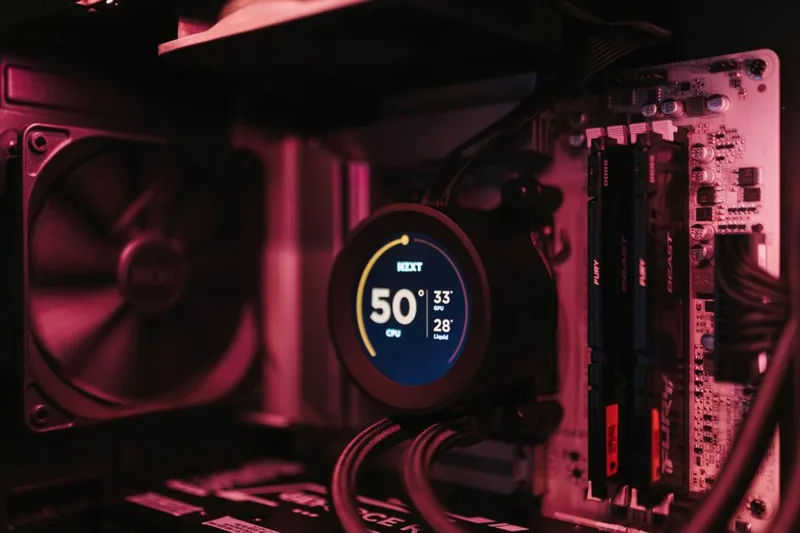
Run a demanding game or a benchmark while monitoring with a tool like HWiNFO or MSI Afterburner. If the GPU temperature hits around 83 to 90 degrees Celsius and the core clock speed simultaneously drops from its normal boost clock, that is classic thermal throttling.
Check the Hot Spot and Memory Temps
Modern cards also report a hot-spot temperature and, in some cases, memory junction temperature. If the hot spot is 15 to 20 degrees above the core reading, or the memory is running near its limit, that points to uneven contact or dried-out paste.
Rule Out the CPU First
A CPU that is thermal throttling causes the same stutter symptoms. Confirm which component is running hot before you commit to a gpu thermal throttling fix, because the two problems have different solutions.
The GPU Thermal Throttling Fix, Step by Step
Work through these steps in order, from the five-minute checks to the full teardown.
| Step | What to do | Difficulty | Typical result |
|---|---|---|---|
| 1 | Dust out the card and case | Easy | 5–10 C drop |
| 2 | Improve case airflow | Easy | 5–15 C drop |
| 3 | Ramp up the fan curve | Easy | Up to 10 C drop |
| 4 | Repaste the GPU die | Moderate | 10–20 C drop |
| 5 | Replace thermal pads | Harder | Fixes memory hotspot |
| 6 | Undervolt the card | Moderate | Less heat, same speed |
Step 1: Clean the Dust Out
Compressed air through the heatsink fins and the card’s fan is the fastest gpu thermal throttling fix there is. Dust acts as insulation, and a card that has run for a year or two is often carrying enough of it to knock temperatures up by ten degrees.
Step 2: Fix the Case Airflow
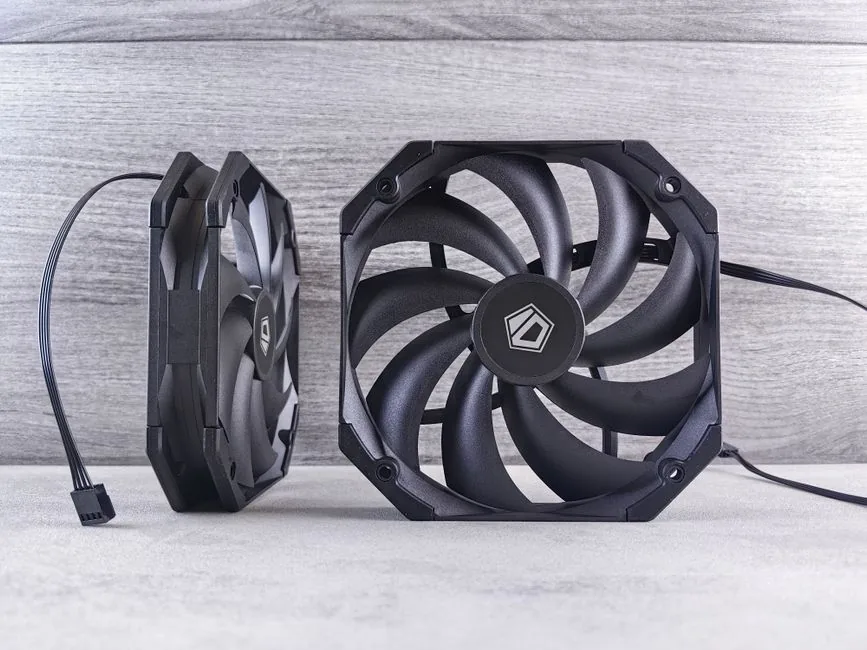
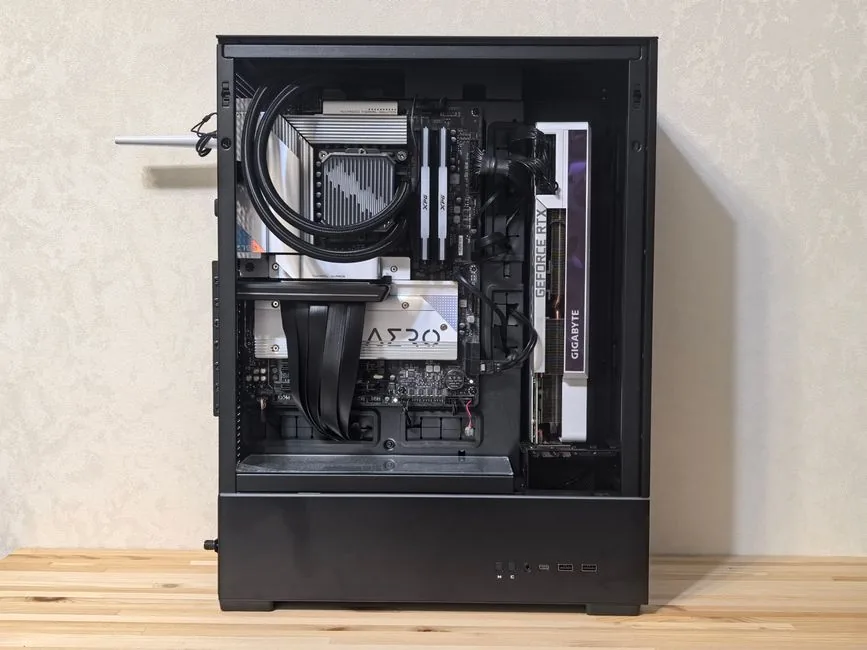
Intake fans at the front and exhaust at the rear or top keep a steady flow of cool air across the card. A case with poor airflow can hold hot air around the GPU no matter how fast the card’s own fans spin.
Step 3: Set a More Aggressive Fan Curve
Most cards ship with a conservative fan curve that favors silence over cooling. Setting a custom curve in MSI Afterburner or the vendor software can drop temperatures several degrees at the cost of a little noise.
When to Repaste: The Real GPU Thermal Throttling Fix
If cleaning and airflow do not bring temperatures down, the thermal paste between the GPU die and the cooler has likely dried out. This is especially common on cards that are three or more years old.
What Repasting Involves
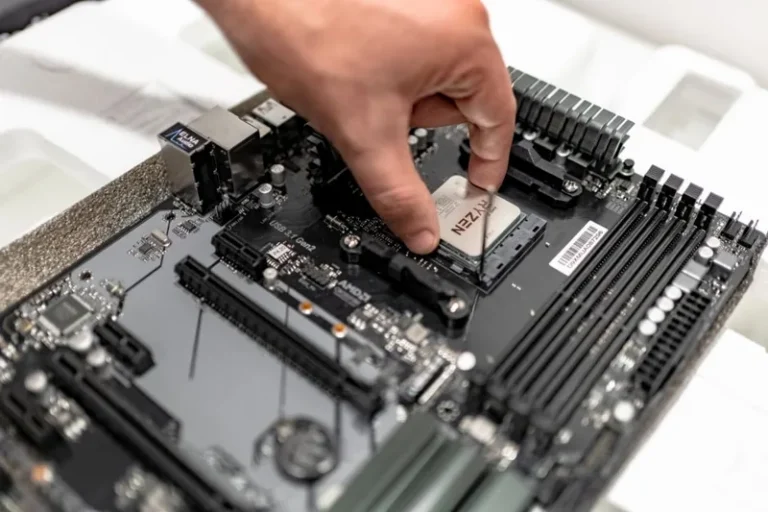
Repasting means removing the cooler, cleaning off the old paste, applying fresh paste, and reassembling the card. It is a moderate repair that most careful builders can do themselves, and it often produces the single biggest temperature drop of any gpu thermal throttling fix.
Replace the Thermal Pads Too
While the card is open, check the thermal pads on the memory and voltage regulators. If they are cracked or crumbling, replace them, because old pads are a common cause of a high memory hotspot that continues to throttle even after the core is repasted.
Try Undervolting for Free Performance
Undervolting reduces the voltage the card uses while keeping the same clock speed, which lowers temperature and power draw. Done carefully, it is a free improvement that pairs well with everything above. For more on getting the most from your card, see our best GPU for gaming price to performance guide.
Preventing Thermal Throttling in the First Place
Once the card is cooling properly, a little upkeep keeps it that way.
Clean on a Schedule
Dust out your PC every three to six months depending on how dusty the room is. Pets, carpet, and an open window all speed up dust buildup, which shortens the time before throttling returns.
Watch the Ambient Temperature
The cooler the room, the cooler the card. If you game in an un-air-conditioned space during summer, expect higher temperatures and plan your airflow accordingly. Our guide on how much does it cost to build a gaming PC also covers picking a cooling-friendly case from the start.
Monitor After Every Change
After each gpu thermal throttling fix, run the same benchmark again and note the new temperature and clock speed. Only by comparing before and after can you know which change actually did the work.
For detailed teardown guides and safe temperature limits, see Tom’s Hardware and PC Gamer.
Software Tools That Help You Diagnose and Fix Throttling
You do not need expensive gear to run a gpu thermal throttling fix, just a couple of free tools. HWiNFO gives you a complete readout of core, hot-spot, and memory temperatures along with current clock speeds, so you can watch exactly what the card is doing under load. MSI Afterburner adds an on-screen overlay and lets you set a custom fan curve or apply an undervolt in minutes.
When you test, run the same demanding scene each time so the numbers are comparable. A synthetic benchmark like 3DMark Time Spy is fine for consistency, but running an actual game you care about tells you the temperature your card will hit in real use, which is the number that matters.
Log the temperature and the boost clock together. A card that holds 1900 MHz at 70 degrees is healthy, but if the clock drops to 1600 MHz the moment the core hits 85 degrees, you have confirmed throttling and can move through the steps above with confidence. After each change, re-run the same test and compare, because only the before-and-after data tells you which fix actually worked.
Related Guides
- When to Upgrade Your Graphics Card
- Best GPU for Gaming Price to Performance
- Best Power Supply for Gaming PC
FAQ
What temperature does a GPU throttle at?
Most modern GPUs begin reducing boost clocks around 83 degrees Celsius on the core, and more aggressively near 90 degrees. The memory and hot-spot sensors can trigger throttling before the core reading looks alarming.
Does thermal throttling permanently damage a GPU?
Mild, occasional throttling is a protective mechanism and does not cause damage. Running at extreme temperatures for very long periods can shorten component life, which is why a proper gpu thermal throttling fix is worth doing promptly.
Why does my GPU throttle even though the temperature looks fine?
The hot-spot or memory junction temperature may be high even when the average core temperature reads normally. Check those sensors in HWiNFO. Dried pads or poor contact are the usual culprits.
Is repasting a GPU worth it?
Yes, especially on older cards. Fresh thermal paste commonly drops core temperatures by 10 to 20 degrees and is one of the most effective gpu thermal throttling fixes available.
Can I fix thermal throttling with software alone?
Partially. A more aggressive fan curve and undervolting can lower temperatures meaningfully, but if the paste is dried out or the card is clogged with dust, no software will make up for the physical problem.
Conclusion
A gpu thermal throttling fix usually comes down to cleaning, airflow, and if needed, fresh thermal paste. Work through the steps in order, confirm the result with a before-and-after benchmark, and your card will return to its full boost clock without a single new part.
If your card is beyond saving and it is time to shop, start with our best budget GPU for gaming and best GPU for gaming price to performance guides, and check when to upgrade your graphics card to decide whether a repair or a replacement makes more sense.