Gaming PC Build for Esports: High FPS on a Realistic Budget
A gaming PC build for esports follows different rules than a build meant for cinematic single-player titles. Esports games like Valorant, Counter-Strike 2, Fortnite, and Apex Legends are engineered to run on modest hardware, but they reward high and stable frame rates, which means you should spend your money differently than a gamer chasing 4K visuals. The goal is not maximum graphical detail but maximum frames per second with the lowest possible input lag.
This guide explains what competitive games actually demand from your hardware and lays out a parts list that hits 240 fps and beyond in the titles that matter, all without paying for components that will not improve your rank.
What Esports Games Actually Demand
Esports titles are CPU-bound far more often than they are GPU-bound. Understanding this single fact is the key to building smart rather than just building expensive.
High Frame Rates Over High Resolution
Most competitive players run 1080p or 1440p at low-to-medium settings because higher frame rates translate directly into smoother motion and faster reaction times. A 240 Hz monitor is useless if your PC cannot hold 240 fps, so the CPU and memory become the parts that matter most.
Low and Consistent Frame Times
Average FPS matters less than consistency. A build that swings between 180 and 300 fps feels worse than one locked at 240, so prioritizing a CPU with strong 1% low performance keeps your aim steady.
Competitive Settings Are Light on the GPU
At 1080p low settings, even a mid-range GPU can push hundreds of frames. This is why you should not buy a flagship card for esports and instead redirect that money toward a high-refresh monitor and a fast CPU.
The Best Gaming PC Build for Esports in 2026
Here is a build tuned specifically for high FPS in competitive shooters, priced for real-world budgets.
CPU: AMD Ryzen 7 9800X3D
The Ryzen 7 9800X3D is the undisputed king of esports CPUs in 2026. Its 3D V-Cache produces massive gains in games like CS2 and Valorant, where the extra cache keeps frame times low and averages high. If you want a cheaper option, the Ryzen 5 9600X still delivers excellent competitive performance for less money.
GPU: NVIDIA GeForce RTX 5070
An RTX 5070 is more than enough for esports at 1080p and 1440p. It will comfortably push 300-plus fps in Valorant and CS2 and over 200 fps in Fortnite at competitive settings. You do not need an RTX 5080 or 5090 unless you also plan to stream or play GPU-heavy games at high resolution.
RAM and Storage
Fast, low-latency memory matters more than capacity for esports. A 32 GB kit of DDR5-6000 CL30 is the sweet spot, giving you headroom for background apps without paying for speed you cannot use. A 1 TB NVMe SSD is plenty for a competitive library plus Windows.
The Parts List and Budget Breakdown
This gaming PC build for esports balances every dollar for maximum competitive performance.
| Component | Recommended Part | Estimated Price (USD) |
|---|---|---|
| CPU | AMD Ryzen 7 9800X3D | $449 |
| GPU | NVIDIA RTX 5070 12 GB | $549 |
| Motherboard | B650 ATX (AM5) | $179 |
| RAM | 32 GB (2×16) DDR5-6000 CL30 | $109 |
| Storage | 1 TB PCIe 4.0 NVMe SSD | $79 |
| Power Supply | 750 W 80+ Gold | $99 |
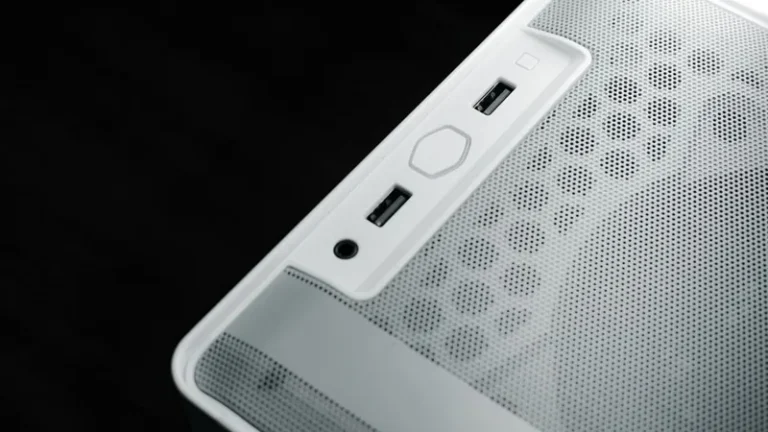
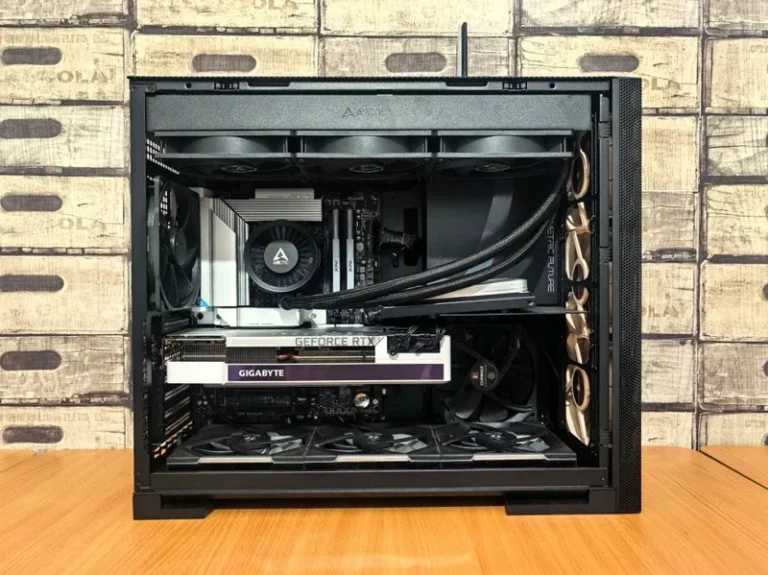
| Case | Mid-tower ATX with airflow | $89 |
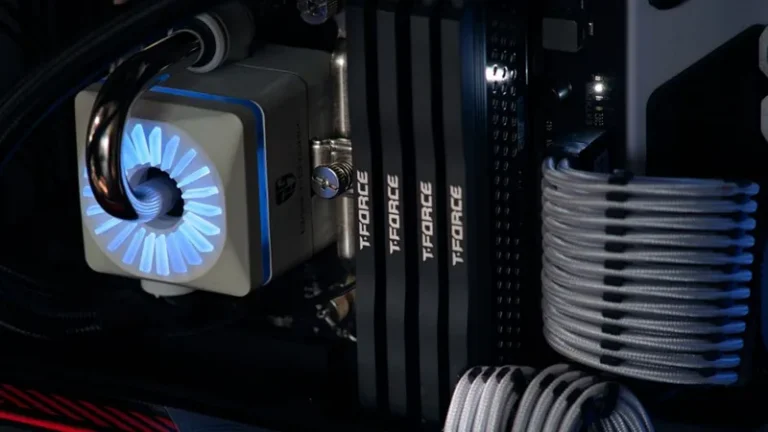
| CPU Cooler | 240 mm AIO liquid cooler | $99 |
| Total | $1,652 |
You can trim this to roughly $1,200 by swapping in a Ryzen 5 9600X and an RTX 5060 Ti, and you will still hold well over 240 fps in the most popular esports titles.
The Monitor Matters More Than You Think
No amount of PC horsepower matters if your monitor cannot display it. For a competitive build, the display is arguably as important as the CPU.
Pick a High-Refresh-Rate Monitor
A 240 Hz or 360 Hz monitor at 1080p or 1440p is the single best competitive upgrade. The jump from 144 Hz to 240 Hz is noticeable in fast flick shots, and once you experience it, going back feels sluggish.
Low Input Lag and Fast Response Time
Look for a monitor with a 1 ms or lower response time and low input lag. Modern fast IPS and OLED panels both perform well here, with OLED offering the best motion clarity for fast-moving targets.
1080p or 1440p for Esports
Competitive players are split on resolution. 1080p makes it easier to hold very high frame rates and keeps targets slightly larger on screen, while 1440p offers a sharper image and better visibility at long range. If raw speed is your priority, 1080p at 240 Hz or 360 Hz is the classic choice; if you want a balance of clarity and speed, 1440p at 240 Hz is excellent, and this build drives both resolutions comfortably.
Cooling and Consistency
Sustained performance during a long ranked session depends on keeping temperatures in check. A 240 mm AIO liquid cooler keeps the 9800X3D from throttling, and a case with a mesh front panel gives the GPU enough airflow to hold its boost clocks. Avoid bloatware and heavy background downloads during matches, since a single network spike can cause the exact stutter you are trying to eliminate. NVIDIA and AMD both publish guides on reducing input latency, which are worth reading before you start tweaking settings.
Settings That Unlock Extra FPS for Free
You do not always need new hardware to gain frames. A few in-game and system settings can add noticeable performance to a gaming PC build for esports at zero cost.
Lower Settings That Barely Change Visuals
Shadows, volumetric fog, and post-processing effects eat frames while adding little to competitive visibility. Dropping these to low can add 20 to 40 fps in many titles with almost no impact on how the game reads on screen.
Cap Your Frame Rate Slightly
Counterintuitively, capping your frame rate just below your monitor’s refresh rate can smooth out frame times and reduce input lag. Use the in-game limiter rather than a third-party tool whenever possible, since it introduces less overhead.
Keep Windows and Drivers Clean
Update your GPU drivers, disable fullscreen optimizations for competitive titles, and close overlays you do not need. These small changes add up, and because they cost nothing, they are among the best upgrades in any gaming PC build for esports.
FAQ
What FPS should an esports PC target?
Aim for at least 240 fps to match a 240 Hz monitor, and ideally more to keep 1% lows smooth. In lighter games like Valorant and CS2, a well-built esports PC can push 300 to 500 fps, which future-proofs you for a 360 Hz display.
Is an expensive GPU worth it for esports?
Usually not. Esports games at competitive settings are light on the GPU, so an RTX 5070 or RX 9070 is already overkill for most titles. Spend the savings on a high-refresh monitor instead.
Do I need a special keyboard or mouse for esports?
A fast, reliable mouse and a responsive keyboard matter more than most people expect. A lightweight gaming mouse and a keyboard with fast switches help you react quicker, and both are cheaper upgrades than a new GPU.
Can I stream while gaming on this build?
Yes. The Ryzen 7 9800X3D has enough cores to handle gaming plus a stream, and Nvidia’s NVENC encoder offloads encoding to the GPU. If you stream heavily, consider 32 GB of RAM, which is already in this build.
Conclusion
A gaming PC build for esports is about spending on the right things: a fast CPU, a competent mid-range GPU, a high-refresh monitor, and low-latency peripherals. This parts list gives you 240-plus fps where it counts without wasting money on flagship hardware that competitive games will never use. If you want to compare against other builds, see our guide to the best gaming PC build of 2026, our gaming PC build for 240Hz, and our picks for the best gaming monitor of 2026.