Gaming PC Build for 240Hz: The 2026 High-Refresh Rate Guide
A gaming pc build for 240hz has one overriding goal: hold frame rates at or above 240 FPS so your monitor’s extra smoothness is actually visible. That shifts the build priorities toward the CPU and a fast GPU, because at very high frame rates the CPU becomes the bottleneck in most competitive titles long before a mid-range graphics card does.
This guide explains what a gaming pc build for 240hz actually needs, then provides three complete parts lists and tuning tips to keep your frame rate locked in the 240 FPS range.
Why 240Hz Changes the Way You Should Build
At 60 or 144 Hz, a balanced build is fine. At 240 Hz, every component that can introduce a frame-rate dip has to be reconsidered, because a single weak link wastes the entire high-refresh-rate experience.
The CPU Is the Real Hero
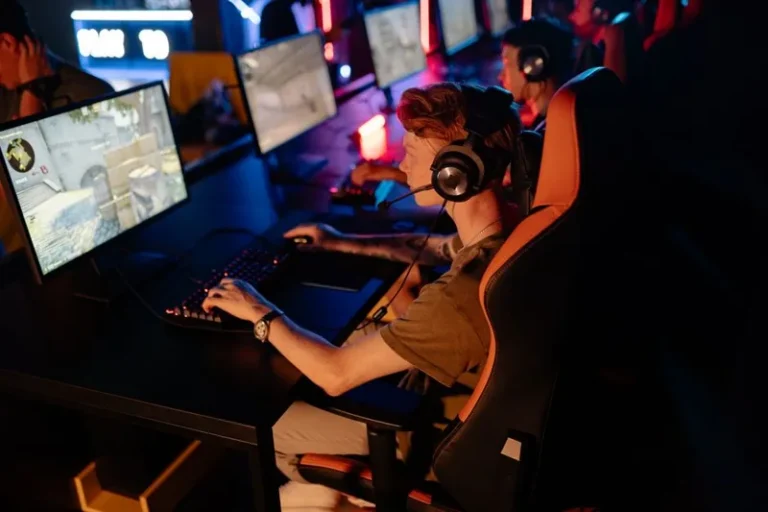
In esports titles like CS2, Valorant, Rocket League, and Overwatch 2, the CPU typically determines the maximum frame rate. A recent processor with strong single-thread performance is the foundation of any gaming pc build for 240hz, because it is what pushes those games into the 300 to 600 FPS territory at competitive settings.
The GPU Still Has a Job
The graphics card matters the moment you raise resolution or detail settings. At 1080p competitive settings, a mid-range GPU is often enough, but stepping up to 1440p at 240 Hz pushes you toward a high-end card. The rule is simple: pick a GPU that can hold your target frame rate at your chosen resolution and settings.
The Best Parts for a Gaming PC Build for 240Hz
| Component | Recommended pick | Why it matters at 240 FPS |
|---|---|---|
| CPU | AMD Ryzen 7 7800X3D or Intel Core i7-14700K | High frame-rate ceiling in esports titles |
| GPU | RTX 4070 Super to RTX 4080 Super | Depends on resolution: 1080p vs 1440p |
| RAM | 32 GB DDR5-6000 | Smooth 1% lows and multitasking |
| Storage | 1–2 TB PCIe 4.0 NVMe | Fast map loads between rounds |
| PSU | 750–850 W 80+ Gold | Stable power under sustained load |
| Monitor | 240 Hz or 360 Hz panel | The whole point of the build |
Three Complete Parts Lists
Here are three realistic gaming pc build for 240hz configurations with approximate 2026 prices, matched to different resolutions.
1080p esports (~$1,250):
– CPU: AMD Ryzen 7 7800X3D
– GPU: NVIDIA RTX 4060 Ti
– RAM: 32 GB DDR5-6000
– Storage: 1 TB NVMe
– PSU: 650 W Gold
1440p competitive (~$1,900):
– CPU: Intel Core i7-14700K
– GPU: NVIDIA RTX 4070 Super
– RAM: 32 GB DDR5-6000
– Storage: 2 TB NVMe
– PSU: 750 W Gold
Max refresh AAA (~$2,600):
– CPU: AMD Ryzen 7 9800X3D
– GPU: NVIDIA RTX 4080 Super
– RAM: 32 GB DDR5-6400
– Storage: 2 TB PCIe 5.0 NVMe
– PSU: 850 W Gold
For the GPU side of these builds, our best graphics card for gaming 2026 guide breaks down the options at every price point, and our best budget gaming pc build under $1000 shows how low you can go if the monitor is fixed.
Tuning to Actually Hit 240 FPS
Buying the parts is step one. Keeping the frame rate steady at 240 FPS requires a few settings that are easy to get wrong.
Enable XMP or EXPO, Then Check It
Your memory will not reach its rated 6000 MT/s until you enable the correct profile in BIOS. Leaving it off is one of the most common reasons a gaming pc build for 240hz underperforms, because memory bandwidth directly affects the minimum frame rate.
Lower the Settings That Matter Most
At 240 Hz, competitive players turn down shadows, reflections, and post-processing first, because those settings add latency and frame-time spikes without improving visibility. Most esports players run near-low settings even on strong hardware.
Cap FPS for Consistency
If your frame rate bounces wildly between 250 and 400 FPS, consider capping it just above your refresh rate. A stable cap prevents frame-time variance and keeps the input feel consistent from moment to moment.
The Right CPU Cooler and Power for Sustained Load
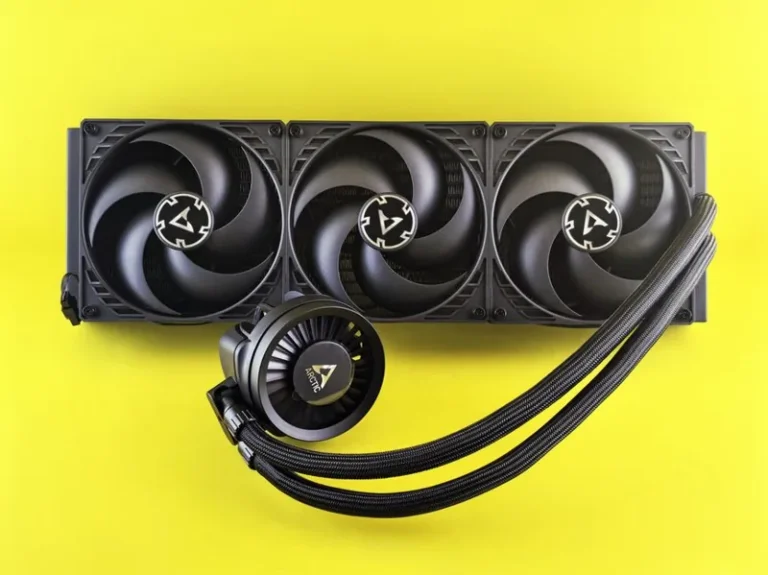
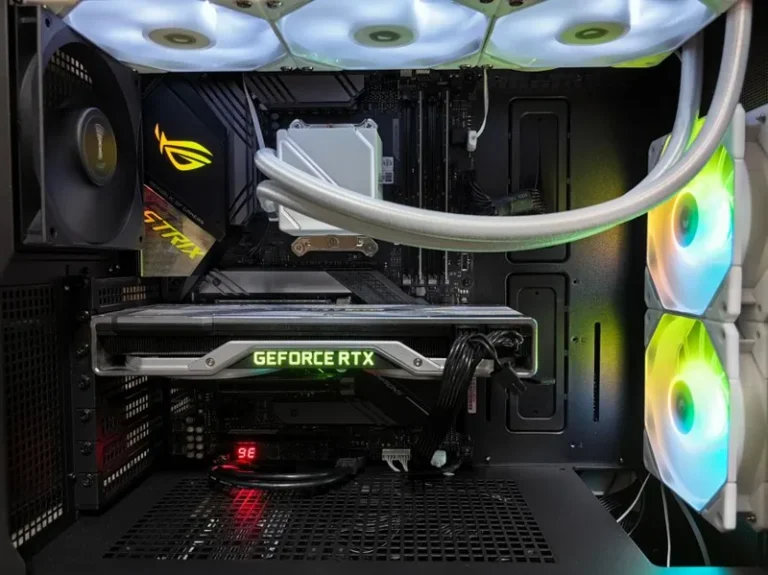
Running at 240 FPS means both CPU and GPU stay loaded, which generates real heat. A solid tower cooler or AIO keeps boost clocks high, and a quality power supply protects against transient spikes that can cause stutters or shutdowns.
Don’t Skimp on the Power Supply
A cheap power supply with an 850 W label but weak transient response can cause crashes under the bursty load of high-frame-rate gaming. Match your PSU with our best power supply for gaming PC guide before you finalize the build.
For independent frame-rate testing and hardware benchmarks, see Tom’s Hardware and PC Gamer.
Getting Your Whole Setup to Actually Show 240 Frames
A gaming pc build for 240hz is only half of the equation. If your monitor, cable, and settings are not all aligned, the extra frames your PC produces will never actually reach your eyes, and you will be paying for smoothness you cannot see.
Start by confirming the monitor is set to its full refresh rate in the operating system. Windows sometimes defaults a high-refresh panel to 60 Hz until you change it in the display settings, which silently wastes the entire build. The same goes for the display cable: HDMI 2.1 or DisplayPort 1.4 is required for 240 Hz at higher resolutions, and an old or cheap cable will quietly cap you well below the panel’s rated speed.
Inside the games themselves, make sure the resolution and refresh rate are correct and that any frame-rate limiter is set above 240 FPS, or disabled. Some titles cap the frame rate to the monitor’s reported refresh rate, which is fine as long as the monitor is reporting 240 Hz and not 60.
Beyond the screen, keep your desktop clean of unnecessary background apps while you compete. At 240 FPS, the CPU is doing a huge amount of work, and a streaming service, browser tabs, or an over-aggressive antivirus can steal exactly the headroom your frame rate needs. Our streaming setup for gaming guide shows how to offload recording so it does not eat into your frames.
Related Guides
FAQ
What specs do I need for 240 FPS?
A modern 8-core CPU like the Ryzen 7 7800X3D or Core i7-14700K, 32 GB of fast DDR5, and a GPU matched to your resolution. At 1080p competitive settings, a mid-range GPU is enough for most esports titles.
Is 240Hz worth it over 144Hz?
For competitive shooters, yes, the jump in motion clarity is noticeable and genuinely helps tracking fast targets. For slower or story-driven games, 144 Hz remains perfectly good.
Does 240Hz need 240 FPS?
To get the full benefit, your frame rate should stay near 240 FPS, or at least above your monitor’s refresh rate. Below that, you still see some benefit, but the frame rate must actually reach 240 to make the panel worth it.
Is a 240Hz monitor only for esports?
Not exclusively, but the biggest payoff is in fast, competitive games. For single-player games, you are unlikely to sustain 240 FPS, so a high-resolution 144 Hz panel may suit you better.
Can a budget PC hit 240 FPS?
Yes, but only in esports titles at 1080p with competitive settings. A Ryzen 5 7600X paired with a mid-range GPU will hold 240 FPS in CS2 and Valorant comfortably.
Conclusion
A gaming pc build for 240hz starts with a strong CPU and enough GPU for your resolution, then relies on good memory settings and realistic in-game options to keep the frame rate pinned. The three parts lists above cover 1080p, 1440p, and high-end refresh-rate builds, so you can match the hardware to your monitor and your budget.
Round out the build with the right processor using our best CPU for gaming 2026 guide, the graphics card using our best graphics card for gaming 2026 guide, and a monitor that can actually show those frames with our best gaming monitor 2026 guide.