Best Mousepad for Gaming in 2026: Top Picks for Every Style
The best mousepad is the most underrated piece of a serious gaming setup. A quality surface gives you consistent, predictable glide for both FPS flicks and fine aim corrections, protects your desk, and lasts through years of daily use. A bad one makes every mouse movement feel inconsistent, and no mouse can compensate for that.
This guide picks the best mousepad for gaming across four categories, explains the difference between speed and control surfaces, and tells you how to choose a size that actually fits your desk.
Why the Best Mousepad Matters More Than You Think
Modern gaming mice with optical sensors work on almost any surface, which leads people to skip the mousepad entirely. But a sensor that works is not the same as a sensor that glides consistently. A good mousepad provides uniform texture so the same hand movement always produces the same on-screen movement, which is exactly what muscle memory in shooters depends on.
Speed Pad vs Control Pad
Mousepads fall on a spectrum from fast to controlled. Speed pads have a slicker, low-friction surface that lets you flick and spin quickly, ideal for twitchy games. Control pads have more texture and stopping power, which helps with precise tracking and long-range aim. Many players settle on a balanced cloth pad in the middle.
Soft Cloth vs Hard Surface
Cloth pads are the default for a reason: they are comfortable, quiet, and inexpensive. Hard pads, typically metal or plastic, are faster and easier to clean but wear down mouse feet more quickly and can be loud.
The Best Mousepad Picks for 2026
| Pick | Surface | Size (L x W) | Best for | Approx. price |
|---|---|---|---|---|
| SteelSeries QcK Heavy | Cloth, medium control | 450 x 400 mm | All-around FPS | $30 |
| Logitech G640 | Cloth, balanced | 460 x 400 mm | Balanced speed/control | $35 |
| Razer Strider | Hybrid, fast | 450 x 400 mm | Speed and cleaning ease | $45 |
| Lethal Gaming Gear Saturn Pro | Cloth, control | 490 x 420 mm | Precise tracking | $40 |
| Glorious 3XL Desk Mat | Cloth, balanced | 1220 x 610 mm | Full desk coverage | $50 |
Best Overall: SteelSeries QcK Heavy
The QcK Heavy has been the reference cloth pad for over a decade for a reason. It is thick, lays perfectly flat, and offers a balanced glide that works whether you are flicking in Valorant or tracking in Apex Legends. It is also cheap enough to replace every couple of years.
Best for Precision: Lethal Gaming Gear Saturn Pro
The Saturn Pro is a control pad built for players who value stopping power and micro-adjustment precision. If you play a lot of tactical shooters where fine aim wins rounds, this is the best mousepad for your style.
Best Desk Mat: Glorious 3XL
If you want a single surface under both your keyboard and mouse, a desk mat is the way. The Glorious 3XL is huge, consistent from edge to edge, and doubles as sound dampening for your keyboard. The best mousepad for a clean, minimal desk is usually an extra-large mat.
How to Choose the Best Mousepad Size
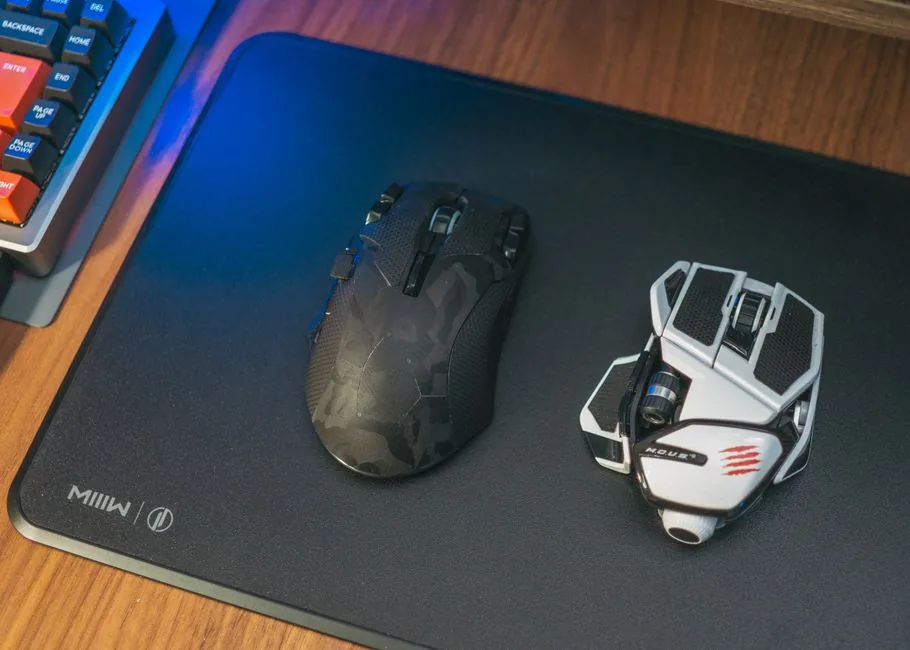
Mousepad size matters more than most people expect. A small pad forces you to lift and reposition the mouse constantly, which breaks your aim and adds inputs.
Match the Pad to Your Sensitivity
Low-sensitivity players need big arm-sweep room, so a large or even desk-mat size is worth it. High-sensitivity wrist players can get away with a medium pad. If you are unsure, buy larger than you think you need because you can always use less of a big pad but never more of a small one.
Measure Your Desk First
Before buying, measure the space between your monitor stand and the desk edge. A 450 mm pad is deeper than most people realize. Pairing the right pad with the right desk is covered in more depth in our best gaming desk 2026 guide.
Thickness and Comfort
Thicker pads, around 4 to 6 mm, hide desk imperfections and add wrist comfort. Thinner pads offer a firmer, more consistent feel. If your desk has a textured or uneven surface, go thicker.
How to Keep Your Mousepad Gliding Like New
A dirty mousepad changes its glide and can even interfere with tracking. Cleaning once a month keeps the best mousepad performing like the day you bought it.
Washing a Cloth Pad
Most cloth pads can be hand-washed with warm water and a little mild soap, then air-dried flat. Avoid machine drying, which can warp the rubber backing. A clean pad restores the original glide almost completely.
When to Replace It
Even the best mousepad wears eventually, especially in the center where you move the mouse most. When you notice the texture feels different between the middle and the edges, it is time to replace it. Spending $30 to $40 every two years is cheap insurance for consistent aim.
For deeper testing methodology and more options, see the mouse surface testing at RTINGS and the gaming gear reviews at PC Gamer.
Matching Your Mousepad to Your Mouse and Sensitivity
The best mousepad for you depends as much on your mouse feet and sensitivity as it does on the pad itself. A lightweight mouse with fast PTFE feet will already feel quick on a speed pad, and it may become hard to control. Pairing that same mouse with a control pad often produces the balanced, predictable feel that most players end up preferring.
Your in-game sensitivity changes the math too. Low-sensitivity players who move the mouse with their whole arm need a large, smooth surface where a big swipe stays consistent from start to finish. High-sensitivity players can often run a smaller or faster pad because they rely on small, precise wrist movements rather than long flicks.
If you play several different games, a balanced cloth pad is the safest all-round choice because it performs well enough for both flick-heavy shooters and tracking-heavy games. You can always experiment later, but starting in the middle of the speed-to-control spectrum avoids the frustration of fighting an extreme surface while you are still building muscle memory.
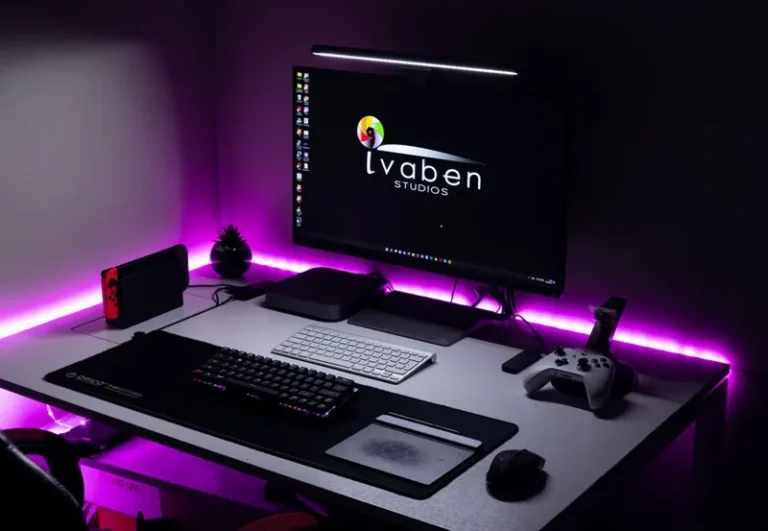
Finally, remember that the mousepad works together with your mouse and keyboard placement. A big desk mat can clean up the whole setup by giving every device a uniform home. For the rest of the desk, see our best gaming desk 2026 and best gaming mouse 2026 guides.
Related Guides
FAQ
Do I really need a mousepad for gaming?
You should have one. A consistent surface is essential for building muscle memory, and a pad protects both your desk and your mouse feet. It is the cheapest meaningful upgrade you can make to a setup.
Is a speed or control mousepad better?
It depends on the game and your aim style. Speed pads suit fast flicking and high sensitivity, while control pads suit precise tracking and low sensitivity. Balanced cloth pads are the safest all-round choice.
How big should a gaming mousepad be?
Low-sensitivity players should get a large pad (around 450 x 400 mm or bigger), while high-sensitivity players can use a medium pad. When in doubt, buy bigger.
How often should I clean my mousepad?
Once a month if you use it daily. Hand-wash cloth pads with mild soap, air-dry them flat, and the glide will come back close to factory condition.
Is a hard mousepad better than cloth?
Hard pads are faster and easier to clean but wear out mouse feet faster and are louder. Cloth is more comfortable and quieter, which is why most players prefer it.
Conclusion
The best mousepad balances a surface you like, a size that fits your sensitivity and desk, and durability that holds up to daily play. The QcK Heavy remains the safest all-round pick, the Saturn Pro is the choice for precision shooters, and a big desk mat earns its space if you play at low sensitivity.
Once your mousepad is sorted, round out your setup with our best gaming mouse 2026 and best gaming keyboard 2026 guides, and make sure your whole desk is dialed in with our best gaming desk 2026 guide.