3000 Dollar Gaming PC Build: The Ultimate High-End Rig for 2026
A 3000 dollar gaming pc build sits in the sweet spot where you stop paying for marginal gains and start getting genuinely elite performance. For roughly three grand you can assemble a rig with a Ryzen 7 9800X3D, an RTX 5080, fast DDR5 memory, and enough power delivery to carry you through several GPU generations. This is the budget range where 4K high-refresh gaming becomes realistic without the eye-watering cost of a flagship RTX 5090 build.
Below is a complete, current parts list with real 2026 prices, a rationale for every component, and a handful of places to trim or stretch depending on your priorities. If you are still deciding how much to spend, our how much does it cost to build a gaming pc guide maps every price tier, and independent performance data from Tom’s Hardware validates the component choices throughout.
The 3000 Dollar Gaming PC Parts List
| Component | Pick | Price (USD) | Why |
|---|---|---|---|
| CPU | AMD Ryzen 7 9800X3D | $450 | Best gaming CPU; 3D V-Cache dominates 1080p/1440p |
| GPU | NVIDIA GeForce RTX 5080 16 GB | $1,050 | 4K-capable, DLSS 4, great price-to-performance |
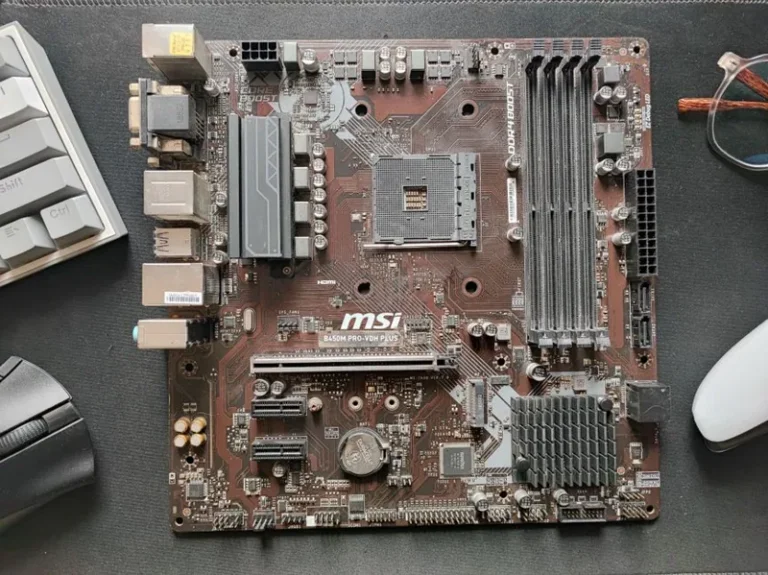
| Motherboard | ASUS ROG Strix X870E-F Gaming WiFi | $350 | PCIe 5.0, strong VRM, easy future upgrades |
| RAM | 32 GB (2×16) DDR5-6000 CL30 | $110 | Sweet spot for AMD; low latency |
| SSD | 2 TB Samsung 990 Pro NVMe | $170 | Blazing Gen4, massive game library |
| CPU Cooler | ARCTIC Liquid Freezer III 360 | $120 | Top-tier AIO, keeps 9800X3D frosty |
| PSU | Corsair RM1000x (1000 W ATX 3.1) | $180 | Headroom for GPU upgrades |
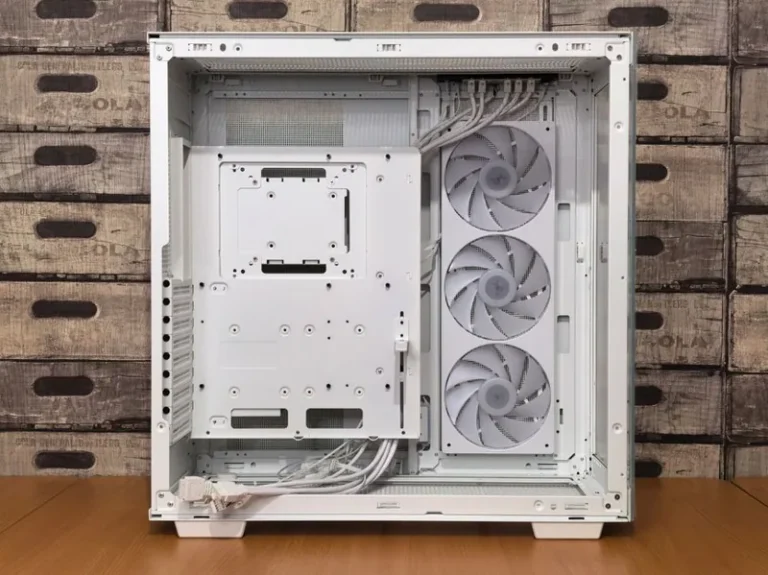
| Case | Fractal Design North XL | $170 | Clean airflow, premium build quality |
| Fans | 3x ARCTIC P12 PWM | $30 | Extra airflow, near-silent |
| Total | $2,630 | Leaves ~$370 for monitor or upgrades |
The table totals about $2,630, leaving room in the budget for a quality display, a larger SSD, or stepping the GPU up to an RTX 5090 if you stretch a little. This 3000 dollar gaming pc build deliberately front-loads the GPU, because the graphics card is what actually moves your frame rate.
Why the Ryzen 7 9800X3D Is the Right CPU
The Ryzen 7 9800X3D is the fastest gaming CPU on the market in 2026, and it pairs beautifully with high-end GPUs. Its stacked 3D V-Cache eliminates the memory latency that holds back average and 1% low frame rates in CPU-bound titles like Warzone, Valorant, and Counter-Strike 2. At $450 it costs less than Intel’s Core Ultra 9 285K while beating it in the games most people actually play.
If you want the full breakdown of how it stacks up against its predecessor, our ryzen 7 9800x3d vs 7800x3d comparison has the numbers. The short version: the 9800X3D is worth the upgrade for a build at this price, and it is the reason this rig feels fast in every scenario rather than just in synthetic benchmarks.
Why the RTX 5080 Anchors This Build
The RTX 5080 16 GB is the value pick for high-end 4K gaming. It delivers roughly 90% of an RTX 5090’s real-world performance at a little over half the price, and DLSS 4 frame generation lets you push 4K ultra settings well past 100 FPS in the latest titles. For competitive shooters you will be GPU-bound less often than you think, but the 5080 removes the ceiling entirely.
Check our best gpu for gaming price to performance guide if you want to compare it against AMD’s RX 9070 XT and other options at this tier. The RTX 5080 also benefits from NVIDIA’s mature driver stack and superior ray-tracing performance, which matters more every year as games lean into path tracing.
Storage and Memory: Fast Without Overspending
32 GB of DDR5-6000 CL30 is the modern standard for a high-end gaming rig. Anything faster on AMD’s AM5 platform yields single-digit gains, and 32 GB comfortably handles gaming plus Discord, a browser, and background recording simultaneously. On the storage side, a 2 TB Gen4 NVMe drive is the sweet spot — large enough for a serious Steam library, fast enough that load times become a non-issue.
If you are debating how much memory you actually need, how much ram for gaming pc covers every scenario, from budget 16 GB kits to overkill 64 GB configurations.
Power, Cooling, and the Case
A 1000 W ATX 3.1 power supply gives you a decade of headroom. The RTX 5080 sips power by flagship standards, but a quality 1000 W unit means you can drop in a future GPU without touching the PSU. The ARCTIC Liquid Freezer III 360 is the best-performance AIO for the money and keeps the 9800X3D well below its throttle point even under sustained load.
The Fractal North XL earns its place with genuinely good airflow and a premium wood-accented look that fits a mature desk setup. Add three P12 fans for intake and the thermals stay excellent without the noise penalty. If you prefer air cooling for reliability, a Thermalright Peerless Assassin 120 SE handles the 9800X3D just fine and saves $80 — see our aio vs air cooler comparison for the full trade-off.

What a 3000 Dollar Gaming PC Build Gets You in 2026
It helps to translate the specs into real-world results. A 3000 dollar gaming pc build of this caliber will:
- Run 4K at 100+ FPS in demanding titles with DLSS enabled.
- Max out a 240 Hz 1440p monitor in competitive shooters like Warzone, Valorant, and Apex Legends.
- Handle streaming and recording alongside the game without a noticeable frame drop.
- Stay relevant for five to seven years, with the GPU as the only likely mid-life upgrade.
This is the tier where you genuinely stop worrying about settings menus and just pick “ultra.” It is also the point of diminishing returns — spending more mostly buys a 5090 that few monitors can fully exploit today.
Where to Stretch or Trim the Budget
- Stretch to an RTX 5090 (+$900): if 4K 240 Hz is your target, the extra VRAM and cores are worth it — but only if you already own a top-tier monitor.
- Add a 4 TB SSD (+$130): future-proof storage for massive open-world games.
- Trim the motherboard (-$150): a $200 B850 board still overclocks fine and drops the total under $2,500.
- Go air cooling (-$80): a Thermalright Peerless Assassin 120 SE tames the 9800X3D for $40 if you prefer simplicity.
These adjustments let you land anywhere from a value-focused $2,400 build to a no-compromise $3,300 flagship system without changing the core philosophy of the build.
How to Build It Right
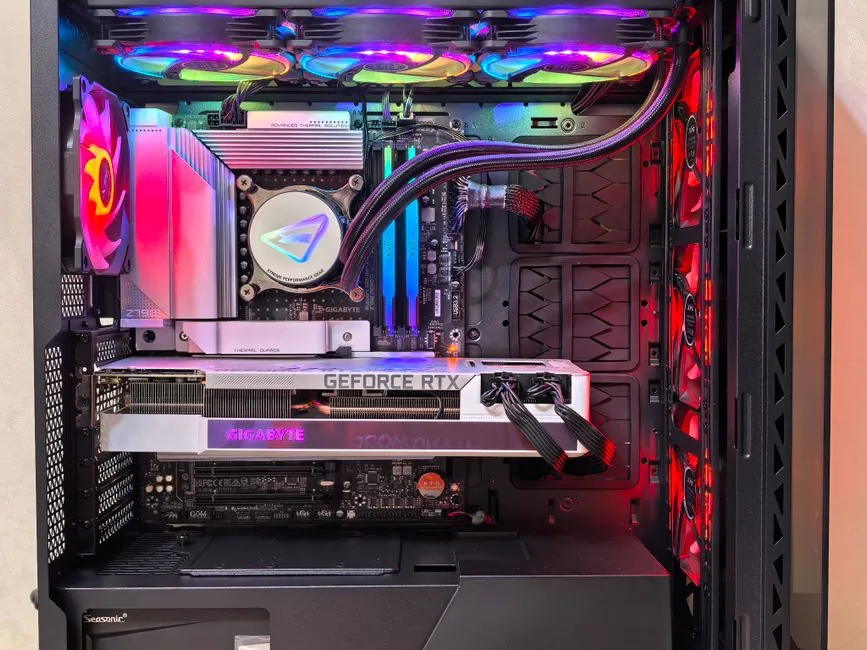
Assemble the CPU, RAM, and SSD into the motherboard before it goes into the case, then mount the AIO radiator in the top as exhaust. Route the GPU power cables carefully, keep front-to-back airflow consistent, and enable EXPO for the memory in BIOS — leaving DDR5 at default JEDEC speeds throws away free performance. Our how to build a gaming pc step by step guide walks through the whole process if this is your first build, with compatibility tips from PC Gamer worth a glance for your exact part combination.
FAQ
Is a 3000 dollar gaming PC worth it in 2026?
Yes, if you want 4K or high-refresh 1440p gaming. A $3,000 build gets you a top-tier GPU and CPU that will stay relevant for five or more years, whereas budget builds need a mid-life GPU upgrade.
Can a 3000 dollar PC run 4K at high FPS?
Yes. The RTX 5080 with DLSS 4 pushes most modern titles past 100 FPS at 4K ultra settings, and competitive shooters will run far higher.
Is AMD or Intel better for a 3000 dollar build?
AMD is the better gaming choice in 2026. The Ryzen 7 9800X3D outperforms Intel’s Core Ultra 9 in games while drawing less power and costing less.
How long will this 3000 dollar gaming PC last?
Expect five to seven years of high-end performance. The CPU and 1000 W PSU will outlast the GPU, which you can upgrade independently.
Conclusion
This 3000 dollar gaming pc build delivers flagship-tier 1440p and genuinely capable 4K gaming without the wasteful cost of a 5090 system. The Ryzen 7 9800X3D and RTX 5080 are the two decisions that matter most, and every other component is chosen to support them without overspending. Build it with the GPU prioritized, enable EXPO, and you will have a rig that crushes everything on the market today and for years to come. Ready to compare tiers? Start with our best gaming pc build 2026 guide for the broader landscape.