CPU Upgrade Cost: What You’ll Actually Pay in 2026
Understanding the true cpu upgrade cost means looking past the price of the chip itself. A processor swap often drags a new motherboard, fresh RAM, and sometimes a cooler along with it, which can double the final bill if you’re not prepared.
In this guide, I’ll break down the real numbers for 2026, walk through budget, mid-range, and high-end upgrade tiers, and show you the hidden costs most builders forget to budget for.
What Goes Into the Cost of a CPU Upgrade
The price of the processor is only the starting point. Whether you pay more depends on your current platform and how new the CPU is.
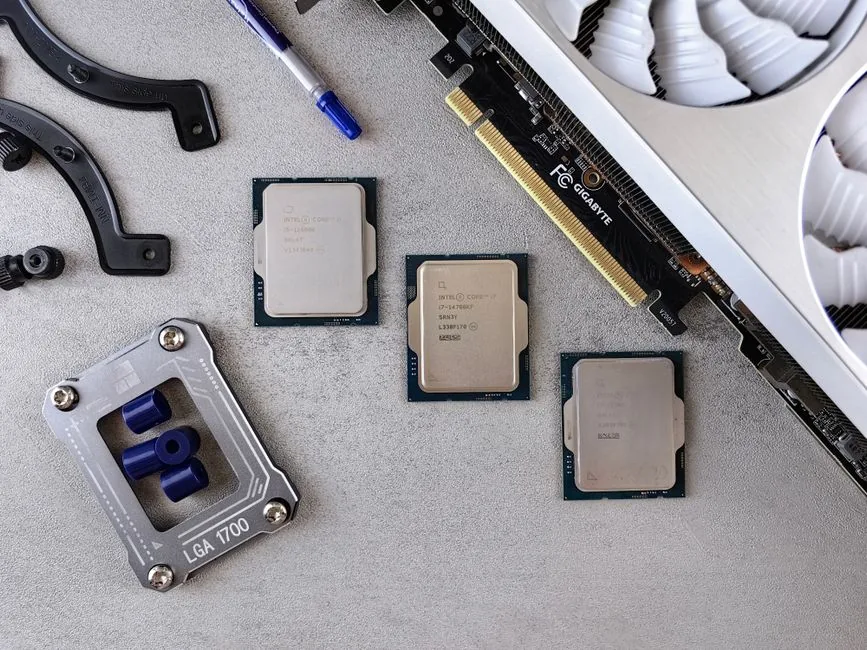
If you upgrade within the same socket, you might only need the chip plus a cooler. However, if you’re jumping generations, you’ll likely need a new motherboard and possibly new RAM. In addition, a more power-hungry chip may force a more capable power supply.
Let me show you exactly how these pieces add up at each tier.
CPU Upgrade Cost by Tier in 2026
Here is what a realistic upgrade costs at three common levels, assuming you’re building around a current-generation platform and buying new parts.
| Upgrade Tier | CPU (Example) | Motherboard | RAM | Cooler | Approx. Total |
|---|---|---|---|---|---|
| Budget | Ryzen 5 7600 (~$199) | ~$139 B650 | ~$89 (2x8GB DDR5) | Stock (included) | ~$430 |
| Mid-Range | Ryzen 7 9800X3D (~$449) | ~$199 B650E | ~$109 (2x16GB DDR5) | ~$40 tower | ~$800 |
| High-End | Ryzen 9 9950X3D (~$699) | ~$299 X870 | ~$159 (2x16GB DDR5) | ~$100 AIO | ~$1,260 |
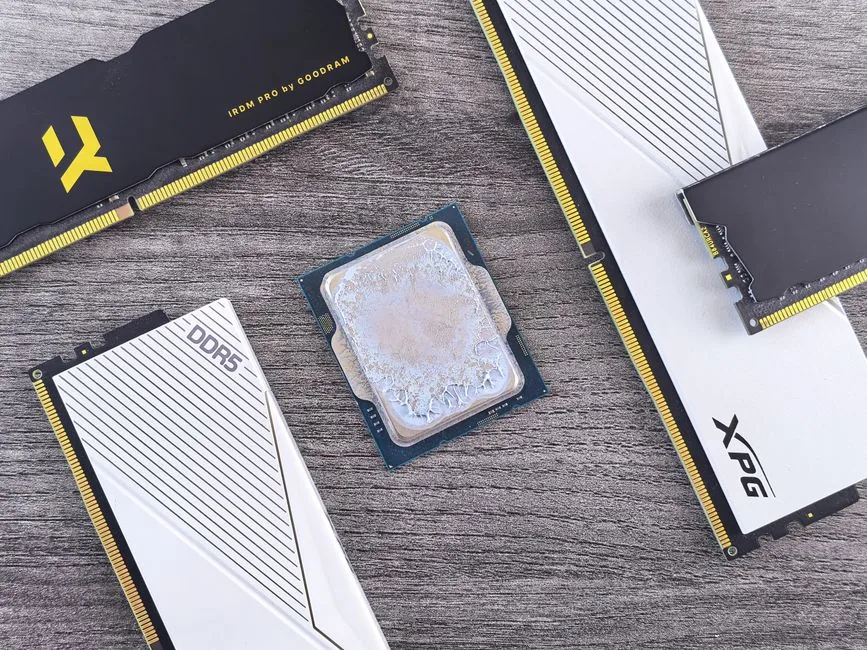
Budget Tier: Around $430
A Ryzen 5 7600 platform is the cheapest sensible entry point in 2026. It pairs a capable six-core chip with a budget B650 board and 16GB of DDR5. The stock cooler is adequate for gaming, so the real cpu upgrade cost stays under $450 all-in.
Mid-Range Tier: Around $800
The Ryzen 7 9800X3D is the best gaming CPU on the market for most people, and it’s the sweet spot for high-refresh gaming. You’ll want a decent B650E board, 32GB of RAM, and a modest tower cooler. This is the tier I recommend for anyone running a $500-plus GPU.
High-End Tier: Around $1,260
A Ryzen 9 9950X3D or Intel Core Ultra 7 build adds premium memory, a stronger X870 board, and a 240mm liquid cooler. On the other hand, this level only makes sense for streamers, editors, and sim-heavy games. Pure gamers rarely recoup the extra cost in frames.
Hidden Costs Most Builders Forget
The chip price is the visible part. Here are the extras that surprise people at checkout.
New Motherboard
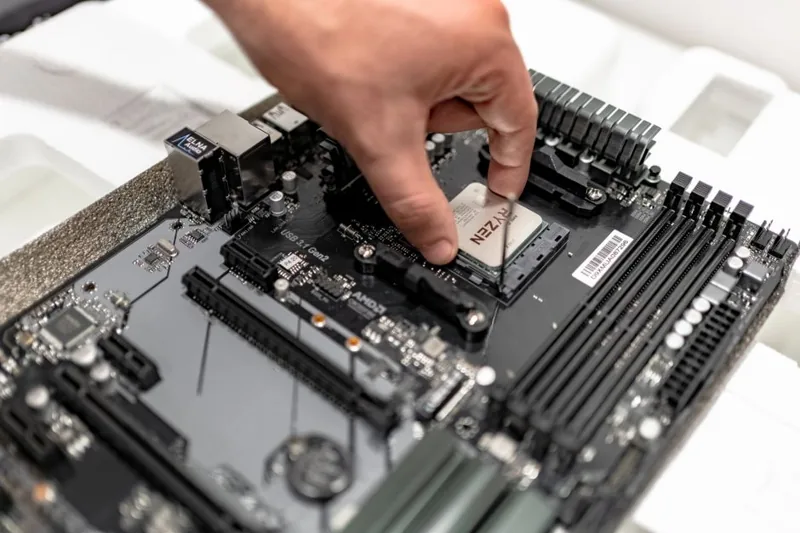
CPU sockets change every few generations, so an upgrade often means a whole new board. For example, moving from AM4 to AM5, or from Intel’s older LGA1700 to the current platform, requires a board replacement that adds $140 to $300.
DDR5 RAM
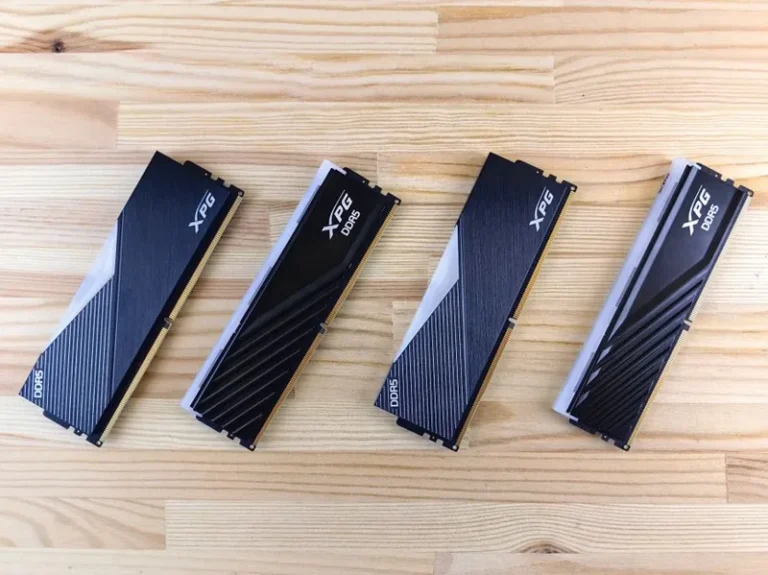
New platforms use DDR5, and if you’re coming from a DDR4 system, your old sticks won’t fit. A 32GB DDR5 kit starts around $90 and climbs past $150 for faster speeds.
CPU Cooler
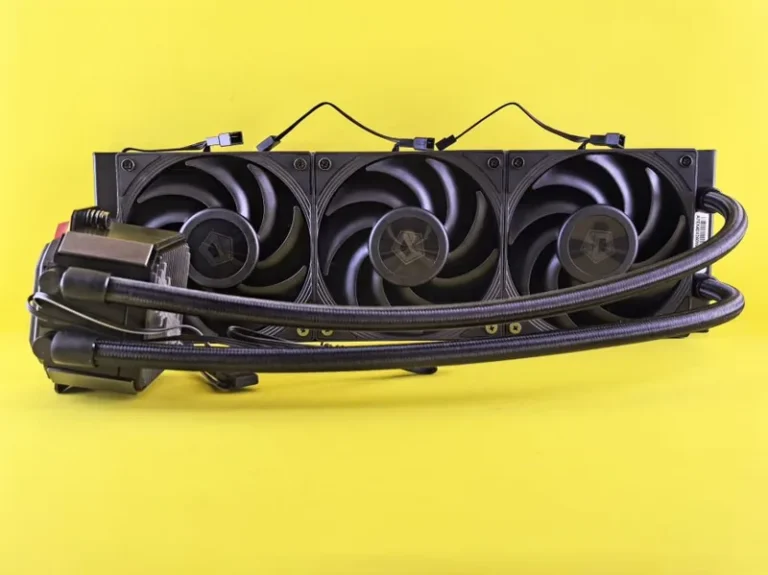
Stock coolers only ship with lower-end chips. If your new CPU doesn’t include one, or if it runs hot, budget $40 for a tower cooler or $100-plus for an AIO liquid cooler.
Thermal Paste and Time
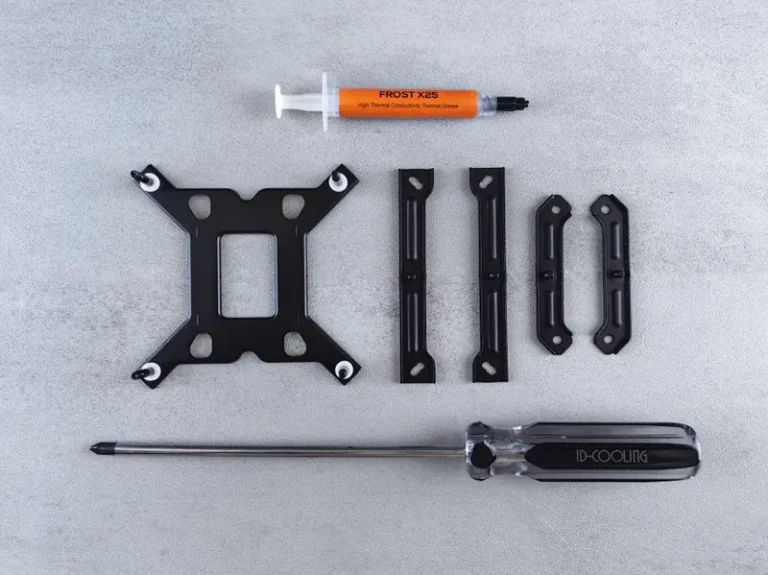
Thermal paste is cheap, but factor in the time or a local shop fee if you’re not installing it yourself. Professional installation typically runs $50 to $120.
Intel vs AMD Upgrade Costs in 2026
The two platforms have different upgrade economics. AMD’s AM5 socket has a longer planned lifespan, which means a future in-socket upgrade won’t require a new board. That lowers your long-term upgrade cost.
Intel’s current platform, on the other hand, has historically retired sockets more aggressively. Today, its chips are still competitive for productivity and mixed workloads, but AMD’s X3D parts hold the gaming crown. Therefore, AMD tends to offer the better value path for gamers.
That said, if you already own a compatible Intel board, an in-socket CPU swap can be cheaper than switching brands entirely. Always price the full platform, not just the chip.
When a CPU Upgrade Is Actually Worth It
A faster CPU doesn’t always mean higher frame rates. If your GPU is the weak link, a new processor will barely move your average FPS. In contrast, if you see stuttering or low 1% lows at high refresh rates, the CPU is usually the culprit.
For example, a Ryzen 5 5600 paired with an RTX 5090 will bottleneck badly at 1080p. Upgrading to a 9800X3D could raise minimum frame rates by 40% or more. However, that same CPU upgrade on a system with a mid-range GPU would show almost no improvement.
A useful rule of thumb: if your CPU usage sits near 100% in games while your GPU sits well below 90%, the processor is holding you back.
How to Keep CPU Upgrade Costs Down
You can cut the total cost of a CPU upgrade significantly with a few deliberate choices. Here’s where the savings live.
Buy the Previous Generation
Last year’s chips drop in price once the new ones launch, and they rarely lose much gaming performance. A Ryzen 7 7800X3D or a discounted Intel Core Ultra 7 can save $100 or more over the newest equivalent.
Stay in the Same Socket
The biggest cost in any upgrade is the platform, not the chip. If your motherboard supports a faster CPU through a BIOS update, you save the entire cost of a new board and RAM. Check your board’s support list before you assume you need a full rebuild.
Reuse Your Cooler and Case
A quality tower cooler or AIO usually works across platforms with a bracket swap that costs under $15. Reusing it, along with your case and power supply, keeps the upgrade focused on the parts that actually improve performance.
Watch for Bundle Deals
Retailers regularly bundle a CPU, motherboard, and RAM together at a discount of $40 to $80. If you’re rebuilding the platform anyway, these bundles are the cheapest way to buy all three at once.
Do You Need a New Windows License?
Most Windows licenses survive a hardware change, especially if they’re tied to your Microsoft account. However, swapping the motherboard sometimes triggers re-activation, which is usually free through the automated phone or online process.
On the other hand, cheap OEM keys are often locked to the original board and won’t transfer. If you plan to upgrade frequently, buy a retail license that follows your account rather than the hardware.
A Real Example: Budgeting an AM4 to AM5 Upgrade
Here’s how the numbers land for a real person moving from an older AM4 build to a modern AM5 platform.
Suppose you own a Ryzen 5 3600 with 16GB of DDR4, and you want a Ryzen 7 9800X3D. Your parts list looks like this: the CPU at $449, a B650E board at $199, 32GB of DDR5 at $109, and a $45 tower cooler. That’s about $800 total before tax, reusing your case, storage, and power supply.
You could save by choosing the Ryzen 5 7600 at $199 instead, dropping the total to roughly $550. In games that don’t stress the CPU, you’d notice little difference. The lesson is simple: match the chip to your actual games, not to the marketing.
FAQ
How much does a CPU upgrade cost in 2026?
A budget platform upgrade with CPU, motherboard, and RAM costs about $430, while a mid-range gaming upgrade runs around $800. A high-end build with a liquid cooler approaches $1,260.
Do I need a new motherboard to upgrade my CPU?
Only if your new chip uses a different socket. Staying within the same socket, such as AM5 to AM5, usually only requires a BIOS update, not a new board.
Do I need new RAM when upgrading my CPU?
Only if your old RAM is DDR4 and the new platform requires DDR5. Current AMD and Intel platforms both use DDR5, so budget around $90 to $160 for a good kit.
Is it cheaper to upgrade the CPU or GPU first?
It depends on your bottleneck. In gaming, the GPU usually delivers more frames per dollar. However, if your CPU is pinned at 100% usage, upgrade it first. Our GPU vs CPU for gaming guide explains how to tell.
How long does a CPU upgrade take to install?
A simple in-socket swap takes about 30 minutes for an experienced builder. A full platform rebuild with motherboard, RAM, and cooler can take two to four hours.
Conclusion
Real cpu upgrade cost in 2026 runs roughly $430 for a budget build, $800 for the mid-range sweet spot, and $1,260 for a high-end platform. The biggest surprises are usually the motherboard and RAM, not the chip itself.
Before you spend, check whether your GPU is actually the bottleneck. If frames are your goal, our best GPU for gaming price to performance guide shows where your money goes further. Also confirm your power supply can handle the new chip in our best power supply for gaming PC roundup, and browse best gaming monitor 2026 to make sure your display keeps up.
Check current chip specs and socket compatibility on AMD’s site or Intel ARK before you lock in a purchase — matching the socket is the single step that prevents the most expensive mistakes.