Quietest PC Build: Parts for a Near-Silent Gaming Rig in 2026
The quietest pc build is not about buying one expensive silent part. It is about stacking a handful of smart choices — a big slow-spinning cooler, semi-fanless components, a padded case, and a well-tuned fan curve — until the machine effectively disappears into the room.
Silence in a PC comes down to picking parts that either do not spin or spin slowly, then giving them enough cooling headroom that they rarely ramp up. This guide lays out the exact components and prices I would use to build a near-silent gaming rig in 2026, with alternatives at two budget levels.
The Three Sources of PC Noise
Before picking parts, understand what you are silencing. A PC makes noise from exactly three places: fans, spinning hard drives, and electrical coil whine.
Fans are 90% of it, and they get louder as they spin faster. Hard drives are easy to remove entirely by going all-SSD. Coil whine is harder to design out, but capping frame rates and choosing a quality power supply reduces how often you hear it. The quietest pc build attacks all three at once.
The Quietest PC Build Part List (2026)
Here is the full component list with real prices, built around a Ryzen 7 9800X3D and an RTX 5070 Ti — fast enough for 1440p and 4K, quiet enough for a bedroom.
| Component | Part | Price | Why It Is Quiet |
|---|---|---|---|
| CPU | AMD Ryzen 7 9800X3D | ~$480 | Efficient, easy to cool |
| Cooler | be quiet! Dark Rock Pro 5 | ~$90 | Large heatsink, slow fans |
| Motherboard | MSI MAG B650 Tomahawk | ~$180 | Quality VRM, low-fan curves |
| GPU | RTX 5070 Ti (semi-fanless) | ~$800 | Fans off below ~50°C |
| RAM | 32GB DDR5-6000 CL30 | ~$110 | No moving parts |
| SSD | 2TB NVMe PCIe 4.0 | ~$130 | Silent, no spinning disk |
| Case | be quiet! Silent Base 802 | ~$160 | Padded panels, damping foam |
| PSU | be quiet! Straight Power 12 850W | ~$160 | Semi-fanless up to ~50% load |
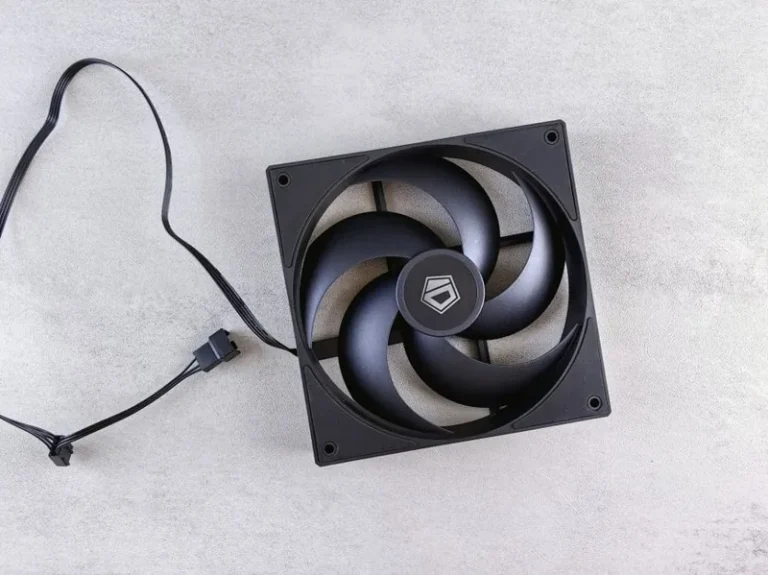
| Fans | 3x be quiet! Silent Wings 4 | ~$75 | Slow, low-noise blades |
| Total | ~$2,185 |
At idle, nearly every fan in this machine is either stopped or barely turning, and under a full gaming load it settles into a soft whoosh rather than a whine.
Budget Alternatives That Are Still Quiet
You do not need a $2,200 build to get most of the silence. A few swaps bring the price down while keeping the same acoustic character.
| Component | Budget Pick | Price |
|---|---|---|
| CPU | Ryzen 5 7600 | ~$200 |
| Cooler | Thermalright Peerless Assassin 120 SE | ~$40 |
| Case | Fractal Design Pop Air (padded) | ~$90 |
| PSU | Corsair RM750x (semi-fanless) | ~$120 |
| Approx. total with RTX 4060 / RX 7600 | ~$950 |
The lesson is that silence is mostly about choosing semi-fanless parts and a padded case, not about spending more. Even a $950 machine can be dramatically quieter than a poorly chosen $2,000 prebuilt.

Why a Big Air Cooler Beats a Loud AIO Here
For a quiet build, a large air cooler is often the best choice because it has no pump. Pump hum is constant and low, and while it is faint, it is precisely the kind of noise a silence-focused builder is trying to eliminate entirely.
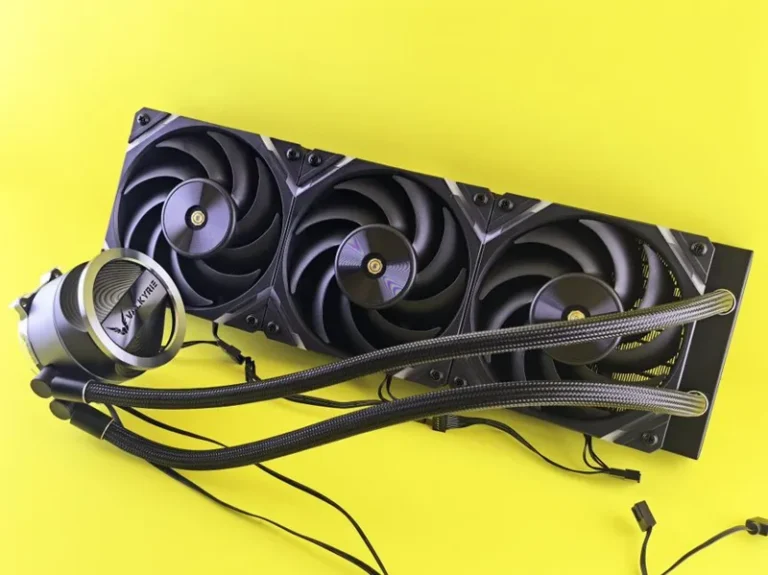
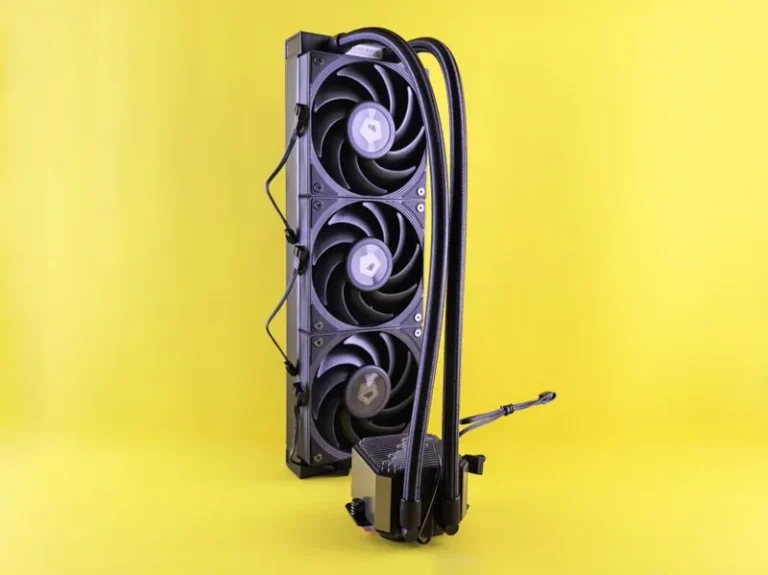
A big tower cooler like the be quiet! Dark Rock Pro 5 or Noctua NH-D15 spins its fans slowly and still cools a 9800X3D easily. If you prefer liquid for the look, a 360mm AIO is fine, but pick one with a quiet pump and set a gentle fan curve. See our best CPU cooler 2026 guide for models that prioritize acoustics.
The Semi-Fanless Trick That Does the Heavy Lifting
The single biggest silence win is semi-fanless hardware — a graphics card and power supply whose fans stop completely at low load. Most modern GPUs stop their fans below roughly 50°C, and quality PSUs stay passive below about 50% load.
At the desktop, surfing the web or watching video, a machine built around these parts produces effectively zero noise from the components that usually spin loudest. Under gaming load the fans finally wake up, but because you chose an oversized cooler and good case airflow, they do not have to spin nearly as hard.
Tuning a Fan Curve for Silence
Hardware alone is not enough; the last piece is software. In the BIOS or a fan utility, set the CPU and case fans to sit at a low, flat speed until the chip reaches roughly 65 to 70 degrees, then ramp gradually rather than suddenly.
A Good Starting Fan Curve
- Below 50°C — 20% fan speed, effectively inaudible
- 50–70°C — ramps gently to ~50%
- Above 80°C — steps up to keep the chip safe
This keeps the machine silent for almost everything you do and only spins the fans when a demanding game actually needs the cooling. Combined with the part list above, it is what turns a quiet pc build into the quietest pc build.
Coil Whine and the Last 10%
Once fans and hard drives are silent, the remaining noise is usually coil whine — a high-pitched buzz from the GPU or PSU that changes with frame rate. You cannot fully eliminate it, but you can reduce it.
Cap your frame rate to your monitor’s refresh rate, since coil whine peaks at extremely high frame rates like the 300 plus FPS you see in menu screens. And buy a quality power supply, because premium units use better filtering and are less prone to whine. Our best power supply for gaming PC guide points to the quietest, best-filtered options.
Measuring Noise: What to Aim For
If you want to confirm your build is actually quiet, a cheap decibel meter or a phone app gives a rough read, though phone microphones are unreliable below about 30 dB. The targets are simple.
At idle, a genuinely silent machine sits around 20 to 25 dB — quieter than a whisper and inaudible from across the room. Under a full gaming load, aim for roughly 35 to 40 dB, a soft whoosh you only notice when the room is otherwise silent. If the system consistently sits above 45 dB under load, a too-aggressive fan curve or an undersized cooler is usually to blame.
Perceived noise also matters more than the raw number. A constant low whoosh is far less annoying than a fan that constantly ramps up and down, so a flat curve and generous cooling headroom beat a marginally quieter spec every time.
FAQ
How quiet can a gaming PC realistically get?
A well-built quiet PC is effectively inaudible at idle and produces only a soft whoosh under load, roughly 25 to 35 dB depending on the components.
Is liquid or air cooler quieter?
At idle, air is quieter because there is no pump. Under load, a large AIO can be quieter thanks to a bigger radiator. For pure silence, a big air cooler is the simpler choice.
Do I need a padded case?
It helps noticeably with mechanical drive and fan hum, and it is one of the cheapest ways to lower perceived noise. Mesh cases trade some silence for more airflow.
Does a semi-fanless PSU matter?
Yes. The power supply fan is on constantly in cheap units and is a common source of droning. A semi-fanless PSU stops it entirely at low load.
How do I get rid of coil whine?
Cap your frame rate, use a quality PSU, and, if it is severe and under warranty, replace the offending GPU. Coil whine is harmless but annoying.
Conclusion
The quietest pc build is a stack of deliberate choices rather than one silver bullet: a big slow air cooler, semi-fanless GPU and PSU, all-SSD storage, a padded case, and a relaxed fan curve. Hit all five and you get a gaming PC you can run in a bedroom or shared office without anyone noticing.
For measured noise and thermal data, Tom’s Hardware and PC Gamer are the references I trust. If you want a step-by-step silent build, our silent gaming PC build guide expands on this list, and the best airflow PC case roundup covers the chassis side in depth.