Airflow Gaming PC Case: What to Look For and the Best Mesh Models
An airflow gaming pc case is a chassis designed so cool air can pour in the front and hot air can escape the top and rear quickly. It sounds obvious, but for years case makers sold sealed glass boxes that looked stunning while slowly baking the parts inside. The mesh revolution fixed that, and today a high-airflow case is one of the cheapest ways to make every component run faster and last longer.
This guide explains what actually separates a good airflow case from a hot one, what features matter, and which specific models I would buy in 2026 at each price point.
What Makes a Case Good for Airflow
The single biggest factor is a breathable front panel, usually steel mesh or a fine perforation, with room for two or three large intake fans. Air moves easily through mesh and nearly not at all through solid glass or sealed plastic.
The second factor is fan layout. A modern airflow case uses positive pressure, with more intake fans than exhaust, which pulls cool air in and pushes warm air out while keeping dust from sneaking through unfiltered gaps.
Features That Actually Matter
- A full mesh or perforated front panel
- Support for two or three 140 mm front intake fans
- A top exhaust vent, usually for a radiator or two more fans
- Fine dust filters on every intake
- Enough clearance for a large GPU and a tall CPU cooler
A case missing any of these will run warmer than it should, and no amount of fancy branding changes that.
The Standard Fan Layout
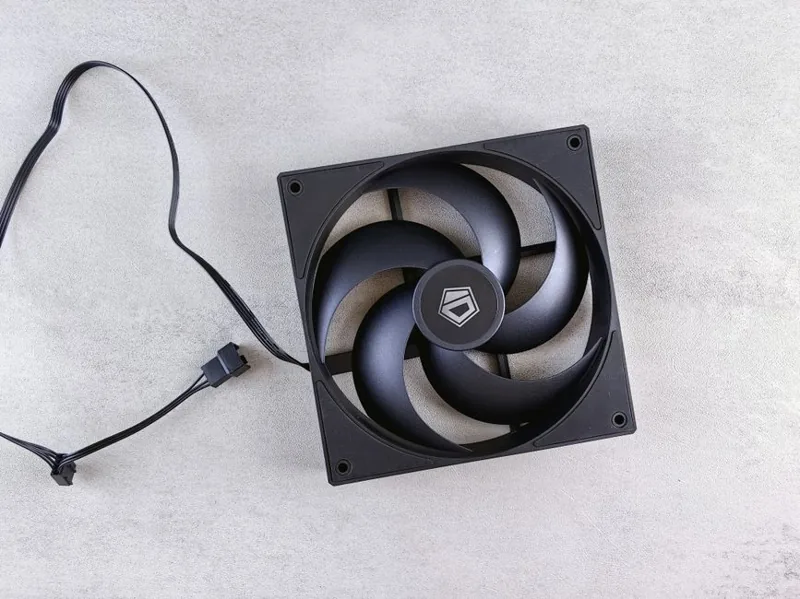
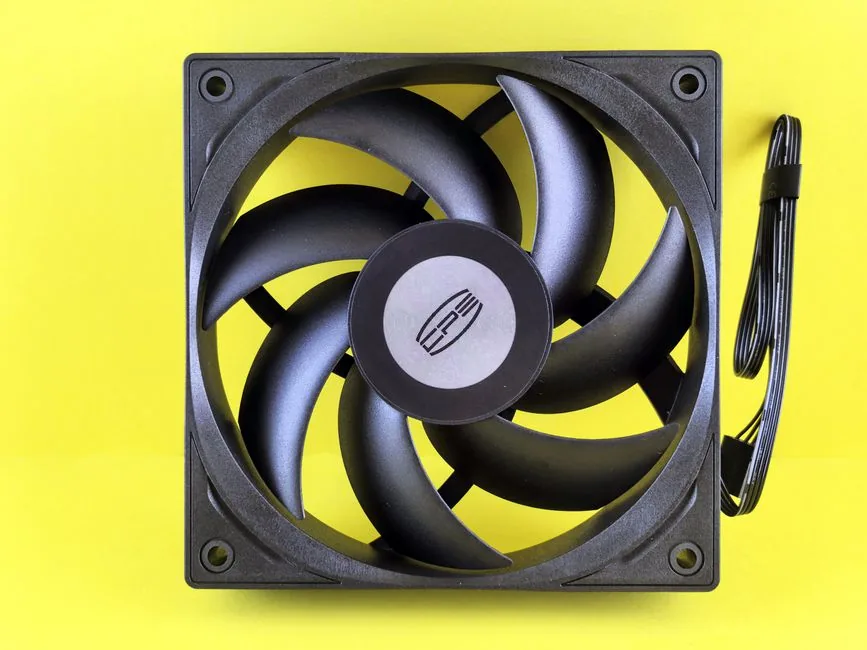
Most high-airflow cases are happiest with three 120 mm or two 140 mm intakes up front and one 120 mm or 140 mm exhaust at the rear. This creates a steady, quiet front-to-back wind tunnel that carries heat straight off the GPU and CPU.
Adding a top exhaust can help when you mount a radiator there, but piling on too many fans delivers diminishing returns and more noise. Start with good intakes and one rear exhaust, then adjust. For fan recommendations, our best case fans guide covers the exact models worth buying.
Best Airflow Gaming PC Cases in 2026
Here are the mesh cases I would recommend across three budgets, all verified for strong thermals and easy building.
| Case | Price | Front Fans Included | Best For |
|---|---|---|---|
| Lian Li Lancool 216 | ~$100 | 2x 160mm | Best overall value |
| Corsair 4000D Airflow | ~$100 | 2x 120mm | Compact ATX builds |
| NZXT H7 Flow (2024) | ~$130 | 3x 120mm | Clean aesthetics + airflow |
| Fractal Design Torrent | ~$200 | 2x 180mm | Maximum silent airflow |
| Phanteks Eclipse G500A | ~$150 | 3x 140mm | Big custom loops |
Lian Li Lancool 216 — Best Overall
Around $100, the Lancool 216 ships with two enormous 160 mm front fans and posts some of the best out-of-the-box GPU temperatures of any case at its price. It is the default recommendation for a no-fuss airflow gaming pc case.
Corsair 4000D Airflow — Best Compact Option
Also about $100 but smaller, the 4000D Airflow is easy to build in, cable-manage, and cool. You usually want to add a third fan, but the frame and mesh front are excellent.
Fractal Design Torrent — Best for Silence
At roughly $200, the Torrent uses two 180 mm front fans that move a huge amount of air at low RPM, making it one of the quietest high-airflow cases you can buy. It is the premium pick for a silent build.
Airflow vs Looks: Can You Have Both?
Yes, and the current generation of cases proves it. Mesh no longer means ugly; manufacturers now weave mesh into the design with clean lines and tasteful RGB, so you do not have to choose between a cool case and a good-looking one.
If you want more options than the five above, our best airflow PC case roundup goes deeper, and the best PC case 2026 list includes cases aimed at specific priorities like silence, RGB, and small size.
How Much Does Airflow Actually Affect Performance?
More than most people expect. A GPU that stays cool boosts higher and longer, which can be worth several percent of frame rate in a hot chassis versus a well-ventilated one. A CPU sitting in a warm pocket of recycled air throttles sooner under load.
The effect is largest in sealed glass cases with weak fans, and smallest in mesh cases with good intakes. If your current components run hot, a better airflow gaming pc case is frequently a cheaper fix than a new cooler or GPU. For diagnosing whether you even have a problem, see our CPU thermal throttling fix and the best GPU for gaming price to performance guide to understand what cooling headroom actually buys you.
Fan Setup and Dust Management
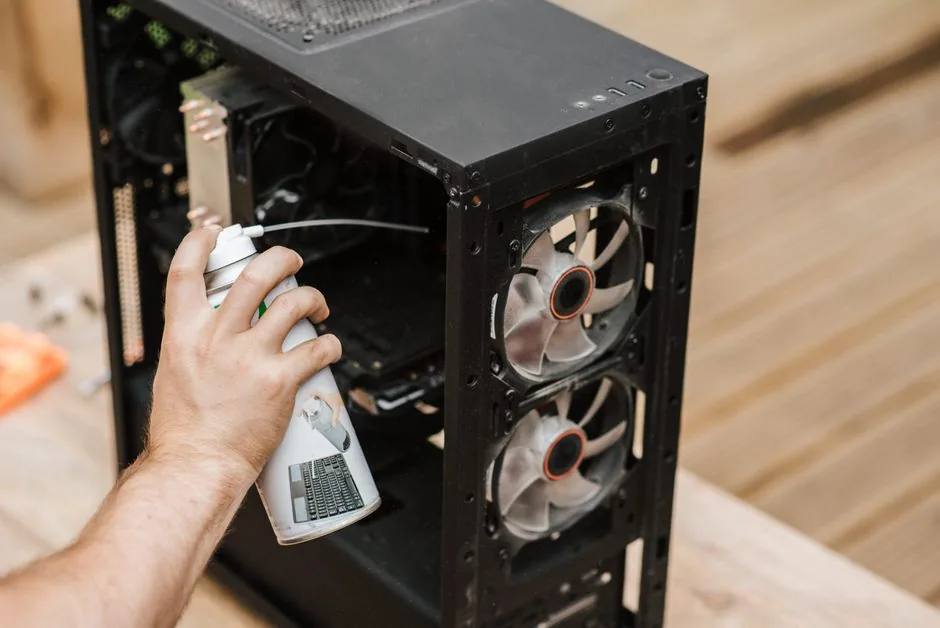
Positive pressure is the trick most people skip. With three intakes and one exhaust, every unfiltered gap is gently blowing air out rather than sucking dust in. Keep your intake filters clean — a monthly shake or vacuum keeps airflow at full strength, and a dusty filter chokes a case faster than cheap fans do.
How Many Fans Do You Really Need?
- Two 140 mm or three 120 mm intakes in front
- One 120–140 mm exhaust at the rear
- Optionally two top exhaust fans if a radiator sits there
- No more than that for a typical gaming build
Beyond this, extra fans add noise and complexity for almost no thermal benefit.
Case Size and GPU Clearance Matter Too
Airflow is not only about the front panel. A case that is cramped behind the graphics card traps warm air under the GPU, so internal clearance matters as much as mesh. Modern triple-fan cards are long, and in a short chassis they can block the natural path from the front intakes to the rear exhaust.
Leave at least a couple of inches between the end of the video card and the front fans, and avoid stuffing a tall air tower into a narrow mid-tower where it steals room from the intake stream. This extra headroom is one reason high-airflow cases are often slightly wider or longer than their sealed-glass counterparts: the added volume gives moving air somewhere to go.
If you plan to run a flagship card plus a large air cooler, lean toward a full ATX mesh tower instead of a compact mid-tower. A little extra size buys cooler parts, quieter fans, and an easier build.
FAQ
Do I need a high-airflow case?
If you run a midrange to high-end GPU and CPU, yes. A mesh-front case keeps everything cooler and quieter and adds meaningful headroom for boosts.
Is mesh or glass better for a PC case?
Mesh is better for thermals, while glass trades some airflow for looks. Modern mesh fronts give you most of the looks with none of the heat penalty.
How many intakes vs exhaust should I have?
Aim for slightly more intake than exhaust — for example three front intakes and one rear exhaust — to create positive pressure and keep dust out.
Do more fans cool better?
Up to a point. Three good intakes and one exhaust is the practical ceiling; beyond that you mostly add noise.
What is the quietest high-airflow case?
The Fractal Design Torrent, with its large slow-spinning 180 mm fans, is widely considered the quietest high-airflow case available.
Conclusion
An airflow gaming pc case is one of the smallest investments you can make with an outsized effect on temperatures, noise, and part longevity. Pick a mesh-front chassis with room for a couple of large intake fans, keep the filters clean, and every component inside will thank you. The Lian Li Lancool 216 at around $100 is the best all-round starting point, with the Fractal Torrent as the premium quiet option.
For real thermal testing across dozens of cases, Gamers Nexus is the gold standard, and Tom’s Hardware runs thorough case reviews as well. When you are ready to fill the case, our best gaming PC build 2026 guide pairs these chassis with the right parts.