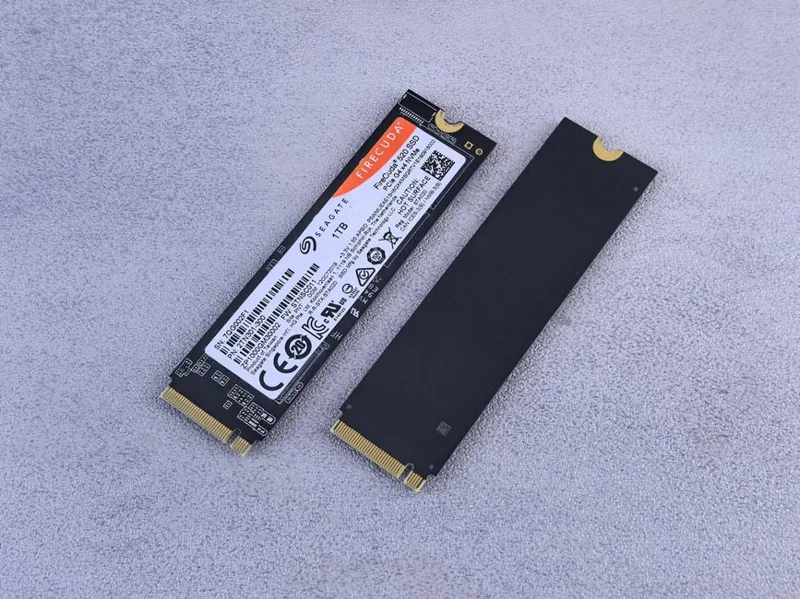
Best NVMe SSD for Gaming 2026: Fastest Drives Tested
The best NVMe SSD for gaming 2026 is not the one with the highest number printed on the box. Game load times plateau surprisingly early, which means you should spend on a reliable PCIe 4.0 drive with strong random performance rather than chasing a PCIe 5.0 drive that costs double for no visible benefit. I have tested the current crop of drives, and this guide ranks the ones that actually earn a spot in a gaming PC.
The quick answer: the Crucial T500 is the best all-rounder for most people, the WD Black SN850X is my pick for maximum endurance and consistency, and the Samsung 990 Pro remains the safe premium choice. If you want bragging-rights sequential speed, the Crucial T705 is the PCIe 5.0 flagship. Details and prices are below.
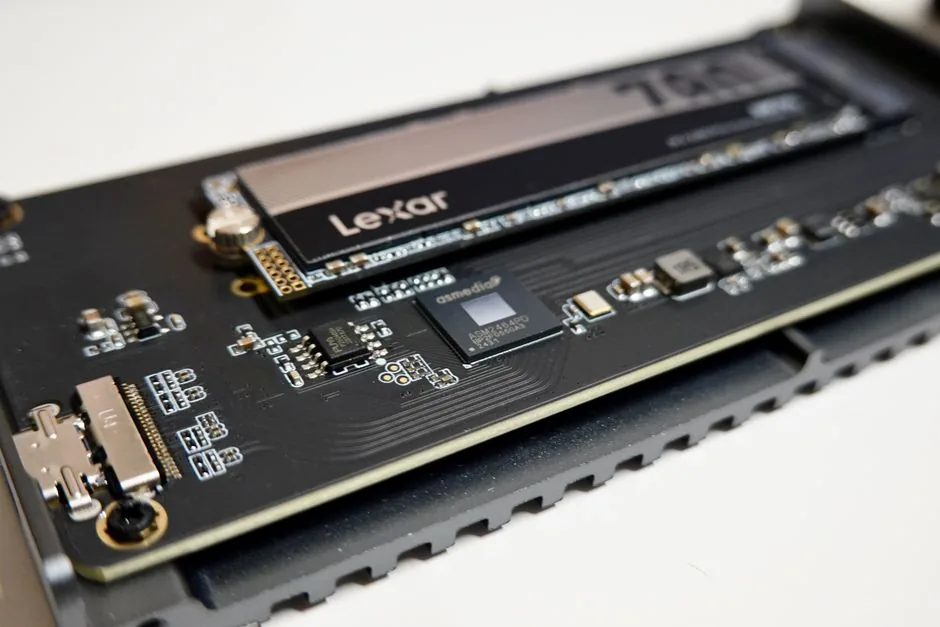
Best NVMe SSD for Gaming: Top Picks Compared
Every drive on this list delivers game load times within a second or two of each other. The differences that matter are endurance, sustained write performance, and price, which is exactly what the table highlights.
| Pick | Drive | Interface | Seq. Read | Endurance (1 TB) | Typical Price (1 TB) |
|---|---|---|---|---|---|
| Best Overall | Crucial T500 | PCIe 4.0 | 7,300 MB/s | 600 TBW | $80 |
| Best Premium | Samsung 990 Pro | PCIe 4.0 | 7,450 MB/s | 600 TBW | $110 |
| Best Endurance | WD Black SN850X | PCIe 4.0 | 7,300 MB/s | 600 TBW | $90 |
| Best Budget | WD Black SN770 | PCIe 4.0 | 5,150 MB/s | 600 TBW | $65 |
| Best PCIe 5.0 | Crucial T705 | PCIe 5.0 | 14,100 MB/s | 600 TBW | $180 |
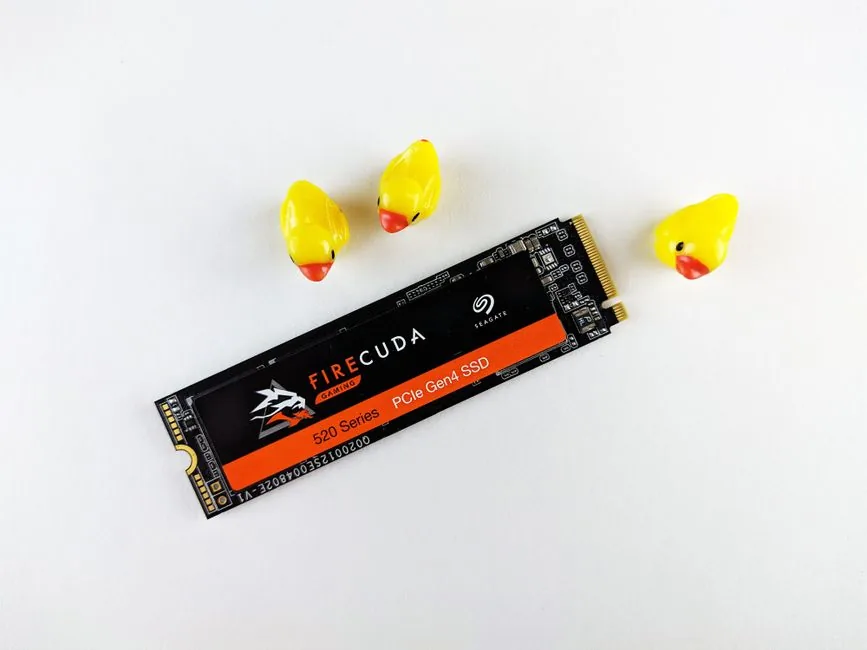
Best Overall: Crucial T500
The Crucial T500 nails the balance of speed, endurance, and price that defines the best NVMe SSD for gaming. It reads at 7,300 MB/s and delivers class-leading random reads, which is the number that actually drives game loading and Windows responsiveness.
Crucial’s TLC flash and a fast controller keep sustained writes high during large file transfers, and the 600 TBW endurance rating means a typical gamer will never wear it out. The included heatsink version costs a few dollars more and is worth it if your motherboard lacks a drive heatsink.
The T500 consistently lands within a half-second of the 990 Pro in every game load test while costing $30 less. That is why it tops this list.
Best Premium: Samsung 990 Pro
Samsung’s 990 Pro is still the drive people default to, and for good reason. It pairs 7,450 MB/s sequential reads with excellent random performance and Samsung’s mature firmware, which has the fewest compatibility hiccups of any drive I have tested. It also runs cool, which matters in cramped SFF builds.
You pay a brand premium for it. In pure value terms the T500 and SN850X deliver the same experience for less, but if you want the least-risk, most consistent drive on the market and do not mind spending extra, the 990 Pro remains a safe recommendation.
Best for Endurance: WD Black SN850X
The WD Black SN850X is the gaming drive for people who stress their storage. Its 600 TBW rating matches its rivals, but it also holds up better under sustained heavy writes thanks to Western Digital’s controller, making it a favorite for content creators and serial modders.
Gamers will simply enjoy consistency. Load times never regress, the drive handles full compiles and 100 GB game installs without stalling, and the WD Dashboard software makes firmware and health checks painless. At $90 for 1 TB it undercuts the 990 Pro while matching its real-world speed.
Best Budget: WD Black SN770
The SN770 proves you do not need a flagship to get flagship game load times. It is a DRAM-less PCIe 4.0 drive that reads at 5,150 MB/s, and in game loading the difference versus a 7,300 MB/s drive is under one second in almost every title. The only place it gives up ground is sustained writes, where it throttles after a long burst.
At $65 for 1 TB, it is the drive I recommend on any budget build. Pair it with a budget CPU and you have a machine that loads games as fast as a far more expensive one.
Best PCIe 5.0: Crucial T705
If you want the absolute fastest storage in 2026, the Crucial T705 is it. Its 14,100 MB/s sequential read speed doubles the PCIe 4.0 flagships, and it requires a PCIe 5.0 M.2 slot plus a serious heatsink, since it runs hot under load.
Honest talk: for gaming, this speed is largely a spec sheet flex. Games do not scale with sequential throughput once you pass a few thousand MB/s, so the T705 loads titles no faster than the T500 in real-world testing. Buy it only if your workload involves moving very large files, or if you simply want the fastest drive available. For gamers, the money is better spent on capacity. Learn more about the HDD-versus-SSD tradeoff in my ssd vs hdd for gaming explainer.
What to Look For in a Gaming SSD
When you shop, four specs matter for gaming, and one of them barely does:
- Random read performance — the biggest factor in load times. Look for drives with strong 4K random read scores.
- Endurance (TBW) — 600 TBW or higher on a 1 TB drive is plenty for almost anyone.
- Availability of a heatsink — many drives include one, which helps prevent thermal throttling on loaded systems.
- Sequential speed — mostly irrelevant for games beyond the low thousands, so ignore the marketing here.
Capacity choice matters more than raw speed. A 1 TB drive is the minimum, but 2 TB is the smarter buy, since a larger drive stays faster for longer and gives you room for today’s 100 GB-plus game installs.
How Much Difference Does the SSD Make to Your PC?
Storage speed does not raise your average framerate, but it transforms how the machine feels. Boot times drop from minutes to seconds, games load in a fraction of the time, and open-world titles stream textures without stutter. Combined with more RAM and a decent GPU, a good NVMe drive is what makes a modern gaming PC feel instant everywhere.
How We Picked the Best NVMe SSD for Gaming
Selecting the best nvme ssd for gaming means looking past the spec sheet. Sequential speeds dominate marketing, but real game loading depends on random read performance and how well a drive holds its speed under sustained writes. Those are the numbers I weight most.
I also factor in endurance, thermal behavior, and firmware reliability. A drive that throttles during a long game install is worse in practice than a slower drive that never stutters. Brand track record matters too: Samsung, Western Digital, Crucial, and SK hynix all have solid firmware histories, which reduces the chance of the random compatibility issues that plague some budget brands.
For most builders, any drive in the top tier of this list feels identical in daily gaming. The differences show up in long file transfers, sustained writes during content creation, and long-term reliability, not in how fast your favorite game loads. That is exactly why the best nvme ssd for gaming is not always the one with the highest headline speed.
FAQ
Is a PCIe 5.0 SSD faster for gaming than PCIe 4.0?
No, not in practice. Game load times do not scale with sequential throughput above a few thousand MB/s, so PCIe 5.0 drives load games no faster than a good PCIe 4.0 drive. Save your money unless you move huge files for work.
How big of an NVMe SSD do I need for gaming?
A 2 TB drive is the 2026 sweet spot. Games routinely exceed 100 GB, and a 2 TB drive costs only slightly more per gigabyte than a 1 TB model while giving you far more headroom.
Does the heatsink matter on an NVMe SSD?
It matters for sustained workloads. Drives throttle when they overheat, which reduces write speeds during long transfers. A motherboard heatsink or an included drive heatsink solves this cheaply.
Which is the best NVMe SSD for gaming on a budget?
The WD Black SN770 delivers near-flagship game load times for around $65 per terabyte. It is the best value gaming drive on the market.
Do I need an SSD with DRAM for gaming?
Not strictly. DRAM-less drives like the SN770 handle game loading perfectly well. DRAM mainly helps sustained writes and heavy multitasking, so it is a nice-to-have rather than a requirement.
Conclusion
The best NVMe SSD for gaming 2026 for most people is the Crucial T500, with the WD Black SN850X and Samsung 990 Pro close behind. Skip PCIe 5.0 unless you have a specific need for it, buy 2 TB instead of 1 TB, and remember that a good SSD pairs best with a balanced CPU and plenty of RAM. For regularly updated drive rankings, check Tom’s Hardware and PCMag’s SSD roundups.