Gaming PC Build for Sim Racing 2026: Parts List, Cost, and Setup
A dedicated gaming PC build for sim racing has different priorities than a general-purpose rig. Sim titles like iRacing, Assetto Corsa Competizione, and Le Mans Ultimate care far more about consistent frame times than peak average FPS, because a single hitch mid-corner ruins a lap. You also need enough CPU grunt for physics and AI traffic, a GPU that sustains high refresh at your resolution, and a clear upgrade path for triple monitors or VR. This guide lays out a balanced 2026 parts list, the real cost, and the setup choices that separate a stutter-free sim rig from a frustrating one.
What Makes a Gaming PC Build for Sim Racing Different
The core demand is consistency, not raw throughput. A frame-rate spike to 200 FPS does not help if your 1% lows dip to 45 right as you trail-brake into a hairpin. Sim racing also leans harder on the CPU than most genres — physics simulation, opponent AI, and telemetry all run on the processor. That means a modern high-IPC CPU matters as much as the GPU, and it is why we start the build with a strong processor rather than chasing the biggest graphics card.
The 2026 Sim Racing Parts List
Here is a balanced build that holds 100+ FPS at 1440p on high settings in the major sims, with enough headroom for triple 1440p or a VR headset.
| Component | Pick | Why | Price (USD) |
|---|---|---|---|
| CPU | AMD Ryzen 7 9800X3D | Best gaming IPC, huge cache for physics | $479 |
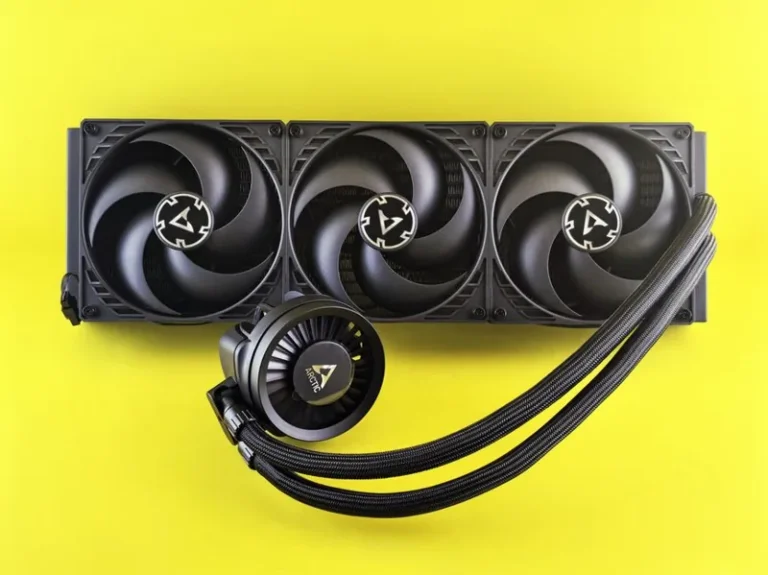
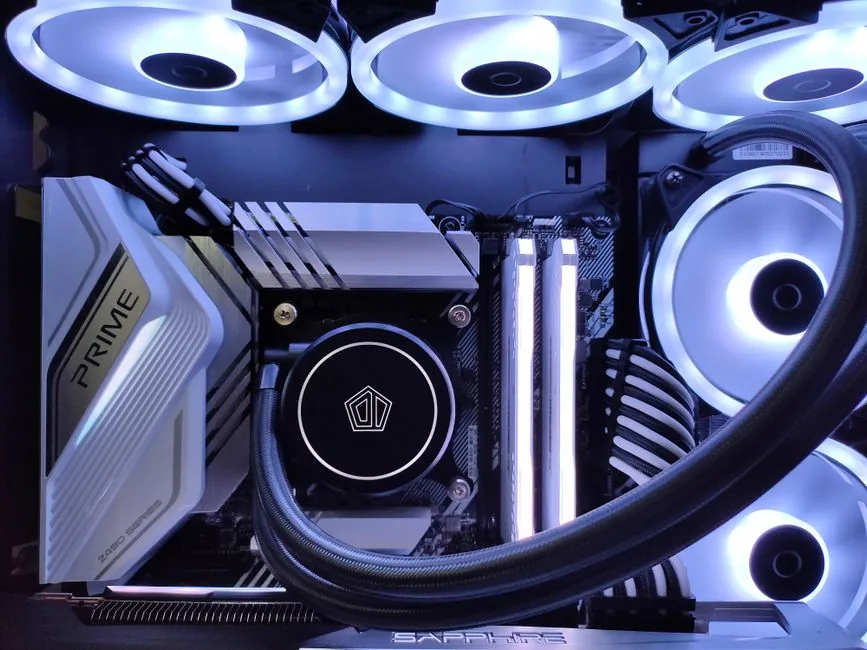
| Cooler | 240 mm AIO liquid cooler | Keeps 9800X3D boosting | $90 |
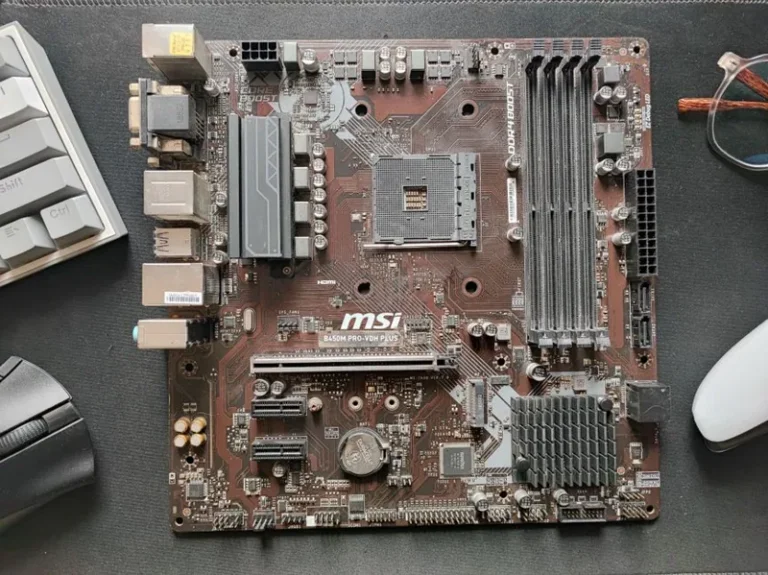
| Motherboard | B650 ATX (AM5) | PCIe 5.0 M.2, enough USB for wheels | $180 |
| RAM | 32 GB DDR5-6000 CL30 | Headroom for sims + overlays | $105 |
| GPU | RTX 5070 Ti or RX 9070 XT | 1440p high refresh, triple-screen capable | $749 |
| Storage | 1 TB NVMe Gen4 SSD | Fast track loading, big title installs | $75 |
| PSU | 750 W 80+ Gold | Headroom for GPU transients | $110 |
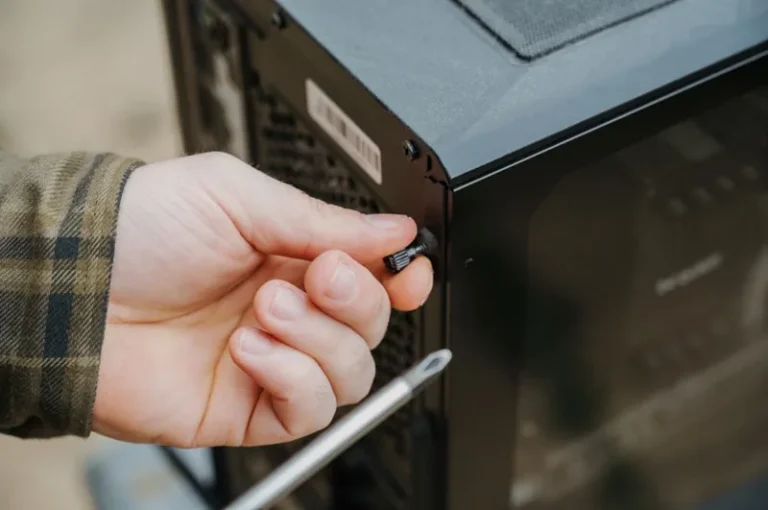
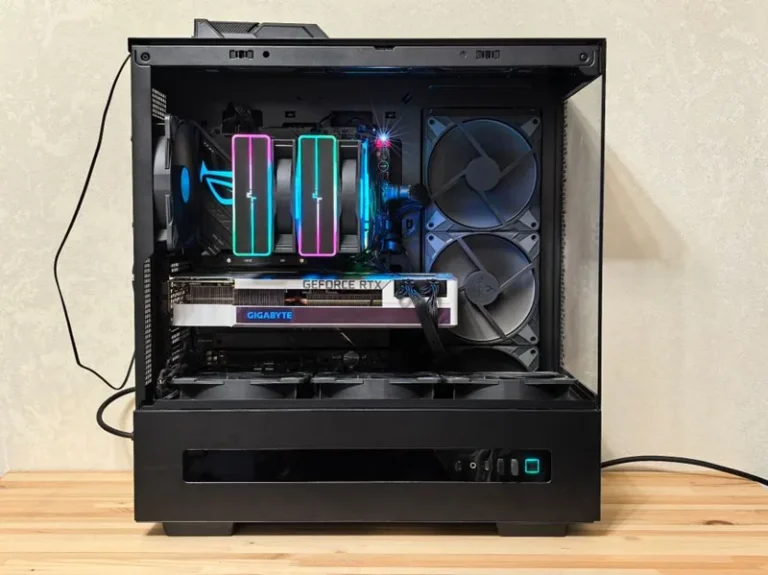
| Case | Mid-tower mesh airflow | Keeps load temps low | $95 |
| Total | $1,883 |
This lands near the sweet spot we describe in our how much does it cost to build a gaming PC guide — enough to run every major sim smoothly without the diminishing returns of a flagship build.
Why the CPU Matters More Than You Think
iRacing in particular rewards strong single-thread performance, and Assetto Corsa Competizione loads up multiple cores when the field is full. The Ryzen 7 9800X3D is the clear choice — its 3D V-Cache improves minimum frame rates in simulation-heavy scenes more than any GPU upgrade at this budget. For more CPU context, see our best CPU for gaming 2026 roundup.
Choosing the GPU for Your Resolution
At a single 1440p monitor, an RTX 5070 Ti or RX 9070 XT is more than enough, and it keeps the door open for triple screens later. If you plan to run triple 1440p or a high-resolution VR headset from day one, step up to an RTX 5080. The GPU choice should follow your display plan — our best graphics card for gaming 2026 guide maps cards to resolutions precisely.

Screen Setup: Single, Triple, or VR?
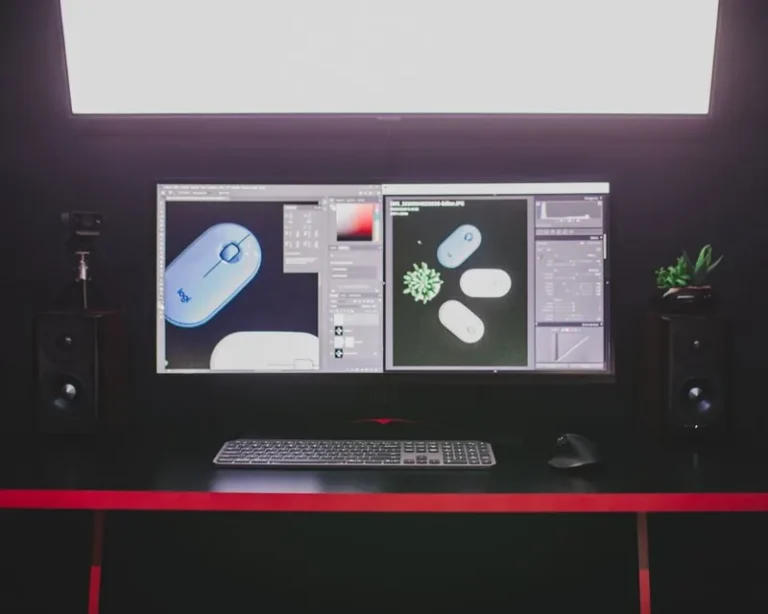
Single Ultrawide
A 34-inch or 49-inch ultrawide is the simplest path and gives you excellent peripheral vision for a fraction of the complexity. It is the best starting point and keeps the PC requirements modest.
Triple Monitors
Triple 1440p is the gold standard for immersion and situational awareness, but it multiplies your GPU load and demands a sturdy mount. Budget for a strong GPU and a triple-monitor stand when you go this route.
VR
VR offers unmatched depth perception at a lower display cost, but it demands rock-solid, consistent frame rates to avoid motion sickness. If you go VR, prioritize minimum frame times over average FPS and turn graphics down before resolution.
Whichever you pick, pair it with a panel from our best 1440p monitor 2026 list for the single and triple routes.
Peripherals: The Wheel Is Part of the Build
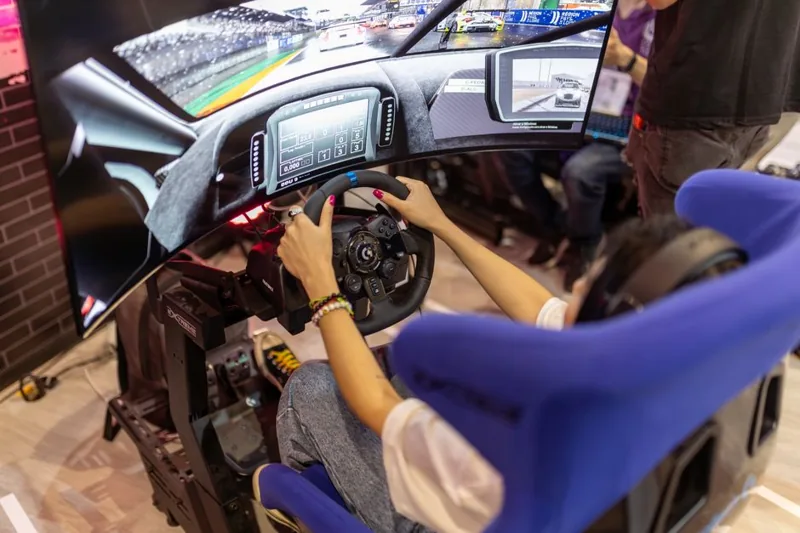
A sim racing PC is only half the setup. Budget for a force-feedback wheel, pedals, and a rigid mount from the start, because a desk-clamped wheel will not survive aggressive braking. Entry-level direct-drive bundles like the Moza R5 or Fanatec CSL DD are the modern baseline; a load-cell brake pedal improves consistency more than a faster CPU once the PC itself is sorted. Factor these into your total before you over-spend on the tower.
Frame-Time Tuning for Sim Titles
- Cap the frame rate slightly below your monitor’s max and let G-Sync or FreeSync smooth the rest — this flattens frame times more than an unlocked cap.
- Prioritize 1% lows. Tune settings so your worst-case frame time is stable, not your best-case average.
- Disable Windows and overlay background tasks during races; a background update mid-corner is a guaranteed spin.
- Use a wired connection for online races, and close anything that could spike CPU usage mid-lap.
Can You Build This Cheaper?
Yes. A $1,000 version swaps in a Ryzen 5 7600, an RX 7600-class card, and 16 GB of RAM, and it will still run iRacing and ACC at 1080p high settings comfortably. That entry point is exactly what our best budget gaming PC build under $1000 guide maps out. The build above simply buys you the headroom for higher resolution and triples later.
Storage and Loading Times Matter More Than You Expect
Sim titles are large and load constantly — iRacing loads each track and car, Assetto Corsa Competizione pulls in multi-gigabyte environments, and a modded Assetto Corsa library balloons fast. A fast Gen4 NVMe SSD is not a luxury here; it is the difference between a few seconds and half a minute on every session start and track change. Keep your sim installs on the NVMe drive and off mechanical storage, and leave 15 to 20 percent of the drive free so write speeds do not tank mid-session. This is an easy, cheap upgrade that improves the day-to-day feel of the whole rig.
FAQ
What specs do I need for iRacing in 2026?
A modern 6-core CPU, 16 GB of RAM, and a mid-range GPU are the practical minimum for 1080p. For 1440p high refresh or triples, move up to a Ryzen 7 9800X3D and an RTX 5070 Ti-class card as outlined above.
Is sim racing more CPU or GPU intensive?
It is unusually CPU-heavy for a game genre because of physics, AI, and telemetry. A strong modern CPU is just as important as a good GPU, and minimum frame rates depend heavily on single-thread performance.
Do I need a powerful PC for triple-monitor sim racing?
Yes. Triple 1440p roughly triples the GPU pixel load, so budget for a high-end card and make sure your CPU is not the new bottleneck. Consistency matters more than raw FPS.
How much does a full sim racing setup cost?
Expect around $1,800 to $2,000 for the PC above, plus $500 to $1,200 for a direct-drive wheel, pedals, and a mount or cockpit. A complete starter rig with a budget PC can come in under $2,000 all-in.
Conclusion
A gaming PC build for sim racing is about consistency and CPU strength, not just a big GPU. The Ryzen 7 9800X3D plus an RTX 5070 Ti-class card delivers smooth, stutter-free laps at 1440p with room for triples or VR, and the ~$1,883 total is the right balance of performance and value. Pair it with a direct-drive wheel and a stable screen setup, tune for 1% lows, and you will spend your time finding tenths instead of fighting frame drops.
Sources: hardware requirements and performance data consistent with Tom’s Hardware GPU benchmarks and PC Gamer sim racing build guides.