Gaming PC for Warzone 120 FPS: Parts List & Settings for 2026
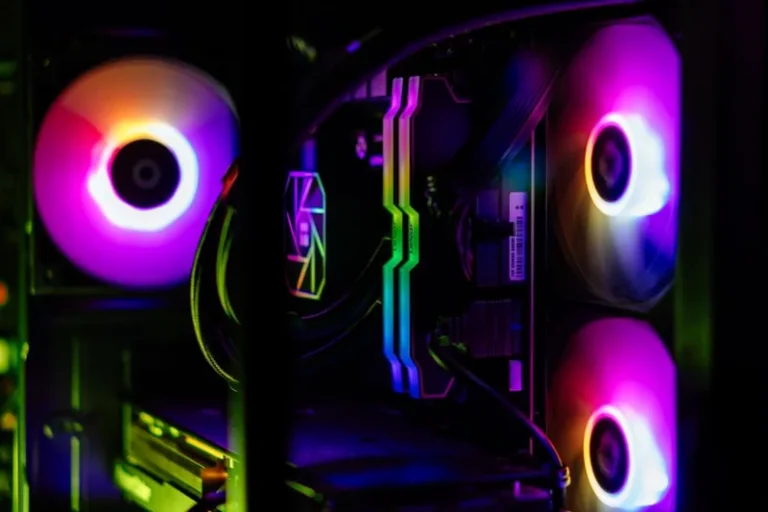
A gaming pc for Warzone 120 fps is less about raw GPU spending than most people assume, because Call of Duty: Warzone is unusually dependent on the CPU and on 3D V-Cache in particular. Hitting a locked 120 fps in 2026 means pairing a modern graphics card with a processor that can feed it fast enough during dense firefights and late-game areas, then tuning a handful of settings that quietly steal frames. This guide builds a parts list tuned specifically for Warzone, explains why the CPU matters more than you think, and shows the exact in-game settings to change for a stable 120+ fps.
Why Warzone Loves 3D V-Cache CPUs
Warzone’s engine is notoriously platform-heavy, and AMD’s X3D processors — the Ryzen 7 7800X3D and 9800X3D — are the single biggest performance unlock for the title. The stacked cache dramatically lifts 1% low frame rates, which is what you actually feel as stutter, meaning a solid gaming pc for Warzone 120 fps starts with one of these chips rather than a more expensive general-purpose CPU. An 8-core X3D part holds high minimums during gunfights where many non-X3D chips dip below 120, so this is the one component where “good enough” genuinely is not.
Gaming PC for Warzone 120 FPS: Recommended Parts List
This build targets a stable 120+ fps at 1440p with competitive settings, which also means headroom at 1080p. The total lands in the upper-mid-range and justifies every dollar against Warzone specifically.
| Component | Recommended Part | Est. Price (USD) |
|---|---|---|
| CPU | AMD Ryzen 7 7800X3D | $349 |
| GPU | NVIDIA GeForce RTX 5070 (12GB) | $549 |
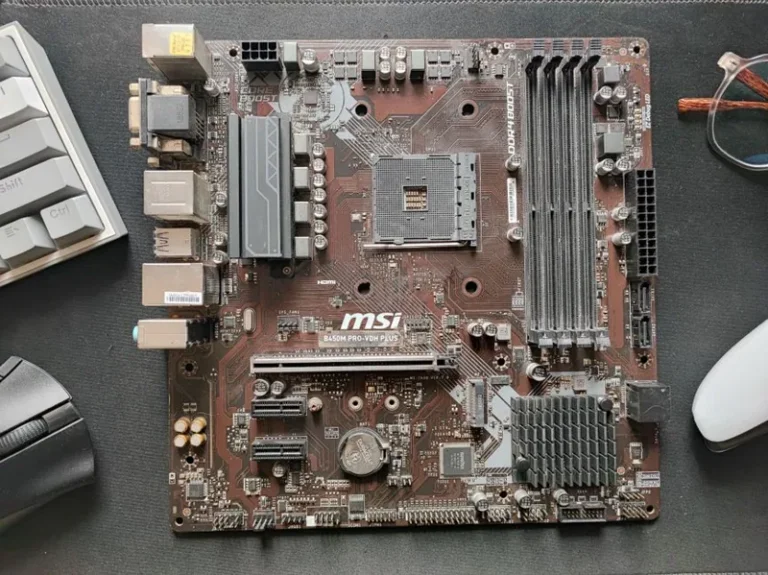
| Motherboard | B650 AM5 (DDR5, PCIe 4.0) | $159 |
| Memory | 32GB (2x16GB) DDR5-6000 CL30 | $99 |
| Storage | 1TB PCIe Gen4 NVMe SSD | $69 |
| Power Supply | 750W 80+ Gold, ATX 3.0 | $109 |
| CPU Cooler | Dual-tower air cooler | $49 |
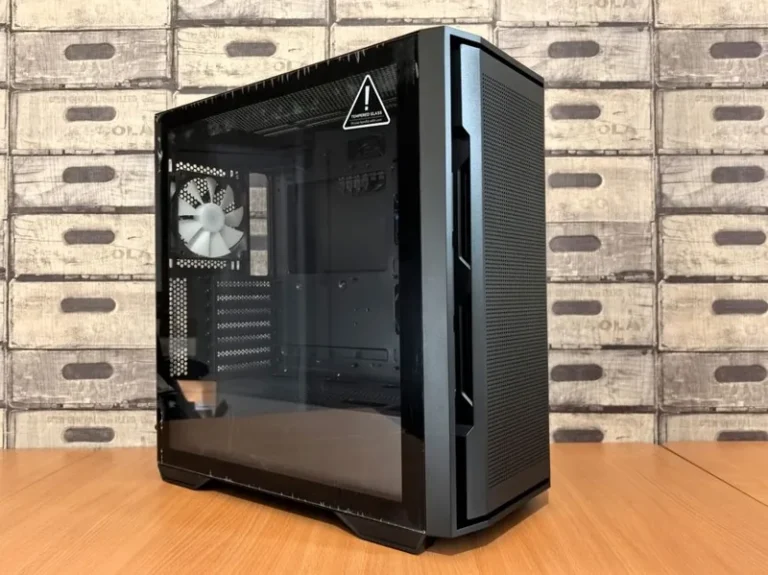
| Case | Airflow mid-tower, 3 fans | $89 |
| Total | ~$1,472 |
At 1080p you can drop to a Ryzen 5 7600 and an RTX 5060 Ti or RX 7700 XT and still stay above 120 fps for less money, since the resolution shifts load back onto the CPU this title already favors. For the graphics card shortlist, our best GPU for gaming price to performance guide is worth reading before you commit.
Graphics Card: How Much GPU Do You Actually Need?
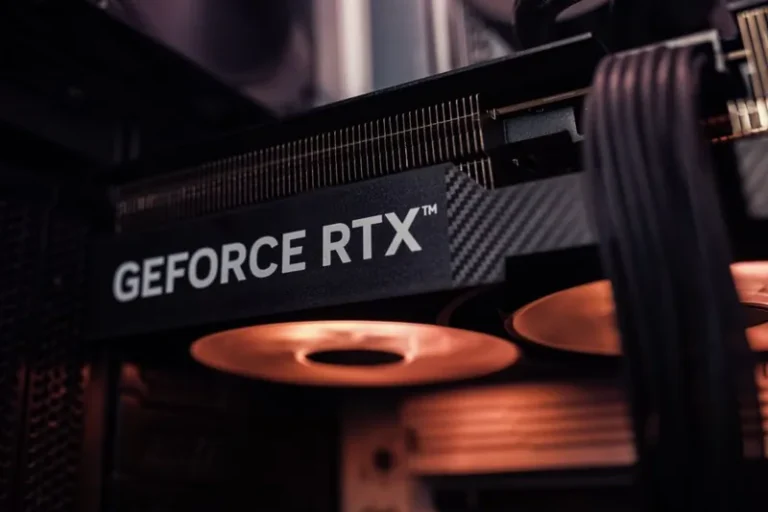
Warzone is playable at 120 fps on surprisingly modest silicon, which is why a 12GB RTX 50-series card is the sensible ceiling rather than the starting point. At 1080p competitive settings, even a mid-range card clears 120 fps easily, while 1440p high settings wants roughly the RTX 5070 tier listed above. The mistake to avoid is overbuying a flagship card for Warzone while leaving an underpowered CPU in the build, because this title will bottleneck on the processor long before the GPU runs out of headroom.
Memory and Settings: The Free Performance
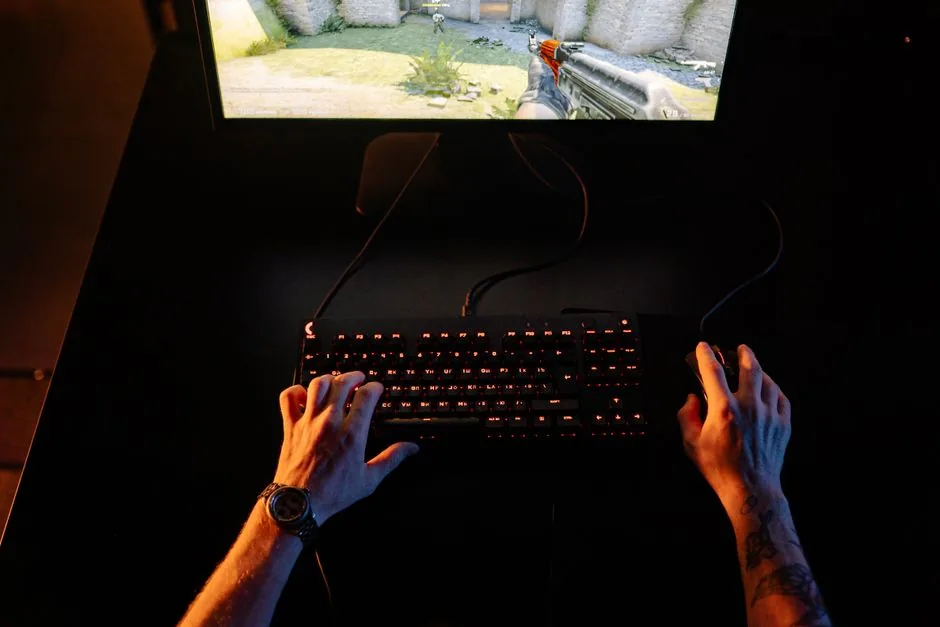
Two things push Warzone frame rates without costing a cent more on hardware. First, use two sticks of DDR5-6000 with EXPO enabled in BIOS, because Warzone rewards memory bandwidth and running a single stick or forgetting EXPO silently forfeits frames. Our how much RAM for gaming PC and ddr4 vs ddr5 gaming guides explain the memory math. Second, turn down the settings that sap performance for almost no visual gain — set render resolution to 100%, disable ray tracing, drop shadow and particle quality to low or medium, and enable a quality upscaler only if you need it at 1440p. Those changes alone can add 20 to 40 fps.
1080p vs 1440p: Choosing Your Target
Your monitor should drive the parts list. If you play on a 1080p 144Hz screen, a $1,000 to $1,200 machine hits 120+ fps all day, so spend there and enjoy the savings. At 1440p you want the 7800X3D and RTX 5070 combination above to keep minimums above 120 during intense moments, because lower 1% lows are exactly what read as screen stutter mid-gunfight. Whichever you pick, pair it with a panel that can actually show the frames — our best gaming monitor 2026 roundup matches a display to your resolution and refresh rate.
The Best Warzone Graphics Settings for High FPS
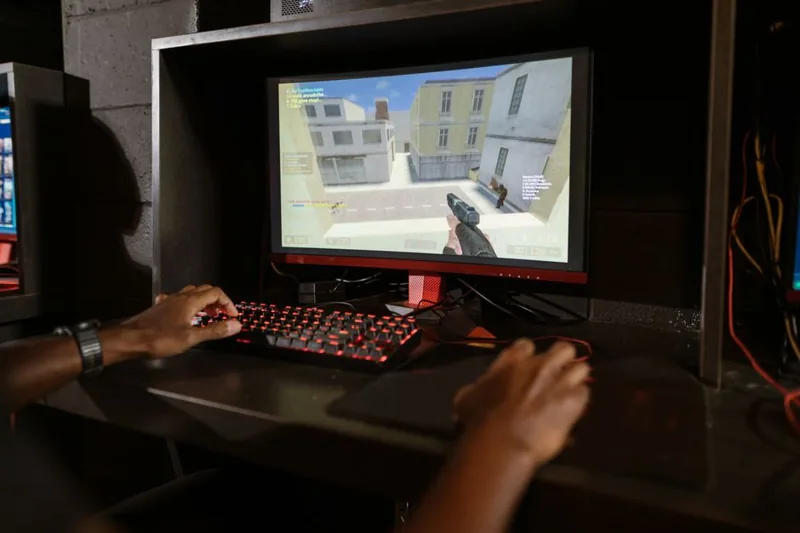
You can leave a surprising amount of performance on the table with Warzone’s default presets, so tune these before judging your build. Set the render resolution to 100%, choose Fullscreen (not Borderless), and disable V-Sync if your monitor supports G-Sync or FreeSync. Turn ray tracing off, drop shadow and particle quality to low or medium, reduce tessellation and bullet impacts, and keep textures at medium or high since VRAM is not your limiting factor. Enable DLSS or FSR only if the GPU is genuinely your bottleneck at your chosen resolution, and stick to the Quality preset rather than Performance, which softens the image too much when you are already well past 120 fps. Season-specific optimizations are published by outlets like PC Gamer every time Warzone revises its settings menu.
Real Warzone Frame Rates on This Build
This exact parts list delivers roughly 200 to 240 fps at 1080p competitive settings and a stable 130 to 170 fps at 1440p with the settings above, with 1% lows staying comfortably above 120 fps thanks to the 3D V-Cache. The frame rate holds steady even in chaotic modes like Resurgence, where the 7800X3D’s large cache prevents the stutter that punishes non-X3D chips when dozens of players, vehicles, and particle effects load at once. Independent results from Tom’s Hardware show how each GPU tier scales in Warzone specifically, which is useful if you want to validate your own numbers with an in-game overlay after building.
A Cheaper 1080p Build for the Same 120 FPS
You do not need the parts list above to hit 120 fps at 1080p. A Ryzen 5 7600 paired with an RTX 5060 Ti or an RX 7700 XT, 16GB of DDR5-6000, and a 650W power supply clears 120 fps at 1080p competitive settings for roughly $1,000, because at that resolution Warzone leans even harder on the CPU and less on the GPU. The single most important cost-saving decision is still buying a fast modern 6-core CPU, since a weak processor caps your frame rate no matter how much graphics power you add. That is the same reason our best CPU for gaming 2026 rankings put 3D V-Cache chips at the top.
FAQ
What CPU is best for Warzone 120 fps?
A Ryzen 7 7800X3D or 9800X3D is the best choice, because Warzone heavily rewards the 3D V-Cache these chips carry, especially for 1% low frame rates that determine how smooth the game feels.
Can I hit 120 fps in Warzone on a $1,000 PC?
Yes, at 1080p. A Ryzen 5 7600 paired with an RTX 5060 Ti or RX 7700 XT and fast DDR5 memory easily clears 120 fps at competitive settings.
Do I need 32GB of RAM for Warzone 120 fps?
Not strictly, but it helps. 16GB is playable, while 32GB of fast DDR5 costs little today and prevents stutter when Warzone runs alongside Discord and background apps.
Does Warzone need ray tracing for good visuals?
No, and you should turn it off. Ray tracing in Warzone costs a large frame-rate hit for a visual change most players do not notice mid-match, so disabling it is the single best settings change you can make.
Final Verdict
A gaming pc for Warzone 120 fps is a build about priorities, not raw spending: an X3D CPU up front, a modest 12GB GPU, fast dual-channel memory, and a handful of smart settings do more for your frame rate than a flagship card ever would. The parts list above holds steady 120+ fps at 1440p and gives you comfortable headroom at 1080p, all for well under typical flagship pricing. Build it, enable EXPO, turn off ray tracing, and you will stop thinking about frames and start hitting shots.