The Quietest Gaming PC: How to Build a Near-Silent Rig
Chasing the quietest gaming PC is one of the most satisfying rabbit holes in the entire hobby, because unlike raw performance, silence is something you notice in every single session. A machine that runs below the threshold of a quiet room is not a gimmick for audiophiles; it is a better experience for anyone who games late at night, shares a space, or simply dislikes the constant drone of fans. And the truth is, building it no longer requires exotic parts or a huge premium.
The recipe is simple enough to remember: move a lot of air slowly, remove the parts that spin when they do not need to, and let a damped case absorb whatever sound remains. Here is exactly how to assemble the quietest gaming PC you can realistically build in 2026.
The Quietest Gaming PC Begins With a Damped Case
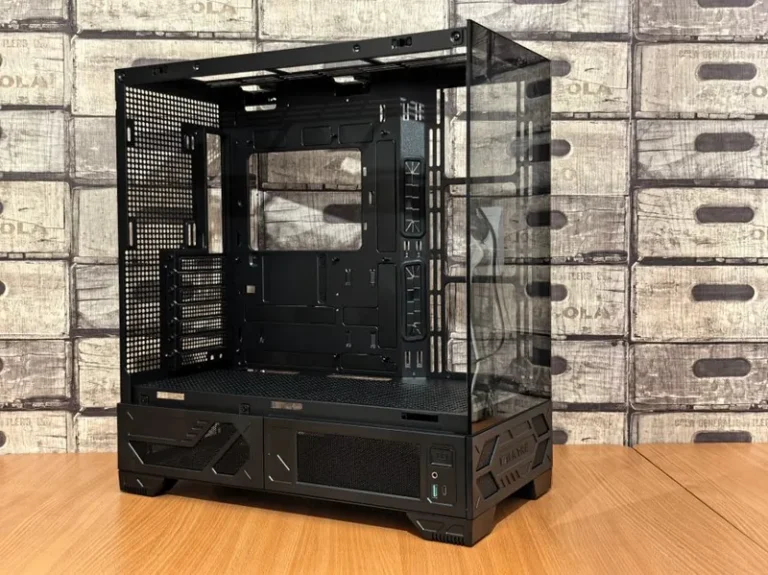
Your choice of case sets the ceiling on how quiet the whole machine can be. The best options use thick steel panels with sound-dampening foam or bitumen on the inside, and they favor solid side panels over tempered glass, which transmits vibration far more readily. The Fractal Design Define 7 and the be quiet! Pure Base series are the two families that built their entire reputation on this, and both are worth the small premium over a flashier tempered-glass box.
The trade-off is airflow, since a sealed, damped case cannot pull as much air as an open mesh design. For a strong but quiet build that trade-off is perfectly fine, because the components below are chosen to run cool while spinning slowly.
The CPU Cooler: Go Big or Go Home
The single most important quiet component is a large air cooler. A dual-tower heatsink with a pair of 140 mm fans, such as the Noctua NH-D15 or the be quiet! Dark Rock Pro 5, cools a Ryzen 7 7800X3D while the fans idle at a whisper. The physics is straightforward: a huge heatsink with more surface area dissipates the same heat with far less airflow, so the fans can turn at a fraction of their maximum speed.
The fan curve you set matters as much as the cooler itself. A curve that holds the fan at 20 to 30 percent until the CPU passes 70 degrees keeps the machine inaudible during everyday tasks and only lets it breathe harder during heavy gaming. Pair this with the right CPU and you have a solid foundation; my best CPU for gaming 2026 guide covers the cool-running picks worth building around.
Air versus liquid for the quietest build
A high-quality air cooler is usually the quieter choice, because it has no pump hum the way an AIO does. Some premium liquid coolers are impressively quiet, but the tiny, constant buzz of a pump is exactly the kind of noise a near-silent build is trying to avoid.
Graphics Card: Favor Big Coolers and Fan Stop
The graphics card is the hardest component to silence simply because it generates the most heat. The practical answer is a card with an oversized triple-fan cooler, which runs its fans slower for the same cooling, and one that features a zero-RPM “fan stop” mode so the fans switch off entirely when you are not gaming. Most modern RTX and Radeon cards offer this, and it means your PC is completely silent during web browsing and desktop work.
Undervolting takes it a step further, trimming power draw and fan speed with almost no performance cost. When combined with a mild frame-rate cap in the driver, it is the difference between a card that whispers and one that hums. For a rundown of the quietest, most efficient options, see my best GPU for gaming price to performance guide.
The Quietest Parts List for 2026
Here is the exact parts list I would use to build the quietest gaming PC for 1440p, with current prices:
| Component | Quiet Pick | Est. Price |
|---|---|---|
| Case | Fractal Design Define 7 | $150–$180 |
| CPU | AMD Ryzen 7 7800X3D | $340–$380 |
| CPU Cooler | Noctua NH-D15 | $100–$120 |
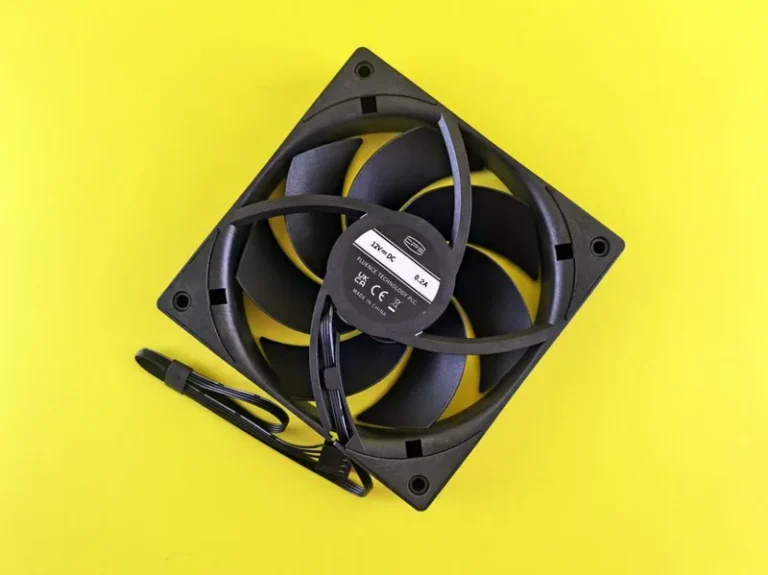
| Case Fans | 3x Noctua NF-A14 (140 mm) | $75–$105 |
| Motherboard | B650 ATX | $160–$200 |
| GPU | RTX 5070 (triple-fan, fan stop) | $550–$600 |
| RAM | 32 GB DDR5-6000 CL30 | $100–$130 |
| Storage | 2 TB Gen4 NVMe SSD | $120–$150 |
| PSU | 750W 80+ Gold (semi-fanless) | $110–$140 |
| Total | $1,705–$2,005 |
Every fan is the larger, slower-spinning 140 mm size, and the semi-fanless power supply keeps its fan off during light use. The all-NVMe storage means there is no spinning drive anywhere in the system, which is a subtle but crucial detail. If you want the quieter, step-by-step version of this philosophy, my silent gaming PC build guide walks through every choice in detail.
Remove Every Spin You Do Not Need
The quietest gaming PC has no unnecessary moving parts, and the two most common offenders are mechanical hard drives and always-on fans. A spinning 7,200 RPM drive adds a constant whir and read-head clicking that has no place in a modern, near-silent build, so going all-NVMe is a requirement rather than a preference. Our best NVMe SSD for gaming guide lists the fastest quiet options.
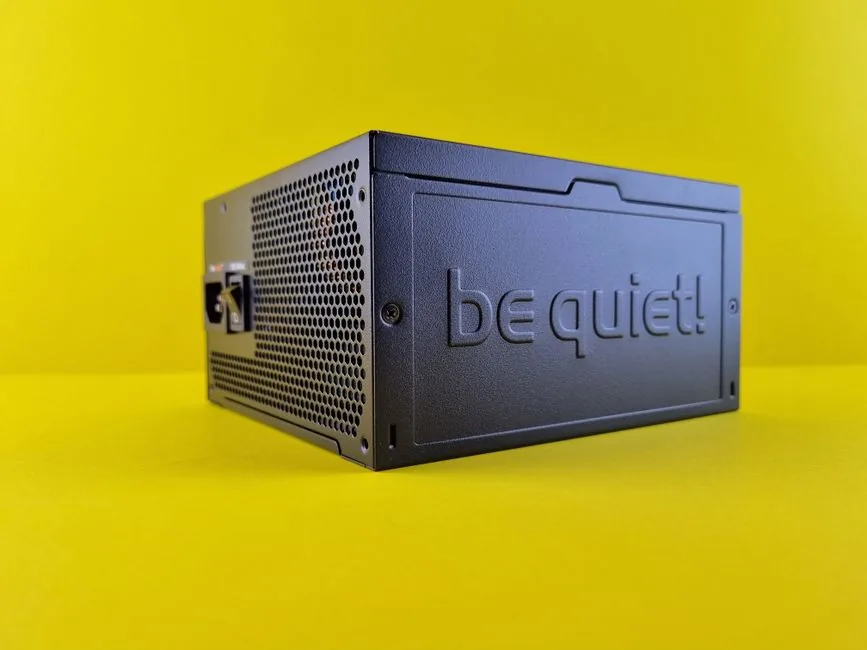
The power supply is the other silent enemy. A cheap unit often spins a small, cheap fan constantly, while a semi-fanless 80+ Gold supply stays passive below a certain load. When responding to fan noise, the best power supply for gaming PC roundup points you to models that run fanless during light use.

Fine-Tuning: Curves, Mounting, and Room Acoustics
Once the hardware is right, the remaining noise is all in the tuning. Set a custom fan curve in the BIOS that keeps every fan slow until temperatures actually warrant more airflow, and give the case a simple, tidy cable route so air flows cleanly from front to back. A poorly routed interior forces fans to work harder for the same cooling, which is the difference between a whisper and an audible rush.
Where you place the machine matters too. Sitting the PC on a hard wooden desk can amplify fan vibration into an audible hum, so a soft pad or rubber feet underneath makes a real difference. Keep it out of an enclosed cabinet, which starves it for air and makes every fan spin faster to compensate.
FAQ
What is the quietest gaming PC you can build?
The quietest realistic build uses a sound-dampened case, a large dual-tower air cooler with 140 mm fans, a triple-fan GPU with zero-RPM mode, and an all-NVMe, semi-fanless system. Done right, it is inaudible at idle and only a soft murmur under load.
Can a high-end gaming PC be quiet?
Yes. Silence is about cooling efficiency and fan choice, not raw power. A powerful PC with an oversized cooler and slow-spinning large fans is often quieter than a midrange machine with a small, fast fan.
Is air cooling quieter than liquid cooling?
For most builds, yes, because a big air cooler has no pump to produce a constant hum. Premium liquid coolers are close, but the faint pump noise is exactly what silent builders try to eliminate.
Do I need a fully fanless PC for silence?
No. A fully fanless PC is an extreme niche build with major thermal limits. A big slow-spinning fan setup is far more practical and reaches noise levels you will not hear over ambient room sound.
Will undervolting make my PC quieter?
Yes. Undervolting the GPU and even the CPU reduces power draw and heat, which lets fans spin slower with almost no loss in performance. It is one of the most effective free noise fixes available.
Conclusion
The quietest gaming PC is not built from exotic components but from patient, thoughtful ones: a damped case, an oversized air cooler, large slow fans, and a system free of spinning drives and always-on power fans. The result is a powerful 1440p machine you will forget is even running, and that is a genuinely better way to game.
Take the parts list above, set a gentle fan curve, and let the machine breathe. For noise-tested reviews and build advice, Tom’s Hardware and PC Gamer are the two resources I rely on for this exact kind of build.