Silent Gaming PC Build 2025: The Quietest Parts and Setup
There is something genuinely satisfying about a gaming PC that runs so quietly you forget it is on. The silent gaming PC build 2025 builders settled on was a milestone for the hobby, because it finally made near-silence an easy default rather than an exotic project for enthusiasts with deep pockets. With the right cooler, a sound-dampened case, and fans that never spin faster than they must, you can build a machine that is essentially inaudible at idle and only a soft murmur under full gaming load.
The secret is not one magic component but a philosophy: move more air slowly instead of less air fast, remove the sources of high-pitched noise first, and let the case do the sound work. Everything below still holds up beautifully in 2026, because the physics of quiet cooling have not changed.
Silent Gaming PC Build 2025: Start With the Case
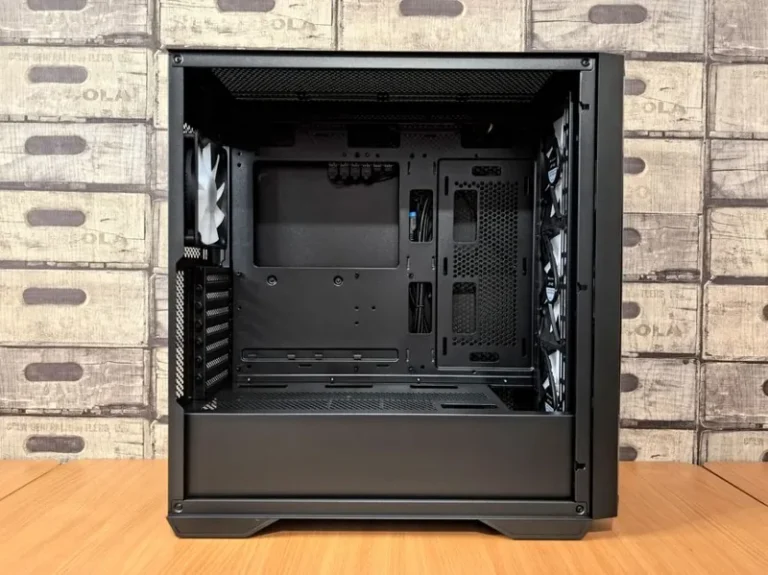
A quiet build starts with the chassis, because the case is what either muffles fan noise or lets it spill out. The best silent cases use heavy steel panels, foam or bitumen damping sheets on the interior, and solid front panels with side vents for airflow. The Fractal Design Define line and the be quiet! Pure Base series are the two families that dominate silent builds, and both are worth every dollar here.
A case with a tempered glass panel looks great but transmits far more sound than a solid steel side panel. If silence is the priority, skip the glass and choose a solid, damped chassis. A mesh-front case is the airflow champion, but it trades some quietness for those extra fans, so the two goals pull in slightly different directions.
The Cooler: Big, Slow, and Passive-Friendly
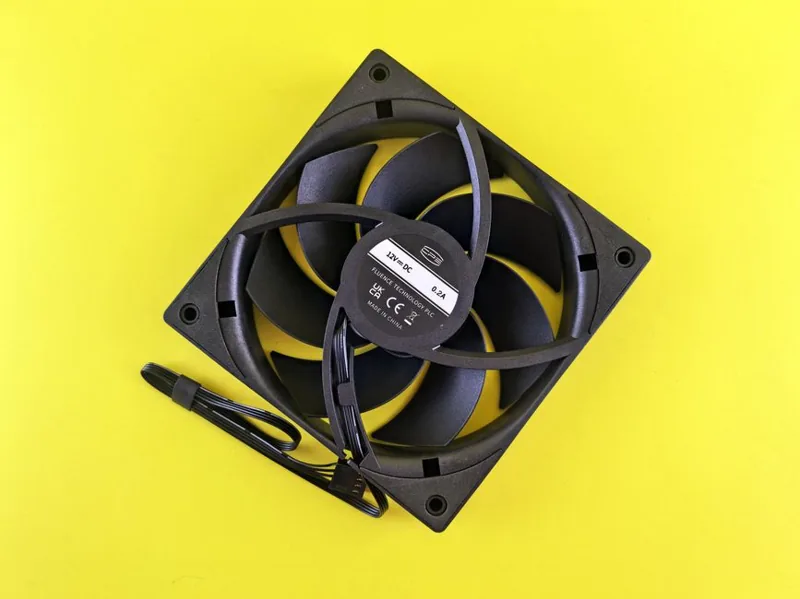
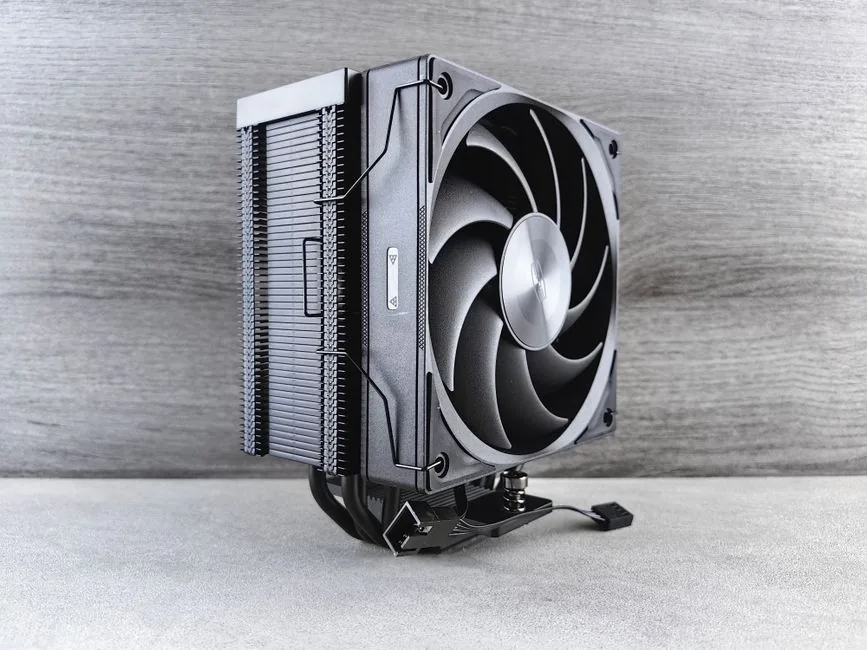
The single biggest difference between a loud PC and a quiet one is the CPU cooler. A large dual-tower air cooler with a 140 mm fan, such as a Noctua NH-D15 or a be quiet! Dark Rock Pro 5, cools a 7800X3D-class CPU while spinning so slowly that it is nearly inaudible. Big heatsinks do most of the cooling through sheer surface area, which means the fan barely has to work.
For an even quieter option, a 280 mm or 360 mm AIO liquid cooler running a gentle fan curve is excellent, though the pump introduces a faint hum that air cooling avoids. If you are truly chasing silence, air is the safer bet. Whatever you choose, a curve that keeps fans near their minimum until the CPU is actually hot makes the biggest single improvement, and the cooling considerations overlap heavily with my best CPU for gaming 2026 picks.
Why a gentle fan curve matters more than the fan itself
Most factory fan curves are far too aggressive, ramping fans up at low temperatures that do not need it. Setting a custom curve that holds fans at 20 to 30 percent until the chip passes 70 degrees produces a quieter system with the same temperatures, and it costs nothing.
The GPU: Pick the Quietest Card You Can Afford
Graphics cards are the hardest part to quiet, because a powerful GPU simply produces more heat that has to go somewhere. The practical way to keep a build near-silent is to choose a card with an oversized, triple-fan cooler and a metal backplate, which lets the fans spin slower than a cheaper two-fan model. Most cards also stop their fans entirely at low load, so they are silent during everyday desktop use.
Undervolting is the enthusiast trick that takes things further: dropping the GPU’s voltage by a small amount can reduce power draw and fan speed with almost no loss in frame rate. If you want help picking a quiet, efficient card, my best GPU for gaming price to performance guide ranks the current options with noise in mind.
The Quiet Parts List
Here is a reliable silent gaming PC build 2025 parts list, with the quiet-first picks and their 2026 prices:
| Component | Quiet Pick | Est. Price |
|---|---|---|
| Case | Fractal Design Define 7 | $150–$180 |
| Motherboard | B650 ATX (ASUS or MSI) | $160–$200 |
| CPU | AMD Ryzen 7 7800X3D | $340–$380 |
| CPU Cooler | Noctua NH-D15 (or be quiet! Dark Rock Pro 5) | $100–$120 |
| Case Fans | 2x 140 mm Noctua NF-A14 | $50–$70 |
| Graphics Card | RTX 5070 (triple-fan model) | $550–$600 |
| Power Supply | 750W 80+ Gold (semi-fanless) | $110–$140 |
| Storage | 2 TB Gen4 NVMe SSD | $120–$150 |
| Total | $1,580–$1,840 |
The power supply is frequently overlooked in silent builds, but a semi-fanless unit keeps its fan off entirely during light use, which removes one more source of background hum. The NVMe drive is also important because, unlike a mechanical hard drive, it has no spinning platter or moving heads. For the full, performance-first version of this machine, see my best gaming PC build 2026 guide.
Storage and Power: The Hidden Noise Sources
Mechanical hard drives are the most underrated source of PC noise. A spinning 7,200 RPM drive produces a constant whir plus the click of the read heads, and it is completely unnecessary in a modern build. Going all-NVMe removes that noise entirely while making the whole system faster, and our best NVMe SSD for gaming guide covers the top picks.
The power supply is the other silent offender. A cheap unit often uses a loud, always-on fan that gets whinier as it ages. A quality semi-fanless 750-watt 80+ Gold supply stays passive under light loads and only spins up during heavy gaming, and it is worth the modest premium. The combined effect of these choices is what turns a regular machine into the silent gaming pc build 2025 owners still recommend. Check the best power supply for gaming PC list for the quietest current models.
FAQ
What is the quietest way to cool a gaming PC?
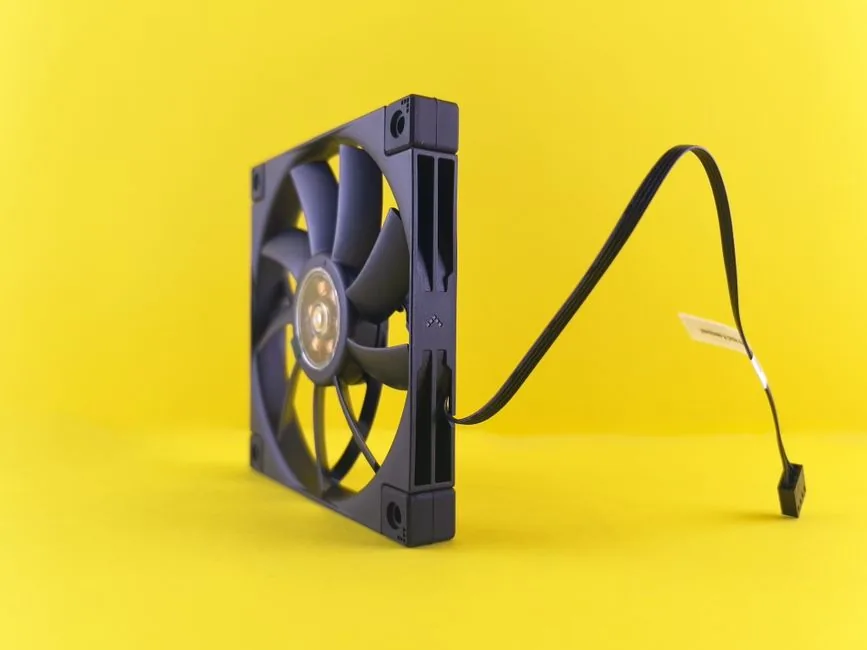
The quietest practical approach is a large dual-tower air cooler with a gentle custom fan curve, a sound-dampened case, and semi-fanless components like an NVMe drive and a hybrid power supply. Oversized, slow-spinning fans beat many small, fast ones every time.
Should I use air cooling or liquid cooling for silence?
Air cooling is usually quieter for most builds, because a big air cooler has no pump hum and larger, slower fans. A good AIO can match it, but the pump introduces a faint noise that air cooling avoids.
Do I need to undervolt my GPU?
Not necessarily, but undervolting is a free way to cut power draw and fan noise with only a tiny performance loss. It is the single best tweak for a quieter graphics card.
Are silent gaming PCs weaker than normal ones?
No. A silent build can use the same powerful components and simply cools them with larger, slower fans and a damped case. You sacrifice little to no performance.
Can I make my existing PC quieter?
Yes. Set a custom fan curve, replace loud or aging fans with 140 mm quiet models, switch to all-NVMe storage, and add damping material or a sound-dampened case. These changes replicate a large portion of a dedicated silent gaming pc build 2025 setup without the cost of a full rebuild.
Conclusion
A silent gaming PC build 2025 proved is perfectly achievable with off-the-shelf parts: a damped case, a big slow-spinning air cooler, a semi-fanless power supply, and all-NVMe storage. None of it costs a fortune, and the result is a machine you can leave running in the same room without ever noticing. Quiet really is a spec you can buy, one thoughtful component at a time.
Pick the parts list above, set a gentle fan curve, and enjoy gaming that finally lets you focus on the game instead of the hum. For noise-tested component reviews and build guides, Tom’s Hardware and PC Gamer are the best places to dig deeper.