RTX 2060 Super Temperature Limit: Safe Max Temps and How to Fix Overheating
If you own an RTX 2060 Super, you have probably glanced at a monitoring overlay mid-game and wondered whether your card is running too hot. The rtx 2060 super temperature limit is officially 89°C, which is the maximum junction temperature Nvidia rates the card for before the GPU begins throttling hard to protect itself. In practice, you want to stay well below that number. A healthy, well-cooled RTX 2060 Super should idle around 30–40°C, sit between 60–75°C during a heavy gaming load, and only brush up against the low 80s in the most demanding scenarios or in a poorly ventilated case.
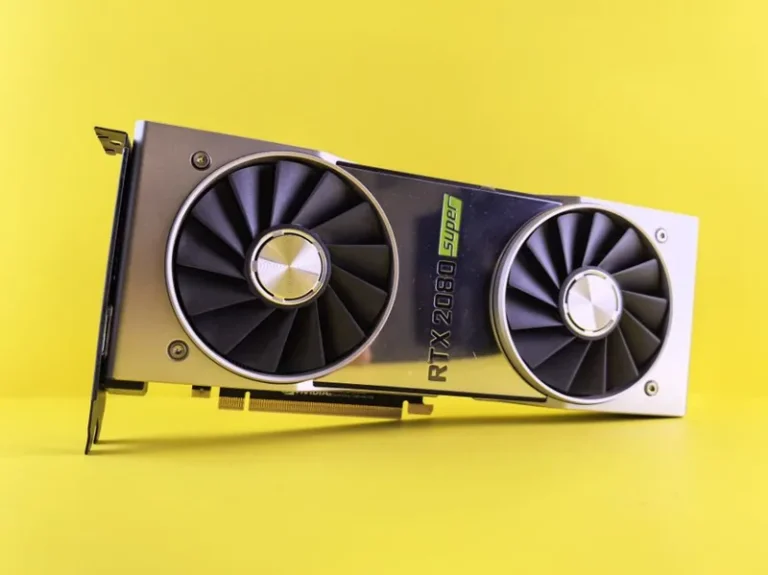
The RTX 2060 Super is a 175 W Turing card, so it does not dump a huge amount of heat compared to a 350 W flagship. When these cards run hot, the cause is almost always fixable: dried thermal paste, a dusty heatsink, a lazy fan curve, or a case with poor airflow. Below we break down exactly what the limits are, how to check your own card, and the concrete steps you can take right now to bring temperatures down.
What Is the RTX 2060 Super Temperature Limit?
Nvidia’s official specification for the RTX 2060 Super lists a maximum GPU temperature of 89°C, a figure you can cross-check against Nvidia’s GeForce specifications and the independent Tom’s Hardware GPU hierarchy. This is the ceiling at which the boost clock stops meaningfully increasing and the card instead cuts voltage and frequency to keep the silicon safe. The card will not instantly die at 89°C, but every minute spent at or near thermal limit shortens the effective lifespan of the silicon, the VRM, and the memory modules.
There are actually three temperature readings worth watching on a Turing card rather than one:
- GPU core temperature — the headline number most utilities report. Target 60–75°C under load.
- Hotspot / junction temperature — the single hottest sensor on the die, typically 10–15°C above the core reading. This is the number that actually drives boost behavior and throttling.
- Memory junction temperature — GDDR6 on the 2060 Super usually runs a little cooler than the core, but it can spike if airflow over the backplate is poor.
The throttling behavior is gradual. Boost 4.0 on Turing starts dialing back a 15 MHz step every time temperature rises above roughly 60°C, so you are quietly leaving performance on the table long before you ever hit the hard 89°C limit. This is why chasing the lowest realistic temperature matters even if your card never approaches the absolute maximum.
Safe Operating Ranges at a Glance
Here is a practical reference for what is normal versus what needs attention on an RTX 2060 Super.
| Condition | Core Temp | Verdict |
|---|---|---|
| Idle (desktop) | 30–40°C | Normal |
| Gaming load (good airflow) | 60–72°C | Ideal |
| Gaming load (average case) | 73–80°C | Acceptable |
| Heavy load / stress test | 81–85°C | Warm — improve cooling |
| Approaching limit | 86–89°C | Too hot — fix now |
Why Does the RTX 2060 Super Run Hot?
A card that suddenly runs hotter than it did new almost always points to one of a handful of causes. The most common is dried or pumped-out thermal paste. Factory paste quality on a 2019-era card degrades over three to five years, and once it loses thermal conductivity, the heatsink cannot pull heat off the die efficiently. The result is a card that still spins its fans hard but stays near the rtx 2060 super temperature limit regardless.
Other frequent culprits include:
- Dust buildup inside the fin stack, which throttles airflow through the cooler.
- Worn or lazy fans that no longer spin up to their rated RPM.
- A restrictive stock fan curve that prioritizes silence over temperature.
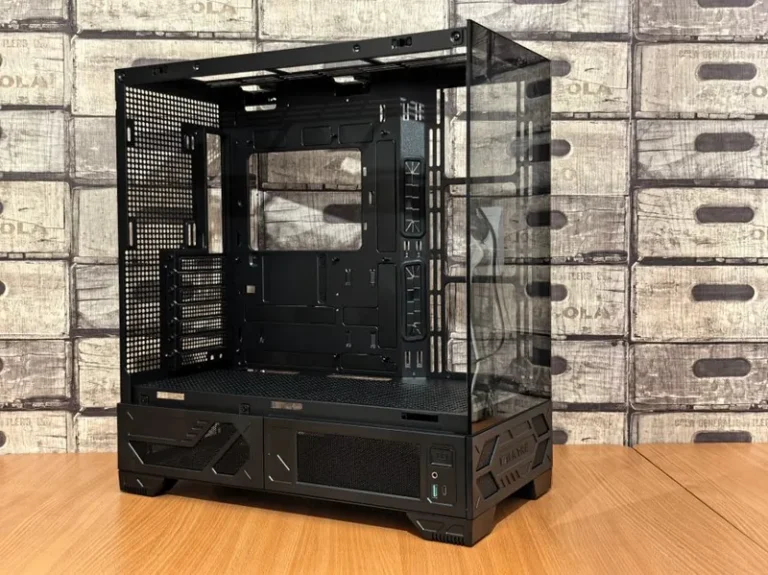
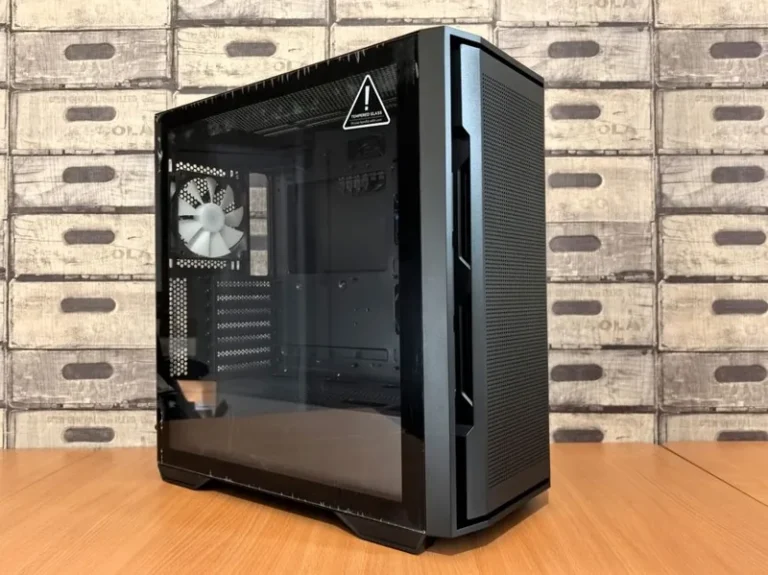
- Poor case airflow, especially a case with a sealed front panel and a single exhaust fan.
- High ambient room temperature, which raises every component’s baseline by roughly the same delta.
How to Check Your RTX 2060 Super Temperature
Before changing anything, establish a baseline. Download MSI Afterburner (with RivaTuner Statistics Server), or use built-in overlays from GeForce Experience, and log the core temperature, hotspot, and fan speed during a 30-minute session of a demanding title such as Cyberpunk 2077 or Shadow of the Tomb Raider. Record both the average and the peak.
Compare your peak against the table above. If you are sitting at 85°C or above with fans at 100%, you have a genuine cooling problem. If you are at 78°C with fans at only 40%, a simple fan-curve adjustment may be all you need.
7 Proven Fixes to Lower RTX 2060 Super Temperatures
Work through these in order of ease and cost. The first two cost nothing and often recover 5–10°C on their own.
1. Set a Custom Fan Curve
The stock curve on many partner cards keeps fans under 40% until roughly 75°C, which lets temperature climb first and reacts later. In MSI Afterburner, set a curve that ramps from 30% at 40°C to 60% at 65°C and 100% by 80°C. Most users immediately drop 4–8°C.
2. Clean the Card and Case
Power down, remove the card, and blow compressed air through the fin stack from both directions. A $10 can of air plus a clean dust filter can recover more temperature headroom than almost any other free fix.
3. Repaste the GPU Die
If the card is three or more years old and temperatures crept up over time, repasting is the highest-impact single fix. Use a quality non-conductive paste such as Noctua NT-H1, Thermal Grizzly Kryonaut, or Arctic MX-6. A careful repaste on an RTX 2060 Super routinely drops peak temperatures by 8–15°C.
4. Undervolt the Card
The 2060 Super typically runs around 1.03–1.05 V at stock. Using the voltage/frequency curve in Afterburner, many cards hold their full boost clock at 0.925–0.950 V. Undervolting cuts power draw and heat by 15–25 W while keeping, and sometimes improving, sustained clocks.
5. Improve Case Airflow
Ensure you have at least two front intakes and one rear exhaust. A GPU like the 2060 Super depends heavily on case airflow because its own fans recirculate whatever air is already warm near the card.
6. Check Fan Health and Orientation
If one fan spins noticeably slower or clicks, the bearing is failing. Replacement fans for common RTX 2060 Super models are inexpensive and straightforward to swap.
7. Adjust Ambient Conditions
A room at 30°C will push your card roughly 10°C hotter than a room at 20°C, because air cooling can only shed heat into air that is already cooler. Running a fan at the case or air conditioning the room is often the difference between 80°C and 72°C.
For a deeper look at why thermals hurt frame rates, see our guide on fixing GPU thermal throttling.
How Temperature Affects Boost Clocks and Performance
Turing’s GPU Boost is temperature-sensitive, which means two identical cards will perform differently based purely on cooling. A card held at 65°C will sustain a higher average clock than the same card at 85°C even without any explicit thermal throttle, because boost steps will not step down as aggressively. In practice, a well-cooled 2060 Super can hold 1,900–1,950 MHz under load, while a hot card may bounce between 1,700 and 1,850 MHz. That gap translates to a real, measurable difference in frame rates. If your card’s clock is all over the place, you may also want to check whether your whole system is struggling with our GPU bottleneck calculator.
Frequently Asked Questions
What temperature is too hot for an RTX 2060 Super?
Anything sustained above 85°C is too hot. The RTX 2060 Super temperature limit is 89°C, but you should treat 80°C as a soft ceiling for normal gaming and shoot for 60–75°C as the healthy range.
Does the RTX 2060 Super throttle at 83 degrees?
Yes. Recent Nvidia drivers throttle boost clocks aggressively in the low 80s, and once the core approaches 89°C the card enforces a hard thermal limit by cutting clocks and voltage substantially.
Will overheating permanently damage my RTX 2060 Super?
Running at the limit for long periods accelerates electromigration and solder fatigue and shortens card life, but a single excursion to 89°C will not brick the card. The chip shuts down or hard-throttles before self-destructing.
Is 75 degrees Celsius safe for gaming?
Completely safe. 75°C under a heavy gaming load is a perfectly normal and healthy temperature for an RTX 2060 Super.
Conclusion
The rtx 2060 super temperature limit is 89°C, but treating that as a target is a mistake. The card performs best, and lasts longest, when it stays between 60 and 75°C under load. Most overheating issues on this aging but still-capable card come down to dried paste, dust, a lazy fan curve, or poor case airflow, and every one of those is fixable with an afternoon of work. Start with a free fan-curve tweak and a case cleaning, then move to repasting and undervolting if temperatures still sit too high.
If your 2060 Super is struggling to keep up with modern titles even after you tame its temperatures, it may simply be time to look at an upgrade — check our guide to the best graphics cards for gaming in 2026 to see what a worthwhile step up looks like at current prices.