Gaming PC Build for 4K 120Hz: The 2026 Parts List and Real Cost
Pushing 4K at a locked 120Hz is the hardest workload a gaming rig can face — four times the pixels of 1080p, moving at double the refresh rate of a typical 60Hz monitor. A proper gaming PC build for 4k 120hz is not a mid-range machine with a good CPU; it is a balanced platform where the graphics card does almost all the heavy lifting and every other component is specced so it never becomes the bottleneck. In this guide I break down the exact parts, why each one matters, what the whole thing costs in 2026, and where you can safely save money without sacrificing that smooth 120fps target in demanding titles like Cyberpunk 2077, Alan Wake 2, and Call of Duty.
The Core Rule: Build Around the GPU
At 4K resolution, frame rate is overwhelmingly GPU-bound. Even a mid-tier CPU can usually keep a high-end GPU fed at 3840×2160 because the pixel count is so large that the card works at near-total utilization, while the CPU simply doesn’t need to produce as many draw calls per second. That means the single most important decision in any gaming PC build for 4k 120hz is the graphics card — everything else can be more modest than you might expect.
For a true 120fps 4K experience on high-to-ultra settings, you realistically need a current-generation flagship or near-flagship GPU. The practical options in late 2025 and 2026 are the NVIDIA GeForce RTX 5080 (around $999), the RTX 5090 (around $1,999), or AMD’s Radeon RX 9070 XT on team red for roughly $599 to $699. The RTX 5080 is the sweet spot for most people: it hits 120Hz in the vast majority of competitive titles at 4K and stays well above 60fps in the hardest cinematic games, especially with DLSS 4 upscaling and frame generation enabled. The RTX 5090 is overkill for 1080p and 1440p, but at 4K 120Hz it is the only card that sustains that frame rate in path-traced titles without leaning hard on upscaling.

Keep in mind that your monitor must actually accept a 120Hz signal over HDMI 2.1 or DisplayPort 2.1, and you will want a display with VRR (G-Sync or FreeSync Premium) so frame dips don’t cause tearing. Our best gaming monitor 2026 guide covers which 4K panels hold 120Hz cleanly.
CPU: What Actually Matters at 4K
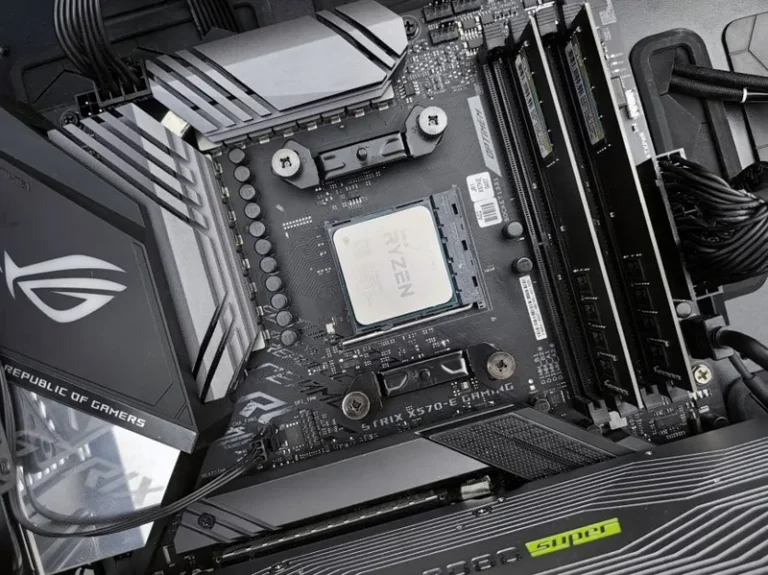
Because the GPU is doing the heavy lifting at 4K, the CPU needs to be fast enough only to avoid a 1% low stall — not the biggest, hottest chip on the shelf. The AMD Ryzen 7 9800X3D is the go-to choice: its 3D V-Cache dramatically improves games that love large cache (simulation, MMOs, strategy) and it draws far less power than Intel’s flagships. Expect to pay about $449 to $479. If you would rather save money and spend it on the GPU, the Ryzen 7 7800X3D or even a Ryzen 5 9600X still holds up well at 4K, and our best CPU for gaming 2026 guide walks through the trade-offs.
On the Intel side, the Core Ultra 7 265K is a solid productivity-plus-gaming pick around $359, but it doesn’t beat the 9800X3D in pure gaming. For a pure gaming PC build for 4k 120hz, AMD’s X3D line is the easy recommendation.
Platform, RAM, and Storage
For the motherboard, a B850 or X870 board is more than enough — you don’t need a $600 hero board to run a single GPU. Look for a quality VRM, one PCIe 5.0 x16 slot, and at least three M.2 slots. A reliable pick is the ASRock B850 Riptide or MSI MAG X870 Tomahawk, both in the $199 to $259 range.
Memory is simple and affordable right now: go with 32GB (2×16GB) of DDR5-6000 CL30. That is the performance sweet spot for AMD’s Zen 5 memory controller, and 32GB leaves headroom for background apps, streaming, and browsers. 16GB is workable but already tight in 2026, while 64GB is a waste for gaming alone. If you want detail on the DDR4 versus DDR5 question, our ddr4 vs ddr5 gaming guide has the full comparison.
For storage, a single 2TB PCIe 4.0 NVMe is the only drive most people need — games are now routinely 100GB to 150GB each, so 1TB fills up fast. The WD Black SN850X, Samsung 990 Pro, or Crucial T500 all hit 7,000MB/s reads and cost $130 to $160 for 2TB. A DRAM-less budget drive is a false economy for a $2,000 build, but you don’t need to chase Gen5 drives either; real-world load times are nearly identical.
Here is the full parts list with current street prices:
| Component | Recommendation | 2026 Price | Notes |
|---|---|---|---|
| GPU | NVIDIA RTX 5080 16GB | $999 | Sweet spot for 4K 120Hz |
| CPU | AMD Ryzen 7 9800X3D | $459 | Best gaming CPU overall |
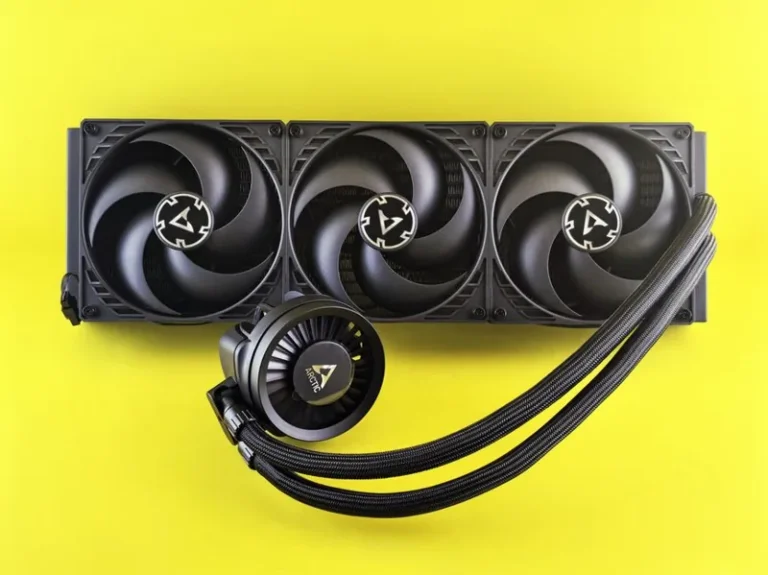
| Cooler | 360mm AIO liquid | $119 | Keeps X3D chip boost clocks high |
| Motherboard | B850 / X870 ATX | $229 | PCIe 5.0 x16, 3× M.2 |
| RAM | 32GB DDR5-6000 CL30 | $99 | 2×16GB dual-channel |
| Storage | 2TB PCIe 4.0 NVMe | $149 | SN850X / 990 Pro class |
| PSU | 850W 80+ Gold ATX 3.1 | $139 | Native 12V-2×6 connector |
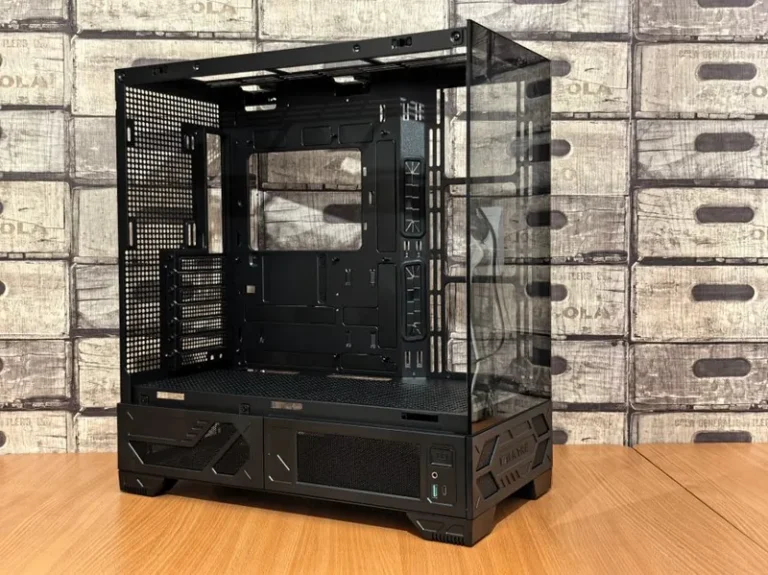
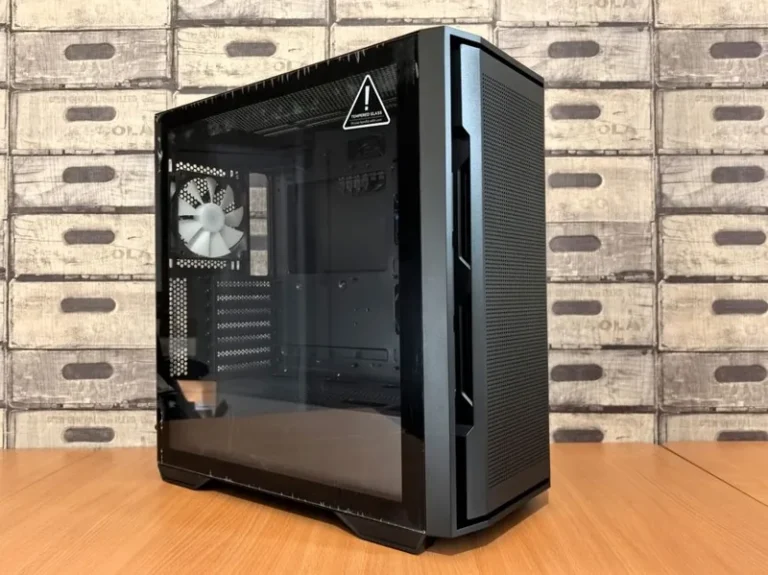
| Case | Mid-tower airflow | $99 | Front mesh, 3+ fans |
| Total | ~$2,292 | Before monitor & OS |
You can trim this to roughly $1,800 by swapping to an RX 9070 XT, dropping to a Ryzen 7 7800X3D, and using a $45 air cooler. We detail that cheaper route in our best budget gaming pc build under 1000 guide for a lower target, and the full pricing logic in how much does it cost to build a gaming pc.
Power Supply: Don’t Skimp on the 12V-2×6
At 4K 120Hz, your GPU is pulling 300W to 575W continuously, and transient spikes on modern cards can hit 1.5× that for milliseconds. I recommend an 850W 80+ Gold unit with a native ATX 3.1 / 12V-2×6 connector so you don’t rely on adapter cables. Models like the Corsair RM850x, Seasonic Focus GX-850, or be quiet! Pure Power 12 M are all excellent in the $120 to $150 range. If you go with an RTX 5090, step up to 1000W. Our best power supply for gaming pc guide ranks the top current units.
Cooling and the Case
The 9800X3D runs cooler than older Ryzen chips, but a 4090-class GPU dumps 400W+ of heat into the case, so airflow matters. A 360mm AIO on the CPU is worth the money because it keeps the chip in its highest boost bins during long gaming sessions, and it lets you run the fans quietly. Alternatively, a $45 Peerless Assassin 120 SE is genuinely sufficient for the 9800X3D and frees up budget for the GPU — just make sure the case has a mesh front and at least three intake fans.
Is a Gaming PC Build for 4K 120Hz Worth It?
The honest answer is that a gaming PC build for 4K 120Hz is the premium ceiling, not the value sweet spot. If you mostly play fast competitive shooters, a 1440p 240Hz or 360Hz monitor is arguably a better experience for a fraction of the cost. But if you want the sharpest possible image on a 32-inch or larger display — or you plan to game on a 4K 120Hz OLED TV like the LG C4 — then this class of build is where you legitimately start seeing the benefit. The cost difference between a 1440p build and this one is mostly one GPU tier, so make the call based on which display you own or plan to buy.
FAQ
How much does a gaming PC build for 4K 120Hz cost in 2026?
A realistic build lands between $1,800 and $2,300 depending on whether you pick an RX 9070 XT or an RTX 5080. A no-compromise RTX 5090 rig runs closer to $3,100.
Can an RTX 5080 really hit 120fps at 4K?
In esports titles and well-optimized games, yes — often well above 120fps. In the most demanding path-traced single-player titles you’ll typically need DLSS 4 upscaling or frame generation to hold 120fps, and even then some scenes dip below it without a 5090.
Do I need 32GB of RAM for 4K gaming?
32GB is the right choice in 2026. Strictly for gaming, 16GB still works today, but 32GB of DDR5-6000 is cheap insurance that removes stutter from high-texture 4K titles and memory-hungry open worlds.
Is a 4K 120Hz monitor expensive?
Yes, though prices have fallen a lot. A good 27–32-inch 4K 144Hz+ IPS or OLED panel now costs $400 to $800, and 4K 120Hz OLED TVs start around $900 for a 48-inch.
Should I wait for the next GPU generation?
If you already have a working card, it never hurts to wait. But the RTX 5080 and 5090 are well-established in 2026, and a year of gaming now often beats waiting for an unannounced refresh.
Conclusion
A gaming PC build for 4k 120hz is fundamentally a GPU-first build: pick an RTX 5080 (or RX 9070 XT on a budget), pair it with a Ryzen 7 9800X3D, 32GB of DDR5-6000, a 2TB Gen4 NVMe, and an 850W ATX 3.1 power supply, and you have a machine that holds 120fps at 4K in nearly everything. Spend your money on the graphics card and power supply first, keep the platform sensible, and don’t pay for motherboard or storage features you’ll never notice. For the latest GPU rankings, check our best graphics card for gaming 2026 guide, and Tom’s Hardware’s GPU benchmarks are a good neutral reference for real-world 4K frame rates.