Best Prebuilt Gaming PC Under 1500: Top Picks for 2026
If you want a powerful gaming rig but don’t want to assemble it yourself, the best prebuilt gaming pc under 1500 is a very real sweet spot. At this budget you can get a machine with an RTX 4070-class graphics card, a current-gen processor, and enough quality parts to run 1440p at high settings with confidence — often with a full warranty and tech support included, which a DIY build doesn’t give you.
The catch is that prebuilt quality varies wildly. Some brands use proprietary parts that are hard to upgrade, while buyers of others get scalped on a flashy case with a mid-tier GPU inside. This guide cuts through that with specific models, real prices, and the exact specs you should demand at this price point.
What $1,500 Should Get You Right Now
Before we compare models, here’s the spec floor you should hold buyers to in 2026, based on what a competent builder could assemble for the same money:
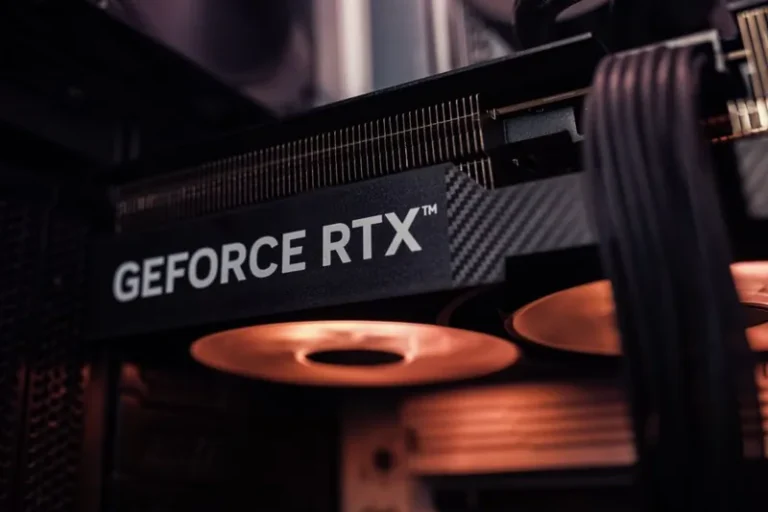
- GPU: RTX 4070 / RTX 4070 Super, or RX 7800 XT (12-16GB VRAM).
- CPU: Ryzen 7 7700X / 7800X3D, or Intel Core i7-14700K / i5-14600K.
- RAM: 32GB DDR5 (or 32GB DDR4 on older platforms).
- Storage: 1-2TB NVMe SSD.
- PSU: 80+ Gold, 750W+, from a recognizable brand.
Anything less and you’re paying a premium for branding instead of performance. Use this checklist against any unit you find on sale.
Top Picks Compared
Here’s how four solid sub-$1,500 prebuilts stack up, using typical retail prices from late 2025 (prices drift with sales and stock):
| Model | GPU | CPU | RAM / Storage | Typical Price | Best For |
|---|---|---|---|---|---|
| ABS Cyclone Aqua | RTX 4070 Super | Ryzen 7 7700X | 32GB DDR5 / 1TB | ~$1,399 | Best overall value |
| Skytech Nebula | RTX 4070 | Ryzen 5 7600X | 32GB DDR5 / 1TB | ~$1,199 | Budget 1440p pick |
| iBUYPOWER Y60 | RTX 4070 | i7-14700F | 32GB DDR5 / 2TB | ~$1,449 | Big storage + Intel power |
| CyberPowerPC Gamer Xtreme | RX 7800 XT | Ryzen 7 7700X | 16GB DDR5 / 1TB | ~$1,249 | AMD-heavy 1440p build |
All four use standard ATX parts (no proprietary motherboards or PSUs), which keeps them upgradeable down the line. That’s a key differentiator worth prioritizing.
ABS Cyclone Aqua: The Sweet Spot
Around $1,399, the ABS Cyclone Aqua pairs an RTX 4070 Super with a Ryzen 7 7700X and 32GB of DDR5 — about as close to a no-compromise 1440p machine as you’ll find under $1,500. ABS assembles from standard off-the-shelf parts, so future GPU or RAM upgrades are painless. If my own best value gaming pc build had a prebuilt twin, this is it.
Skytech Nebula: The Value Play
At roughly $1,199, the Skytech Nebula drops the GPU to a standard RTX 4070 and the CPU to a 7600X, but keeps 32GB of RAM. It trades a little peak performance for a meaningful price cut, making it the best pick if you want to stay comfortably under budget. Note its 1TB drive fills fast if your library is large.

iBUYPOWER Y60: Storage and Intel Muscle
The iBUYPOWER Y60 justifies its ~$1,449 asking price with a 2TB NVMe drive, an i7-14700F, and a distinctive showcase-style case. The snap-together tool-less design makes it the friendliest prebuilt for first-timers who want to open it up and learn. It’s a great fit if you already know you’ll tinker — see my components needed to build a gaming pc guide to understand what’s inside.
How to Spot the Best Prebuilt Gaming PC Under 1500
Shopping for the best prebuilt gaming pc under 1500 means reading past the marketing. Sellers know buyers fixate on the GPU and RAM, so that’s where the honest specs live and the corners get cut elsewhere. The parts list below is what separates a keeper from a regret:
- The PSU is the tell. If a listing says “750W Gold” without naming the brand, assume it’s the cheapest unit that meets the label. Name-brand units (Corsair, EVGA, Seasonic) cost the builder more and signal care elsewhere.
- RAM speed, not just size. “32GB DDR5” at 5200 MT/s is meaningfully slower than the same at 6000 MT/s. Sellers rarely volunteer the speed, so ask.
- Standard motherboard socket. Proprietary boards and connectors (common from big-box brands like Dell/Alienware and HP) cap your upgrade path. The four picks above avoid this.
The reliability data backs this up: independent reviews on RTINGS consistently show PSU and cooling failures are the leading warranty claims on prebuilts, while GPUs and CPUs rarely fail outright. Buy the power delivery right and the rest tends to follow.
Prebuilt vs. Building Yourself at This Price
It’s worth doing the honest math. At $1,500, a competent DIY build can typically fit the same core specs and save $150-300, which could bump a GPU up a tier. What you actually pay for with a prebuilt is:
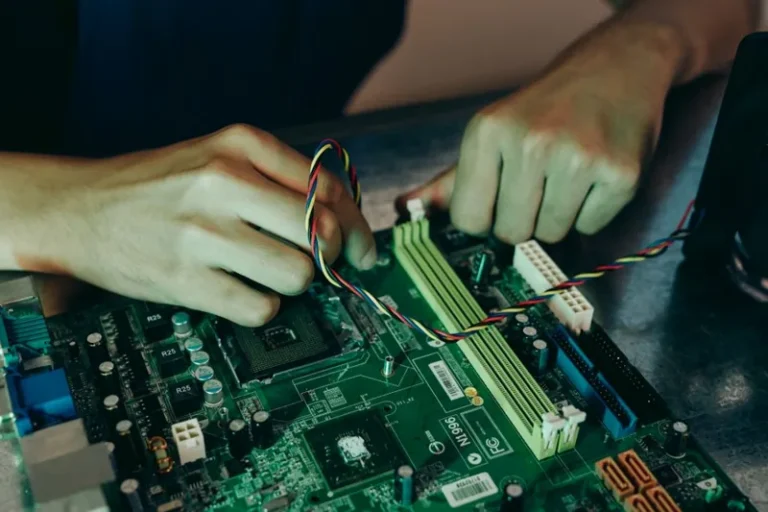
- Assembly and cable management done by someone else (2-5 hours of your time saved).
- A single warranty and support line instead of tracking eight separate part warranties.
- Convenience — order, unbox, plug in, play.
There’s a middle path worth mentioning too: most system integrators — including the four above — let you customize RAM and storage at checkout for a modest upcharge. That gets you closer to a custom build’s balance without touching a screwdriver.
If you’re willing to learn assembly, how to build a gaming pc step by step will beat prebuilt pricing almost every time. If your time and hassle-aversion are worth more than ~$250, a quality prebuilt is a perfectly rational buy — and the best prebuilt gaming pc under 1500 delivers most of the DIY experience without the labor.
What to Check Before You Buy
The difference between a good prebuilt and a bad one usually hides in the fine print:
- Confirm the exact PSU brand and wattage. Vague “750W Gold” listings without a brand are a red flag.
- Check RAM speed and latency, not just capacity — DDR5-5200 is meaningfully slower than DDR5-6000.
- Verify the motherboard socket for upgradeability; proprietary or low-end boards kill future upgrades.
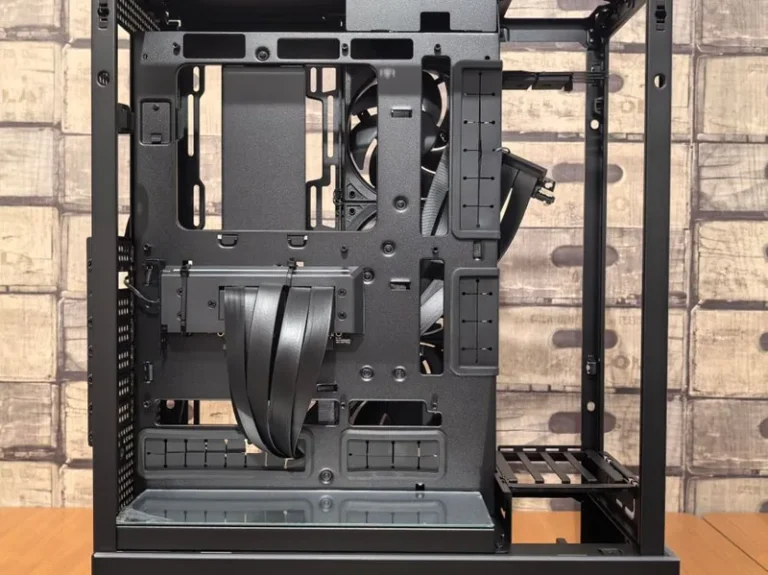
- Look for standard case airflow — some showcase cases sacrifice cooling for glass.
- Read return and warranty terms carefully, especially for the GPU, the most failure-prone component.
Run every candidate through this list and the best prebuilt gaming pc under 1500 will stand out on its own. A deal that fails two or more of these checks usually isn’t a deal at all — it’s a compromised build wearing a sale sticker. For broader buying context, PC Gamer regularly revisits the prebuilt market as prices shift.
Frequently Asked Questions
Is a $1,500 prebuilt gaming PC worth it?
Yes, if you value convenience over the savings of building. At this price you get a legitimate 1440p high-settings machine with a full warranty. You pay roughly $150-300 more than equivalent DIY parts, which buys assembly, support, and a single point of contact.
What GPU should a $1,500 prebuilt have?
An RTX 4070 or 4070 Super, or an RX 7800 XT. Be wary of units at this price with an RTX 4060 Ti or below — that’s the most common way sellers pad margins while you underpay on the component that matters most.
Is it cheaper to build a PC than buy a prebuilt at $1,500?
Almost always. Building saves $150-300 at this budget, which can fund a monitor upgrade or a step-up GPU. Prebuilts win when there’s a deep sale or when you put real value on not assembling, troubleshooting, and warrantying the system yourself.
Can a $1,500 prebuilt run 4K?
Partially — an RTX 4070 Super can handle 4K with DLSS on in many titles, but $1,500 prebuilts are really optimized for excellent 1440p performance. For comfortable native 4K you’d typically step above this budget.
Final Thoughts
The best prebuilt gaming pc under 1500 is one with an RTX 4070-class GPU, a current-gen CPU, and standard upgradeable parts — the ABS Cyclone Aqua and Skytech Nebula lead that pack on value. Hold every listing to the spec checklist above, and you’ll avoid the marketing traps that plague this category.
Start by comparing current prices on those models, then decide whether the prebuilt premium is worth skipping assembly. If you’d rather pocket the savings, my best value gaming pc build parts list gets you the same performance for less — whenever you’re ready to build.