Gaming PC for Sim Racing: The Right Build and Specs for 2026
A gaming pc for sim racing is a different animal from a general gaming rig, because the games that define the genre, iRacing, Assetto Corsa Competizione, rFactor 2, and the current F1 title, punish weak CPUs and reward high, stable frame rates more than almost any other category. Sim racing titles push physics, AI opponents, and telemetry through a small number of CPU cores while asking the GPU to drive triple monitors or a VR headset at a locked refresh rate. This guide explains which specs actually matter and hands you a ready-to-build parts list with real 2026 prices.
The single most important insight is that frame pacing beats peak frame rate in sim racing, because a stutter mid-corner is far worse than a slightly lower average. That shifts your priorities toward a strong CPU and enough headroom on the GPU to avoid dips, and away from chasing the absolute highest benchmark numbers. If you are coming from a general build, our best gaming pc build 2026 covers the broad case before you specialize here.
Why Sim Racing Punishes the CPU
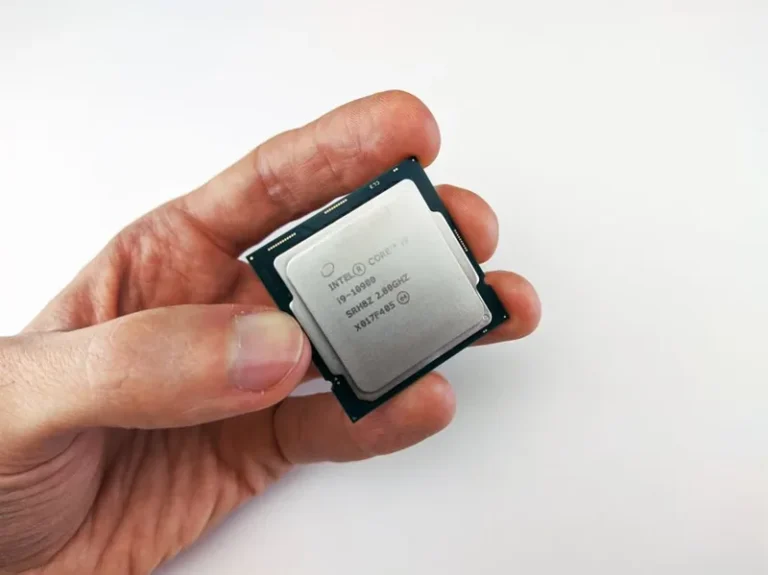
Most racing sims are unusually single-thread dependent. The physics loop, AI cars, and live telemetry all compete for a handful of cores, so a processor with excellent single-core speed and high boost clocks produces smoother, more consistent frame times than one that merely has many cores. This is why sim racers consistently favor chips like AMD’s Ryzen 7 X3D parts, whose large cache tears through the physics-heavy workloads these games throw at them.
RAM speed is the quiet second factor. Faster, low-latency DDR5 keeps the CPU fed during big fields and heavy weather systems, and 32 GB has become the comfortable standard as sims and their overlays grow. Independent testing at PC Gamer consistently shows the same cache-heavy chips leading the sim-racing charts, often by a wider margin than in esports titles. For help choosing the processor first, our best CPU for gaming 2026 roundup ranks the current options for exactly this kind of workload.
The GPU Depends on Your Display Setup
Your display config decides the graphics card more than the game itself. A single 1080p or 1440p monitor is easily handled by a mid-range card, while triple 1440p and VR headsets demand substantially more horsepower because the scene is rendered across multiple viewports. The difference between driving one 1440p panel and three of them can easily be two full GPU tiers.
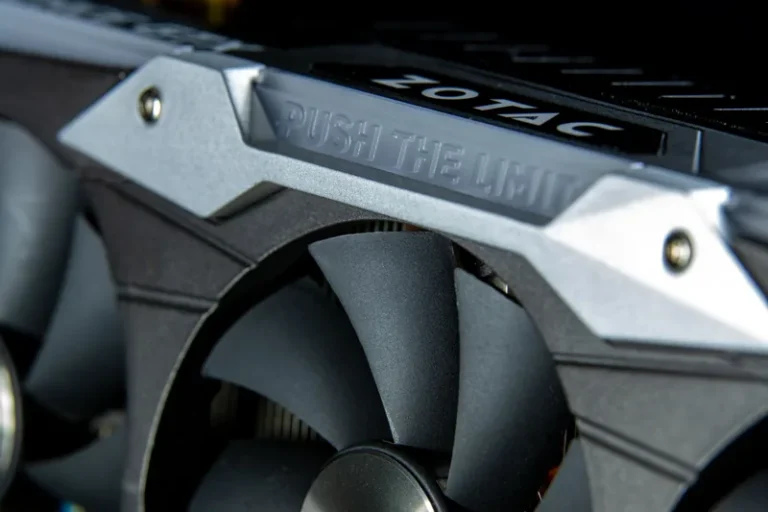
The rule of thumb is to buy the GPU for the most demanding setup you will actually run, not the one you hope to build someday. Locking the refresh rate to the display with a comfortable margin keeps the frame times smooth, which is what actually matters on track. Our best graphics card for gaming 2026 guide maps the current cards to each resolution and refresh target. Reviewers at Tom’s Hardware publish triple-monitor and VR benchmark numbers that make the gap concrete, so you can match the card to your exact resolution with confidence.
A Ready-to-Build Gaming PC for Sim Racing in 2026
Here is a balanced mid-to-high-end parts list tuned for triple 1440p or a high-refresh single ultrawide, with typical 2026 street prices.
| Component | Recommended Pick | Why It Fits | 2026 Price (USD) |
|---|---|---|---|
| CPU | AMD Ryzen 7 7800X3D | Huge cache, elite sim-racing frame times | $349 |
| GPU | NVIDIA GeForce RTX 5070 Ti | Drives triple 1440p and VR with headroom | $749 |
| RAM | 32 GB DDR5-6000 CL30 | Smooth frame pacing in large fields | $99 |
| Storage | 2 TB Gen 4 NVMe SSD | Fast loads between sessions | $119 |
| Motherboard | MSI MAG B650 Tomahawk | Solid VRM, memory stability | $189 |
| Power Supply | 850 W 80+ Gold | Clean, stable power for sustained races | $129 |
| Cooling | 240 mm AIO liquid cooler | Keeps the X3D chip at full boost | $89 |
| Total | $1,723 |
At this budget you get a system that holds solid frame times in every major sim, whether you drive on a single fast panel or a triple-screen rig. For the wheel, pedals, and cockpit that turn the PC into a simulator rather than a desk machine, budgets rise quickly, but the base platform above is the right foundation.
VR vs Triple Monitors: What the PC Needs
Your choice between VR and triples reshapes the build. A VR headset such as a modern Quest or Pimax feeds two high-resolution displays through link compression, which leans more on GPU and benefits from more VRAM. Triple monitors lean on raw pixel throughput and CPU-side draw calls, and they are what most competitive iRacing drivers still run.
Both are demanding, but the practical advice is to decide early and spec once. A rig built for a single monitor and later upgraded to triples will likely need a stronger GPU than the one it started with, so factor the display ambition into the card from day one. For the display itself, our best gaming monitor 2026 guide covers the high-refresh and ultrawide options that suit sim racing best.
Frame Rate Targets and Stability Settings
Sim racers care less about a 300 fps maximum and more about a frame rate that never dips, so tune for consistency. Locking to a stable 120 or 144 fps with headroom to spare produces smoother, more predictable inputs than an unlocked frame rate that spikes and stutters, because input response tracks the frame time.
Start with the graphics profile the sim recommends, then trim the heaviest settings first, shadows, reflections, and draw distance, which cost the most relative to the visual benefit on track. A good wheel needs low-latency input too, and our best racing wheel guide pairs the right hardware with whatever PC you end up building.
Cooling and Case for Long Sessions

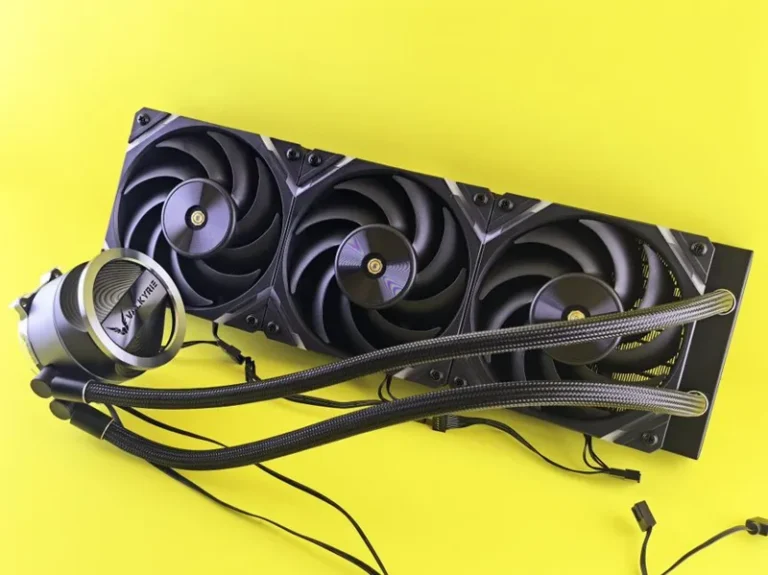
Endurance races and long practice sessions are sustained loads, not short bursts, so cooling matters more here than in an esports build. A 240 mm AIO for the CPU plus a case with a ventilated front panel will keep boost clocks steady through a two-hour stint, where a cramped, restricted case would slowly bleed performance as heat soaks in.
Noise is the other long-session concern, since a whining fan sits right next to a wheel that is already chattering with force feedback. Favor cases and coolers that reviewers flag as quiet, and your concentration, not to mention your lap times, will thank you.
FAQ
Is a gaming PC for sim racing CPU or GPU heavy?
Sim racing is unusually CPU heavy because of physics and AI, but the GPU dominates once you move to triple monitors or VR. A balanced build with a strong modern processor and the right card for your displays is the answer.
What is the best CPU for sim racing?
AMD’s Ryzen 7 X3D chips are the community favorite thanks to their large cache, which smooths the physics-heavy frame times these sims produce. A strong non-X3D chip is still perfectly capable for single-screen use.
Do I need 32 GB of RAM for sim racing?
Not strictly, but 32 GB has become the comfortable standard for large fields, weather, and background overlays. It removes the stutters that 16 GB can cause when a big session loads in.
Can a sim racing PC run VR?
Yes, with a sufficiently strong GPU. VR renders two high-resolution displays, so it needs more VRAM and graphics power than a single monitor, though modern mid-to-high-end cards handle it well.
How much does a good sim racing PC cost?
A capable single-monitor rig can be built around $1,200, while a triple-screen or VR-ready setup with the parts above lands near $1,700 to $2,000 depending on the GPU and display choices.
Conclusion
The ideal gaming pc for sim racing prioritizes frame consistency over peak numbers, pairing a strong single-core CPU with a GPU sized for your exact display setup. Match the graphics card to whether you run a single monitor, triples, or VR, keep 32 GB of fast RAM in the build, and spend the rest of the budget on the wheel and cockpit that actually make it feel like driving. It is tempting to overspend on the CPU alone, so keep the balance above and you will have a rig that stays smooth lap after lap.