How Much Should I Spend on a Motherboard for Gaming? Real Budgets for 2026
If you are wondering how much should i spend on a motherboard for gaming, the short answer is between $150 and $250 for most builders, with a hard floor around $130 and a ceiling where the returns dry up near $350. The motherboard is the easiest component to overspend on because marketing leans hard on features that barely move frame rates, while the parts that actually matter, a stable power delivery and reliable memory support, are now cheap to manufacture. This guide breaks down exactly what each budget tier buys you so you can stop second-guessing the number on the box.
The right way to think about it is as a proportion of the whole build. The motherboard should run roughly 8 to 12 percent of a balanced gaming PC budget, which in dollar terms almost always lands in that $150 to $250 band. To see how that sits against the other components, our how much does it cost to build a gaming pc guide maps out a full parts list with the same logic.
What Your Motherboard Money Actually Buys
Spending more on a board does not buy extra frames; it buys headroom and connectivity. The first $130 of any board goes toward a VRM strong enough to keep a modern CPU at full boost, the power and memory slots, and a functional set of rear ports. From there, each extra dollar adds sturdier power delivery, PCIe 5.0 support, more M.2 slots, faster networking, and eventually overclocking features almost no one uses.
The catch is that the mid-range caught up to the flagships in the areas that matter for gaming. A $180 board today carries a VRM that would have been enthusiast-tier a few years ago, which is precisely why the sweet spot sits where it does rather than at the top of the lineup.
How Much to Spend on a Motherboard for Gaming by Build Tier
Here is how motherboard spending scales with the class of PC you are building, with real price bands for 2026.
| Build Tier | Total PC Budget | Motherboard Budget | What That Gets You | Example Board |
|---|---|---|---|---|
| Budget | Under $900 | $130 – $170 | 8-12 phase VRM, B650/B860, solid I/O | ASRock B650M Pro RS, $139 |
| Mid-range | $900 – $1,800 | $180 – $250 | 12-16 phase VRM, PCIe 5.0, more M.2 | MSI MAG B650 Tomahawk, $189 |
| High-end | $1,800 – $3,000 | $250 – $350 | 16-18 phase VRM, USB4, heavy cooling | Gigabyte X870 Aorus Elite, $269 |
| Enthusiast | $3,000+ | $350 – $450 | Full X870E/Z890, extreme overclocking | ASUS ROG Strix X870E-E, $419 |
The most common mistake is a budget build wearing a flagship board, which quietly steals $150 to $250 that would have delivered a real jump in GPU performance. Reviewers at Tom’s Hardware have demonstrated for years that the frame-rate difference between a $180 board and a $450 board at the same CPU is effectively zero in games.
The Floor: What the Cheapest Good Board Costs
Around $130 is where genuinely good boards begin. Below that line, manufacturers cut VRM phases and drop heatsinks, and a budget chip can throttle under a sustained all-core load. If your entire build is belt-tight, you are still better off at $130 on the board and putting every remaining dollar into the CPU and GPU, because a hunger for features is wasted on a machine with a weak graphics card.
For builds in this range, pair the board with a value CPU and lean on our best budget CPU for gaming recommendations, which are tuned for exactly this scenario. The board and processor should always be chosen as a matched pair rather than as isolated purchases.
The Sweet Spot: $180 to $250

The $180 to $250 band is where the smart money goes and where you should default if nothing unusual is forcing your hand. At this price you get a 12 to 16 phase VRM with proper heatsinks, PCIe 5.0 for the graphics slot on most models, at least two M.2 slots, and a rear I/O with the USB ports you will actually use. It handles any Ryzen or Core Ultra gaming CPU without throttling and supports fast DDR5 via a single EXPO or XMP toggle.
This tier also carries the upgrade headroom that makes it feel cheap over time. Because modern sockets like AM5 carry forward across CPU generations, a quality board at this price will happily accept a faster processor years from now with a BIOS update, which is one of the better durability bets in the entire build.
The Ceiling: When Spending More Stops Paying Off
Past about $350, you are paying for flagship connectivity and overclocking headroom that a gaming build will not use. USB4, extra PCIe 5.0 lanes, and 18-phase power delivery are genuinely valuable for heavy productivity tasks and record-chasing, but a gamer chasing frames gets almost nothing from them. At the extreme end, a $450 board plus a mid-range GPU will lose to a $180 board plus the next GPU tier up, every single time.
The exception is an enthusiast build where you are already maxing out a top CPU and GPU and simply want the best board for its own sake. Even then, be honest that the purchase is about the build experience and future experimentation, not measurable performance.
Factors That Shift Your Number
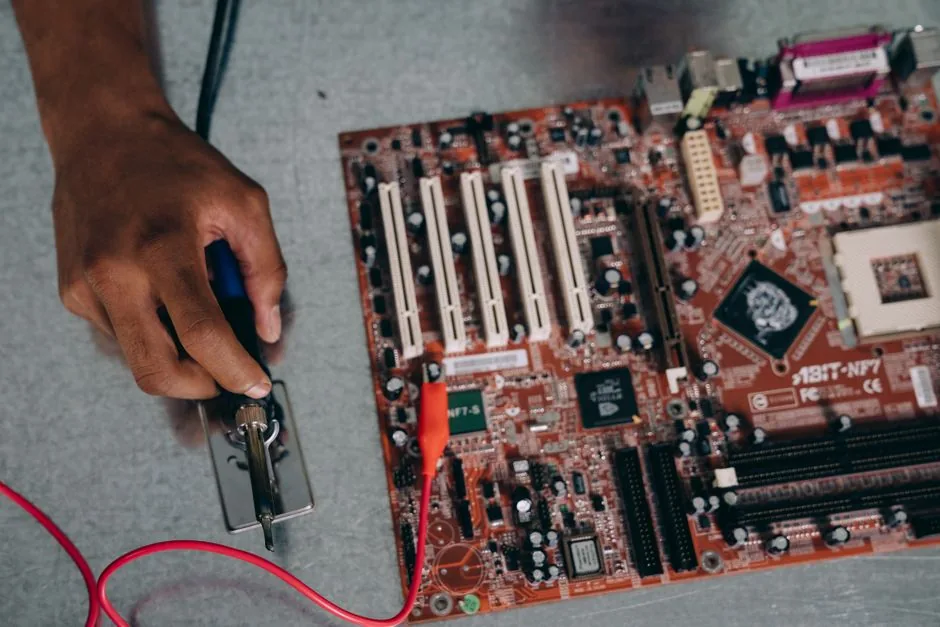
A few specific needs can move your budget up or down. If you run many M.2 drives or lots of USB devices, you may need a board with more slots and ports than the entry tier offers, nudging you toward $200. If you plan to heavily overclock a top-tier CPU, a beefier VRM and better cooling justify spending toward the high end of the range.
Conversely, if you only game and never overlock, there is no scenario where you need to exceed $250. Buying the features you will never attach is how budgets quietly inflate, so make the checklist of ports and slots first, then let the price settle where the checklist ends.
Avoid These Budget Traps
The biggest trap is overpaying for a chipset you do not need. Flagship X870E and Z890 boards are excellent, but their extras sit unused in a gaming rig, and that money is always better routed to the GPU. The second trap is the opposite, a bargain board with a weak VRM that throttles a hot chip and costs you the very performance you were trying to buy.
The third trap is forgetting the power supply, which matters far more for stability than almost any motherboard upgrade. A quality unit is cheap insurance for the whole system, and our best power supply for gaming pc guide will help you pick one that lets the board and CPU run in their ideal range.
FAQ
How much should I spend on a motherboard?
Between $150 and $250 for the vast majority of builds. It is enough for a solid VRM, fast memory support, and the ports you need without paying for unused enthusiast features.
Is a $300 motherboard worth it?
Only if you need USB4, many M.2 slots, or plan serious overclocking. For pure gaming, a $300 board delivers no meaningful frame-rate advantage over a $200 one.
What happens if I buy a motherboard that is too cheap?
A board with a weak VRM below about $130 can throttle a hot CPU under sustained load, which costs you performance and shortens the value of the purchase.
Does an expensive motherboard improve performance?
No, not directly. A good motherboard lets your CPU and RAM run at full speed, but beyond that baseline, extra spending does not translate into higher frame rates.
Should the motherboard or GPU get more of my budget?
The GPU should always get more. The motherboard needs only enough to avoid throttling, while every extra dollar on the graphics card turns directly into higher frame rates.
Conclusion
Knowing how much to spend on a motherboard for gaming saves you real money, because the honest answer is less than most people assume. Stick to the $150 to $250 band for a build that runs stable and cool, route any intended overspend toward the GPU, and match the board to your actual ports and slots rather than a spec sheet. When your parts are picked, assemble everything with our best gaming pc build 2026 guide and put the savings where they actually count.