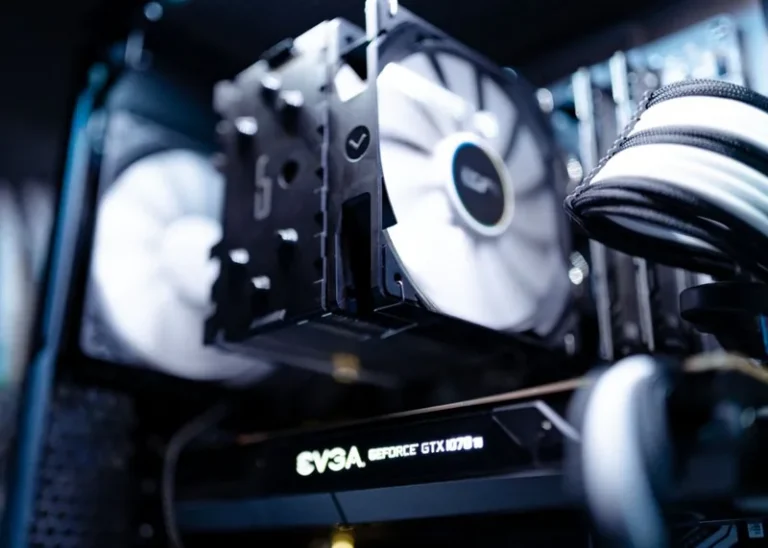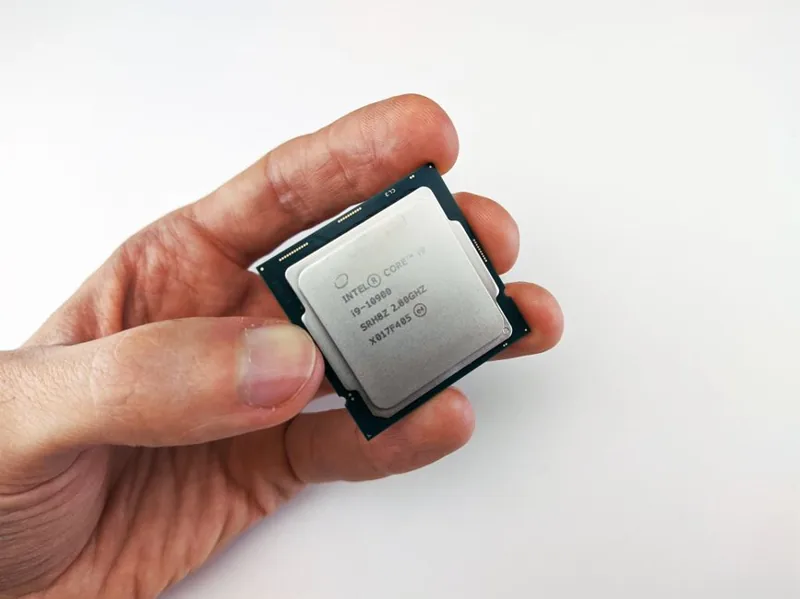
Ryzen 9 9950X3D Build: $2,800 Flagship Parts List + Assembly Guide
The Ryzen 9 9950X3D is the most complete consumer processor AMD has ever shipped, pairing 16 Zen 5 cores with stacked 3D V-Cache to deliver flagship gaming performance and workstation-class productivity in a single chip. This Ryzen 9 9950X3D build is tuned to let that silicon stretch its legs without wasting money on parts that do not move the needle. I have put together a balanced $2,800 parts list, explained every component choice, and included assembly steps and realistic performance expectations so you can build a machine that excels at both gaming and heavy work.
Ryzen 9 9950X3D Build: Why This CPU Is Worth It
The 9950X3D earns its spot at the top because it refuses to compromise. Unlike the purely gaming-focused Ryzen 7 9800X3D, this chip offers two 8-core compute dies, one of which is topped with 3D V-Cache, giving you the elite frame rates of an X3D part and the full 16-core muscle for rendering, compiling, and editing. That hybrid identity makes this Ryzen 9 9950X3D build ideal for the person who games at high refresh rates and also does serious work, rather than someone who only needs one of the two.
Ryzen 9 9950X3D Build: Component List and Cost
Every component below was selected to maximize the chip’s potential while avoiding the runaway spending that often follows flagship CPUs. The motto here is balance: the 9950X3D is power-hungry enough to want strong cooling and a quality board, but you do not need to pair it with the most expensive parts available to get all of its performance.
| Component | Recommended Part | Est. Price (USD) |
|---|---|---|
| CPU | AMD Ryzen 9 9950X3D | $699 |
| GPU | NVIDIA GeForce RTX 5080 (16GB) | $999 |
| Motherboard | X870E ATX (AM5, DDR5) | $349 |
| Memory | 64GB (2x32GB) DDR5-6000 CL30 | $189 |
| Storage | 2TB PCIe Gen4 NVMe SSD | $129 |
| Power Supply | 1000W 80+ Gold, ATX 3.0 | $159 |
| CPU Cooler | 360mm AIO liquid cooler | $129 |
| Case | Full-tower, mesh front, 4 fans | $149 |
| Total | ~$2,802 |
The GPU is the one lever you can flex. Swap the RTX 5080 for an RTX 5090 ($1,999) and you are at roughly $3,800 with genuine 4K native dominance, or drop to an RTX 5070 Ti if gaming is secondary to saving money. For guidance on the card that fits your resolution, see our best GPU for gaming price to performance guide.
CPU Cooling: Why a 360mm AIO Is the Right Call
The 9950X3D draws up to 170W under heavy all-core load, and a 16-core chip generates serious heat that a basic air cooler cannot comfortably tame. A 360mm AIO liquid cooler keeps the processor under its thermal ceiling during long renders and multi-hour gaming sessions, which matters because a thermally limited 9950X3D loses exactly the performance you paid for. If your case cannot fit a 360mm radiator, a top-tier dual-tower air cooler is the minimum acceptable fallback, but liquid is the correct default here.
Memory and PCIe 5.0: Feeding the Flagship
On a Ryzen 9 9950X3D build, memory configuration matters at both ends. I recommend 64GB of DDR5-6000 CL30 because it keeps the Infinity Fabric at a 1:1 ratio for gaming while the extra capacity feeds the large video-editing and 3D workloads this CPU attracts. A single 2TB Gen4 NVMe drive is the sensible storage call, with room to add a PCIe 5.0 drive later as prices settle. If you need more specifics on the memory or storage math, our how much RAM for a gaming PC and best NVMe SSD for gaming guides break both down thoroughly.
Step-by-Step Assembly Guide
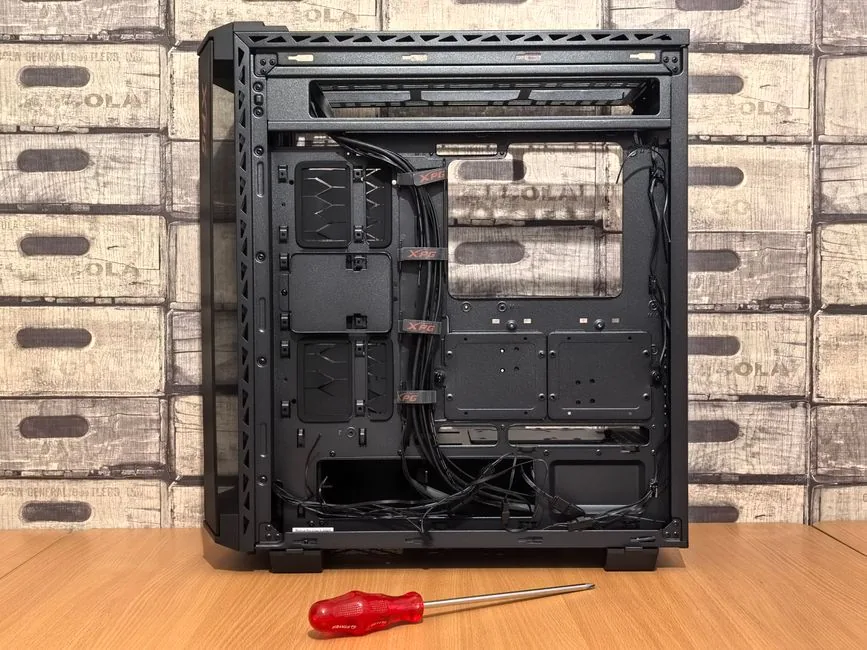
Building this system is straightforward if you follow a careful order. First, mount the CPU into the AM5 socket and lock the retention arm, then install the AIO’s bracket before lowering the board into place. With the board still loose, add the memory and the M.2 drive, then secure it in the case and route the front-panel, fan, and pump cables. Install the power supply, connect the 24-pin and dual 8-pin EPS power, then slot the GPU last and attach its power cable. Power on, enable EXPO for the memory and PBO if desired in BIOS, and install your operating system. Our best gaming PC build 2026 guide expands these steps into a longer walkthrough if you want extra detail before starting.
Expected Performance: Gaming and Productivity
With this exact Ryzen 9 9950X3D build, expect 150 to 220 fps in competitive esports titles at 1440p, and 90 to 130 fps in demanding single-player games at 1440p ultra. At 4K with DLSS, most titles clear 100 fps comfortably. On the productivity side, the 16 cores cut render and compile times dramatically versus any 8-core chip, earning the price premium for creators who value clock time. Independent benchmarking from Tom’s Hardware and AMD’s product page offers per-game and per-application charts if you want to verify the numbers.
Power Supply and Upgrade Headroom
The 1000W 80+ Gold unit is not overkill for a Ryzen 9 9950X3D build, it is insurance. With the 5080’s 360W draw plus the CPU’s spikes, a 850W unit would technically work but offers little margin for a future GPU upgrade, and transient power spikes from high-end cards are best absorbed by a unit with comfortable headroom. An ATX 3.0-rated supply is worth insisting on, since it is designed for the sudden power demands of modern graphics cards. Our best power supply for gaming PC guide lists specific units worth buying.
Upgrade Path and Longevity
Because AM5 is an active platform and the X870E board offers PCIe 5.0 throughout, this Ryzen 9 9950X3D build is a five-year-plus machine that only needs a GPU refresh to stay at the top. The 64GB of RAM is already future-proof for years, the power supply supports the next generation of cards, and the board will accept future AM5 X3D chips if you ever want to move within the platform. In short, you are building a foundation that upgrades cheaply rather than a system that needs a full rebuild down the road.
Common Mistakes to Avoid
A few errors routinely trip up first-time flagship builders. Forgetting to flash the motherboard BIOS before installing a 9950X3D can leave you with a no-POST board, so confirm 9000-series X3D support or use BIOS flashback first. Skipping EXPO silently costs you several percent of gaming performance, and underspending on cooling will cause thermal throttling that negates the entire point of a $699 CPU. Finally, without proper standoffs and cable management, a flagship build can become a short-circuit or airflow disaster, so take your time and keep cables clear of the GPU and ram.
FAQ
How much does a Ryzen 9 9950X3D build cost?
A balanced build like the one above costs around $2,800, ranging from about $2,400 with a mid-range GPU to $4,000 or more with an RTX 5090 and premium extras.
Is the Ryzen 9 9950X3D worth it over the 9800X3D?
Only if you need the full 16 cores for work. For pure gaming, the 9800X3D delivers nearly identical frame rates for less money, but the 9950X3D is the right chip when you also render, compile, or edit regularly.
Does the 9950X3D need liquid cooling?
Yes, a 360mm AIO is strongly recommended. The 16-core chip runs hot under all-core load, and liquid cooling keeps it boosting while a budget air cooler would throttle it.
What motherboard should I use in this build?
An X870E board is the right default, providing the best power delivery for the 9950X3D plus PCIe 5.0 support, though a quality B650E board can save money if you do not need the extra connectivity.
Final Verdict
This Ryzen 9 9950X3D build is the rare flagship system that actually earns its price, because it does not ask you to choose between gaming and work. By concentrating the budget on the CPU, GPU, cooling, and memory, and saving everywhere it does not hurt, you end up with a machine that tops the frame-rate charts while chewing through renders, and upgrades cheaply for years to come. If you want the complete package in a single tower, this is the build to copy.