Best Cooler for Ryzen 7 9800X3D: Top Air and AIO Picks for 2026
The Ryzen 7 9800X3D is one of the best gaming CPUs ever made, but its 3D V-Cache design adds a caveat people overlook: the extra silicon layer on top of the compute die slightly changes how heat escapes the package. The good news is that you don’t need a $300 liquid cooler to keep it happy. The best cooler for ryzen 7 9800x3d is a well-matched unit that keeps the chip out of thermal throttling during long sessions while staying quiet — and in most cases that means a quality dual-tower air cooler or a 280–360mm all-in-one liquid cooler, depending on your case and how hard you push all-core workloads.
What the 9800X3D Actually Needs
Let’s ground this in numbers. Under a heavy all-core load the 9800X3D draws between 120W and 160W depending on setup and Precision Boost Overdrive. In pure gaming it typically sits far lower — often 40W to 70W — because most games don’t stress all eight cores at once. That means the thermal ceiling is modest: AMD rates the chip for a maximum operating temperature of 89°C for the compute die, and you’ll want to stay comfortably under that to preserve boost clocks.
The practical takeaway is that a solid air cooler in the $40 to $60 range will handle gaming loads without breaking a sweat, while a 240mm or larger AIO buys you lower peak temperatures during all-core rendering and a bit more thermal headroom for aggressive PBO tuning. You don’t need a custom loop for this chip, and a single-tower 120mm cooler is the one category I’d avoid unless your case can’t fit anything bigger. For most builders, the best cooler for Ryzen 7 9800X3D ends up being a quiet mid-priced tower or a 240mm AIO — the choice is about fit and noise, not raw performance.
Best Air Coolers
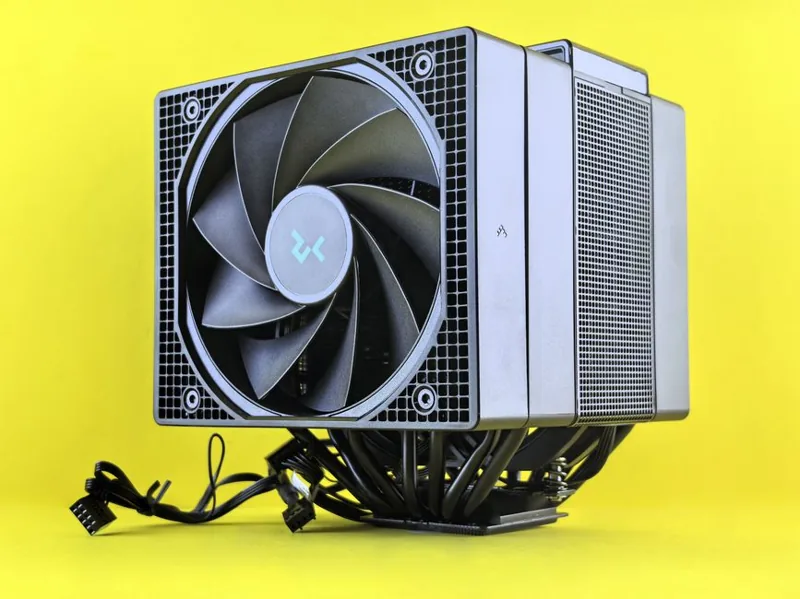
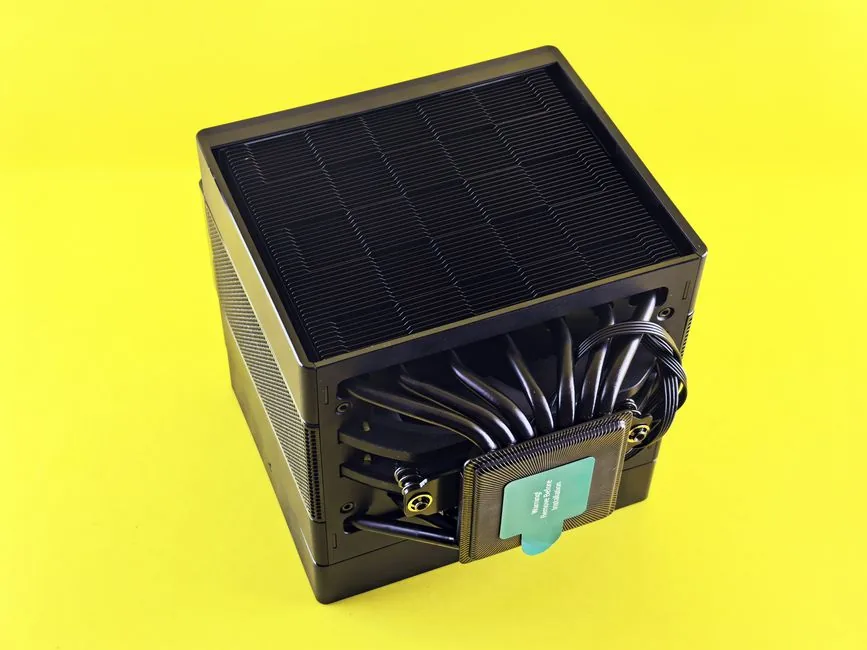
If you want maximum reliability at minimum cost, a thermal-tower air cooler is the smart choice — there’s no pump to fail, no liquid to permeate, and a good one will outlast several CPUs. These are the top performers for the 9800X3D in 2026:
- Thermalright Peerless Assassin 120 SE ($36): Two towers, six heat pipes, and two fans for under forty bucks. It keeps the 9800X3D in the low 80s under all-core load and is genuinely all most gamers need. It’s the default recommendation unless you have a specific reason not to buy it.
- Thermalright Phantom Spirit 120 EVO ($43): An upgraded seven-heat-pipe version of the Peerless Assassin with slightly better peak performance and quieter fans. Worth the extra $7.
- Noctua NH-D15 G2 ($149): The premium option — exceptional build quality, dead-silent operation, and best-in-class compatibility with a seven-year warranty. It’s overkill for cooling this chip, but some people buy it for the acoustics and longevity alone.
- DeepCool AK620 ($59): A clean-looking dual-tower that performs within a couple degrees of the Noctua at a third of the price and includes a quieter fan curve out of the box.
Best AIO Liquid Coolers
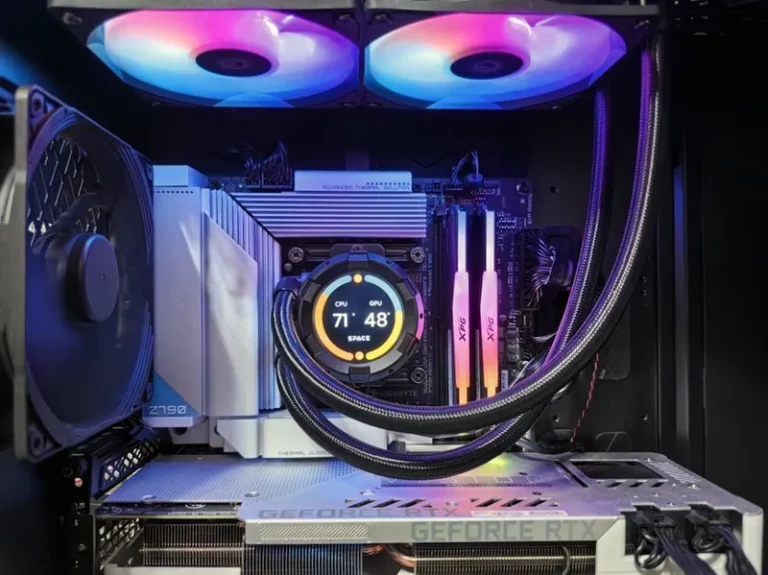
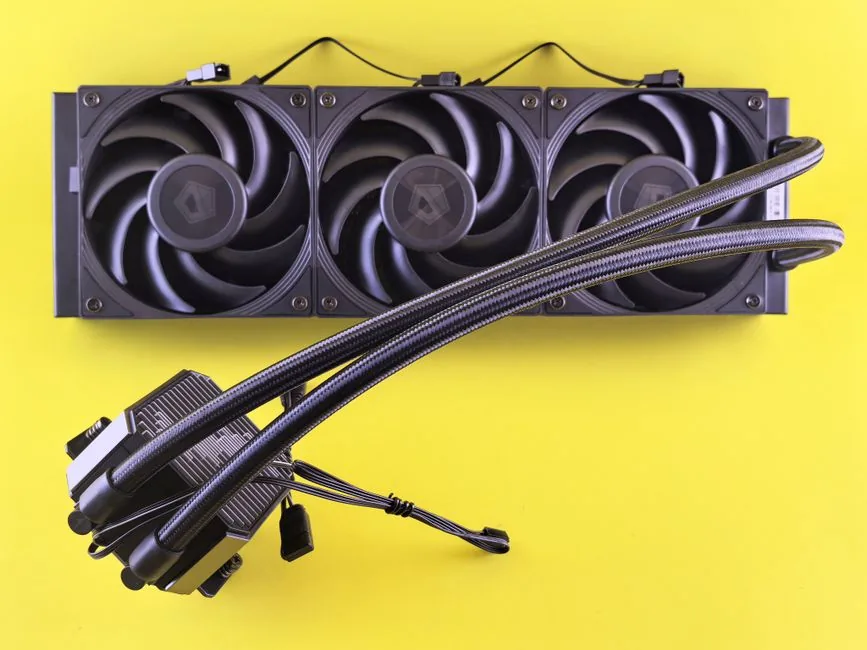
An all-in-one liquid cooler shines when your case has poor top airflow for a tower, you run long CPU-heavy sessions, or you simply prefer the clean look of a block and radiator. The 9800X3D’s modest heat output means a 240mm is already overprovisioned, but a 280–360mm gives you near-silent operation because the fans barely need to spin.
- Arctic Liquid Freezer III 360 ($90): The performance-per-dollar king. A thick 38mm radiator, optional VRM fan, and excellent included fans make it the best AIO value on the market, keeping the 9800X3D in the mid-60s under load.
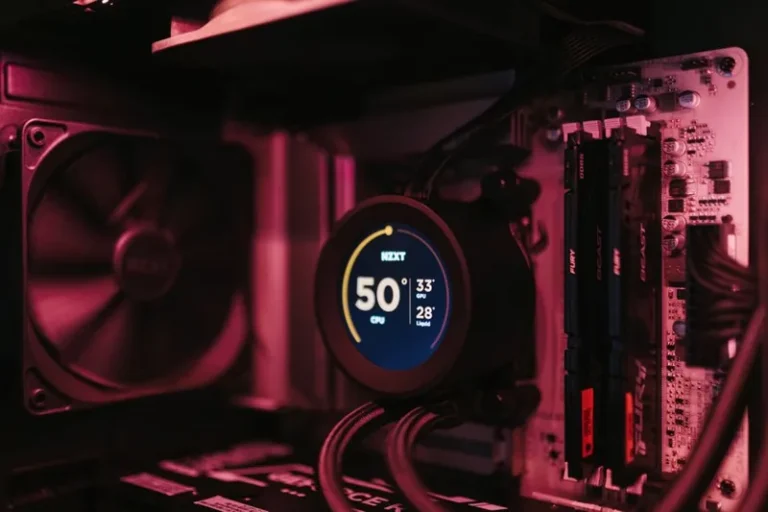
- NZXT Kraken Elite 360 ($279): The one to buy if you want the LCD screen and premium software ecosystem. Cooling is close to the Arctic’s, but you’re paying a premium for the aesthetic.
- Corsair iCUE LINK H150i ($189): Solid cooling with cable-daisy-chain convenience and strong software. A good pick when you want RGB and clean wiring without sacrificing performance.
- Lian Li Galahad II Trinity Performance 360 ($149): One of the best raw thermal performers for a flagship AIO, often matching or beating more expensive units.
Here’s a quick way to compare the leading options at a glance:
| Cooler | Type | Price | 9800X3D Load Temp* | Why Buy |
|---|---|---|---|---|
| Peerless Assassin 120 SE | Air | $36 | ~84°C | Best value, most people need nothing more |
| Phantom Spirit 120 EVO | Air | $43 | ~82°C | Quiet upgrade, seven heat pipes |
| Noctua NH-D15 G2 | Air | $149 | ~80°C | Silence + 7-year warranty |
| Arctic Liquid Freezer III 360 | AIO | $90 | ~66°C | Best AIO value, huge headroom |
| NZXT Kraken Elite 360 | AIO | $279 | ~67°C | LCD screen + premium software |
*Approximate all-core load temperatures on an open test bench; your case airflow will shift these a few degrees.
Best Cooler for Ryzen 7 9800X3D: Air vs AIO
For about 90% of 9800X3D owners, a $40-to-$60 dual-tower air cooler is the right call. It delivers every bit of performance you’ll see in gaming, has zero pump reliability concerns, and can’t leak. The one real argument against air is physical fit: a 155mm-tall tower won’t fit compact or some mid-tower cases, and it can block tall RAM sticks. If you’re in a smaller case or want the aesthetic, a 240–280mm AIO is the better option — just pick one with a warranty of five or more years from Arctic, Corsair, NZXT, or Lian Li, and mount the radiator tubes-down when the pump is in the block.
Whichever route you take, remember the best cooler for Ryzen 7 9800X3D is the one that fits your case and noise tolerance — and don’t forget the case airflow surrounds the cooler. If you’re also shopping for a new platform, our best CPU for gaming 2026 guide matches this chip against the alternatives, and you can see how it pairs with memory over in how much ram for gaming pc.
Installation Tips for the 9800X3D
- Clean the IHS first: Wipe the integrated heat spreader with isopropyl alcohol before mounting. The X3D chips ship with no pre-applied paste on the CPU side.
- Don’t over-tighten: X3D CPUs are more sensitive to uneven mounting pressure than standard chips, so tighten AM5 screws in a star pattern a half-turn at a time until firm, not torqued.
- Mind the offset brackets: Some AIOs (notably Noctua and Arctic) ship AM5 offset mounts that shift the cold plate toward the CCD/chiplet area for a few degrees of improvement — use them if included.
- Fan curves, not max speed: Set fans to ramp off CPU temperature gently. Racing to 100% at 70°C just adds noise; you want sustained, gradually increasing airflow.
FAQ
Is the 9800X3D hard to cool, and how do you find the best cooler for Ryzen 7 9800X3D?
Not at all. It draws far less power than Intel’s flagship chips, so even a $40 air cooler handles gaming easily. The 3D V-Cache adds a small thermal penalty versus a standard Zen 5 chip, but nothing that requires exotic cooling.
Is a 360mm AIO overkill for the 9800X3D?
For gaming, yes — a 240mm is already plenty. But a 360mm runs quieter at the same temperature, which is why many people choose it. It’s a comfort purchase, not a necessity.
What temperature should the 9800X3D run at?
Under gaming load, expect 55–75°C depending on cooler and ambient. Under all-core stress, anything under 85°C is healthy, and 89°C is the point where the chip begins limiting boost clocks.
Can I reuse my AM4 cooler on the 9800X3D?
Only if it has an AM5-compatible mount. AM4 coolers that use the stock AMD backplate clip onto AM5’s identical socket retention, so many older coolers work with no new bracket — check the manufacturer’s compatibility list.
Does the 9800X3D need a special mounting kit?
No special kit, but if your cooler offers an AM5 offset mounting bracket for the chiplet area, use it — it typically drops a couple of degrees for free.
Conclusion
The best cooler for ryzen 7 9800x3d for most people is a $36-to-$60 dual-tower air cooler like the Thermalright Peerless Assassin 120 SE or Phantom Spirit 120 EVO — it keeps the chip cool, is dead silent, and can’t fail. Step up to an Arctic Liquid Freezer III 360 if your case is tight, you want lower all-core temps for rendering, or you simply prefer the look. Skip the $300 flagships unless the screen and software genuinely matter to you. Pair the cooler with a well-ventilated case, and this CPU will run at full boost year after year. For more component guidance, see our best power supply for gaming pc and best nvme ssd for gaming roundups, and Tom’s Hardware publishes the definitive 9800X3D thermal testing charts if you want deeper data.