Gaming PC Build for VR: The Complete 2026 Parts List and Budget
If you are planning a gaming PC build for VR in 2026, the good news is that the hardware has finally caught up with the dream. Room-scale virtual reality used to demand a flagship GPU and a top-tier CPU just to avoid motion sickness, but today a well-chosen mid-range rig can drive a Meta Quest 3 or a wired PC headset smoothly. A VR headset renders a separate high-resolution image to each eye, often at 90 Hz or 120 Hz, so your system effectively has to push roughly twice the pixels of a flat monitor while keeping frame times rock steady.
This guide breaks down exactly what a VR-ready machine needs in 2026, which parts matter most, and how much you should realistically spend. We will cover CPU, GPU, RAM, storage, and a full parts list with current prices so you can build with confidence instead of guessing.
What a VR-Ready Gaming PC Actually Needs
VR is more demanding than flat-screen gaming in three specific ways, and each one shapes your component choices.
High Resolution Across Two Displays
A Quest 3 drives a combined resolution of roughly 4.5K across both eyes, and a Valve Index or PlayStation VR2 on the PC adapter is not far behind. Your GPU has to render two viewpoints every frame, which is why raw raster performance matters more than ray tracing for VR.
Consistent High Frame Rates
Dropped frames in VR feel worse than on a monitor because the world stutters around you and can trigger nausea. Most headsets target 90 Hz, and higher-end headsets push 120 Hz, so you want a GPU and CPU that can hold that frame rate without wild swings.
Low Motion-to-Photon Latency
Latency between moving your head and seeing the result is what makes VR feel real or sickening. Modern GPUs and drivers handle much of this, but a fast CPU with strong single-core performance still helps keep frame times stable.
Recommended Gaming PC Build for VR in 2026
Below is a balanced build that hits the sweet spot between price and performance. It comfortably handles a Quest 3 over Link or Air Link at high settings and can drive wired headsets at their native refresh rates.
CPU: AMD Ryzen 7 9800X3D
The Ryzen 7 9800X3D remains one of the best gaming CPUs on the market thanks to its 3D V-Cache, which dramatically improves frame pacing in simulation-heavy VR titles. Its single-core speed keeps latency low, and the eight cores are more than enough for the games and streaming apps you will run alongside your headset.
GPU: NVIDIA GeForce RTX 5070 Ti or AMD Radeon RX 9070 XT
For a gaming PC build for VR, the GPU is the single most important part. The RTX 5070 Ti offers excellent raster performance and strong driver support for headsets, while the RX 9070 XT delivers comparable frames at a slightly lower price if you are happy to skip heavy ray tracing. Both comfortably exceed the minimum specs for every mainstream headset in 2026. If you want a second opinion before buying, NVIDIA’s GeForce VR hub explains how drivers and headsets interact, and Tom’s Hardware publishes regular VR GPU roundups worth checking.
RAM and Storage
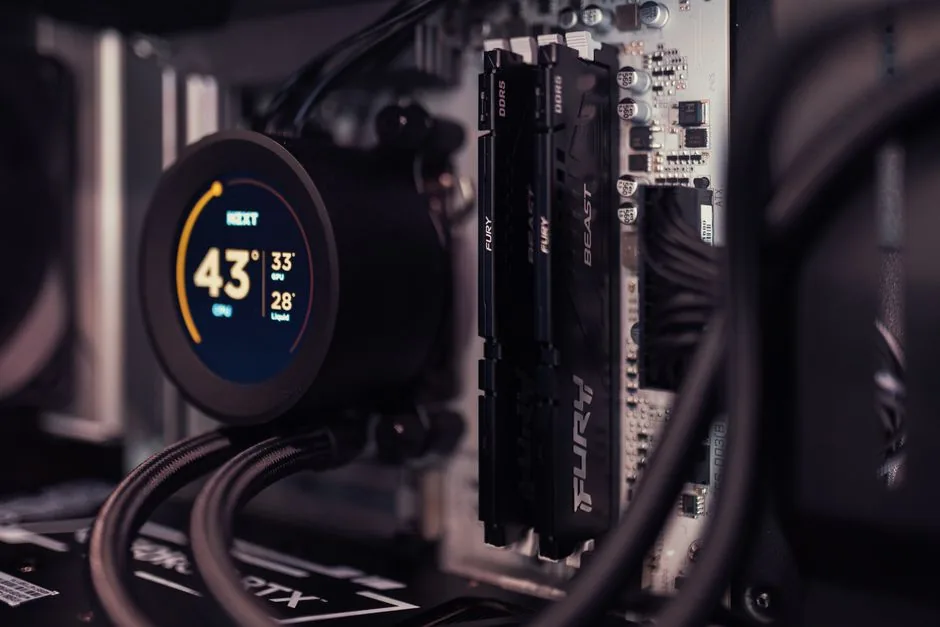
VR games and their launchers are memory-hungry, so 32 GB of DDR5-6000 is the sweet spot. For storage, a 2 TB NVMe SSD ensures fast load times and enough room for the large texture packs that VR titles increasingly ship with.
The Parts List and Budget Breakdown
Here is a complete gaming PC build for VR with realistic late-2026 prices.
| Component | Recommended Part | Estimated Price (USD) |
|---|---|---|
| CPU | AMD Ryzen 7 9800X3D | $449 |
| GPU | NVIDIA RTX 5070 Ti 16 GB | $749 |
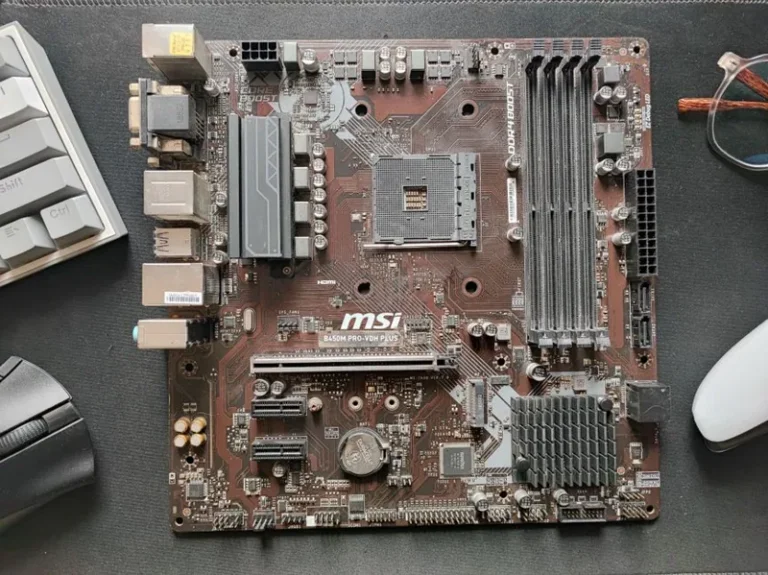
| Motherboard | B650E ATX (AM5) | $189 |
| RAM | 32 GB (2×16) DDR5-6000 | $99 |
| Storage | 2 TB PCIe 4.0 NVMe SSD | $129 |
| Power Supply | 850 W 80+ Gold | $119 |
| Case | Mid-tower ATX with good airflow | $99 |
| CPU Cooler | 240 mm AIO liquid cooler | $109 |
| Total | $1,942 |
You can trim this to around $1,400 by dropping to an RTX 5070 or RX 9070 and a Ryzen 5 9600X, and you will still enjoy a very solid VR experience at 90 Hz on most headsets.
Why the GPU Is the Most Important Choice
Unlike flat gaming, where a CPU bottleneck might simply cap your maximum frame rate, a GPU bottleneck in VR produces stutter that can ruin the experience. Because VR renders two high-resolution views, the GPU is often working twice as hard as it would on a standard monitor at the same resolution.
Minimum, Recommended, and Enthusiast Tiers
A minimum VR machine starts with something like an RTX 5060 Ti or RX 9060 XT and will handle most Quest 3 games at medium settings. The recommended tier, shown above, is where you want to be for a smooth experience. Enthusiasts who use a Bigscreen Beyond or a high-end wired headset may want an RTX 5080 for extra headroom, though it is not strictly necessary for most people.
Recommended VR Headsets to Pair With Your Build
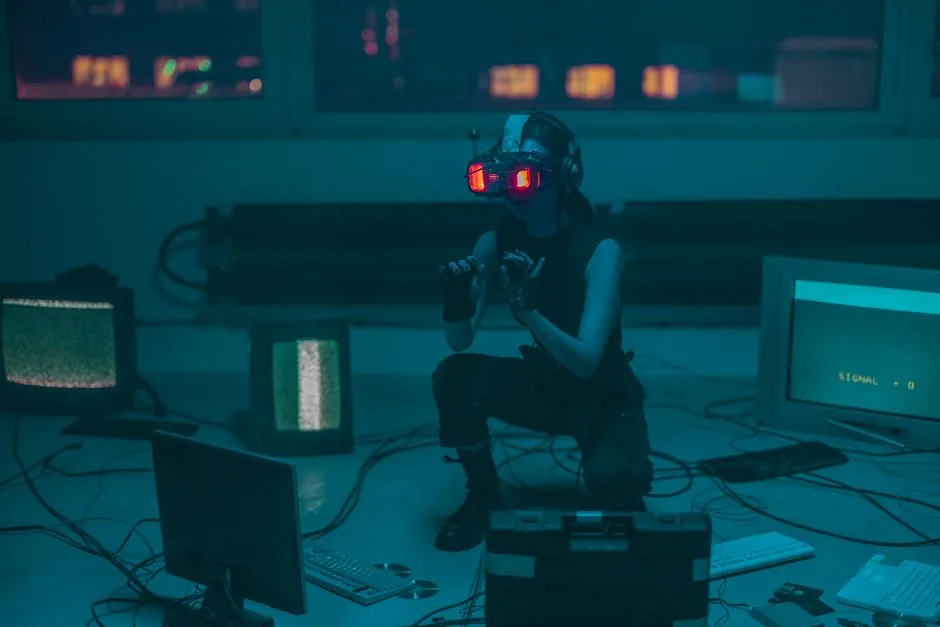
Your PC is only half the equation. Here are the headsets that pair best with a 2026 VR build.
Meta Quest 3 and Quest 3S
The Quest 3 is the most popular choice because it works standalone and over a wired or wireless PC link. Its mixed-reality features and large software library make it the best all-rounder for a first VR PC.
Valve Index and PlayStation VR2 (PC)
For wired enthusiasts, the Valve Index still offers excellent tracking and high refresh rates, while the PlayStation VR2 with the PC adapter delivers stunning OLED visuals. Both need a display cable connection, so keep that in mind when planning your desk setup.
Tips for the Best VR Experience
A few practical steps make a bigger difference than any single component upgrade. Keep your play area clear of obstacles, mount any wireless router close to your play space if you use Air Link, and update your GPU drivers before every major VR session. Close background apps that poll the network, since a stray download can cause micro-stutters in a wireless stream.
Common VR Build Mistakes to Avoid
Building for VR comes with a few traps that first-timers routinely fall into, and avoiding them saves both money and frustration.
Skimping on the Power Supply
VR sessions push both the CPU and GPU hard for long stretches, and transient power spikes from a modern GPU can crash a system with an undersized or low-quality unit. Stick with a reputable 750 W to 850 W 80+ Gold power supply and give your VR build enough headroom for future upgrades.
Ignoring USB and Port Setup
Many wired headsets and inside-out tracking systems depend on fast, reliable USB ports. If your motherboard lacks enough high-speed USB 3.2 ports, factor in a powered PCIe USB card rather than discovering the problem after your headset refuses to connect.
Forgetting About Heat and Noise
A VR rig that runs hot will throttle and stutter at exactly the wrong moment. A mesh-front case with two or three intake fans keeps a 5070 Ti cool and quiet, which matters even more when you are wearing a headset and cannot see a temperature overlay.
The bottom line is that a gaming PC build for VR is only as good as its weakest supporting part, so spend on a quality power supply and cooling before chasing a more expensive GPU.
FAQ
Is a gaming PC build for VR more expensive than a regular gaming PC?
Slightly, because you want a stronger GPU than a typical 1080p build. A mid-range VR rig lands around $1,400 to $1,900, versus roughly $900 to $1,100 for a solid 1080p machine. The gap shrinks every generation as entry-level GPUs get more capable.
Can I use an older GPU for VR?
It depends on the headset. A GTX 1660 Super can technically run a Quest 3, but you will have to lower resolution and refresh rate significantly. For a comfortable experience in 2026, aim for at least an RTX 5060 Ti or RX 9060 XT.
Do I need a special CPU for VR?
Not special, but strong single-core performance helps. The Ryzen 7 9800X3D or Intel Core Ultra 7 265K are both excellent, and even a Ryzen 5 9600X is enough for most VR games if you are on a budget.
Is wireless VR worth it, or should I go wired?
Wireless PC VR over a good Wi-Fi 6E router is now genuinely excellent and is the most convenient option for Quest owners. Wired remains the lowest-latency choice for competitive or fast-moving games, so a dedicated display cable is still worth having.
Conclusion
A gaming PC build for VR in 2026 is more affordable and more forgiving than it has ever been. Spend the bulk of your budget on the GPU, pair it with a Ryzen 7 9800X3D and 32 GB of RAM, and you will have a machine that handles everything from room-scale rhythm games to demanding flight simulators. If you are still weighing your options, take a look at our guide to how much it costs to build a gaming PC and our picks for the best graphics card for gaming in 2026 before you commit to a parts list.