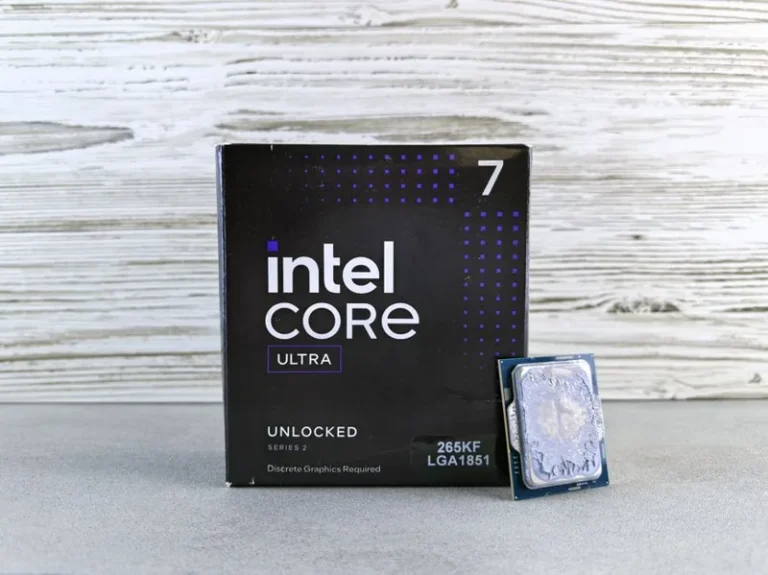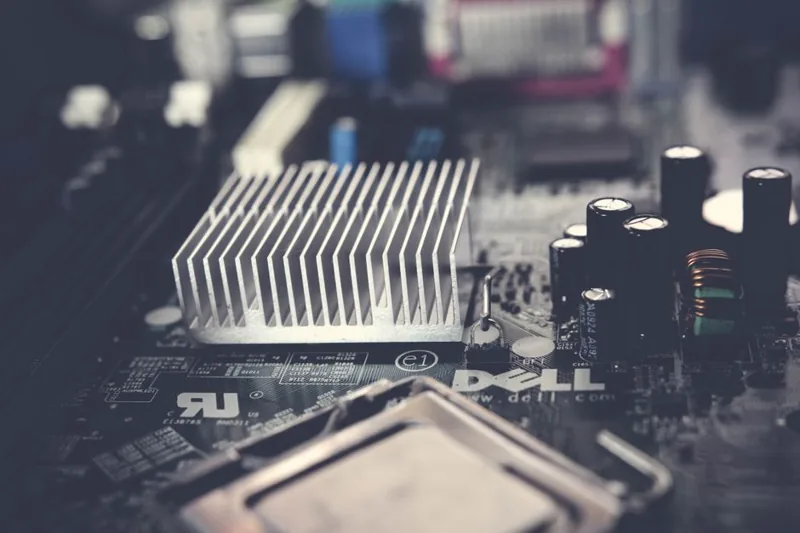
CPU Thermal Throttling Fix: Stop Your Processor Slowing Down
If your frame rates suddenly crater mid-game or your render times double after the first minute, the most likely culprit is thermal throttling. A proper cpu thermal throttling fix is not about buying a bigger cooler on impulse — it is about finding why your processor is hitting its temperature limit and addressing that specific cause. Fix the root issue and the performance comes back without spending a dime in the best cases.
When a modern CPU gets too hot, usually around 90 to 100 degrees Celsius, it deliberately reduces its clock speed to protect itself. The result is a processor that benchmarks fine for a few seconds, then drops to a fraction of its rated speed. In this guide we diagnose the cause and walk through every fix, from a $10 re-paste to a full cooling rethink. For the paste side of the equation, our how to apply thermal paste walkthrough is the companion you will want open.
The Most Common CPU Thermal Throttling Fix in Order of Impact
Different causes need different fixes. Here is the full stack, ordered roughly by how often each one solves the problem.
| Probable Cause | Symptom | CPU Thermal Throttling Fix | Approx. Cost |
|---|---|---|---|
| Dried or misapplied thermal paste | High idle temps, spikes under any load | Clean and re-apply quality paste | $10–$15 |
| Dust-clogged cooler | Temps creep up over months | Blow out fins and fans | Free |
| Poor case airflow | Temps drop when side panel is off | Add intake fans, fix airflow path | $15–$40 |
| Undersized stock cooler | Throttles under sustained load | Upgrade to tower or AIO cooler | $35–$150 |
| Too-aggressive BIOS defaults | CPU draws far more than needed | Curves, power limits, undervolt | Free |
| Incorrect mounting pressure | One or two cores far hotter | Remount cooler evenly | Free |
How to Diagnose Thermal Throttling Accurately
Before you spend anything, confirm throttling is actually happening. Open a monitoring tool such as HWiNFO64 or Core Temp and run a sustained load like Cinebench. Watch two numbers: the package temperature and the reported clock speed. If the temperature pins near your CPU’s limit and the clock speed visibly drops from its boost figure, you have confirmed throttling. A single hot core while the others stay cool usually points to an uneven cooler mount rather than a cooling-capacity problem.
The tools matter because “feeling slower” is not a diagnosis. A game stutter can come from a GPU, RAM, or game engine issue just as easily. Confirming the temperature ceiling first keeps you from buying hardware that will not help. If you want a repeatable test setup, the sustained-load stress-testing methodology at Tom’s Hardware is a solid reference to follow.
Re-Paste and Remount: The Cheapest Fix First
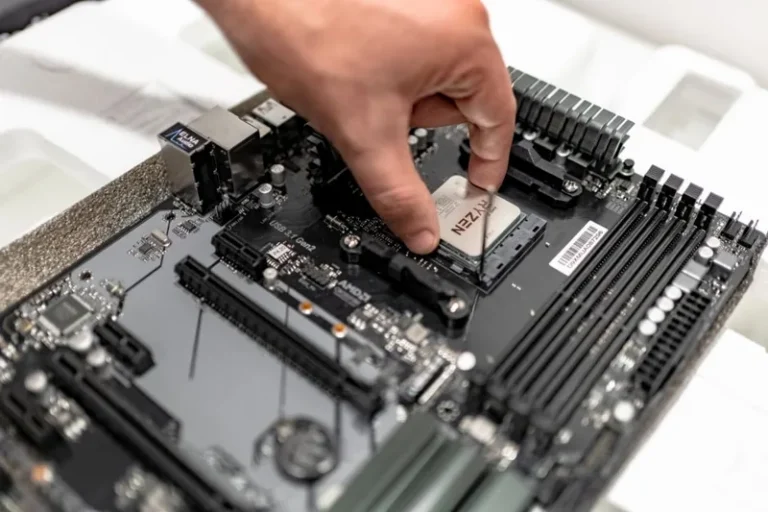
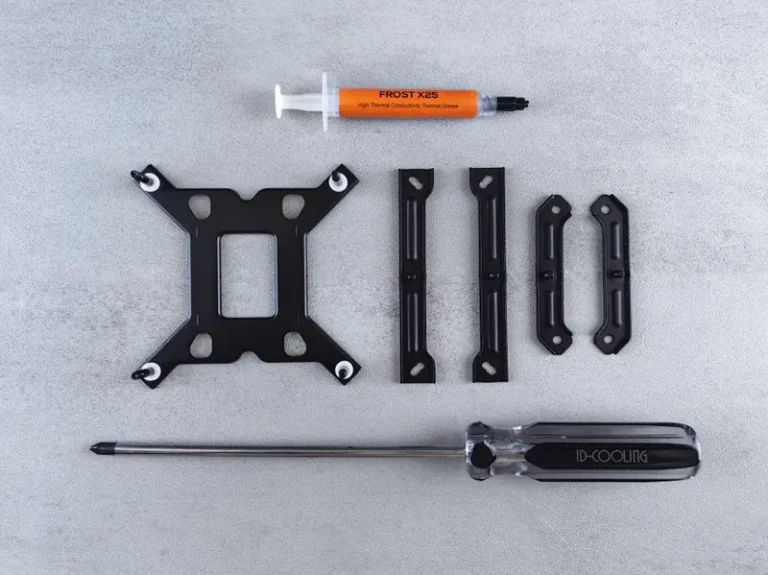
The most common cpu thermal throttling fix on a PC that used to run fine is old or badly spread thermal paste. Paste dries out over a couple of years, and every removal breaks the seal, so a cooler that was once fine gradually stops transferring heat. The fix is to clean both the cooler base and the CPU heat spreader with isopropyl alcohol, then apply a fresh pea-sized amount of a quality compound from our best thermal paste list, and remount with even pressure.
Tighten in an X pattern, a little at a time, so the cooler sits flat. An uneven mount creates a hot spot on one or two cores, which trips throttling even when the average temperature looks acceptable. This step alone fixes a surprising number of throttling complaints.
Clean the Cooler and Fix Case Airflow
Dust is the silent performance killer. Fine dust packs into heatsink fins and radiator fins, blocking the very airflow they are designed to pass. Blow the fins out with compressed air, and while the case is open, clean the dust filters. Many throttling issues trace back to a case intake that has quietly become a solid wall of lint.
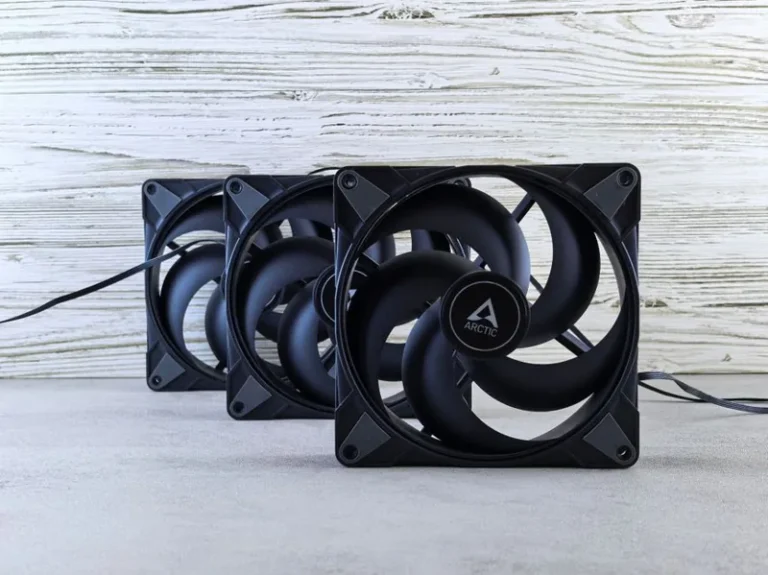
After cleaning, test with the side panel off. If temperatures drop by ten degrees or more with the panel removed, your case is not feeding the cooler enough fresh air. Adding one or two front intake fans and making sure hot air has a clear rear or top exhaust is often the difference between a chip that throttles and one that holds boost.
Upgrade the Cooler: Air vs AIO for Sustained Load
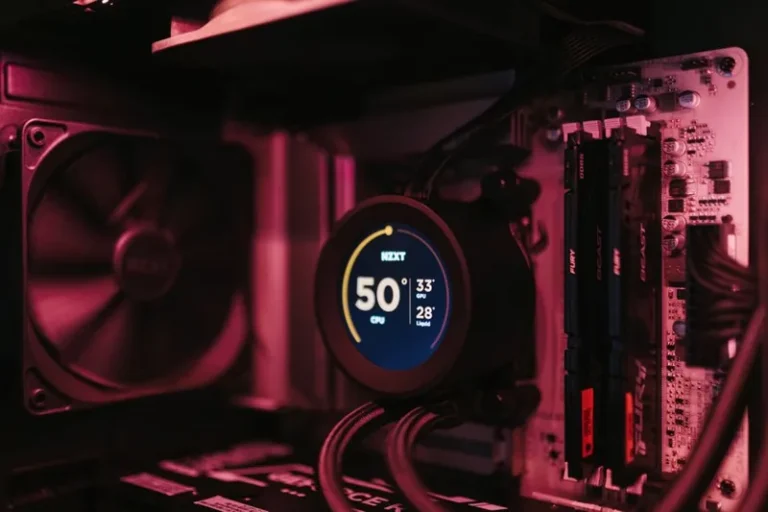
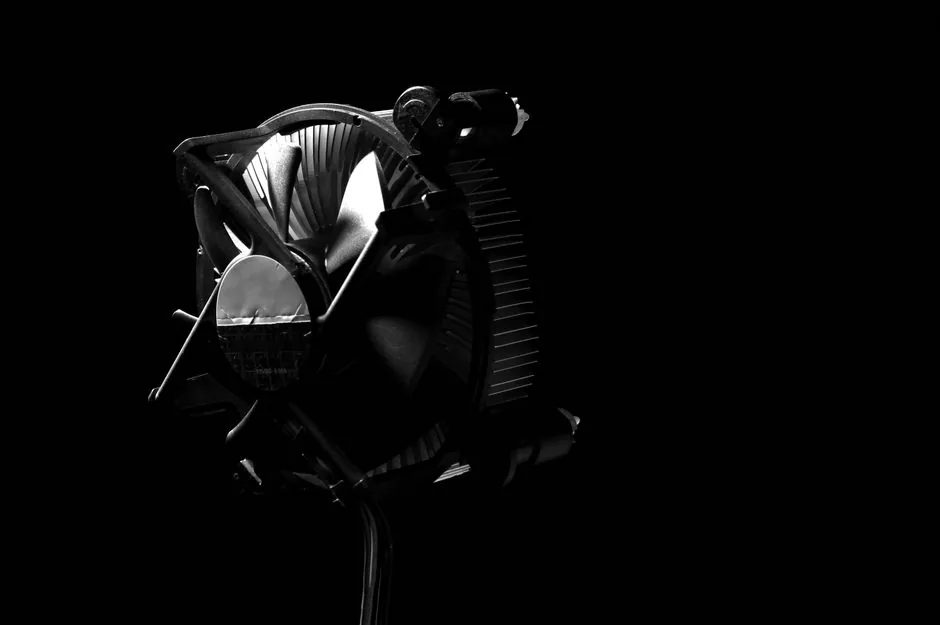
If you are running a stock cooler or a small tower, the fix may simply be more surface area. A decent dual-tower air cooler in the $40 to $70 range tames almost any gaming CPU, while a 240mm or 360mm AIO liquid cooler adds more headroom for long rendering sessions and heavy 12-core and 16-core parts. For the chips that run hottest, consult our best cpu cooler 2026 recommendations before buying.
Match the cooler to your workload. A big air cooler is quieter and more reliable than a cheap AIO at the same price, while a quality 360mm AIO wins when you need maximum sustained heat removal. Either one is a dramatic step up from whatever Intel and AMD ship in the box.
BIOS Tweaks: Power Limits, Curves, and Undervolting
Modern motherboards often let the CPU pull far more power than it needs to hit its boost clock, which turns a modest CPU into a space heater. Setting a sensible power limit in BIOS often cuts temperatures by 10 to 20 degrees with no measurable gaming loss. A custom fan curve that ramps earlier and more aggressively costs a little noise but keeps temperatures off the ceiling.
The highest-leverage software-side cpu thermal throttling fix is undervolting: reducing the voltage while keeping the clocks high. Most CPUs have a little free headroom, and dropping 50 to 100 millivolts can shave several degrees. Paired with a good cooler, this is how enthusiasts get a flagship chip to run flat-out and stay cool. Just test stability carefully, since an overly aggressive undervolt causes crashes under load.
Upgrade Paths After You Fix Throttling
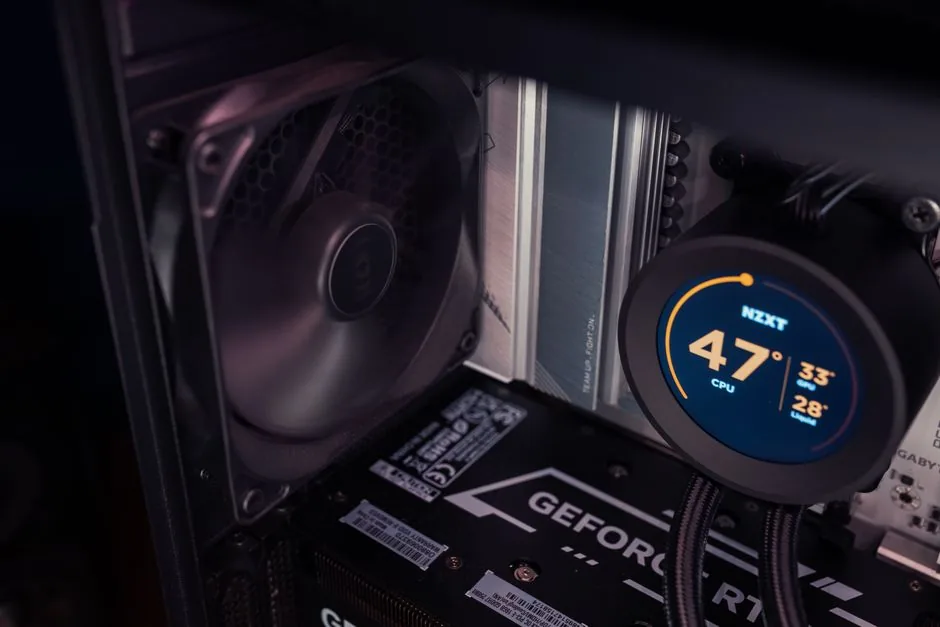
Once your CPU holds its boost clock, the next question is whether it is still the right chip. If the fix revealed that your processor is simply outmatched by modern games, our best cpu for gaming 2026 guide maps the current lineup, and the when to upgrade your graphics card guide covers the other half of the equation. A cool, stable CPU is the foundation for every other upgrade, so get the cooling right first.
FAQ
What temperature causes CPU thermal throttling?
Most modern CPUs begin throttling near 90 to 100 degrees Celsius. AMD and Intel chips have slightly different limits, but once you see temperatures in that range under load, the CPU is actively reducing its clocks to protect itself.
Does thermal throttling permanently damage a CPU?
No. Throttling is a protective mechanism that prevents damage. Sustained high temperatures can shorten the silicon’s life over many years, but a throttling chip is protecting itself, not breaking.
Can a CPU cooler be too tight?
Yes. Over-tightening or unevenly tightening a cooler can bend the board or warp the pressure distribution, creating hot spots. Tighten in an X pattern with firm but even pressure rather than cranking down hard.
Is it worth undervolting my CPU?
For most users, yes. A modest undervolt reduces temperatures with little or no performance loss, and it is a free way to reduce throttling once your cooling is already sorted. Test stability carefully after any change.
How long does thermal paste last?
A quality paste typically lasts four years or more, though high-heat systems may need a refresh sooner. Replace it if you remove the cooler or notice temperatures creeping up over time.
Conclusion
The right cpu thermal throttling fix starts with diagnosis, not a shopping cart. Confirm the throttling, then work through the causes in order: re-paste and remount, clean and improve airflow, upgrade the cooler if it is undersized, and finally tune power limits or undervolt in BIOS. Most systems respond to the first two steps alone, and every fix here costs less than a new CPU. Once your chip runs cool and holds boost, jump to our best cpu for gaming 2026 guide to see whether it is still the right one for your build.