Best Case Fans 2026: Quiet, High-Airflow Picks for Your PC
Case fans are the unglamorous workhorses of any build, but they determine whether your PC stays cool under load or slowly throttles into a noisy mess. The best case fans move a lot of air quietly, last for years, and match your case’s fan mounts and aesthetic. In 2026 the market is dominated by three names — Noctua for silence and longevity, Arctic for unbeatable value, and Lian Li for RGB and daisy-chain convenience. This guide breaks down the top picks, the specs that matter, and how to place them for the best results.
Airflow vs Static Pressure: Pick the Right Fan
Not all fans do the same job. Airflow fans have broad, gently curved blades that move lots of air through open space — ideal for front and top mounts where there is little resistance. Static-pressure fans have tightly packed blades that push air through obstacles, which is what you want against radiators, dust filters, and dense drive cages. Using the wrong type can cost you several degrees and a lot of extra noise, so match the fan to where it sits rather than buying one style for everything.
Bearing Types and Why They Matter
The bearing is the most important spec for longevity and noise, even though it rarely appears on the box. Sleeve bearings are cheap but wear out and get noisy when mounted horizontally. Ball bearings last longer but have a characteristic rumble. Fluid dynamic bearings (FDB) and magnetic levitation (maglev) designs sit between the two — quiet and long-lived — and are what you find in premium fans from Noctua and Corsair. If you want a fan that stays quiet for five years, prioritize a good bearing over a high maximum RPM number.
Noctua NF-A12x25: The Silence King
Noctua’s NF-A12x25 remains the benchmark for acoustic performance in 2026. Its sterrox polymer frame lets the blades sit tighter to the frame, cutting turbulence and producing an astonishingly smooth noise profile. At roughly $33 per fan, they are not cheap, but they carry a six-year warranty and routinely outlast the systems they cool. If quiet operation is your top priority and you have a best power supply for gaming pc that is already silent, Noctua is the natural finish.
Arctic P12: The Value Champion
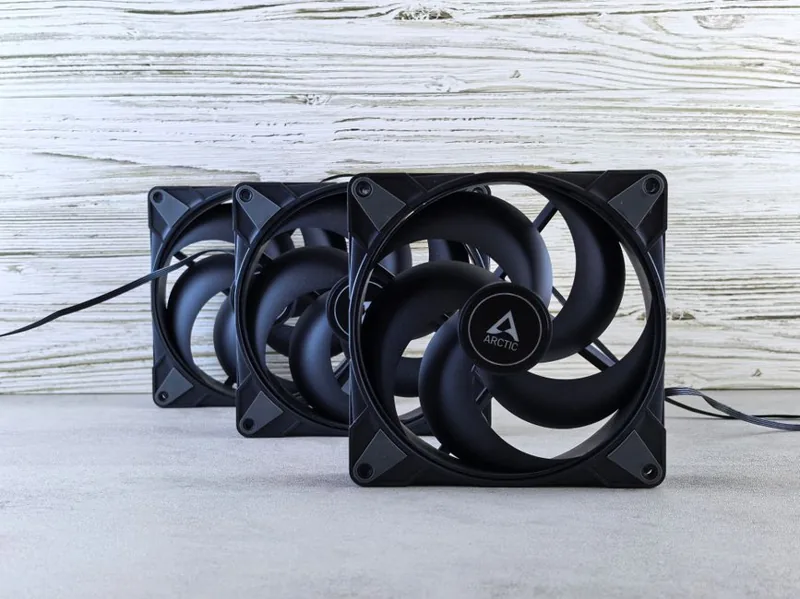
For pure airflow per dollar, nothing beats the Arctic P12 PWM PST. A five-pack costs around $35, and the PST feature lets you daisy-chain them off a single header, which simplifies cable management enormously. They move serious air, stay quiet at moderate speeds, and are the go-to choice for budget and airflow-focused builds. See how they fit into a full best gaming pc build 2026 to get the most out of them.
Lian Li Uni Fans: The RGB Choice
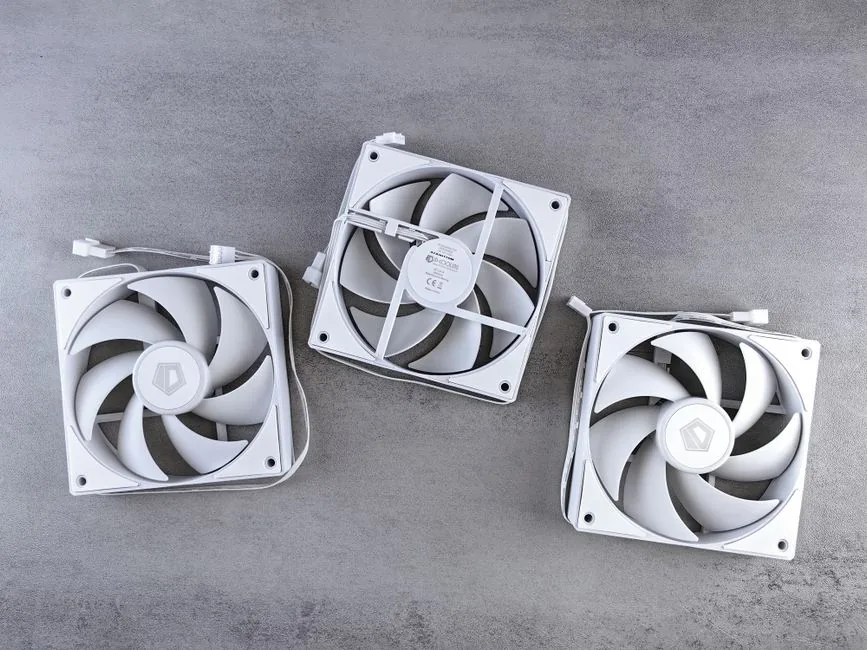
Lian Li’s Uni Fan lineup (the SL-INF and TL series) solved the cable-management nightmare of RGB builds with interlocking fans that snap together and share a single cable. They look spectacular through tempered glass and deliver solid performance, though you pay a premium at roughly $30 per fan plus a controller. If your build leans into lighting, pair them with our RGB setup for gaming pc ideas. Independent acoustic testing at Tom’s Guide consistently rates Lian Li’s fans near the top for appearance without sacrificing airflow.
The Best Case Fans Compared
Here is a quick reference for the top 2026 options.
| Fan | Type | Max Airflow | Noise | Est. Price (USD) |
|---|---|---|---|---|
| Noctua NF-A12x25 | Airflow | 60 CFM | 22.6 dBA | $33 |
| Arctic P12 PWM PST | Airflow | 56 CFM | 24.0 dBA | $8 (in 5-pack) |
| Lian Li Uni SL-INF 120 | RGB | 61 CFM | 28.0 dBA | $30 |
| Noctua NF-F12 | Static Pressure | 55 CFM | 22.4 dBA | $26 |
| Thermaltake TOUGHFAN 12 Pro | Airflow | 70 CFM | 27.0 dBA | $25 |
How Many Fans Does Your PC Need?
Most mid-tower cases perform best with two to three front intakes and one rear exhaust, plus optional top exhaust. More fans does not automatically mean better cooling — balanced intake and exhaust with a slight positive pressure keeps dust out of the case. For hot-running CPUs, prioritize a good best CPU cooler 2026 first, since case fans cannot fix a struggling cooler on their own.
Placement, Pressure, and Cable Management
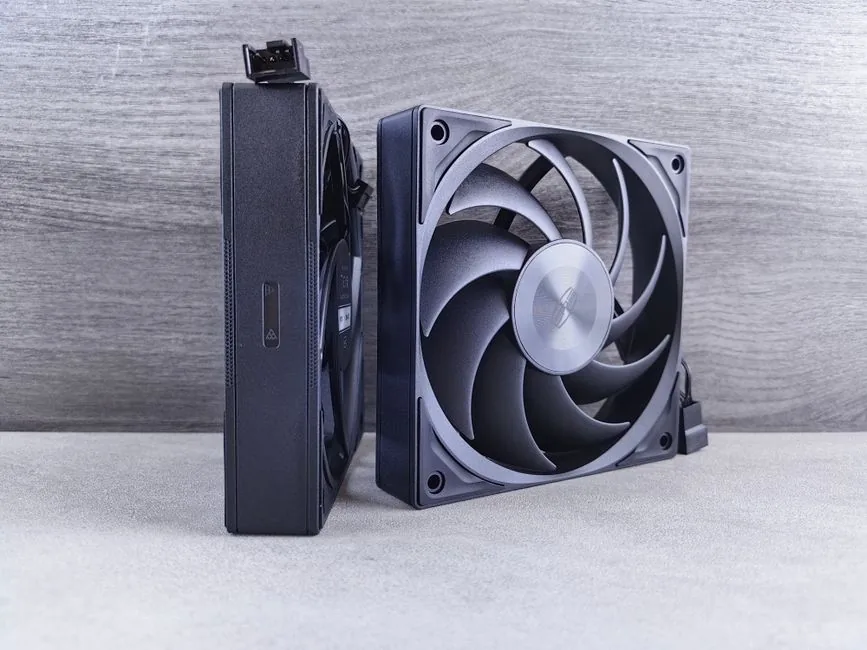
The classic setup is front intake plus rear and top exhaust, which creates a clean front-to-back airflow path. Aim for slightly positive pressure — more intake than exhaust — because it forces air out through filtered openings and keeps dust from creeping in through gaps. When you add fans, take the time to route cables cleanly, since a tangle in front of an intake can choke airflow. Daisy-chainable fans like the Arctic P12 PST and Lian Li Uni Fan make this far easier than wiring a dozen individual headers.
Setting a Fan Curve for Quiet Operation
Even the best case fans are only as good as the curve you give them. The default motherboard curve often ramps fans up too early and too aggressively, which is why so many systems sound like a jet engine while doing nothing. Start by setting a flat, low speed — around 30 to 40 percent — until the CPU hits roughly 50 degrees Celsius, then ramp smoothly to 100 percent by 75 to 80 degrees. This keeps the system nearly silent during browsing and light gaming while still delivering full airflow under sustained load. If you have mixed fans, drive them from a PWM hub or daisy-chain so they share one curve rather than fighting each other. A well-tuned curve often makes budget fans quieter than poorly configured premium ones, so spend a few minutes in BIOS or fan-control software before buying more hardware. Getting the curve right is what makes the best case fans genuinely worth the money over the cheapest no-name options.
Cleaning and Maintaining Your Fans
Case fans quietly accumulate dust, and dust is the enemy of both airflow and bearing life. Every three to six months, power down, open the case, and use compressed air to clear the blades and the intake filters while holding the blades still so they do not spin and damage the bearing. Clean filters are especially important for positive-pressure setups, since they do most of the work keeping dust out of the chassis. If a fan starts rattling, it is usually a worn sleeve bearing or a cable clipping a blade — check the cable first, since it is a free fix. A quick maintenance pass keeps the best case fans running quietly for years and preserves the temperature headroom that protects your CPU and GPU.
Matching Fans to Your Case and Cooler
Before you buy the best case fans for your rig, confirm the mounting sizes and positions your chassis actually supports. Most mid-towers accept three 120mm or two 140mm fans up front, one 120mm in the rear, and two or three on top, but compact cases may only fit a single rear exhaust. Check the manufacturer’s spec sheet rather than guessing, since fan mounts are not universal. If you run an AIO liquid cooler, reserve the best static-pressure fans for the radiator and let airflow fans handle the case. Buying a single extra exhaust fan is often the highest-impact, lowest-cost upgrade you can make to a budget case that shipped with only one intake, and it is where most builders see the biggest temperature drop for the least money.
FAQ
Are expensive case fans worth it?
It depends on your ears. Noctua and Thermaltake premium fans are noticeably quieter at the same airflow, which matters in a room where your PC runs for hours. For pure cooling, Arctic’s budget fans get you 90% of the performance for a fraction of the cost.
Should case fans be 120mm or 140mm?
If your case supports 140mm, use them — larger blades move more air at lower RPM and lower noise. 120mm remains the universal standard and fits far more cases.
How do I control case fan speed?
Plug PWM (4-pin) fans into your motherboard and set a curve in BIOS or software. PWM fans ramp smoothly with temperature, while 3-pin fans only vary by voltage and have coarser control.
Is RGB going to hurt my cooling?
No, the lighting adds negligible heat. RGB fans are just more expensive, so spend on performance first and lighting second if budget is tight.
Conclusion
The best case fans balance airflow, noise, and price for your specific build. Arctic P12s win on value, Noctua NF-A12x25 wins on silence, and Lian Li Uni Fans win on looks. Match fan type to placement, keep intake and exhaust balanced, and your components will stay cool and quiet for years.