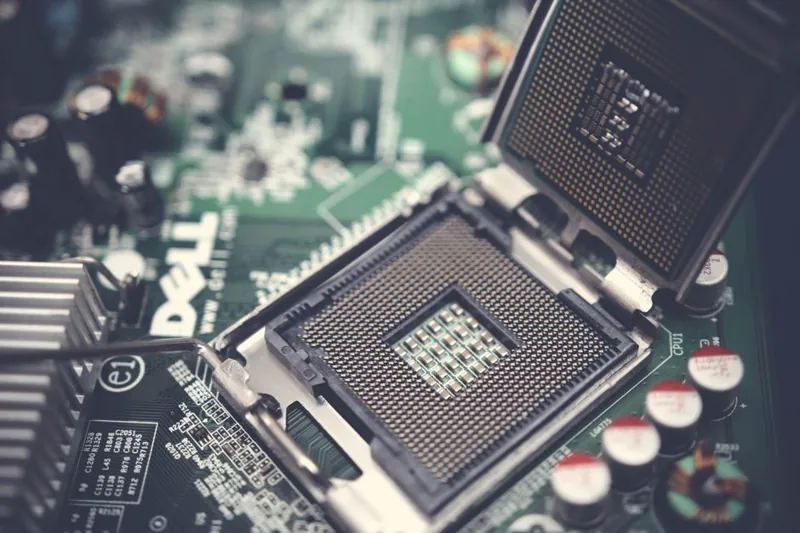
Components Needed to Build a Gaming PC: The Complete Parts Checklist
The list of components needed to build a gaming pc is short — eight core parts — but knowing why each one matters is what separates a balanced build from one that wastes money on a bottleneck. Every part has a job, and every part has a “sweet spot” price where spending more stops earning you meaningfully more performance.
I’ve built dozens of systems, and the most common failure I see isn’t a bad part — it’s a mismatched combination: a $500 CPU choked by an underpowered GPU, or top-tier parts starved by a cheap power supply. This guide walks through every component, what it does, how to pick it, and the mistakes to avoid.
The Eight Core Components at a Glance
Here’s the full list of what goes into a desktop, with typical 2026 mid-range prices:
| # | Component | What It Does | Typical Mid-Range Price |
|---|---|---|---|
| 1 | CPU (processor) | Handles all computation and game logic | $150-300 |
| 2 | Motherboard | The board everything plugs into | $100-200 |
| 3 | RAM (memory) | Short-term working memory | $40-90 (16-32GB) |
| 4 | Storage (SSD) | Holds OS and games | $50-120 (1-2TB) |
| 5 | GPU (graphics card) | Renders frames — the most important gaming part | $250-600 |
| 6 | Power supply (PSU) | Delivers clean, stable power | $60-110 |
| 7 | Case | Houses and cools everything | $60-120 |
| 8 | CPU cooler | Dissipates CPU heat | $25-90 (or stock) |
1. CPU: The Brain
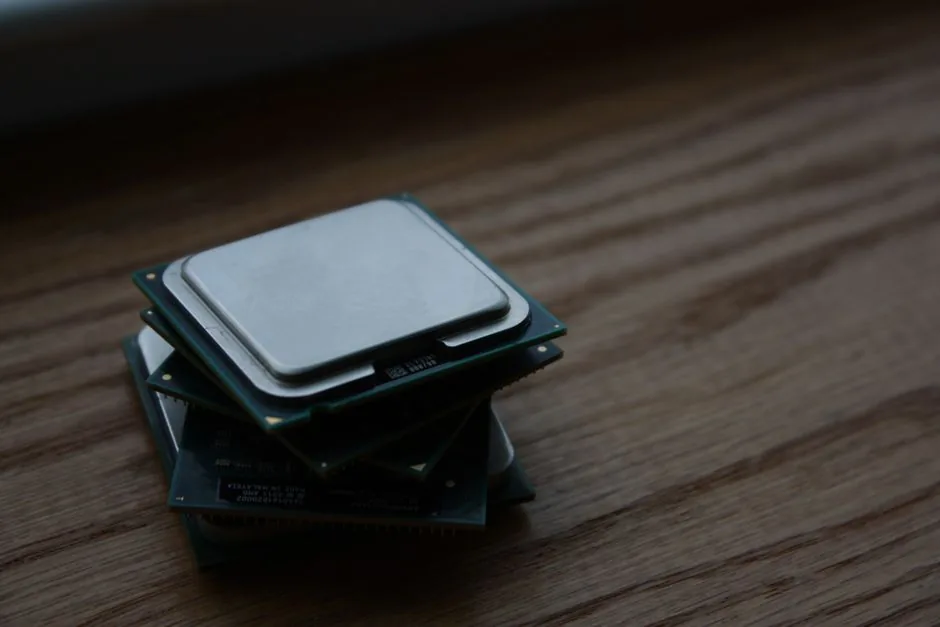
The CPU sets your maximum frame rate ceiling and handles physics, AI, and draw-call preparation. For gaming, six cores is the modern floor, eight is ideal.
- Budget: AMD Ryzen 5 5500 or 5600, Intel Core i3/i5-12400.
- Mid-range: Ryzen 5 7600/7600X, Intel Core i5-13400/14600K.
- High-end: Ryzen 7 7800X3D — the 7800X3D is widely regarded as the best pure gaming CPU.
Mistake to avoid: Buying a 16-core flagship for gaming. Beyond 8 cores, extra cores barely move frame rates; spend that money on the GPU instead.
2. Motherboard: The Backbone
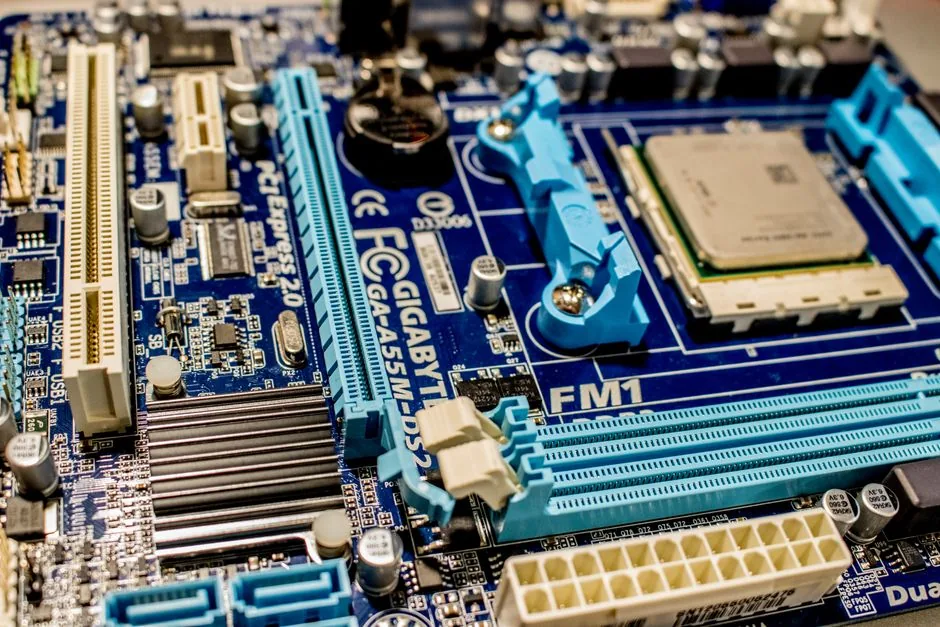
The motherboard determines your upgrade path and what other parts you can use. Match the socket to your CPU — AM5 for Ryzen 7000/9000, LGA 1700 for Intel 12th-14th gen. A B-series board (B650, B760) covers 95% of builders; you rarely need the overclocking-focused flagships.
Pay attention to the board’s form factor too. ATX boards fit most cases, while mATX and ITX boards let you build smaller — just make sure your case lists support for the size you pick. Also confirm the board has the connectivity you need, such as built-in Wi-Fi or enough M.2 slots, so you’re not buying add-in cards later.
3. RAM: Working Memory
16GB is the baseline for gaming; 32GB is the smart choice if you game while streaming or use heavy mods. Buy two sticks for dual-channel bandwidth, and match the speed to your platform — DDR5-6000 CL30 is the value sweet spot for current AMD and Intel systems.
Mistake to avoid: Buying a single 16GB stick instead of two 8GB sticks. One stick halves your memory bandwidth, which can cost you 10-20% of your frame rate in CPU-limited games.
4. Storage: The SSD
A fast NVMe M.2 SSD is non-negotiable in 2026 — hard drives belong in the past for anything but bulk media. A 1TB drive holds the OS plus 5-10 large games; 2TB is the comfort pick. Look for drives with a DRAM cache or good sustained write speed for long-lived performance.
5. GPU: The Most Important Component
The graphics card determines your resolution, settings, and frame rate more than anything else. A common rule of thumb: allocate roughly 40-50% of your total budget to the GPU for a gaming rig.
- 1080p: RTX 4060 or RX 7600, or the used older-gen options I cover in the budget gaming pc under 500 guide.
- 1440p: RTX 4070 or RX 7800 XT.
- 4K: RTX 4080 Super or RX 7900 XTX.
Check Tom’s Hardware’s GPU hierarchy for up-to-date ranking and pricing.
6. Power Supply: Don’t Skimp Here
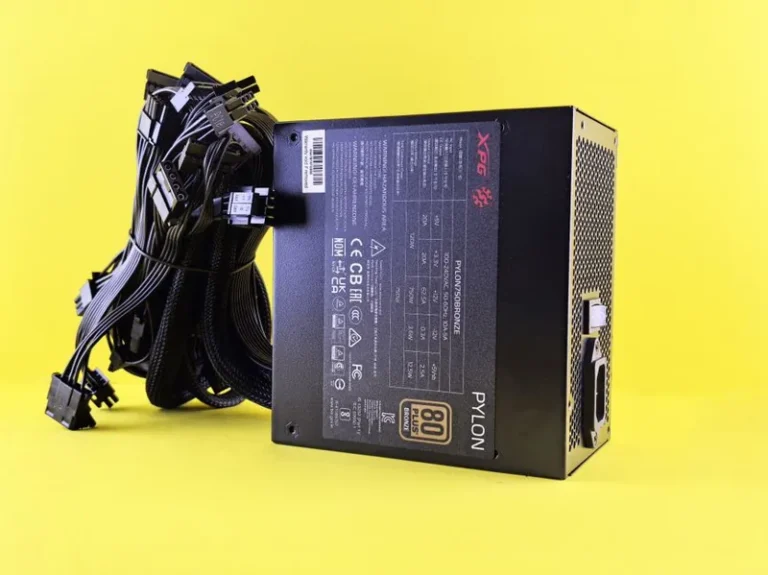
The PSU is the most underrated component on the list. A quality unit protects the entire build from power spikes and component-killing voltage ripple. Buy a reputable 80+ Bronze or Gold unit from Corsair, EVGA, Seasonic, or Thermaltake, and size it with ~20-30% headroom over your system’s estimated draw. A 650-750W Gold unit covers nearly all single-GPU builds.
7. Case and Cooling
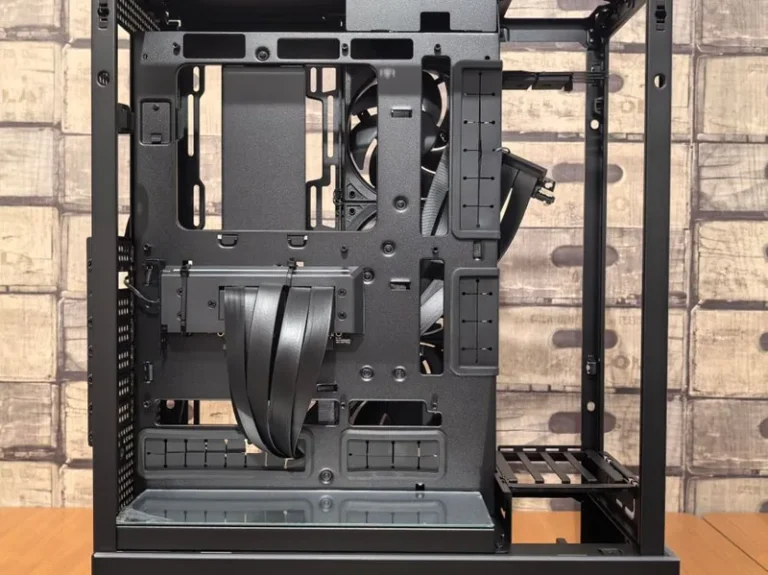
The case’s job is airflow. Prioritize mesh front panels over tempered-glass front panels — a mesh front with two or three intake fans keeps components far cooler. Ensure your case fits your motherboard size (most take ATX and smaller) and has GPU clearance for your card. Budget builds work fine with the CPU’s stock cooler; higher-wattage CPUs justify a $30-50 tower air cooler or a 240mm AIO.
If you’re unsure, an ATX mid-tower is the safest default — it fits every mainstream motherboard, most graphics cards up to 340mm long, and two or three intake fans. Smaller ITX cases are stylish but cost more, run warmer, and limit your part choices, so save them for a second build.
How the Components Fit Together
Choosing parts for compatibility isn’t hard if you follow a few links in order:
- Pick the CPU, then its socket tells you the motherboard.
- Pick the motherboard, then its memory type (DDR4/DDR5) and form factor.
- Pick the GPU, then size the PSU to the total wattage.
- Pick the case, then buy a cooler that fits its clearance.
One budget note worth stating plainly: the components needed to build a gaming pc should be allocated roughly 40-50% to the GPU and 15-20% to the CPU, with the rest spread across the supporting parts. That ratio keeps the machine balanced so no single part throttles the others.
If you want a worked example of all these choices adding up to a real machine, see my best value gaming pc build for a balanced parts list at the sweet spot.
Common Mistakes When Choosing Components for a Gaming PC
Even with the right list of components needed to build a gaming pc, buyers stumble at the same few points. Here’s what to watch for:
- Unbalanced GPU/CPU pairing: A $600 GPU with a $90 CPU leaves frames on the table; a $400 CPU with a $250 GPU is the more common (and worse) waste.
- Overbuying wattage: A 1000W PSU for a 500W system is just spending money for nothing — but underbuying is worse, so aim for the 20-30% headroom.
- Ignoring case airflow: A beautiful glass-front case with one fan will throttle the same parts that run cool in a $60 mesh case.
- Mismatched RAM generation: DDR4 RAM will not fit a DDR5 motherboard; check the spec before you buy.
Getting these right is the difference between a machine that performs as advertised and one that underperforms its own price tag. If the choices feel overwhelming, a proven parts list like my best value gaming pc build removes the guesswork.
Frequently Asked Questions
What are the essential components for a gaming PC?
The components needed to build a gaming pc are eight parts: CPU, motherboard, RAM, storage SSD, graphics card, power supply, case, and a CPU cooler (if one isn’t included). Peripherals like a monitor, keyboard, and mouse are purchased separately.
Can I build a gaming PC without a graphics card?
Yes, if your CPU has integrated graphics (like the Ryzen 5 5600G). Technically you can complete the list of components needed to build a gaming pc without a discrete card, but integrated graphics won’t handle modern AAA games well — a dedicated GPU is the standard for serious gaming.
How much RAM do I need for gaming?
16GB is the minimum in 2026; 32GB is recommended if you multitask, stream, or run heavily modded games. Always install it as two matching sticks for dual-channel performance.
What’s the most important component in a gaming PC?
The graphics card. When you total up the components needed to build a gaming pc, the GPU should receive the largest share of your budget — roughly 40-50% — because it has the biggest impact on frame rate and visual quality.
What component do beginners most often get wrong?
The power supply. Beginners gravitate toward cheap no-name units, but a low-quality PSU can damage every other component. Spend the extra $20-30 on a reputable 80+ Bronze or Gold unit.
Final Thoughts
The components needed to build a gaming pc haven’t changed in decades — only the specs and price-performance sweet spots shift. Once you understand the eight parts and their jobs, choosing compatible hardware becomes a straightforward checklist rather than a guessing game.
Start with a budget and a resolution target in mind, then work down the list. If you want a proven, pre-balanced parts list, the budget gaming pc under 500 guide is a great 1080p starting point, and my how to build a gaming pc step by step guide will take you from unboxing to first boot.