Are Gaming PCs Good for Work? A Practical 2026 Guide
The short answer to “are gaming pcs good for work” is yes, almost always. A modern gaming PC is, at its core, a fast general-purpose computer with a strong CPU, plenty of RAM, fast storage, and a powerful graphics card — the same ingredients that make any demanding work machine feel quick and responsive.
The more useful question is what kind of work you do, because a gaming PC’s strengths do not map evenly onto every job. This guide breaks down exactly what a gaming PC handles well, where it falls short, when you should buy one for work, and when a workstation or laptop is the smarter call.
What Makes a Gaming PC Strong for Work
Before we get into the specifics of each task, it helps to understand what a gaming PC actually brings to the table. These are the characteristics that decide whether the answer to “are gaming pcs good for work” works out in your favor.
Fast Single-Core CPU Performance
Most everyday work — spreadsheets, browsers, code editors, office software — leans on a couple of fast CPU cores rather than dozens of slow ones. Gaming CPUs are tuned exactly for that: high clock speeds and low latency. A mid-range chip like the Ryzen 7 7700X or Intel Core i5-14600K crushes office workloads.
Generous RAM and Fast NVMe Storage
Gaming builds almost always ship with 32 GB of DDR5 and a fast NVMe SSD these days. That combination is more than enough for multitasking, large documents, and even light creative work, and it keeps everything feeling instant.
A Dedicated Graphics Card
A discrete GPU does far more than render games. It accelerates video encoding, photo editing, 3D modeling, CAD, and some data-science workloads. This is the single biggest reason the answer to “are gaming pcs good for work” is often yes.
Easy Upgrades and Better Cooling
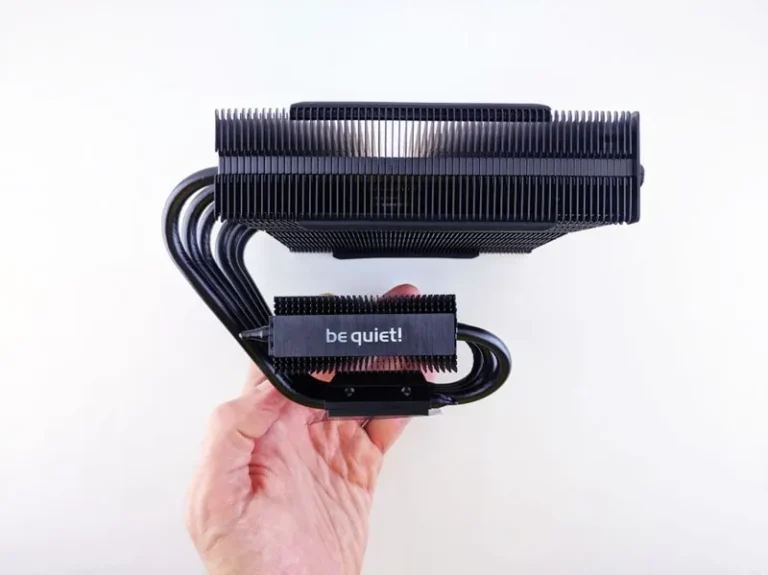
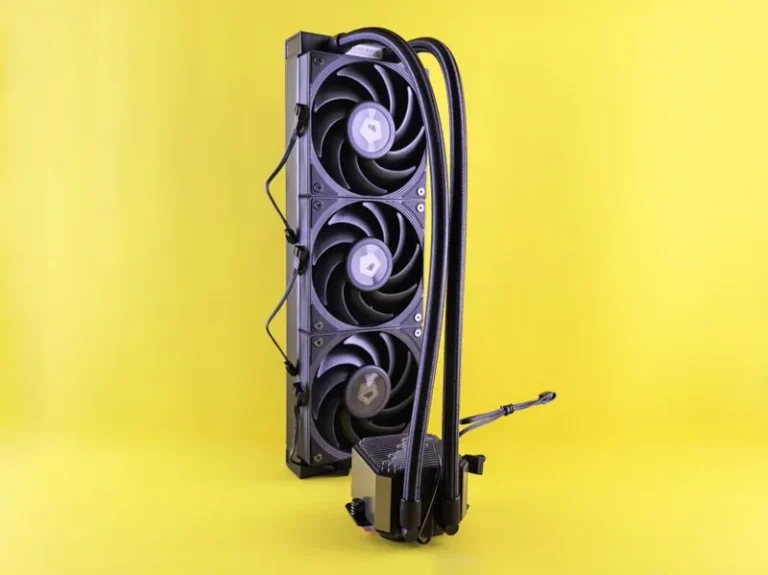
Unlike sealed laptops or compact workstations, a standard gaming tower is simple to open and upgrade, and its beefy cooling keeps it running flat-out without throttling through a full workday.
Are Gaming PCs Good for Work? A Task-by-Task Breakdown
Here is where the answer to “are gaming pcs good for work” becomes a clear yes or a cautious maybe, depending on the job.
| Task | Gaming PC fit | Why |
|---|---|---|
| Office, email, browser | Excellent | Strong single-core CPU + SSD |
| Programming / compiling | Excellent | Fast cores, tons of RAM |
| Photo editing | Very good | Fast CPU and GPU acceleration |
| Video editing | Very good | GPU encoding, lots of RAM |
| 3D / CAD rendering | Good to very good | Strong GPU, but watch VRAM |
| Data science / ML | Good | CUDA cores on Nvidia GPUs help |
| 24/7 server duty | Poor | High idle power, not built for it |
Office Work and Knowledge Tasks
For documents, spreadsheets, video calls, and a dozen browser tabs, a gaming PC is genuinely overkill in the best way. Everything opens instantly, and you will never wait on the machine. If a coworker asks “are gaming pcs good for work,” you can confidently say yes for this category.
Programming and Software Development
Compiling large projects, running containers, and spinning up virtual machines all reward fast cores and lots of RAM. A $1,200 gaming PC compiles and builds code as quickly as a workstation twice its price, making it one of the strongest values for developers.
Video and Photo Editing
Video editors benefit hugely from the GPU, which accelerates timeline playback and export. Most editing software supports Nvidia’s NVENC encoder, so a gaming GPU shortens exports dramatically. For more on picking the right card, see our guide on the best graphics card for gaming in 2026.

Where a Gaming PC Falls Short for Work
There are a few honest downsides to answer “are gaming pcs good for work” with full transparency.
Power Draw and Noise
A gaming rig with a beefy GPU can pull well over 400 watts under load and adds fan noise to your office. If you work in a shared or quiet space, that can be a genuine drawback compared to a silent workstation or laptop.
Missing Enterprise Features
Gaming hardware rarely includes ECC memory support, certified ISV drivers for tools like SolidWorks, or the guaranteed 24/7 reliability that some businesses need. For most individuals these do not matter, but they are worth knowing about.
Size and Aesthetics
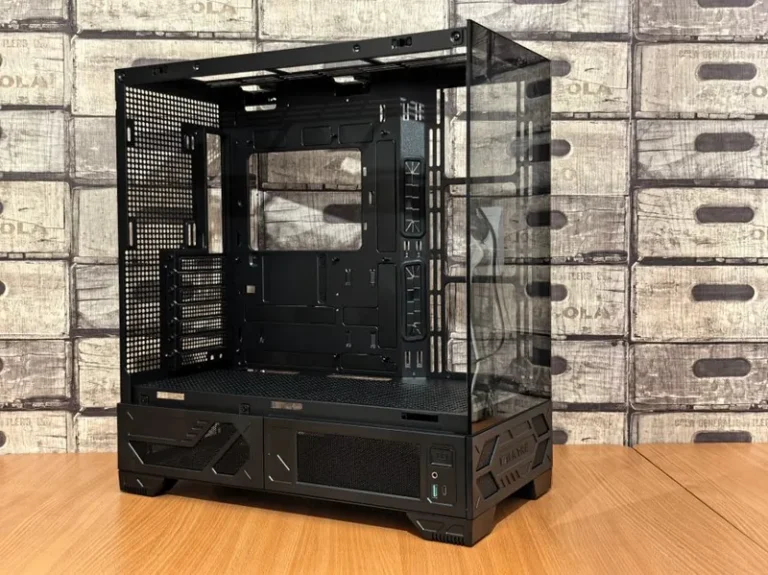
A flashy RGB tower does not fit every home office. The good news is you can build a clean, quiet productivity PC — which is a topic we cover in depth — or pick understated parts to keep it professional.
Gaming PC vs Workstation: Which Should You Buy?
If you are still weighing whether gaming pcs are good for work versus buying a dedicated workstation, the table below cuts through the noise.
| Factor | Gaming PC | Workstation |
|---|---|---|
| Price for same CPU | Lower | Higher |
| GPU power per dollar | Much higher | Lower |
| ECC memory support | Rare | Common |
| ISV-certified drivers | Sometimes | Yes |
| Upgradeability | Excellent | Good |
| Typical noise / power | Higher | Lower |
For the overwhelming majority of people — from students to freelance editors to small business owners — a gaming PC delivers far more performance per dollar. A true workstation only earns its price premium when you need certified drivers, ECC memory, or multi-GPU support for specialized engineering or scientific software.
When a Gaming PC Is the Best Work Machine
The answer to “are gaming pcs good for work” is most clearly yes in these situations:
- You do creative work that benefits from a strong GPU.
- You want one machine for both work and play.
- You value upgradeability and repairability.
- You are on a budget and want maximum performance per dollar.
If you are building from scratch, check out our guide on how much it costs to build a gaming PC to set a realistic budget, and our best gaming PC build for 2026 for a parts list you can adapt to a work-first machine.
Setting Up a Gaming PC for Productive Work
The hardware matters less than how you configure it. A few changes turn a gaming rig into a focused work station.
Dual Monitors and Peripherals
A dual-monitor setup is the single biggest productivity upgrade, and a gaming PC drives two or three high-refresh displays without breaking a sweat. Pair it with a comfortable keyboard and mouse rather than flashy “gaming” peripherals if you type all day. Your eyes and wrists will thank you — see our dual monitor setup for gaming guide, which applies just as well to work.
Declutter and Manage Noise
Route your cables, set a conservative fan curve, and consider a case optimized for quiet airflow. A calm, quiet machine makes long work sessions far more pleasant.
Separate Work and Play Profiles
Keep your game library on a separate drive or user profile from your work files. This keeps distractions at arm’s length and your work environment tidy.

For detailed component benchmarks and comparisons, the teams at Tom’s Hardware and PC Gamer test current CPUs and GPUs in both gaming and productivity workloads, which is worth a look before you buy.
Related Guides
- How Much Does It Cost to Build a Gaming PC
- Best Gaming PC Build 2026
- Best Graphics Card for Gaming 2026
FAQ
Are gaming PCs good for work and gaming at the same time?
Yes. The hardware that makes games run well — a fast CPU, a dedicated GPU, fast storage, and lots of RAM — is exactly what makes demanding work software run well, so one machine serves both purposes beautifully.
Do I need a workstation instead of a gaming PC for work?
Only if your job requires ECC memory, certified ISV drivers, or multi-GPU support for specialized engineering or scientific software. For office, coding, and most creative work, a gaming PC is more than sufficient and usually cheaper.
Are gaming PCs too loud for an office?
They can be, but it is easy to change. Picking quiet fans, a good airflow case, and a conservative fan curve brings noise down dramatically, and a silent-focused build is nearly inaudible.
Can a gaming PC handle video editing for work?
Yes, extremely well. The dedicated GPU accelerates timeline playback and export, and modern editing software uses Nvidia’s NVENC encoder to cut export times to a fraction of a CPU-only machine.
Do gaming PCs use too much electricity for daily work?
At idle and in light tasks, a gaming PC uses surprisingly little power — often 40 to 80 watts. Power draw only spikes during gaming or heavy rendering, so everyday office work will not inflate your bill meaningfully.
Conclusion
So, are gaming pcs good for work? For the vast majority of people, the answer is a clear and confident yes. You get workstation-class performance at a better price, plus the flexibility to game when the workday ends. The key is matching the build to your actual workload and configuring it for quiet, focused productivity rather than maximum RGB.
If you are ready to put a work-and-play machine together, start with our best gaming PC build for 2026 and how much it costs to build a gaming PC guides to plan the right parts for your budget.