When to Upgrade Your CPU: 7 Clear Signs It’s Time in 2026
CPUs age more gracefully than they used to. A mid-range chip from five years ago still runs esports titles fine, which makes the “should I upgrade?” question genuinely harder than it was a decade ago. The truth is that you don’t need a new processor on a fixed schedule — you need one when your current chip measurably holds you back. Here’s how to tell when to upgrade your cpu, with seven concrete signs to watch for, and a practical framework for deciding whether the fix is a new CPU or something else entirely.
1. Your CPU Is Pegged at 100% During Normal Use
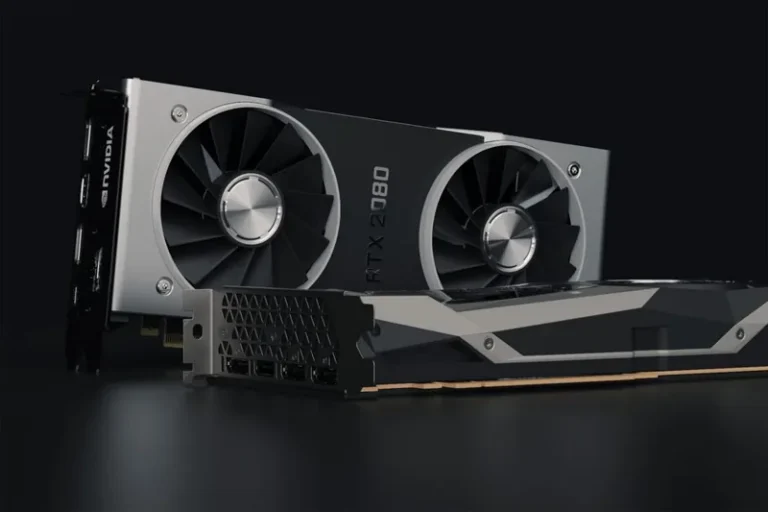
Open Task Manager (Ctrl+Shift+Esc) while you’re gaming or working. If the CPU graph is pinned at or near 100% — and especially if individual cores or threads are maxed out while the GPU sits well below ~95% utilization — your CPU is the bottleneck. Compare the two: if the GPU is underutilized and the CPU is redlined, that’s the clearest technical signal that it’s time for a processor upgrade. If instead the GPU is pegged at 99% and the CPU is cruising at 50%, a new CPU won’t help much — your money is better spent on the graphics card, as we explain in when to upgrade your graphics card.
2. You Get Frame-Time Spikes and Stutter in Games
Low average FPS is one thing, but consistent micro-stuttering and 1% low dips are the more annoying symptom of a CPU that can’t keep up. If your frame rate looks fine on average (say 100fps) but drops to 30fps every few seconds when the action gets busy — especially in CPU-heavy scenes, open-world games, or with lots of on-screen players — your processor is struggling to feed the GPU. This stutter is often worse than a slightly lower average frame rate, and it’s a strong reason to upgrade.
3. Games You Play Are CPU-Bound by Nature
Some genres lean much harder on the CPU than the GPU. Strategy games like Stellaris and Total War, simulation titles like Microsoft Flight Simulator and Cities: Skylines 2, and large-player-count shooters like Battlefield or extraction shooters are all notorious CPU hogs. If your library skews toward these, a CPU with strong single-core performance and — for simulation and MMO titles — lots of cache (like AMD’s X3D chips) will deliver outsized gains. Our best CPU for gaming 2026 guide flags exactly which chips win in these genres.
4. Non-Gaming Work Has Become a Chore
You don’t have to be a gamer to know when to upgrade your cpu. If video exports that used to take two minutes now take five, code compiles crawl, or Lightroom freezes while you batch-edit, your processor’s core count or single-thread speed is falling behind current software. Productivity gains from a modern chip are often larger and easier to justify than gaming gains — a new 8-core or 12-core CPU can genuinely halve your render and compile times.
5. Your Motherboard Platform Is Dead-End
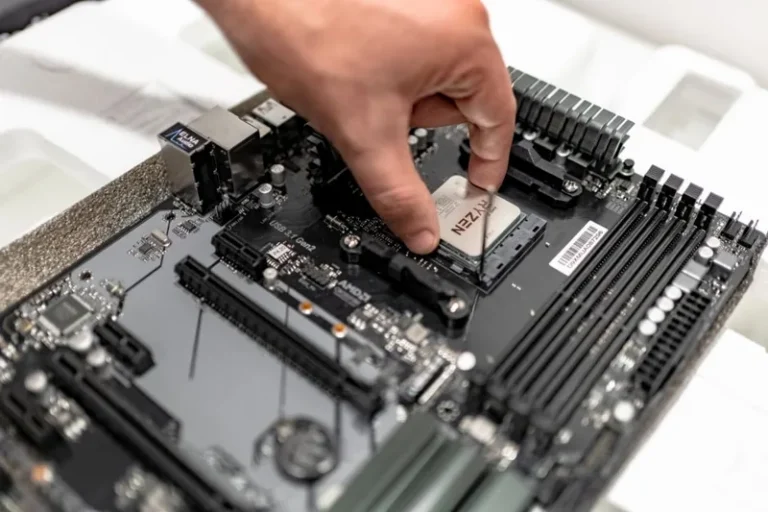
This is more of a trigger than a symptom. If you’re sitting on an older socket — say Intel 8th or 9th gen (LGA1151), or an early AM4 board — you may already be at or near the ceiling of what that platform supports. When the best CPU your socket can take isn’t meaningfully faster than what you already own, a platform hop (new motherboard + CPU, and possibly RAM) is the only real path forward. It’s a bigger job than a drop-in swap, but it’s also when upgrade value is highest because you gain DDR5, PCIe 5.0, and several generations of IPC in one move.
6. You’ve Upgraded the GPU and Frame Rates Barely Moved
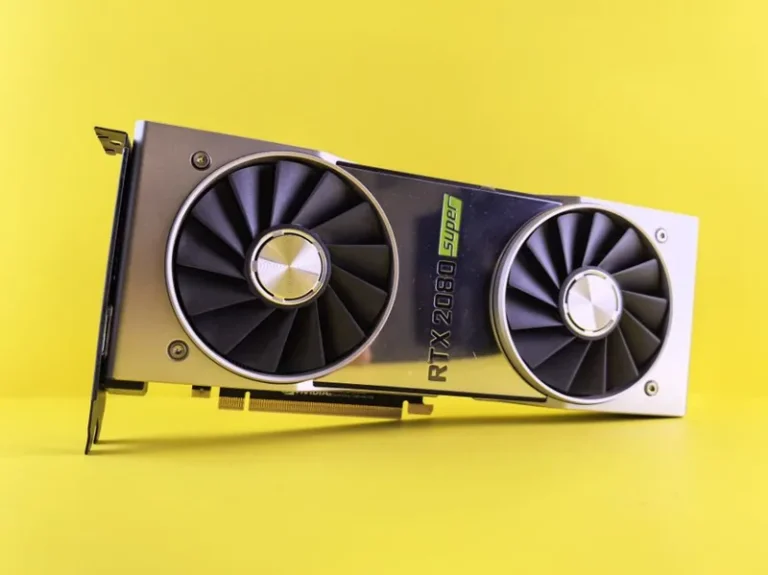
This is one of the most common — and most frustrating — upgrade mistakes. You install a shiny new graphics card, boot up your favorite game, and see almost no improvement in average FPS. That’s a dead giveaway that the CPU is capping the GPU. If a new GPU fails to move the needle at your resolution and settings, the processor is the next thing that needs to change. At 1080p especially, CPU limits appear quickly; at 4K the GPU usually reasserts itself, so this symptom is most visible at 1440p and below.
7. Your CPU Is More Than Four to Six Generations Old
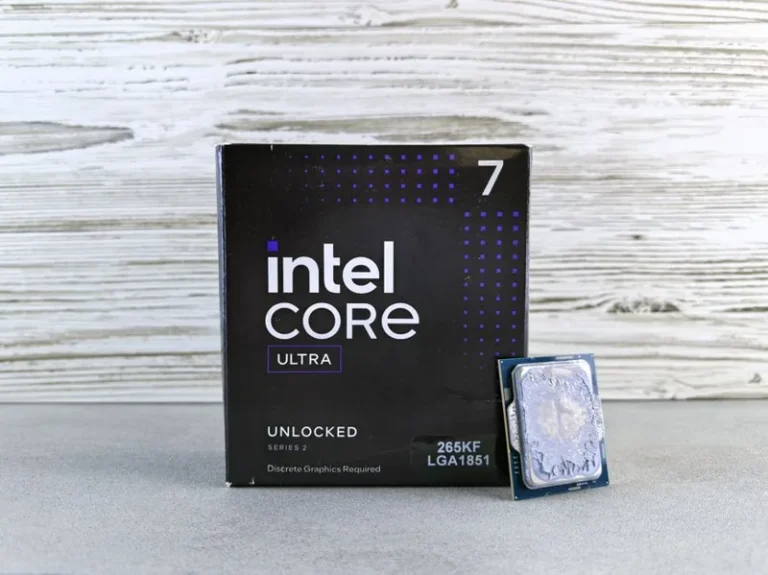
As a loose rule of thumb, each new CPU generation adds roughly 10–20% single-thread performance and steadily better efficiency. Three or four generations is usually a wash; five or six is where a new chip starts to feel like a noticeable upgrade even in everyday use. If your processor predates roughly 2020, that’s when to upgrade your CPU — you’re leaving both gaming FPS and general responsiveness on the table — and modern chips like the Ryzen 7 9800X3D or Core Ultra 7 265K are dramatically faster than anything from that era while drawing less power.
Here’s a quick reference for deciding what to buy when you do upgrade:
| Current Platform | Typical Scenario | Recommended Move in 2026 |
|---|---|---|
| Intel 8th–9th gen (LGA1151) | Dead-end socket | Full platform upgrade (board + CPU + DDR5) |
| Intel 10th–11th gen | Aging DDR4 platform | Ryzen 7 9800X3D or Core Ultra 7 265K |
| AM4 (Ryzen 3000–5000) | Drop-in headroom exists | Ryzen 7 5700X3D (cheap drop-in) |
| AM4 with 5700X3D already | Near platform ceiling | Move to AM5 + 9800X3D |
| AM5 / LGA1851 (recent) | Modern, no upgrade needed | Skip — spend on GPU instead |
When to Upgrade Your CPU vs Fix Something Else
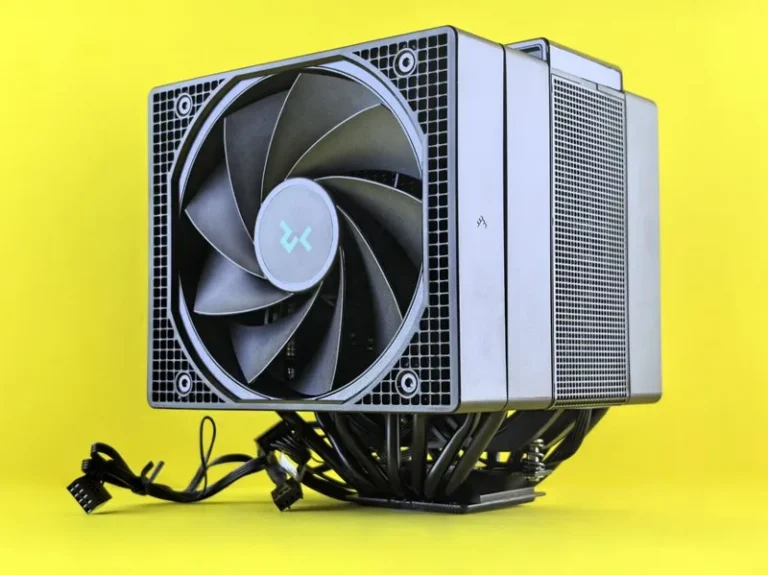
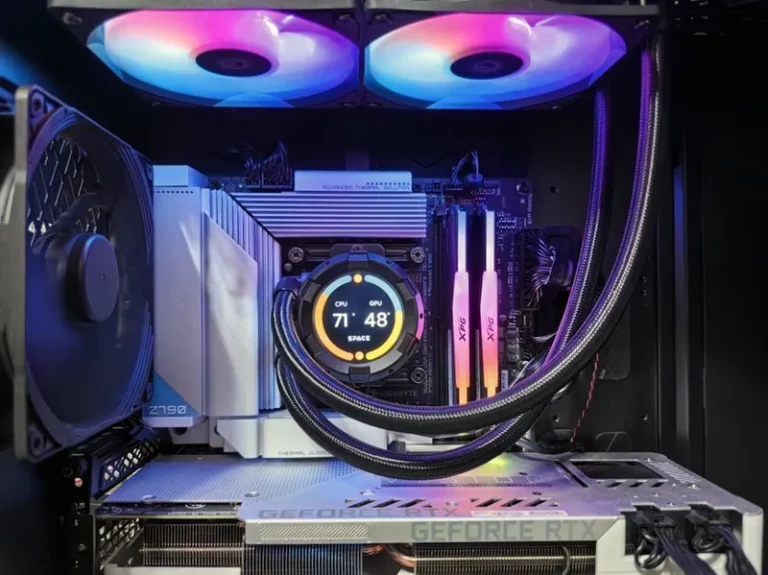
Before you buy a new processor, rule out the cheaper culprits that mimic CPU problems. Thermal throttling from a clogged cooler or dried-out thermal paste can masquerade as a slow CPU — check your temperatures under load first; if the chip is hitting 95°C and downclocking, a repaste and cooler clean can restore real performance for almost nothing. Background bloat is another common offender: too many startup apps and RGB utilities can eat 15–20% of your CPU for no good reason. Deciding when to upgrade your CPU ultimately means ruling out these cheap fixes before you spend on new silicon. And if you’re still on an old hard drive, an SSD upgrade and more RAM will often feel more impactful than a CPU swap — see our ssd vs hdd for gaming and how much ram for gaming pc guides to confirm those aren’t your actual bottleneck.
FAQ
How often should I upgrade my CPU, and what are the signs of when to upgrade your CPU?
There’s no fixed schedule. A quality mid-to-high-end CPU lasts four to six years of comfortable use. Upgrade when you hit one of the concrete signs above, not because a new generation launched.
Is it worth upgrading CPU or GPU first?
In most gaming scenarios, the GPU gives the bigger FPS jump — unless your CPU is already a hard bottleneck (signs 1, 2, and 6). Check utilization first and spend on whatever is pegged at 100%.
Can I upgrade just the CPU without changing the motherboard?
Only if your new CPU shares the same socket. On AM4 you can drop in a 5700X3D on many boards; on Intel you’re usually locked to the socket generation. On AM5 you can move up within the Ryzen 7000/8000/9000 family.
What is the best budget CPU to upgrade to in 2026?
For AM4 boards, the Ryzen 7 5700X3D is the best drop-in value. For a new build, the Ryzen 5 9600X provides superb gaming value around $200 — see our best budget CPU for gaming roundup.
Do I need a new cooler when I upgrade my CPU?
Usually not if the new chip has similar TDP, but a higher-end CPU may need more cooling than a budget one. Check the recommended cooler class for your new chip and confirm your existing cooler fits the socket.
Conclusion
Knowing when to upgrade your cpu comes down to evidence, not age: watch for pegged usage, persistent stutter, CPU-bound games, slow productivity work, a dead-end motherboard, and a new GPU that didn’t help. If you see two or more of those, a new processor will feel transformative; if you see none, put the money toward a GPU or SSD instead. When you’re ready, start with our best CPU for gaming 2026 roundup to match the right chip to your budget and socket, and consult AMD’s and Intel’s official spec pages once you’ve shortlisted a part.