Best Power Supply for Gaming PC: Top PSUs for Every Build in 2026
Picking the best power supply for gaming pc matters more than most builders think. The PSU feeds every component in your rig, and a bad one can take a $1,200 graphics card down with it. A cheap, unstable unit causes random shutdowns, coil whine, and in the worst case, a fried motherboard.
In this guide, I’ll cover how much wattage you actually need, which efficiency ratings are worth paying for, and the specific units I’d buy right now for 2026 builds at every budget.
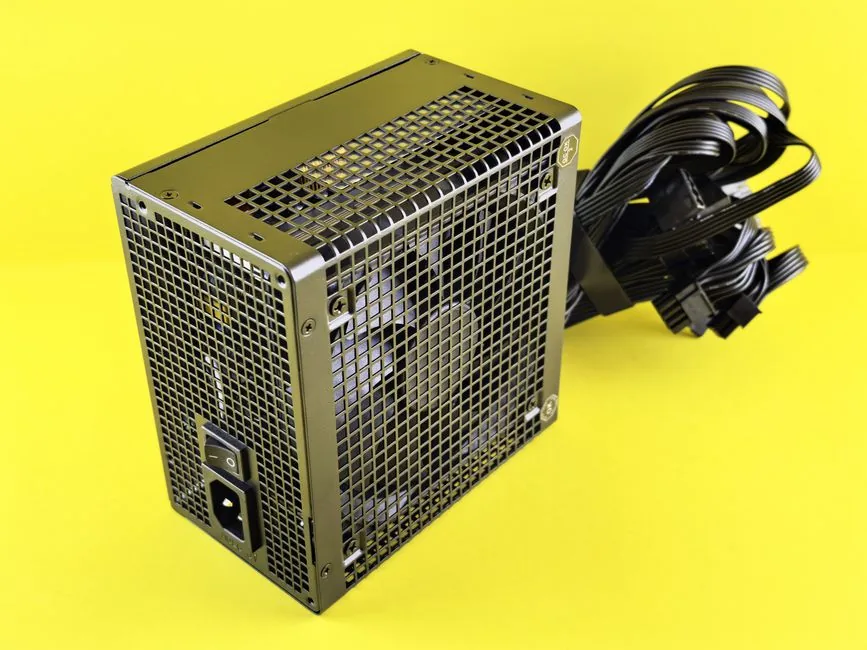
What to Look For in the Best Power Supply for Gaming PC
Four things decide whether a PSU is right for your system: wattage, efficiency, connector standard, and build quality. Get all four right and the unit will outlast the rest of your PC.
Wattage is the headline number. However, efficiency matters just as much over time. A more efficient unit runs cooler and quieter, and it wastes less electricity as heat. Build quality is harder to judge from a spec sheet, which is why I lean on the Cybenetics database and professional teardown reviews rather than marketing pages.
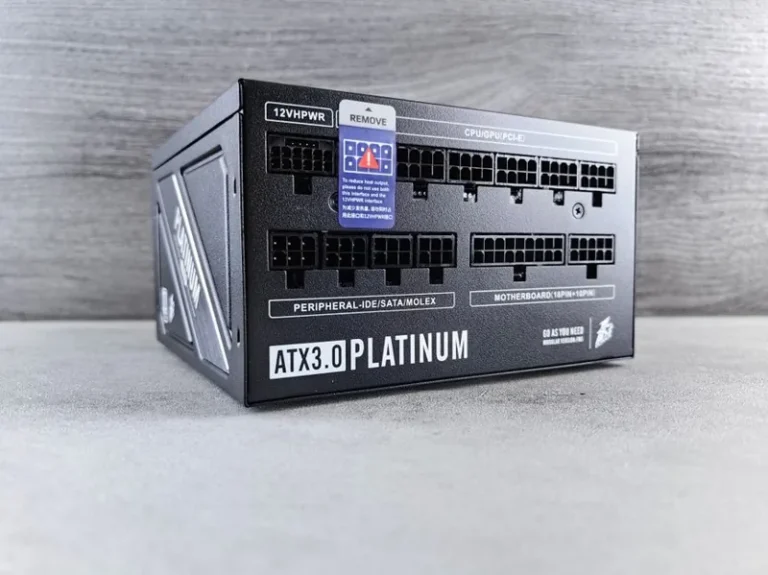
Finally, the connector standard matters in 2026. New GPUs use a 16-pin 12V-2×6 connector, and you want a power supply built for it rather than an adapter cable.
How Much Wattage Does Your Gaming PC Need?
Most builders overspend on wattage. A mid-range gaming PC pulls far less than people assume. Here are realistic recommendations for 2026 hardware:
- RTX 5060 / RX 9060 class — 550W to 650W is plenty.
- RTX 5070 / RX 9070 class — 750W gives comfortable headroom.
- RTX 5080 class — 850W is the sweet spot.
- RTX 5090 class — 1000W minimum, especially with a high-core-count CPU.
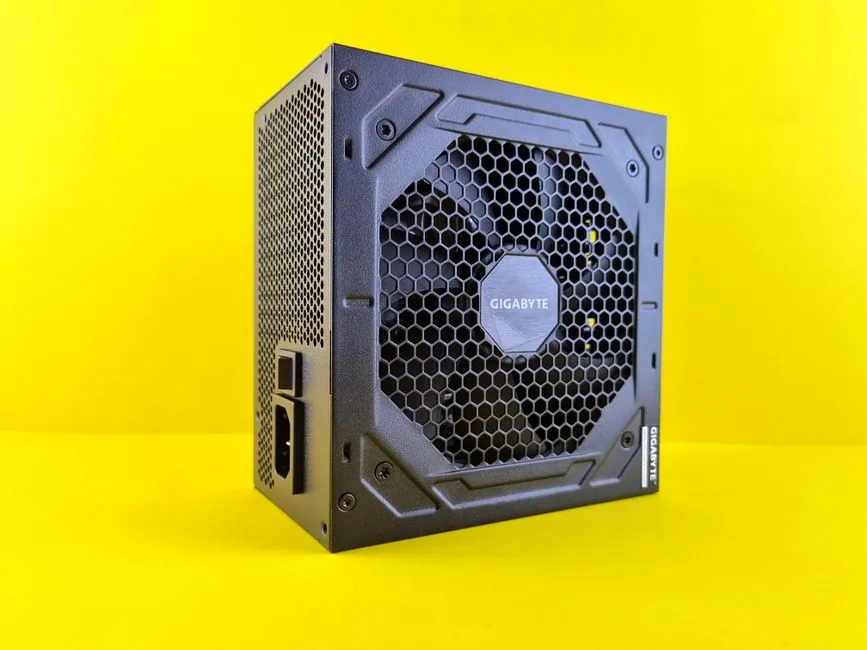
In addition, leave about 20% headroom above your system’s peak draw. Power supplies run most efficiently between 40% and 60% load, so a 750W unit on a 400W system is ideal. On the other hand, a 1200W unit on a 350W system wastes money and runs below its efficiency curve.
Best Power Supplies for Gaming PCs in 2026
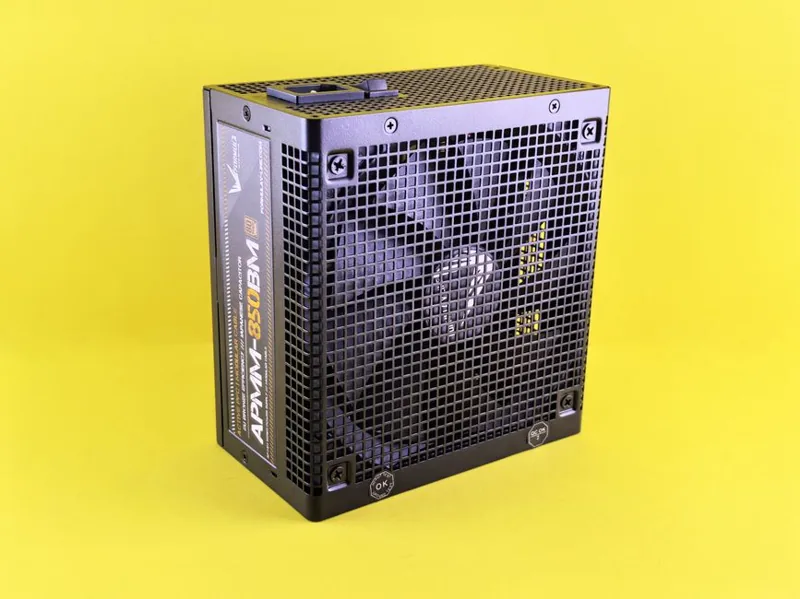
Here are my top picks across budgets and form factors, based on Cybenetics efficiency data and long-term reliability records.
| PSU | Wattage | 80 Plus | Connector | Modular | Price |
|---|---|---|---|---|---|
| Corsair RM1000e | 1000W | Gold | ATX 3.1 (12V-2×6) | Fully | ~$170 |
| MSI MAG A850GL | 850W | Gold | ATX 3.0 | Fully | ~$110 |
| Seasonic Focus GX-850 | 850W | Gold | ATX 3.1 | Fully | ~$145 |
| Corsair SF850 | 850W | Platinum | ATX 3.1 | Fully (SFX) | ~$200 |
| be quiet! Straight Power 12 750W | 750W | Platinum | ATX 3.0 | Fully | ~$155 |
Corsair RM1000e — Best Overall
The RM1000e is the default recommendation for most high-end builds. It delivers 1000W, 80 Plus Gold efficiency, a native 12V-2×6 connector, and a 10-year warranty for around $170. It also runs quietly under load, which matters in a room where you actually game.
MSI MAG A850GL — Best Budget
If you want ATX 3.0 support without spending over $120, the MAG A850GL is hard to beat. It skips some premium touches, but the core platform is solid and it carries a 7-year warranty.
Seasonic Focus GX-850 — Best Reliability
Seasonic has the strongest long-term reputation in the industry, and the Focus GX line is the reason why. It’s fully modular, ATX 3.1 ready, and backed by a 10-year warranty. You pay a small premium for the track record.
Corsair SF850 — Best for Small Form Factor
Building in a Mini-ITX case? The SF850 packs 850W into an SFX form factor with Platinum efficiency. It’s quieter than most full-size units and handles a compact RTX 5080 build without breaking a sweat.
ATX 3.1, 12V-2×6, and Why Connectors Matter
The 16-pin 12VHPWR connector introduced with RTX 40-series cards had a rough start. Poorly seated cables caused overheating and, in rare cases, melting. The 12V-2×6 revision in the ATX 3.1 standard fixed the core problem with longer sense pins and shorter power pins.
For a 2026 build, buy an ATX 3.1 power supply with a native 12V-2×6 cable. Therefore, you avoid the “octopus” adapter that ships with most GPUs. Adapters work, but a native cable is cleaner, safer, and easier to route.
Efficiency Ratings Explained: Gold vs Platinum vs Titanium
The 80 Plus rating measures how much power is wasted as heat at various loads. For example, an 80 Plus Gold unit is at least 87% efficient at typical loads, while Platinum reaches 90% and Titanium 92%.
For most gamers, Gold is the value sweet spot. The jump to Platinum usually costs $40 to $80 more and saves you only a few dollars a year on electricity. However, Platinum units often use better components, so the quality upgrade is real even if the energy math is modest.
Modular vs Non-Modular
Fully modular units let you detach every cable, which makes building cleaner. Semi-modular keeps the essential cables attached. Non-modular bundles everything, which is fine for budget builds but a pain to cable-manage. I recommend fully modular for anything over $1,000 in total parts.
Signs Your Power Supply Is Failing
Power supplies rarely die instantly. They usually warn you first, and recognizing the symptoms early can save your GPU. Here are the red flags I tell builders to watch for.
Random Shutdowns Under Load
If your PC shuts off during a demanding game but runs fine at idle, the PSU is often the culprit. The unit may be hitting an over-temperature or over-power protection limit, or failing to hold voltage under load.
Coil Whine and Clicking
Some coil whine is normal on GPUs, but a loud buzz or clicking that comes directly from the power supply is not. It often signals aging capacitors or a failing fan.
Unstable Overclocks
If a GPU or CPU overclock that used to be stable now crashes constantly, the power delivery may have degraded. Before you blame your card, test with a known-good power supply.
Burning Smell or Swollen Capacitors
A burned electrical smell is an immediate stop signal. Shut the system down, unplug it, and replace the unit. Swollen or leaking capacitors on the board mean the PSU is beyond saving.
If you notice any of these, do not keep using the PC. A real teardown of units on Cybenetics shows how a failing platform behaves before it takes something expensive with it.
PSU Form Factors and Cable Clearance
ATX is the standard, but two other form factors matter. SFX power supplies fit compact Mini-ITX cases, and SFX-L adds a larger fan for quieter operation. However, SFX units cost more per watt and offer fewer models.
Before you buy, also check cable length. Some cases with bottom-mounted shrouds need longer EPS and PCIe cables. Modular units fix this easily because you can buy custom or longer cables from the manufacturer.
Single-Rail vs Multi-Rail Designs
A single-rail power supply delivers all of its power through one 12V channel, while a multi-rail unit splits it across several channels, each with its own protection limit.
For modern gaming PCs, single-rail is simpler and rarely a problem, because today’s high-end units handle transient spikes well. Multi-rail adds safety layers but can trip protection if a single component, like a power-hungry GPU, draws too much from one rail. Therefore, single-rail is the practical choice for most builders.
Buy a Little More Wattage Than You Need
Headroom is cheap insurance. A unit running at 70% of its capacity stays cooler, quieter, and more efficient than one maxed out at 95%. In addition, GPUs spike power draw for milliseconds at a time, and a larger PSU absorbs those spikes without tripping.
For example, a system that peaks at 450W under load is happiest on a 650W or 750W unit. The extra $20 to $30 buys years of quieter, more stable operation, and it leaves room for a future GPU upgrade without a second purchase.
Final Checklist Before You Buy
Before checkout, run through these five points: confirm the wattage covers your GPU with headroom, choose 80 Plus Gold or better, pick a native ATX 3.1 unit with a 12V-2×6 cable, prefer fully modular, and verify the brand has a 7-year or longer warranty. Get those five right and the unit will serve you through several builds.
FAQ
What wattage power supply do I need for a gaming PC?
For most 2026 gaming PCs, 750W covers the mid-range and 1000W covers flagship builds. A system with an RTX 5070 and a Ryzen 7 draws roughly 400W under full load, so 750W leaves comfortable headroom.
Is 80 Plus Gold enough, or should I buy Platinum?
Gold is enough for nearly everyone. Platinum is worth it if you run your PC many hours a day, live where electricity is expensive, or simply want the highest-quality internal components.
What is the difference between ATX 3.0 and ATX 3.1?
ATX 3.1 is the 2025 revision that improves the 12V-2×6 GPU connector. It uses shorter sense pins so the connector only powers up when fully seated, which reduces the risk of overheating and melting.
Can a cheap power supply damage my gaming PC?
Yes. A low-quality PSU with poor voltage regulation or missing protections can damage a motherboard, GPU, or storage drive. This is the one component where skimping is never worth the risk. Refer to the Cybenetics database before buying an unknown brand.
Conclusion
The best power supply for gaming pc in 2026 is the one that matches your wattage, carries an 80 Plus Gold or better rating, and includes a native 12V-2×6 connector. For most people, the Corsair RM1000e or MSI MAG A850GL covers it cleanly.
Once you’ve locked in your PSU, make sure your GPU choice doesn’t overdraw it. If you’re comparing cards, check our best GPU for gaming price to performance guide. The GPU pulls far more power than the CPU, as we explain in GPU vs CPU for gaming. And if you’re pairing this with a new processor, our CPU upgrade cost breakdown will help you budget the whole build.
Ready to build? Start with the power supply, then work outward — and remember that a good unit from a brand like Corsair will likely outlast two or three GPU upgrades.